

WebViewGold Alternative 2026: Why a Managed Service Beats a $99 Script
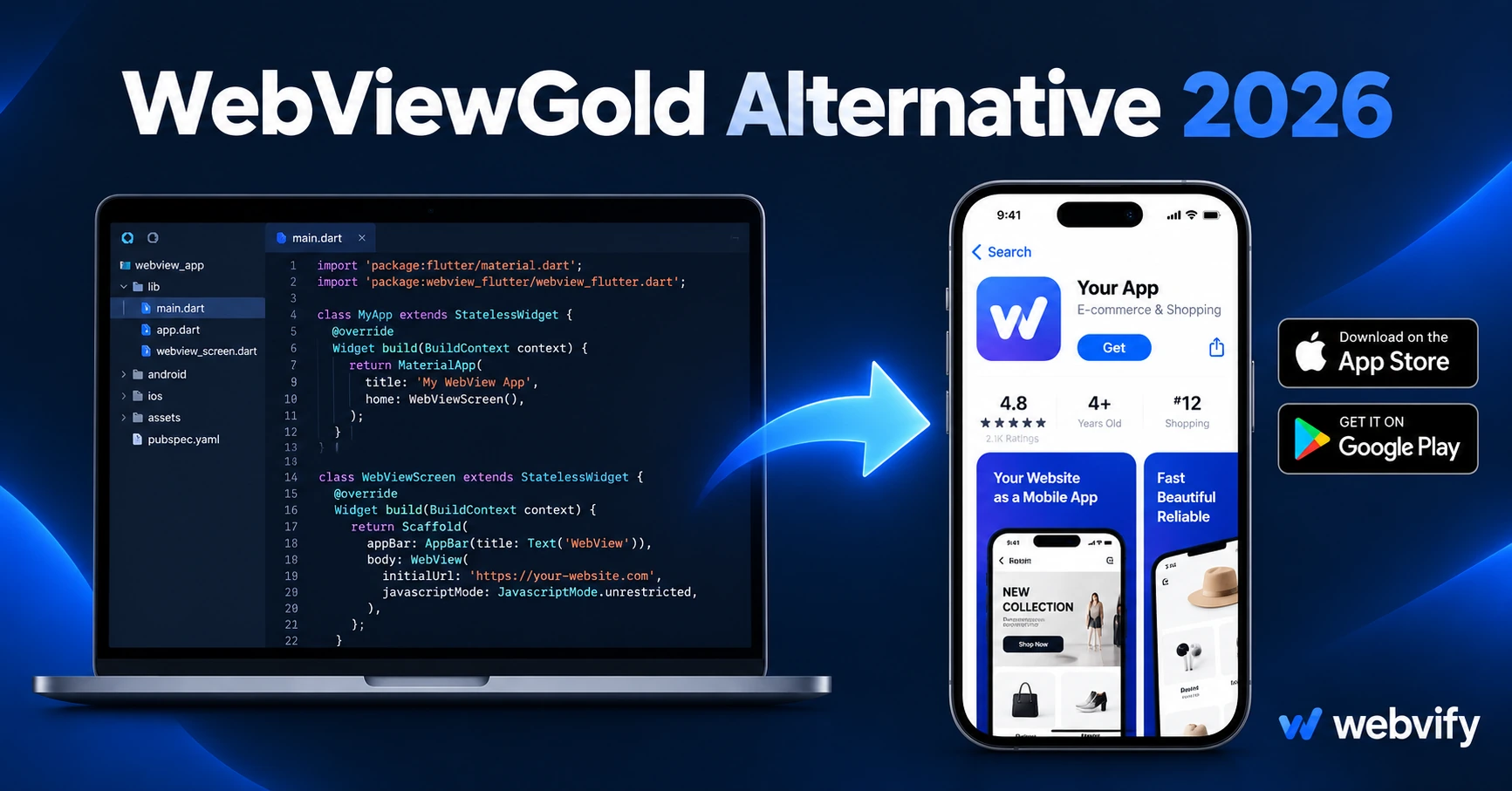
Looking for a WebViewGold alternative? Here's what the $99 script doesn't cover — and why businesses are switching to a managed service in 2026.
Inside this article
Paying $99 for a script that converts your website into an iOS and Android app sounds like a deal. Then you open Xcode for the first time, and the deal starts to look very different.
WebViewGold is a popular CodeCanyon product that gives you the code needed to wrap a website URL in a native WebView shell. It's a legitimate tool, and plenty of developers have shipped apps with it. But for a non-technical business owner — or even a freelancer who works in web and not mobile — it leaves a long list of tasks that the purchase price doesn't cover.
This guide explains what WebViewGold is, what it doesn't include, and which alternatives make more sense for businesses that want a live app on the App Store and Google Play without becoming mobile developers themselves.
What WebViewGold Actually Is
WebViewGold is a source code package — available for Android and iOS separately — that wraps a website URL inside a native app shell. Once you configure the URL, add your app name and icons, and compile the project, the result is a WebView app: your existing website displayed inside a native container that gets submitted to the App Store or Google Play.
That packaging step is real value. Most non-technical users don't know how to build an iOS project from scratch, and WebViewGold removes the blank-canvas problem. It ships with features like push notification support, offline page caching, pull-to-refresh, and in-app browser handling — all things that would take hours to build from scratch.
The limitation isn't the script. The limitation is everything the script assumes you can do yourself.
What You Still Have to Do After Buying WebViewGold
WebViewGold is source code. To turn it into a published app, you need to handle every step that comes after the download.
Build the project yourself. The Android version requires Android Studio; the iOS version requires Xcode on a Mac. Both environments have their own dependencies, certificates, and configuration steps. If you have never used either tool, plan to spend several hours before you have a working build.
Set up developer accounts. An Apple Developer account costs $99/year. A Google Play account is a one-time $25. But registering, completing identity verification, and configuring the accounts for first-time users takes more time than the fees suggest.
Handle App Store and Google Play submission. Neither store accepts a zip file. Apple's submission requires a distribution certificate, a provisioning profile, App Store Connect configuration, and a review queue that runs 24–48 hours. Google Play requires an AAB (Android App Bundle), a completed Data Safety declaration, a content rating questionnaire, and — since 2025 — a closed testing phase with 12 testers over 14 days before a new account can publish publicly.
Maintain compliance every year. Google Play requires apps to target the latest Android API level within annual deadlines. In 2026, that means API level 35. If you miss the deadline, your app stops accepting updates and can be removed from search. Here's what the Google Play API level requirement means for WebView apps. iOS has its own yearly requirements, too. Keeping a WebViewGold app in compliance means opening the project, updating the configuration, and resubmitting — every year.
Fix rejections yourself. App Store rejections happen. The most common triggers for WebView apps are Guideline 4.2 (Minimum Functionality) and Guideline 3.1.1 (in-app purchase rules for digital goods). If your app is rejected, you need to understand the review feedback, make the fix in the source code, and resubmit. WebViewGold's support is community-based; there is no dedicated team walking you through an Apple rejection.
The Real Cost of a $99 WebView Script
The math is worth running. A developer who can handle Xcode builds, App Store submission, and annual compliance work typically charges $500–$1,500 for initial submission and $300–$600 per annual update. Add the Apple and Google account fees, and a WebViewGold-based app that stays live and compliant over three years will realistically cost $2,000–$4,000 in developer time — plus the $99 script fee.
That's before handling a rejection, adding push notification infrastructure, or any post-launch updates that require a rebuild.
For developers who bill at $80–$150/hour, WebViewGold is a legitimate time-saver on the code side. For a small business owner who has never opened Xcode, it is not a shortcut — it is a starting point for a process they still need to complete themselves.
When WebViewGold Makes Sense
WebViewGold is a reasonable choice if you are a developer who builds mobile apps regularly and just needs a solid WebView template to start from, or if you are a freelancer or agency building multiple apps for clients and handle all submission and compliance work in-house.
If either of those applies, WebViewGold does what it says on the label.
For non-technical business owners who want an app live without learning mobile development, a managed web-to-app service removes the operational work entirely. Services like Webvify take your website URL and handle everything — build, submission, rejection responses, and annual compliance updates — so you never have to open Xcode.
Best WebViewGold Alternatives in 2026
| WebViewGold | GoNative | Natively | Webvify | |
|---|---|---|---|---|
| Price model | One-time $99 | Monthly subscription | Monthly subscription | Project fee + monthly |
| App Store submission | You handle it | You handle it | You handle it | Included |
| Google Play submission | You handle it | You handle it | You handle it | Included |
| Annual compliance | You handle it | You handle it | You handle it | Included |
| Rejection handling | Community support | Community support | Limited | Handled |
| Admin panel | No | Basic | Basic | Full panel |
GoNative and Natively are also self-service tools that give you a WebView build but leave the App Store work to you. GoNative alternatives in 2026 covers the same trade-off in detail. The core issue is the same across all self-service scripts: the tool delivers a build; the submission and compliance work are yours to manage.
Webvify is a done-for-you service. You provide the website URL; Webvify builds the WebView app, submits it to both stores under your developer accounts, and handles the process end-to-end — including rejection responses and annual compliance updates. After launch, you manage push notifications and content updates through a hosted admin panel without touching source code.
How to Decide
The right choice depends on one question: Do you want to own the process, or just own the app?
If you want to own the process — managing builds, submissions, developer accounts, and annual compliance yourself — a self-service script like WebViewGold gives you full control at a lower upfront cost.
If you want to own the app — your brand, your App Store listing, your push notification access — without the development work, a managed service trades ongoing cost for that operational burden.
For most small business owners, the $99 script is not the bottleneck. The 10–30 hours of developer setup that follows it is.
Frequently Asked Questions
Is WebViewGold approved by Apple and Google?
WebViewGold apps are WebView apps, which Apple and Google do accept — provided they pass review requirements. The script itself doesn't guarantee approval; whether your app passes depends on how it's configured and whether it meets guidelines like Guideline 4.2 (Minimum Functionality) and Guideline 3.1.1 (in-app purchase rules for digital goods). Getting through review is the user's responsibility, not the script vendor's.
How much does it actually cost to ship an app with WebViewGold?
The script is $99 per platform (Android and iOS are sold separately). Developer account fees add $99/year (Apple) and $25 one-time (Google). If you hire a developer to handle the build and submission, expect $500–$1,500 for the initial launch and $300–$600/year for compliance updates. Total three-year cost for a non-developer: roughly $2,200–$5,000 — before any rejections or custom feature work.
What's the difference between WebViewGold and a managed service like Webvify?
WebViewGold delivers source code — you compile, configure, submit, and maintain the app yourself. A managed service like Webvify handles the entire process: build, submission, rejection responses, and annual compliance updates. You get the App Store listing and admin panel without ever opening Xcode. The trade-off is upfront time versus ongoing service cost.
Your website is already built. Getting it on the App Store and Google Play shouldn't require learning mobile development. Webvify handles the whole process end-to-end — from first build to live app.