

Website to Mobile App: A Practical Checklist for SMBs (Plus Hidden Costs to Avoid in 2026)
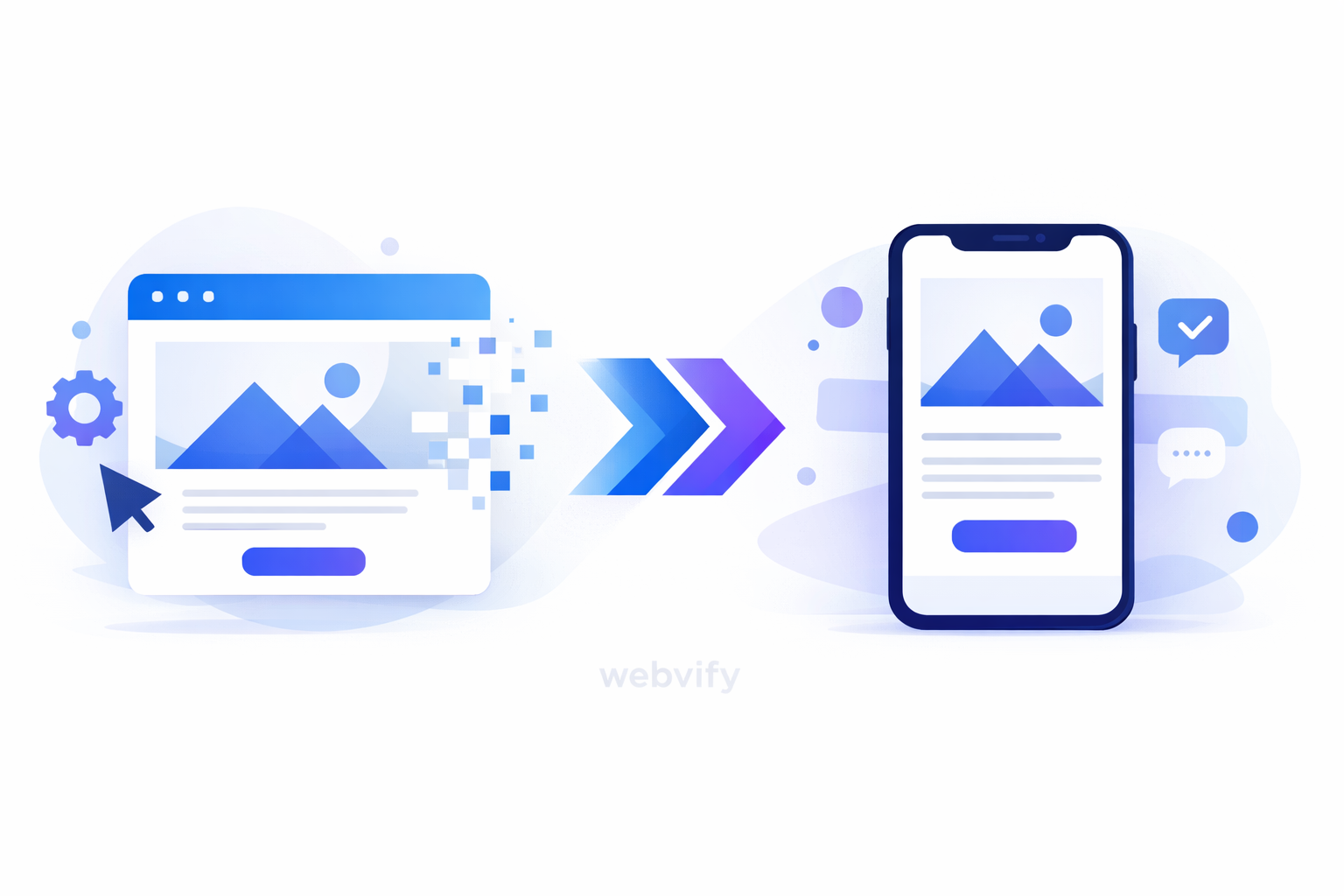
A simple, expert checklist to turn your website into a real app—without hidden costs, bad reviews, or wasted dev time.
Inside this article
- Why “website-to-app” is popular again in 2026
- Who this approach is best for (and who should not do it)
- The practical checklist (what actually matters)
- Hidden costs (and how to avoid them)
- How Webvify helps you ship the right way (without the custom-app tax)
- FAQ (quick answers)
- Ready to turn your website into an app—without surprises?
Why “website-to-app” is popular again in 2026
For most small businesses, the mobile app dream is simple:
- Customers come back more often.
- Booking, ordering, and support become easier.
- You can reach people with push notifications instead of paying for ads every time.
The old problem was the “custom app tax”: time, cost, and risk. In 2026, many SMBs choose a website-to-app approach because it lets them move fast without rebuilding everything from scratch.
But “fast” only works if the app still feels like an app—and if you avoid the hidden costs that show up after launch.
Who this approach is best for (and who should not do it)
Great fit
This approach is usually a great fit if you already have:
- A working website (services, booking, ecommerce, or a client portal)
- Returning customers (monthly, weekly, or even seasonal)
- Content that people check often (menu, appointment schedule, orders, results, invoices, loyalty points)
Examples that often win with a webview-based app:
- Clinics and wellness centers (bookings, reminders, forms)
- Restaurants and cafés (menu, order, loyalty, offers)
- Local services (quotes, scheduling, job updates)
- B2B services (client portal, files, invoices)
Not a great fit
You should think twice if:
- Your website is slow, unstable, or hard to use on mobile
- You need heavy offline usage (for example: field apps with no signal)
- You need advanced native hardware features (rare for most SMB use cases)
If your website experience is weak, turning it into an app can amplify the weakness. Fix the basics first—then wrap it.
The practical checklist (what actually matters)
Use this as a launch checklist. If you are a founder, you can use it to brief your agency. If you are an agency, you can use it to scope the project and set expectations.
1) The “why” (your app’s job)
Before anything else, write the app’s job in one sentence:
- “Our app helps customers do X in under 30 seconds.”
Good “X” examples:
- Reorder a favorite item
- Book an appointment
- Track an order / request
- View results / documents
- Get support without calling
If you can’t describe the job clearly, you’ll end up with “just the website in an app” (and weak retention).
2) Mobile UX basics (so it feels like an app)
Your app does not need a complex UI. It needs predictable, fast, thumb-friendly navigation.
Checklist:
- Your key actions are reachable with one hand (bottom nav helps)
- No tiny buttons; no dense desktop layouts on mobile
- Login and forms are easy on a phone (autofill, large inputs)
- Clear loading states (blank screens cause confusion)
- Back button behavior is consistent
3) Content that makes people return
Apps win when they are useful between purchases, not only during purchases.
Return-trigger content ideas:
- Order status and delivery updates
- Appointment reminders and “prepare for your visit” notes
- New offers, seasonal menus, limited slots
- Client portal updates (invoices, files, messages)
Ask: “What would make a customer open the app twice a week?”
4) Performance (the review killer)
App store reviews are unforgiving. A slow webview experience often gets labeled as “buggy app”.
Checklist:
- Your website loads fast on mobile data (not only Wi‑Fi)
- Heavy popups are removed (especially newsletter popups on every page)
- Images are optimized
- Pages don’t jump around while loading
- Key flows are tested on older devices
If you only do one technical thing, do this: improve mobile load speed and reduce layout shifts. It’s the difference between 2-star and 4-star reviews.
5) Analytics (so you can improve after launch)
You don’t need a complex dashboard. You need a few answers:
- Where do users drop off?
- Which features drive repeat opens?
- Which notifications lead to action?
Minimum analytics checklist:
- Track installs, signups/logins, and the top 3 actions
- Track conversion for 1 core flow (booking/order/request)
- Track retention (7-day and 30-day)
6) Push notifications (powerful, but easy to abuse)
Push notifications are one of the biggest reasons SMBs want an app. They also become the fastest way to get uninstalls if used poorly.
Safe rules:
- Use fewer messages, with higher relevance
- Segment by interest (customers who booked vs. customers who ordered)
- Avoid spammy wording (“LAST CHANCE!!!”)
- Always deliver real value (status updates, reminders, helpful offers)
If you want one simple strategy: start with service notifications (status/reminders), then add marketing pushes carefully.
7) App Store preparation (to avoid rejections and delays)
Many SMB app delays happen here, not in development.
Checklist:
- App name, subtitle, and description are clear and honest
- Screenshots show the real experience (not generic mockups)
- Privacy policy is ready and linked
- Your support email and website are correct
- You have a basic “what to do if something breaks” support process
If you’re using a website-to-app approach, you also need to be careful with content that looks “web-only” (too many external redirects, confusing login flows, broken deep links).
Hidden costs (and how to avoid them)
Here are the costs that surprise teams after “we shipped”:
1) Bad reviews because the app feels like a browser
What causes it:
- Slow loading, awkward navigation, too many popups
How to avoid it:
- Fix mobile UX first, then wrap it
- Add app-like navigation patterns where needed
2) Support overload after launch
What causes it:
- Password issues, confusing login, unclear error messages
How to avoid it:
- Make login simple and stable
- Add a clear “Help / Contact” path
3) Growth stalls because there’s no retention loop
What causes it:
- No push strategy, no content reason to return, no “next action”
How to avoid it:
- Plan 3 push notification types (service, reminder, offer)
- Add a simple loyalty or “repeat” mechanism if relevant
4) A rebuild you didn’t plan for
What causes it:
- Website wasn’t built with mobile-first flows
- Important pages rely on scripts that behave differently inside an app
How to avoid it:
- Test critical flows inside a webview early
- Fix website issues before launch, not after reviews
How Webvify helps you ship the right way (without the custom-app tax)
Webvify is built for teams who want a real mobile app outcome, but don’t want to start from zero.
What you typically get with Webvify:
- A faster path from your existing website to Android + iOS apps
- An app-like experience (navigation patterns and app wrapper features)
- Push notifications to bring customers back (used carefully and thoughtfully)
- A launch process that reduces app store friction
- A setup that makes iteration easier after launch (so you can improve based on data)
If you’re an agency, it also helps you sell a clearer package: “launch an app + keep improving it”, instead of a risky custom rebuild with unclear timelines.
FAQ (quick answers)
Is a website-to-app approach “a real app”?
Yes, it’s a real app in the app stores. The key is whether it feels fast, stable, and app-like to users. That comes from good mobile UX and performance.
How long does it take to launch?
Many SMBs can launch in weeks, not months—if the website is already mobile-friendly and the scope stays focused.
Will Apple or Google reject a webview-based app?
They can reject any app that feels low-quality or misleading. The best way to avoid issues is to make the experience genuinely useful, stable, and aligned with your business.
Do I need a new website first?
Not always. But if your current site is slow, confusing on mobile, or full of disruptive popups, improving the site first will directly improve the app’s ratings.
What should I track after launch?
Track installs, logins, your main action (booking/order/request), and retention (7-day and 30-day). Then improve the biggest drop-off point.
How do push notifications fit in?
Start with service notifications (status updates, reminders). Add marketing pushes only when you can target them to the right people.
Is this better than building a custom native app?
If you need complex offline features or heavy hardware integrations, custom native might be better. For most SMBs focused on retention, bookings, orders, and customer communication, a website-to-app approach can be faster and lower risk.
Ready to turn your website into an app—without surprises?
If you want a practical, low-risk path to launch an app and start improving retention, Webvify is built for exactly that. Explore how it works at https://webvify.app.