

How to Validate a Webview App Idea in 7 Days (Before Going Native)
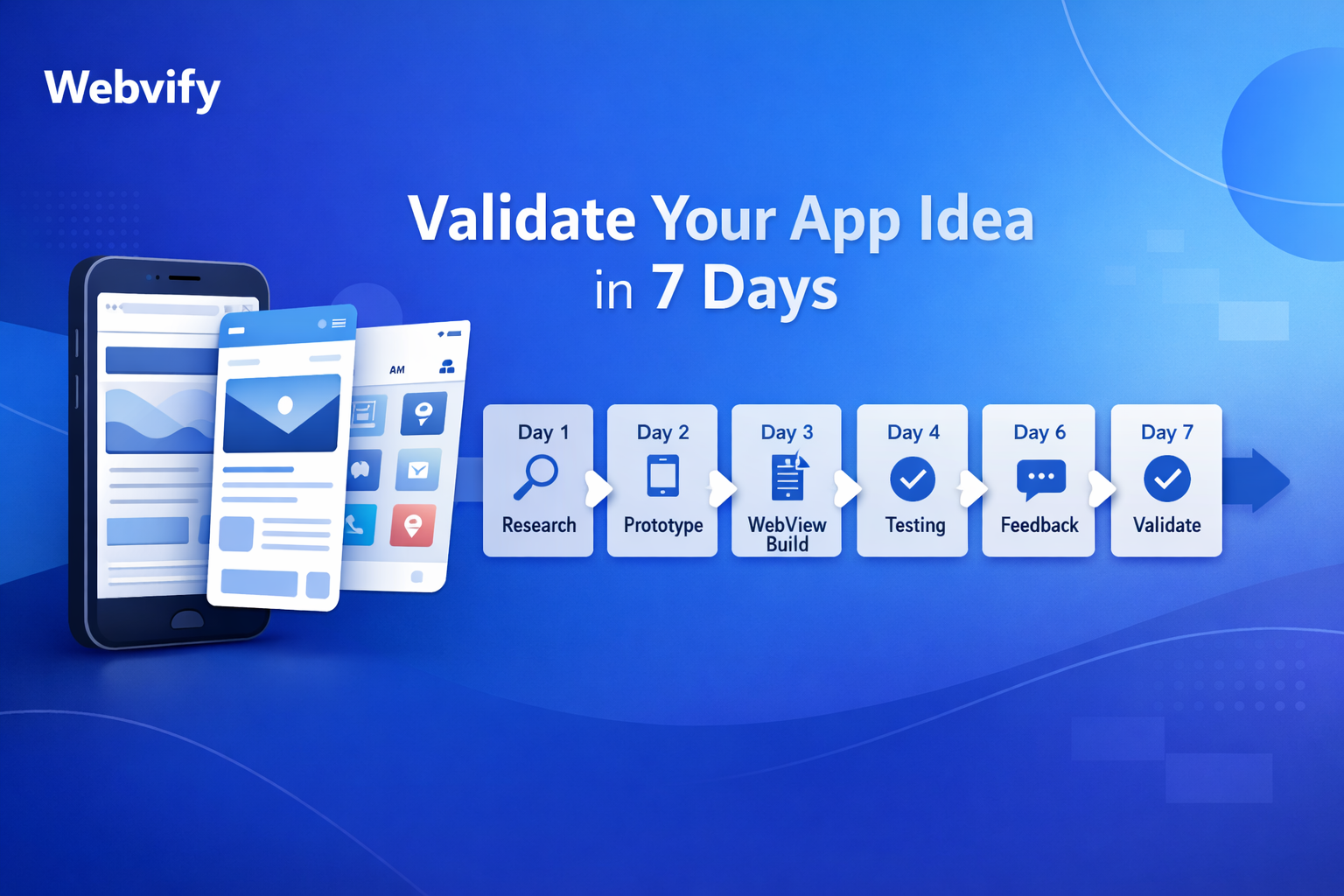
Learn a practical 7-day framework to validate your webview app idea, measure real user demand, and decide when to iterate, scale, or move to native development.
Inside this article
- Validate Your Webview App Idea in 7 Days (Before Going Native)
- Why Webview First?
- What You’re Validating (Be Clear)
- 7-Day Validation Plan
- Validation Metrics Cheat Sheet
- Common Mistakes
- What Good Validation Looks Like
- When to Go Native
- Quick Checklist
- Example Scenario
- Webview vs Native (Validation Stage)
- Final Thought
- Ready to Validate Fast?
Validate Your Webview App Idea in 7 Days (Before Going Native)
Building a native app is expensive, slow, and risky if your idea isn’t proven. A smarter path: validate fast using a webview app. You leverage your existing website, ship quickly, and test real user behavior before investing months into native development.
This is a practical 7-day validation framework you can execute without a big team.
Why Webview First?
A webview app wraps your existing website into a mobile app. It’s not a long-term replacement for native in all cases—but it’s perfect for validation.
Key advantages:
- Fast launch (1–3 days)
- Low cost
- Real App Store presence
- Real user feedback (not assumptions)
- No heavy backend or API rebuild
If users don’t engage, you saved months. If they do, you move to native with confidence.
What You’re Validating (Be Clear)
Before starting, define success. Otherwise, you’ll misread results.
You are validating:
- Do users install your app?
- Do they use it more than once?
- Do they complete key actions (purchase, signup, booking)?
- Do they return?
Not validating:
- Pixel-perfect UX
- Advanced animations
- Native-only features
7-Day Validation Plan
Day 1 — Define Hypothesis & Metrics
Write one clear hypothesis:
“Users will install and use this app to solve X problem.”
Define 3–4 metrics:
- Install → First open rate
- Daily Active Users (DAU)
- Retention (Day 2–3)
- Conversion (signup, purchase, etc.)
Keep it simple. No vanity metrics.
Day 2 — Prepare Your Website for App Use
Your site becomes your app. Fix friction:
- Mobile responsiveness (must be clean)
- Remove unnecessary popups
- Optimize loading speed
- Simplify navigation (app-like feel)
Add:
- Sticky bottom navigation (optional but powerful)
- Clear CTA buttons
- Login/session persistence
Day 3 — Wrap Into a Webview App
Use a webview builder (like Webvify) to convert your site into an app.
Basic setup:
- App name
- Icon & splash screen
- URL connection
- Push notification setup (important)
You now have a working app build.
Day 4 — Publish or Distribute
Two options:
Option A: Soft launch (faster)
- TestFlight (iOS)
- Internal testing (Google Play)
Option B: Public launch
- Publish directly to stores
If speed matters, go soft launch first.
Day 5 — Acquire First Users
No users = no validation.
Get first 50–200 users:
- Existing customers
- Email list
- WhatsApp groups
- Direct outreach
- Small paid ads (optional)
Don’t overthink scaling yet.
Day 6 — Track Behavior
Use analytics:
- Firebase Analytics (recommended)
- Simple event tracking
Track:
- App opens
- Time spent
- Key actions (purchase, click, form submit)
Also collect qualitative feedback:
- “Why did you install?”
- “What’s missing?”
- “Would you keep using it?”
Day 7 — Analyze & Decide
Now answer:
- Are users coming back?
- Are they completing actions?
- Is there friction?
Then decide:
- Kill (no traction)
- Iterate (fix issues)
- Scale (go native)
Validation Metrics Cheat Sheet
| Metric | Good Signal | Bad Signal |
|---|---|---|
| Install → Open Rate | %70+ | < %40 |
| Day 2 Retention | %25+ | < %10 |
| Session Duration | 2–5 minutes | < 1 minute |
| Conversion Rate | %5–15 (depends on niche) | < %2 |
| User Feedback | Clear need/problem | Confusion or indifference |
Don’t chase perfection. Look for signal, not noise.
Common Mistakes
1. Waiting Too Long to Launch
You don’t need perfect UI. You need feedback.
2. Testing with Friends Only
Friends are biased. Use real users.
3. Ignoring Retention
Installs mean nothing without repeat usage.
4. Overbuilding Too Early
No need for native features yet.
5. No Clear CTA
Users must know what to do inside the app.
What Good Validation Looks Like
You’ll see patterns like:
- Users open app daily or every few days
- They complete your main action without confusion
- They ask for improvements (not basic fixes)
- Some users organically recommend it
That’s your green light.
When to Go Native
Go native when:
- Retention is strong
- Users demand better performance or UX
- You need device-level features (camera, offline, etc.)
- Revenue or traction justifies cost
Webview validates the idea. Native scales it.
Quick Checklist
Use this before launching:
Pre-Launch
- Clear hypothesis written
- 3–4 metrics defined
- Mobile UX optimized
- Key actions easy to complete
- Analytics integrated
App Setup
- App icon & splash ready
- Push notifications enabled
- Webview working smoothly
- Test build installed
Launch
- First 50–200 users planned
- Distribution channel ready
- Feedback collection method set
Post-Launch
- Metrics tracked daily
- User feedback collected
- Decision criteria defined
Example Scenario
Let’s say you run an e-commerce store.
Instead of building a native app:
- Convert your store into a webview app
- Add push notifications for offers
- Send it to your existing customers
- Track purchases and repeat usage
If users start buying through the app consistently, you’ve validated demand.
Webview vs Native (Validation Stage)
| Factor | Webview App | Native App |
|---|---|---|
| Development Time | 1–3 days | 3–6 months |
| Cost | Low | High |
| Flexibility | High (fast edits) | Medium |
| Performance | Medium | High |
| Validation Speed | Very fast | Slow |
For validation, webview wins. Always.
Final Thought
Speed beats perfection.
Most app ideas fail not because they’re bad—but because they’re never tested with real users early enough.
A webview app gives you:
- Real data
- Real users
- Real answers
Before you commit serious time and money.
Ready to Validate Fast?
Turn your website into a mobile app in days, not months. Start validating your idea today with Webvify.