

How to Turn Your Thrive Themes Site Into a Mobile App (Without a Developer)
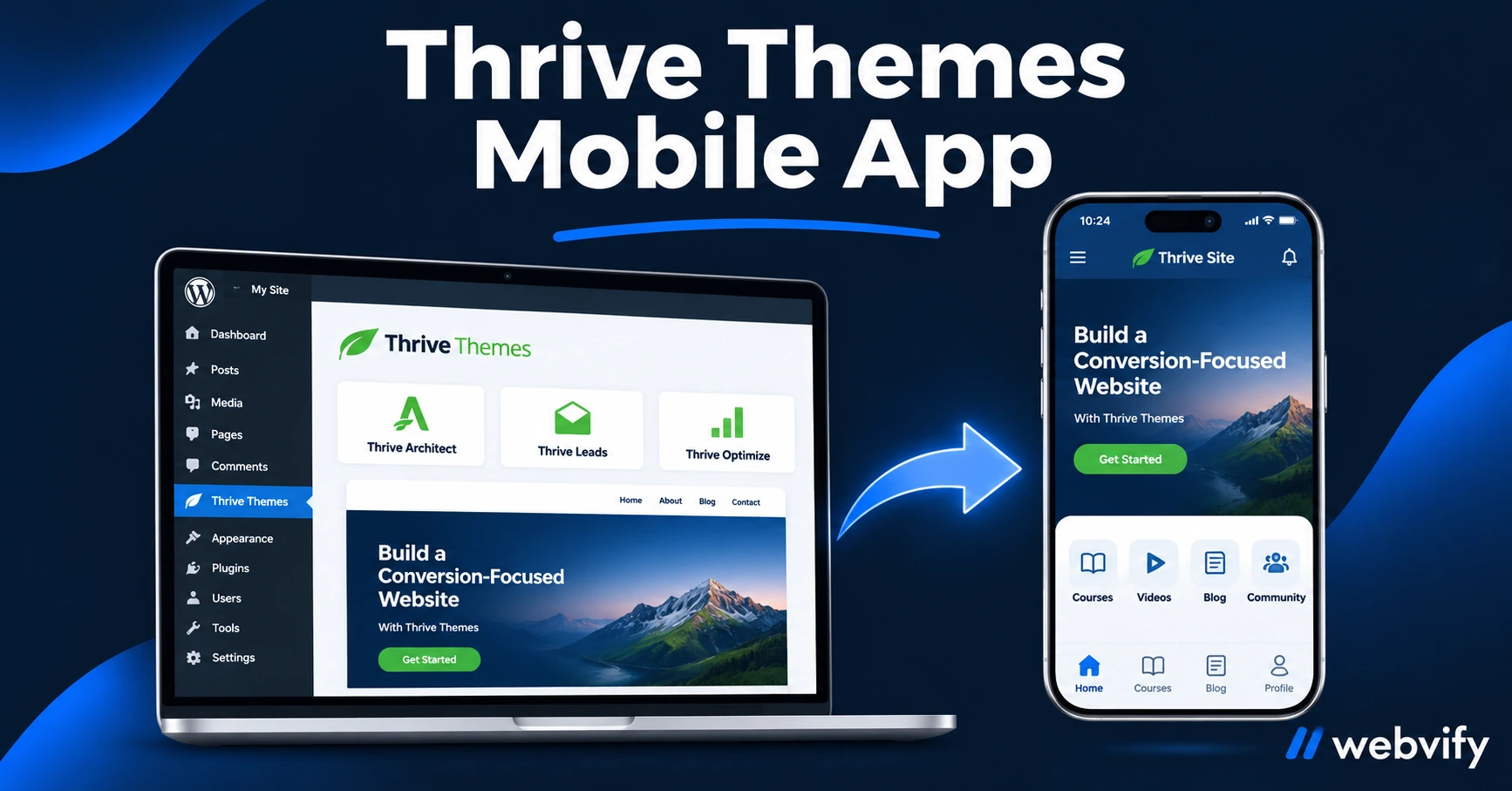
Thrive Themes has no App Store export. Here's how to turn any Thrive Themes or Thrive Suite site into a branded iOS and Android app — without a developer.
Inside this article
Thrive Themes builds some of the highest-converting WordPress sites online. Turning one into a Thrive Themes mobile app listed on the App Store and Google Play is a separate problem — and Thrive Suite leaves you to solve it alone.
The good news: a WebView wrapper converts your existing Thrive site into a fully branded iOS and Android app without rebuilding a single page. Here's exactly how it works and what to handle before you hit Submit.
Why Thrive Themes Has No App Store Export
Thrive Suite is a collection of WordPress plugins — Thrive Architect, Thrive Apprentice, Thrive Leads, Thrive Automator. All of them output a website running on your domain. That's where their job ends.
The App Store and Google Play require native app packages: an IPA file for iOS, an AAB for Android. Neither comes out of a WordPress install. Converting a website into those packages requires a build environment, Apple and Google developer accounts, and navigation through each platform's review guidelines.
A WebView app solves this. It wraps your existing Thrive Themes site — including all your landing pages, course content, and automations — in a native shell that Apple and Google accept. Your site loads from your existing URL; visitors see it as a real app on their phones.
How to Turn Your Thrive Themes Site Into a Mobile App
The conversion process is straightforward when you use a managed service:
-
Provide your site URL. The app wraps your live Thrive Themes site, so there's nothing to rebuild or re-import. Your Thrive Architect pages, Thrive Apprentice courses, and WooCommerce product pages load exactly as they do in a browser.
-
Set up push notifications. This is typically done by adding a small script tag to your WordPress theme or header. Push notifications are the primary reason most Thrive Themes site owners want an app — they reach the lock screen at open rates between 60–90%, compared to 20–30% for email.
-
Configure the app. Add your icon, splash screen, and app name. The app store listing will appear under your brand, not the service's.
-
Submit to both stores. This is where most self-service tools leave you stranded. Apple's review process includes guidelines that catch many first-time submissions — particularly for sites with digital content (see below). A managed service like Webvify handles the submission end-to-end, including navigating rejections.
If you've built on Thrive Themes, your site is already mobile-responsive. That eliminates one of the common WebView rejection triggers (Guideline 4.2 Minimum Functionality) before you even start. For a broader overview of converting WordPress sites, see How to Convert Your WordPress Site into a Mobile App →
Thrive-Specific Issues to Know Before You Submit
Most Thrive Themes sites pass App Store review without problems. Two situations require extra attention:
Thrive Apprentice courses with paid enrollment. If you sell courses through Thrive Apprentice and charge for access, Apple treats those purchases as digital content. Under App Store Guideline 3.1.1, digital goods sold inside an app must use Apple's payment system (and Apple takes 30%). The fix: redirect enrollment and checkout flows to an external browser. Your students tap "Enroll," Safari opens the checkout page, and they complete the purchase there. Course content itself plays normally in the app after login.
This is the same pattern used by Udemy, Coursera, and every major e-learning platform in the App Store. It requires a small change to your enrollment button links — not a rebuild.
ThriveCart digital product purchases. Same rule applies. If ThriveCart handles digital goods, route those checkout links to an external browser.
Physical product sales (WooCommerce) have no Apple payment restrictions. Services and appointment bookings are also exempt.
Login and session persistence. Thrive Apprentice uses cookie-based sessions. Test your login flow carefully before submission — most WebView wrappers preserve cookies correctly, but it's worth verifying with a test account that the session stays active across app restarts.
What Your Thrive Themes Mobile App Can Do
Once your app is live, here's what Thrive Themes users typically build it for:
Push notifications. Lock-screen alerts for new course releases, promotional campaigns, or re-engagement nudges. These reach 60–90% of recipients — email at 20–30% can't match that for owned-channel reach.
App Store discovery. A branded listing in both stores puts you in front of users searching for training, coaching, or tools in your niche. The App Store is a distribution channel most content creators and service businesses never use.
Home screen presence. Your icon on a customer's home screen means they see your brand every time they unlock their phone. That's a retention advantage no website alone can replicate.
Offline access. Depending on your Thrive site's setup, cached pages can be available without a connection — useful for course content members want to access on the go.
For more on connecting push notifications to a membership site, see How to Turn Your WordPress Membership Site Into a Mobile App →
Is a WebView App Right for Your Thrive Themes Site?
If your site already works well on mobile — and Thrive Architect pages typically do — a WebView app gives you App Store presence, push notifications, and home screen real estate without duplicating any content.
If you sell digital courses through Thrive Apprentice, the IAP redirect requires a small adjustment but doesn't block submission. If you sell physical products or services only, you're unlikely to hit any review issues.
The one scenario where a WebView wrapper isn't the right answer: you need deep device features like camera control, AR, or Bluetooth hardware access. A course platform, marketing funnel, or service booking site built on Thrive doesn't need those.
Frequently Asked Questions
Can I keep selling courses through Thrive Apprentice in my mobile app?
Yes. Thrive Apprentice course content — video lessons, quizzes, downloads — all work inside a WebView app. The only requirement is that paid enrollment links redirect to an external browser for payment, which is the same approach Udemy and Coursera use. Free or already-enrolled courses play without any restriction.
How long does it take to get a Thrive Themes app approved on the App Store?
Apple's review process typically takes 24–48 hours for initial submissions. If a first submission is rejected, working through the guideline issue (most commonly Guideline 3.1.1 for digital content) and resubmitting usually takes 3–5 business days total. Google Play is usually faster — often same-day for straightforward WebView apps.
Do I need a developer to submit a Thrive Themes site to the App Store?
No. A managed service handles the entire build and submission process, including Apple Developer and Google Play Console account setup if you don't have them. What you provide is your site URL, your app icon, and a short description for the store listing.
Ready to get your Thrive Themes site into the App Store? Start with Webvify →