

How to Turn Your Systeme.io Site Into a Mobile App (Without a Developer)
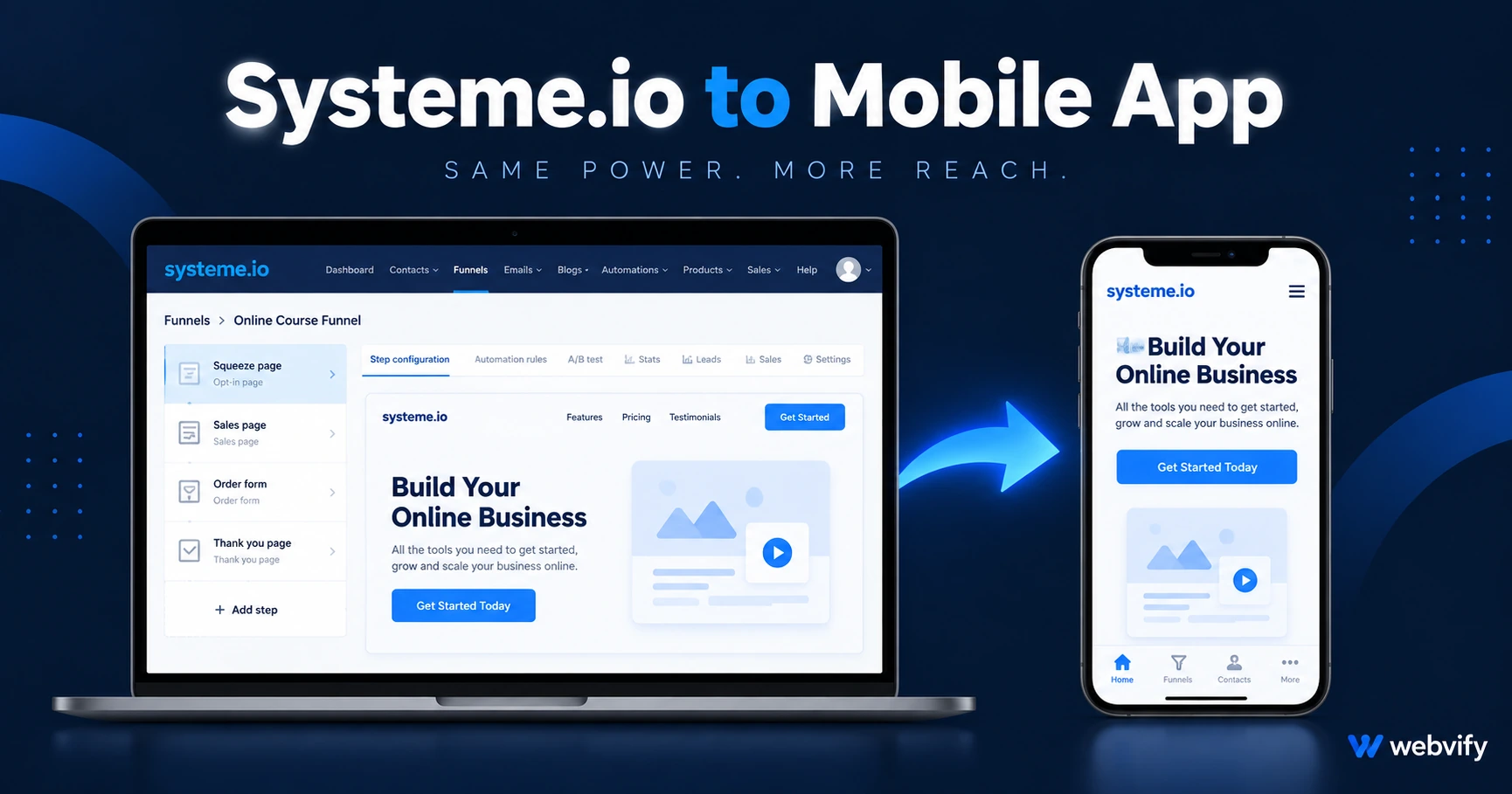
Systeme.io has no App Store export — but your funnels, courses, and community work in a WebView app. Here's how to publish without a developer in days.
Inside this article
- Why Systeme.io Has No Built-In App Store Export
- What a Systeme.io WebView App Is (and What It Isn't)
- What Works Inside a Systeme.io Mobile App
- The One Rule You Must Follow: Apple's IAP Policy
- Google Play Has Its Own Rules — Here's What to Know
- What the App Store Submission Process Actually Involves
- Systeme.io Mobile App: Build vs. Done-For-You
- FAQ
Systeme.io built your entire business online — funnels, email, courses, community. The App Store is the one place it can't take you. And solving that the traditional way costs $15,000 to $50,000 before you ever hit "submit."
The good news: you don't need a developer. Systeme.io sites run cleanly inside a WebView mobile app, and creators publish this way every week without touching Xcode or learning Swift. Here's exactly how it works and what you need to get right before submitting.
Why Systeme.io Has No Built-In App Store Export
Systeme.io is an all-in-one web platform — it handles hosting, email, funnels, and payments, and it outputs a website, not a native mobile app binary. The App Store requires an .IPA file; Google Play requires an .AAB file. Neither exists until someone packages your site into a native shell.
This is the same situation Kajabi, ClickFunnels, Teachable, and Podia users face. The platform is excellent at running the business — it simply doesn't ship the mobile container. That container is what a WebView app provides.
What a Systeme.io WebView App Is (and What It Isn't)
A WebView app is your Systeme.io site running inside a native iOS and Android shell. The shell is what gets submitted to the App Store — it handles the home screen icon, push notifications, app permissions, and Apple or Google compliance. Your Systeme.io site provides all the content.
From your user's perspective, it looks and behaves like a native app: it launches from the home screen, there's no browser toolbar, and sessions stay active between visits.
What it is not: a rebuild. You don't recreate your funnels or courses inside another tool. Everything you've built on Systeme.io stays exactly as it is.
What Works Inside a Systeme.io Mobile App
The following Systeme.io features work inside a WebView app without any changes to your account:
Funnels and landing pages load and convert cleanly. Systeme.io pages are mobile-responsive by design, so they already look correct at phone screen sizes.
Email opt-in forms and automations work as expected — form submissions trigger your Systeme.io workflows normally.
Course content — video lessons, text sections, quizzes, and progress tracking — renders correctly in WebView. Learners can continue where they left off.
Community pages and membership areas load inside the app, and member-gated content respects access permissions set in Systeme.io.
Login sessions persist. Systeme.io uses session cookies that survive across app restarts. Users log in once and stay authenticated — no repeated sign-in needed.
The one area requiring attention is your checkout flow.
The One Rule You Must Follow: Apple's IAP Policy
This is where most Systeme.io creators get rejected on the first submission.
Apple's App Store Guideline 3.1.1 states that any digital product sold inside an iOS app — a course, a membership, a digital download — must use Apple's in-app purchase system. That system takes a 30% commission. Stripe, PayPal, and Systeme.io's native checkout do not qualify as alternatives.
The approved fix is simple: route any buy button to an external browser (Safari) to complete the purchase. The Udemy and Coursera apps use this exact pattern. Users browse content freely inside the app; the purchase link opens Safari. Once payment completes, the user returns to the app and their access updates via login.
This is not a loophole — it is the officially documented pattern Apple accepts. Services like Webvify handle this configuration during the build process, so your app passes review without you modifying your Systeme.io funnel.
One exception: if you sell only physical products through an external store, Apple's IAP rule does not apply. Physical goods are fully exempt.
Google Play Has Its Own Rules — Here's What to Know
Google Play is generally more flexible than Apple for WebView apps. Most Systeme.io setups pass Google Play review without checkout modifications.
The areas to address: completing the Data Safety form (disclosing what user data your app collects — your Systeme.io privacy policy covers most of this) and setting a content rating via Google Play's questionnaire. Both are form-filling tasks with no code changes required.
Google also requires your app to target the latest Android API level. This is handled at the app package level, not in your Systeme.io account, and any WebView service should build to the current requirement by default. For more context on Google Play compliance for WebView apps, see this guide to submitting your app to the App Store.
What the App Store Submission Process Actually Involves
To publish on the App Store and Google Play, you need:
An Apple Developer account at $99 per year and a Google Play Developer account at a one-time $25 fee. Both require identity verification, which takes 1–3 business days.
A packaged app binary — the .IPA for iOS and .AAB for Android — built from your Systeme.io URL with your app configuration (icon, name, splash screen, push notification settings).
App Store metadata: screenshots at required resolutions, a short and long description, a privacy policy URL, and keyword fields for App Store search.
Apple's review typically takes 24–48 hours for a first submission. Google Play's review takes 3–7 days. Most rejections stem from incomplete metadata or the IAP issue covered above — not from technical defects in the app itself.
If you want to navigate this without the complexity, Webvify's team handles the entire process end-to-end: they build the binary, fill the compliance forms, generate the screenshots, and manage the review conversation with Apple if any issues come up. You don't need to install Xcode, open the Apple Developer portal, or write a single line of code.
Systeme.io Mobile App: Build vs. Done-For-You
A custom native app build for Systeme.io content typically runs $15,000–$50,000 upfront and $3,000–$8,000 per year in maintenance. That's before any rejected submissions or compliance updates.
A WebView-based done-for-you service covers the full process — build, submission, admin panel for managing push notifications, and ongoing updates — for a fraction of that cost. Because Systeme.io pages are already mobile-optimized, the WebView approach delivers 90% of the native experience at a realistic budget for a course creator or online business.
The right choice depends on whether your use case requires functionality that only native code can deliver — custom animations, device sensor access, offline data storage. For a Systeme.io business running funnels, courses, and community, WebView covers everything.
FAQ
Can I submit my Systeme.io funnel to the App Store?
Yes. Systeme.io funnels, course content, and community pages all work inside a WebView mobile app. The key requirement is that any paid digital content must route checkout to an external browser — Apple's Guideline 3.1.1 prohibits Stripe-based payments for digital goods inside iOS apps. Once that routing is configured, your Systeme.io app can pass App Store review.
How long does it take to publish a Systeme.io mobile app?
With a done-for-you service like Webvify, the typical timeline is 7–14 days from start to store submission. Apple's review adds 24–48 hours; Google Play adds 3–7 days. Most creators are live on both stores within 3 weeks of starting.
Will my Systeme.io membership area work inside the mobile app?
Yes. Systeme.io's login and member access use session cookies that persist inside the WebView. Members log in once and remain authenticated across app restarts, just as they would in a mobile browser — without the browser chrome. No changes to your Systeme.io account are needed.
Your Systeme.io business is already built. The app is the one piece still missing. Get your Systeme.io site on the App Store and Google Play with Webvify →