

How to Turn Your Substack Newsletter Into a Mobile App (Without a Developer)
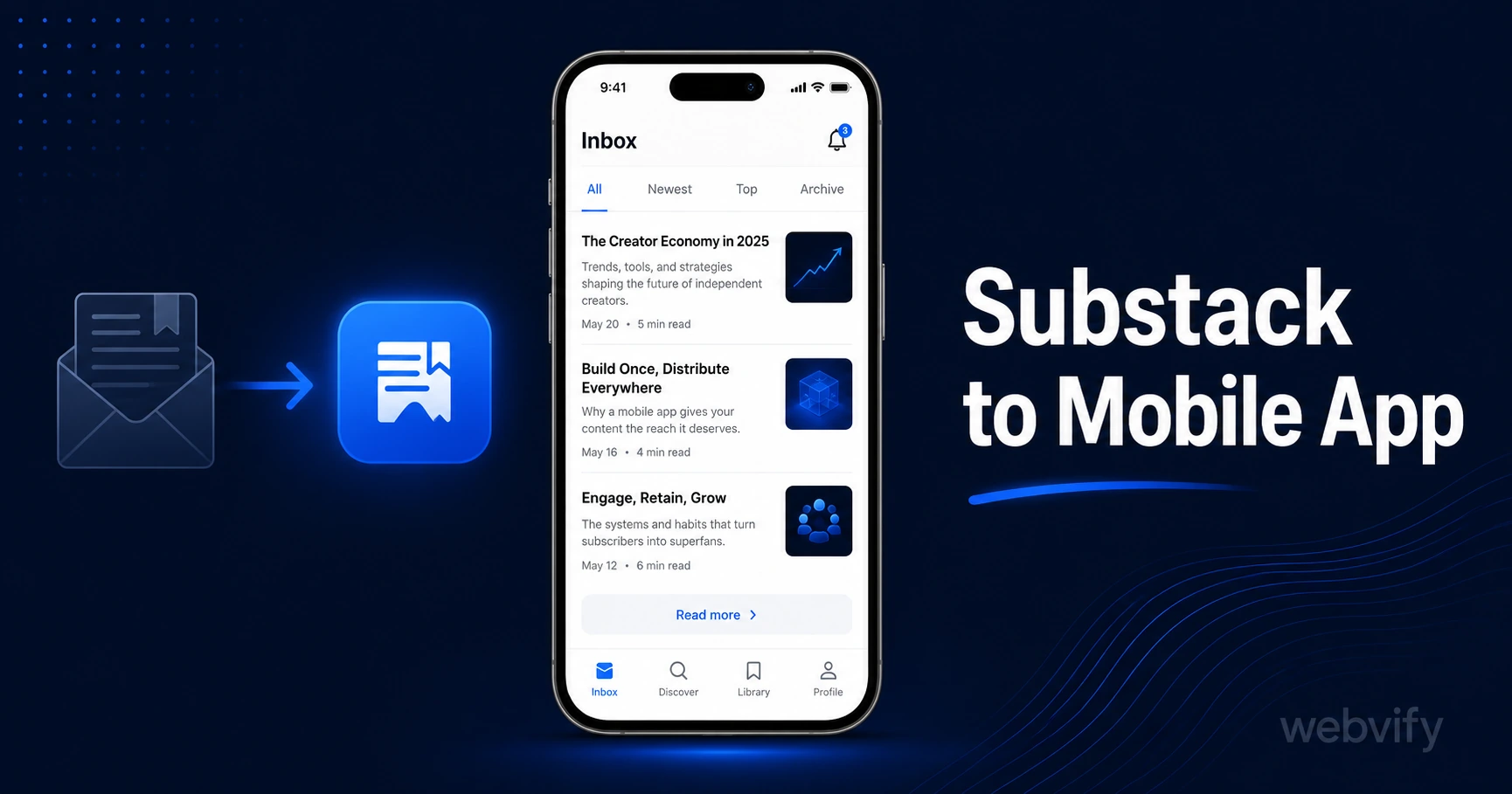
Substack has no App Store export. Here's how to turn your Substack newsletter into a branded iOS and Android app — and the one IAP rule you must know first.
Inside this article
Substack sends your newsletter to inboxes. The average email open rate is 25–35%. A push notification from a mobile app reaches the lock screen at 60–90%. That gap is why creators are converting their Substack into a branded app.
Substack does not have a built-in App Store export. It never will — Substack is a publishing platform, not an app builder. But your Substack already has a public web URL, and that URL is everything you need.
Why Substack Creators Want a Mobile App
Substack gives you a newsletter, a web archive, and a Substack-branded app that all your readers share with every other publication. You get a tab inside Substack's app — not a branded listing under your own name on the App Store.
A standalone mobile app changes that completely. Your publication gets its own App Store listing, its own icon on the home screen, and its own push notification channel. When you publish, readers see your name on their lock screen — not "Substack."
For creators with 1,000+ subscribers, a branded app is the difference between an inbox and a daily habit.
How to Convert Your Substack to a Mobile App
The technical approach is a WebView wrapper. Your Substack publication already runs on a public URL (yourname.substack.com or a custom domain). A WebView app wraps that URL inside a native iOS and Android shell and submits it to the App Store and Google Play.
The result is a real app — downloadable from the stores, with push notifications, a home screen icon, and offline reading for cached content. You don't rebuild your newsletter. Your existing Substack posts, archive, and subscriber list stay exactly where they are.
The four things you need before submission:
A custom domain is required. Apple's Guideline 2.1 rejects apps that load yourname.substack.com directly — the subdomain flags the app as a thin wrapper. Connect a custom domain (myname.com or mynewsletter.com) in your Substack settings before submitting. This is a Substack Pro feature.
Your publication must pass the mobile responsiveness check. Substack's default layout is already responsive, so this is almost never a blocker.
Your app must contain enough functionality to pass Apple's Guideline 4.2 (Minimum Functionality). A newsletter archive with multiple posts, an about page, and a subscribe form clears this requirement easily.
Services like Webvify handle the entire packaging and submission process end-to-end — you hand them the URL, they deliver the app to the stores.
The Apple IAP Rule Every Paid Substack Creator Must Know
This is the part that catches creators off guard. If your Substack has paid subscriptions, Apple's Guideline 3.1.1 applies.
Apple requires that any digital content or subscription purchased inside an iOS app must go through Apple's in-app purchase system — and Apple takes 30% of every transaction. Stripe, Substack's payment processor, is not allowed as the checkout method for in-app digital subscriptions on iOS.
The fix is straightforward: disable the subscription purchase flow inside the app. When a reader taps "Subscribe" or hits a paywalled post, redirect them to your Substack website in their external browser (Safari or Chrome). Once they subscribe on the web, they return to the app as a paid subscriber with full access.
This is the same pattern used by Udemy, Coursera, and every major creator platform that monetizes on iOS without paying Apple's 30% cut. It is fully compliant and explicitly permitted by Apple.
If you're on the free Substack plan with no paid tier, this doesn't apply to you at all.
For more on how this plays out across publishing and course platforms, this guide covers the full IAP landscape for content creators.
What Your Substack App Can Do That the Web Can't
Push notifications are the primary advantage. When you publish a new post, you can send a push notification that appears directly on your subscribers' lock screens — not in an email inbox that may or may not be checked that day.
Home screen presence is the second advantage. A reader who adds your app to their home screen is more likely to return to your content than a reader who gets your email in a crowded inbox. The icon becomes a daily visual reminder.
App Store discovery is a third benefit most creators don't expect. Readers searching your name in the App Store can find your publication and subscribe directly. You're not competing with thousands of other newsletters in someone's inbox — you have a dedicated storefront listing.
If you already have a podcast connected to your Substack, the same app serves both. Readers and listeners access everything through one branded interface. The mobile app for podcasters guide covers the push notification strategy for audio-first creators in more detail.
How Long Does It Take to Get a Substack App Live?
Apple's review process takes 24–48 hours for most first-time submissions. Google Play typically takes 3–7 days. The setup and submission preparation — building the app, creating developer accounts, configuring push notifications, writing App Store metadata — takes 3–7 business days when handled by a service.
The most common cause of delay is a missing custom domain. If you don't already have one connected to your Substack, account for the time to purchase and propagate a domain before the submission clock starts.
FAQ
Can I use Substack's built-in app instead of building my own?
Substack has its own app, but all Substack publications share it. Your publication appears as a tab inside the Substack app — there is no separate App Store listing under your name, no custom icon, and no independent push notification channel. A standalone app gives you a branded listing, your own icon, and push notifications you control.
Do I need a developer account to publish a Substack app?
Yes, but you can register one yourself. Apple charges $99/year for an Apple Developer account. Google charges a one-time $25 fee for a Google Play Developer account. A done-for-you service submits the app under your own accounts, so you own the listing even if you cancel the service later.
Will my existing Substack subscribers automatically get the app?
No — the app is a new channel. Your existing subscribers stay on email. You'll want to announce the app in your newsletter and link to it in your Substack profile. Readers who install the app can opt in to push notifications independently of their email subscription.
Your Substack publication is already a web app. Turn it into a branded mobile app and give your readers a reason to open your content on the lock screen, not in an inbox.
Get your Substack app built and submitted to the App Store and Google Play