

How to Turn Your Squarespace Site Into a Mobile App
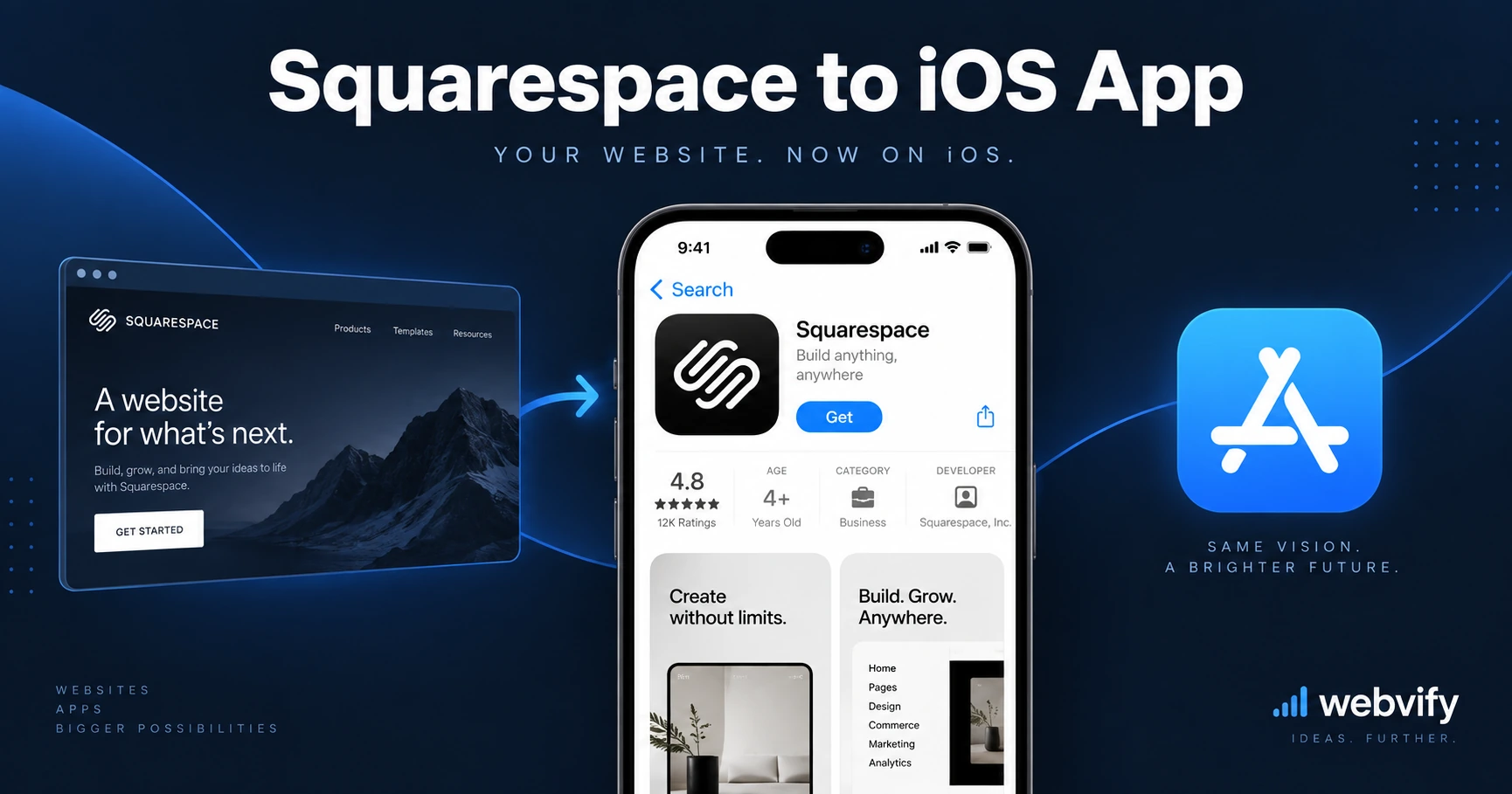
Squarespace doesn't offer a native mobile app builder. Here's how to convert your Squarespace site into an iOS and Android app — without code.
Inside this article
- Why Squarespace Doesn't Have a Built-In App
- The Simplest Way to Convert Your Squarespace Site to a Mobile App
- What You Get With a Squarespace Mobile App
- Squarespace Features That Work in a Mobile App
- What to Check Before You Convert
- How Long Does a Squarespace App Conversion Take?
- FAQ
- Turn Your Squarespace Site Into an App Today
Squarespace lets you build a beautiful website in hours — but getting that site into the App Store is a completely different problem. There's no "export to mobile app" button, and Squarespace itself doesn't offer one.
The good news: your Squarespace site is already more ready for a mobile app than you think.
Why Squarespace Doesn't Have a Built-In App
Squarespace is a hosted website builder. Its mobile app lets you manage your site — it's not designed to put your website on your customers' phones. That's a distinction most business owners miss.
The gap between "my website works on mobile browsers" and "my business has a dedicated app in the App Store" is real. A mobile-optimized Squarespace site and a native mobile app are two different things. One lives in a browser. The other lives on your customer's home screen.
This distinction matters more than most people realize. Mobile browser sessions get abandoned when users switch apps. Home screen apps get tapped again. Push notifications reach your audience directly — no email open rates to worry about.
The Simplest Way to Convert Your Squarespace Site to a Mobile App
The most practical approach for a squarespace to mobile app conversion is a WebView wrapper. This packages your existing website inside a native iOS and Android shell — giving it full App Store and Google Play presence, push notifications, and a branded app icon on your customer's home screen.
You don't rebuild your website. You don't recreate your content or store. You wrap what you already have.
This approach works especially well for Squarespace because Squarespace sites are mobile-responsive by design. The transition from website to app is smooth with minimal configuration.
Services like Webvify handle the full conversion end-to-end: they take your Squarespace URL, build both the iOS and Android apps, and submit them to both stores under your business name — so you never have to open Xcode or Android Studio.
What You Get With a Squarespace Mobile App
When you wrap your Squarespace site in a mobile app, your customers get a fundamentally different experience:
An app icon on their home screen. This alone increases repeat visits. Your brand shows up next to the apps your customers use every day — not buried in a browser tab they'll close and forget.
Push notifications. This is the biggest unlock. You can reach customers directly with promotions, new blog posts, appointment reminders, or product launches — without relying on email open rates or social media algorithms.
App Store credibility. A listing on the App Store and Google Play signals legitimacy. For service businesses, this matters — potential clients often search the app stores as part of their vetting process.
Faster perceived performance. Native app shells load the UI immediately while content loads in the background. The experience feels faster than opening a browser tab from a bookmark.
Squarespace Features That Work in a Mobile App
Not every Squarespace feature behaves identically in a WebView app — but most do.
Squarespace blogs, portfolios, and service pages work seamlessly. They're content-heavy and load cleanly inside a WebView.
Squarespace Scheduling (Acuity) works in-app. Customers can book appointments directly without friction.
Squarespace Commerce — product listings, cart, and checkout — works in-app. Customers can browse and buy without leaving the app. There's one important caveat: Apple's App Store guidelines require in-app purchases of digital content to route through Apple's payment system. Physical goods and service bookings have no such restriction.
Squarespace Member Areas work inside a WebView app. The login session persists as long as the user stays within the app's WebView.
If you want platform-specific submission details, the guides on how to turn your Squarespace site into an iOS app and how to turn your Squarespace site into an Android app cover the exact steps for each store.
What to Check Before You Convert
A few things are worth reviewing before you start:
Your Squarespace plan. Some features — member logins, booking, e-commerce checkout — require certain plan tiers. Make sure the features you want in the app are active on your current plan.
Your domain and SSL. Your app will load your Squarespace site over HTTPS. All Squarespace paid plans include SSL on custom domains, so if your site uses a custom domain, you're ready.
Navigation clarity. Mobile apps are used with thumbs. Review your site's navigation on a phone screen. If menus are hard to tap or navigation is nested too deeply, simplify before converting. The app inherits your site's navigation as-is.
Login and checkout flows. If your Squarespace site includes member logins or Commerce checkout, test these on your phone before wrapping. Any friction in the browser will carry into the app.
How Long Does a Squarespace App Conversion Take?
A straightforward Squarespace-to-app conversion typically takes 3–7 business days from submission to live. The majority of this time is Apple's App Store review process — usually 24–48 hours, but it can extend to a week for first-time submissions.
The actual build time — packaging your Squarespace URL as a mobile app — takes hours, not weeks. The bottleneck is app store approval, not development.
Google Play is faster: new apps typically go live within 3–5 business days on the Play Store.
FAQ
Can I convert my Squarespace site to a mobile app without coding?
Yes. With a WebView-based approach, there's no coding required. You provide your Squarespace site URL, configure your app name, icon, and splash screen, and the service handles the rest — including App Store submission. You'll need Apple and Google developer accounts (a service like Webvify can help you set these up), but no Xcode or Android Studio knowledge is needed.
Does my Squarespace site need to be updated after converting to an app?
No. Since the app loads your Squarespace site directly, any update you make to your website — new pages, new products, new blog posts — automatically appears in the app. You manage everything from your Squarespace dashboard, exactly as before. No separate app update process.
How much does it cost to get a Squarespace mobile app?
Building and submitting the app typically ranges from a few hundred dollars for a one-time service to monthly subscription models depending on the provider. You'll also need an Apple Developer Program account ($99/year) and a Google Play Developer account ($25 one-time) to publish under your own business name. A done-for-you service like Webvify can help you set both up.
Turn Your Squarespace Site Into an App Today
Your Squarespace site is already doing the hard work. Converting it into a mobile app doesn't mean starting over — it means putting what you've already built onto your customers' home screens and adding the direct channel that push notifications give you.
Ready to get started? Webvify handles the entire process end-to-end: app build, App Store submission, Google Play submission, and an admin panel to manage push notifications after launch.