

How to Turn Your Squarespace Site Into an Android App (Without a Developer)
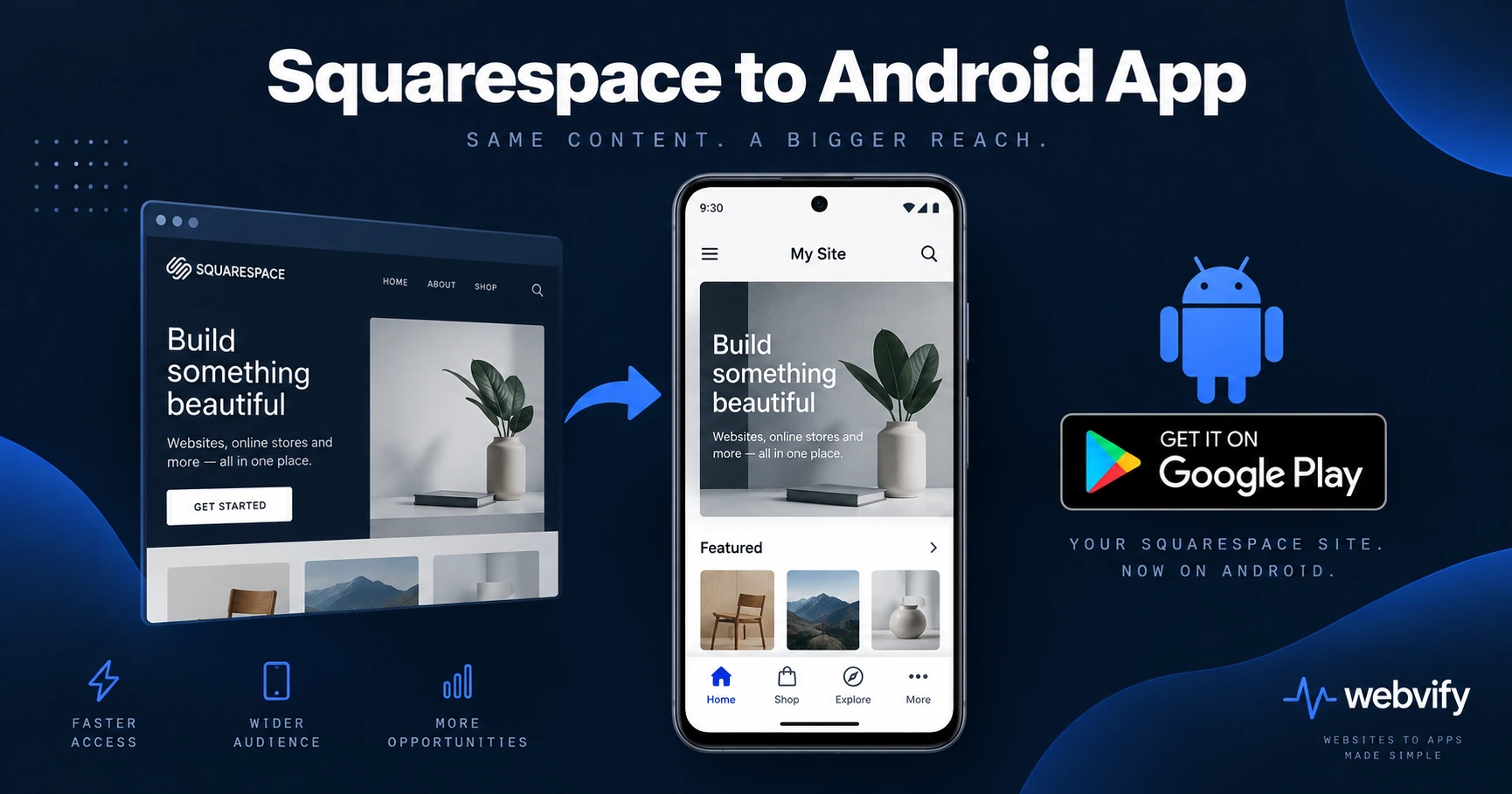
No Google Play export from Squarespace? Here's how to turn your Squarespace site into an Android app, pass Google Play review, and launch it in days — not months.
Inside this article
- Why Squarespace Doesn't Give You an Android App
- How Converting Your Squarespace Site to an Android App Works
- Squarespace-Specific Things to Check Before Building
- Google Play Requirements Your Squarespace Android App Must Meet
- After Launch — Updating Your Squarespace App Without a Developer
- How Long Does It Take?
The 3.5 billion people on Android can't install your Squarespace site from Google Play. That's not a Squarespace problem — it's a packaging problem, and it's easier to solve than most Squarespace owners expect.
Why Squarespace Doesn't Give You an Android App
Squarespace produces websites. Google Play requires an Android app bundle — a native binary in AAB format that the Play Store can sign, distribute, and update. Those are two completely different things.
There is no "Export to Google Play" button in Squarespace. The platform has no mobile app builder and produces no Android output. If your customers ask for an Android app, Squarespace won't help you.
What fills that gap is a WebView app: a native Android shell that loads your existing Squarespace site inside it. From a user's perspective, it installs from Google Play like any other app, sits on the home screen, and can send push notifications. Your site content renders inside the app automatically — no redesign, no migration.
How Converting Your Squarespace Site to an Android App Works
The process has three stages: build, comply, and submit.
Build: A service wraps your Squarespace URL inside a native Android container using Android's WebView component. Your existing site loads inside it. No code rewriting, no new design, no content to move.
Comply: Google Play has its own rules for WebView apps. The important ones cover the Data Safety form (you declare what data your app collects), closed testing (Google requires 12 testers for 14 days before full release for new developer accounts), Google Play Billing for digital goods, and a minimum API target level. None of these require code changes to your Squarespace site — they apply to the Android wrapper.
Submit: You need a Google Play Developer account ($25 one-time fee). The app goes through Google Play's review, which typically takes a few days for first-time submissions.
Services like Webvify handle all three stages end-to-end. You provide the URL, they build the Android app, handle compliance checks, and submit to Google Play under your developer account. If you've already done the iOS version for your Squarespace site, Android follows the same structure with different platform rules.
Squarespace-Specific Things to Check Before Building
Most Squarespace features work cleanly inside an Android WebView. A few are worth auditing before you start:
Squarespace Scheduling / Acuity: Booking flows — calendar pickers, confirmation pages, payment screens — render correctly inside an Android WebView. No special configuration needed.
Squarespace Commerce (physical goods): Physical product checkout (credit cards, PayPal, Stripe) works without any changes. Google has no restriction on payment for physical goods. Your store can process orders normally from inside the app.
Squarespace Commerce (digital goods and memberships): Google Play Billing policy mirrors Apple's rule here. If you sell digital downloads, courses, or memberships through Squarespace's built-in commerce, those transactions are considered digital content. Google requires either Google Play Billing integration or a redirect to an external browser for checkout. The simplest solution — and the same one major e-learning apps use — is redirecting your digital-product checkout page to open in the device's default browser instead of the in-app WebView.
Member Areas: Squarespace Member Areas use cookie-based login. After a user authenticates, the session persists inside the WebView across app launches. Gated content works without extra configuration.
Custom domain: Google Play requires your app to use a live custom domain, not a Squarespace subdomain (e.g., yourbusiness.squarespace.com). Confirm your site is connected to a custom domain before starting.
Google Play Requirements Your Squarespace Android App Must Meet
Data Safety form: Every Google Play app must declare what data it collects — even if the answer is "none." Your Squarespace site may collect names, email addresses, or payment data. The form asks about collection, sharing, and security practices. A developer or managed service fills this out during the submission process.
Closed testing (12 testers, 14 days): New Google Play Developer accounts must pass a closed testing period before the app can go live on the public store. You need at least 12 real testers who install and test the app for a minimum of 14 consecutive days. Webvify coordinates this as part of the onboarding process — you don't need to find testers yourself. See the full closed testing guide if you're handling this part yourself.
Android API target level: Google Play sets a minimum target API level for new apps. For 2026, new apps must target API 35 or higher. This is a setting inside the Android project, not something you control from Squarespace. A managed build service handles this automatically.
App bundle format: Google Play requires AAB (Android App Bundle), not APK. This is a technical build step handled during the packaging phase — nothing to change on your Squarespace site.
After Launch — Updating Your Squarespace App Without a Developer
One of the practical advantages of a WebView app: when you update your Squarespace site, the update appears in your Android app immediately. Add a new product, change your homepage layout, update your pricing, publish a blog post — it all reflects in the app without touching the Play Store.
The only time you need to submit a new version to Google Play is if you change native app functionality: push notification configuration, splash screen, app icons, or the app's target API level. Everything inside the Squarespace site updates on its own.
This also means your Squarespace site and Android app stay in sync automatically — one source of truth, maintained the same way you already manage your website.
How Long Does It Take?
If your Squarespace site is already live on a custom domain, here's a realistic timeline:
Build and compliance setup: 1–3 business days with a managed service.
Google Play closed testing period: 14 days (required for new developer accounts).
Google Play review: 3–7 days for first-time app submissions.
Total: most Squarespace owners have their Android app live on Google Play within three to four weeks. If you also want an iOS version, the App Store process runs in parallel and is typically faster — Apple's review takes 24–48 hours, with no mandatory testing period. Many businesses launch both simultaneously and have both stores covered within the same month.
FAQ
Can I turn my Squarespace site into an Android app without writing any code?
Yes. A WebView app wraps your existing Squarespace URL inside a native Android shell. You don't write any Kotlin or Java. Managed services like Webvify build the app, configure compliance requirements, and submit it to Google Play on your behalf — you provide the URL and your Google Play developer account details.
Will my Squarespace content update automatically in the Android app?
Yes. Because the Android app loads your live Squarespace site, any change you make in Squarespace — new pages, updated products, new schedule, new blog posts — appears in the app immediately. No Play Store update submission required.
What if I sell digital products or memberships on Squarespace — will Google Play reject my app?
Google Play's billing policy requires that digital content sold through an Android app use Google Play Billing, or be redirected to an external browser for checkout. If your Squarespace site sells courses, downloads, or memberships, your developer or managed service needs to redirect those checkout flows to the device browser. This is a standard configuration for e-learning and membership apps — platforms like Udemy and Coursera use the same pattern.
Ready to turn your Squarespace site into a Google Play Android app? Webvify handles the build, compliance, and submission — so your app is live on Google Play without you touching a line of code.