

How to Turn Your Shopline Store Into a Mobile App (Without a Developer)
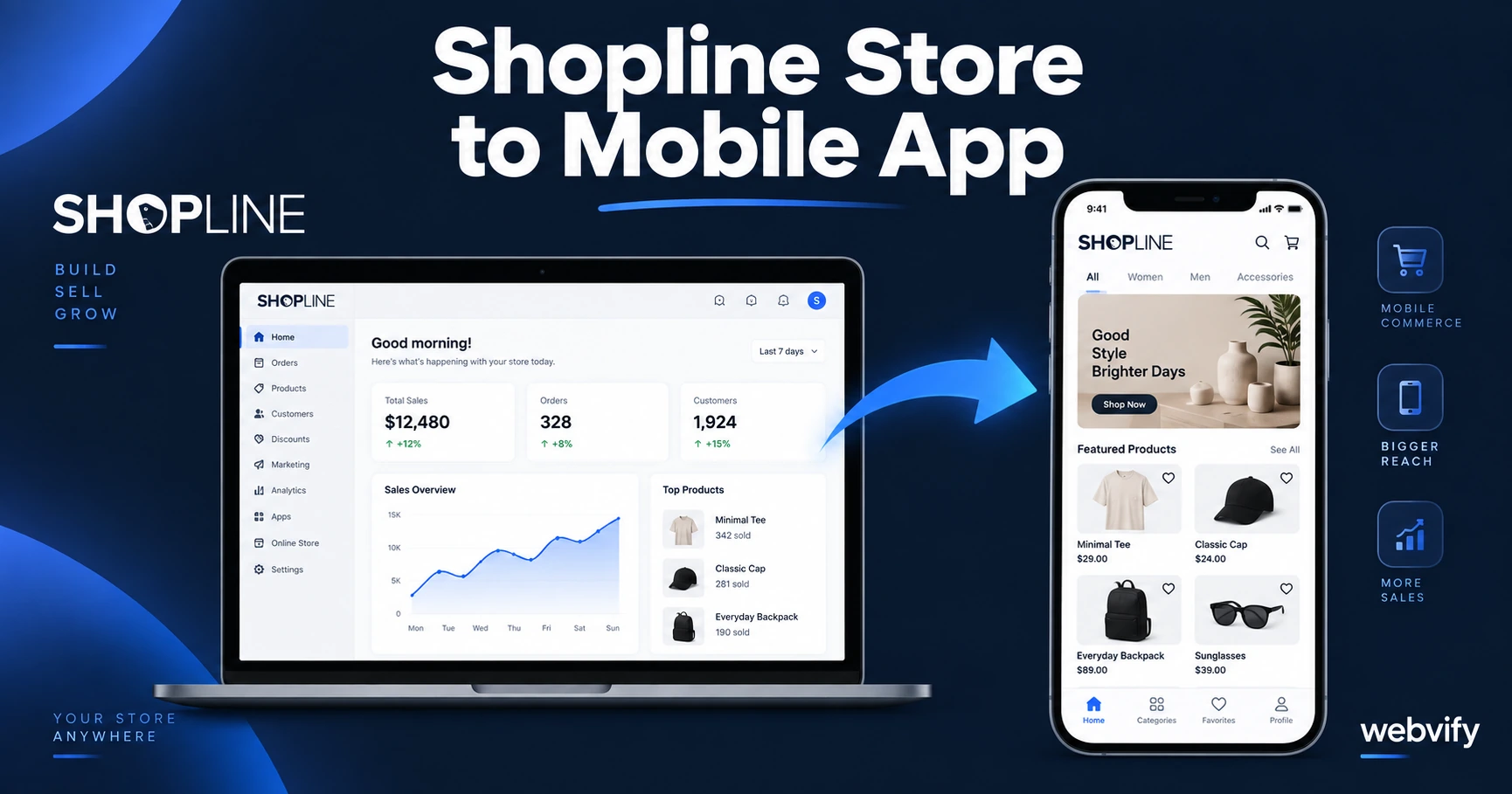
Shopline has no App Store export. Here's how to turn your Shopline store into a branded iOS and Android app in days — no developer needed.
Inside this article
Shopline builds the storefront. Getting that storefront into the App Store is a completely separate problem — and Shopline doesn't solve it for you.
If your store runs on Shopline and you want a branded app on the App Store and Google Play, you need a WebView wrapper: a lightweight native shell that loads your existing Shopline store inside a mobile app, then gets submitted to both stores under your name.
This guide covers exactly how that works, what to watch out for, and how to get it done without writing code or hiring a mobile developer.
Why Shopline Doesn't Come with a Mobile App
Shopline is an e-commerce platform — it gives you a hosted store, a product catalog, checkout, and analytics. What it doesn't give you is a path to the App Store or Google Play.
That's not a knock on Shopline. Shopify doesn't either. Neither does WooCommerce, Wix, or most web-based storefronts.
The reason is straightforward: publishing a native mobile app requires a completely different technical stack — an Apple Developer account, a signed iOS binary (IPA), a signed Android bundle (AAB), compliance with App Store and Google Play policies, and a review process that can take 24–72 hours. That's a different product than a hosted e-commerce store.
The result is that Shopline store owners who want a mobile app have two options:
- Build a custom native app from scratch (expensive: $30,000–$100,000, 3–6 months)
- Wrap your existing Shopline store in a WebView app and submit that to both stores
Option 2 is what this guide covers.
What a WebView Mobile App Is (and Isn't)
A WebView app loads your existing website inside a native mobile shell. The shopping experience, the checkout, the product pages — all of it is your Shopline store, exactly as it is.
What the native shell adds:
- An App Store listing under your brand name
- Push notifications to re-engage customers (a channel Shopline's web store can't reach)
- A home screen icon — your logo on your customer's phone
- App Store discovery — customers can find you by searching your brand or category
What it doesn't add: A full rebuild of your store in native Swift or Kotlin. Your app is your Shopline store.
For most Shopline merchants, that's exactly what they need. If you already have a functioning store, the goal isn't to rebuild it — it's to get it onto the home screen.
How to Turn Your Shopline Store Into a Mobile App
The process has three phases: setup, build, and submission.
1. Confirm Your Store Is App-Ready
Before building, check two things:
Custom domain: Your Shopline store must be on your own domain (e.g., yourstore.com), not a Shopline subdomain. Both the App Store and Google Play require apps to load a verified domain.
Mobile responsiveness: Open your Shopline store on a phone. If the layout breaks or buttons are too small, the app will inherit those issues. Fix the mobile experience first.
2. Build the WebView App
A WebView wrapper takes your Shopline store URL and packages it as a native iOS app (Xcode project) and Android app (Android Studio project). The build process sets up:
- Splash screen and icon with your branding
- Push notification infrastructure (APNs for iOS, FCM for Android)
- Deep linking so push notifications open specific product pages
- Navigation gestures (back swipe on iOS, hardware back button on Android)
Services like Webvify handle this build end-to-end — you provide your store URL and branding assets, and they produce a tested, compliant app ready for submission.
3. Submit to the App Store and Google Play
This is where most Shopline merchants get stuck. Submitting to both stores requires:
- An Apple Developer account ($99/year) and an App Store Connect listing
- A Google Play Developer account ($25 one-time) and a Play Console listing
- A completed Data Safety form (Google Play)
- A privacy policy URL
- Screenshots, app description, and keyword metadata
The review itself takes 24–48 hours on average. Apple's review is more stringent; Google's is faster.
Done-for-you services submit under your developer accounts so the app is listed in your name — not theirs. That matters if you ever need to switch providers.
What to Watch Out For: App Store Rules for Shopline Sellers
Two Apple guidelines affect Shopline stores directly.
Guideline 3.1.1 — In-App Purchases for Digital Goods
If your Shopline store sells digital products — downloadable files, digital licenses, subscriptions to digital content — Apple requires those purchases to go through Apple's IAP system, with a 30% fee. The workaround is to redirect users to an external browser (Safari) for any digital product checkout. Physical goods (clothing, accessories, home goods) are exempt.
Most Shopline stores sell physical products, so this isn't an issue. But if you sell digital downloads alongside physical goods, flag the digital checkout flows before submission.
Guideline 4.2 — Minimum Functionality
Apple rejects apps that are "just a website in a frame." Your app needs to demonstrate genuine value beyond the mobile website. Push notifications satisfy this requirement cleanly — they're a capability the mobile web version can't match. If you're setting up push notifications anyway (which you should), Guideline 4.2 compliance is covered.
If your store already works well on mobile, push notifications + home screen presence is enough to pass review. For more detail on avoiding common rejection triggers, this guide covers WebView app rejection prevention →.
How Long Does It Take and How Much Does It Cost?
Timeline:
- Build + branding setup: 1–3 business days
- App Store review: 24–48 hours (can be longer for first submissions)
- Google Play review: 24 hours typically
- Total time to live: 3–7 business days from start
Cost comparison:
Custom native development: $30,000–$100,000 upfront + ongoing developer costs for every update
WebView wrapper (managed service like Webvify): A fraction of the cost, with App Store submission included and no ongoing developer dependency — your Shopline store updates automatically push through to the app.
The managed service approach also means you're not on the hook for re-submitting every time Apple or Google updates their compliance requirements. The service handles those updates.
For context on how web-to-app pricing compares across providers, this breakdown covers the real cost layers →.
FAQ
Can I turn my Shopline store into a mobile app without coding?
Yes. A WebView wrapper service builds and submits the app for you — no code required on your end. You provide your Shopline store URL, branding assets (logo, colors, splash screen), and developer account credentials. The service handles the build, compliance testing, and App Store/Google Play submission.
Will my Shopline store updates appear in the app automatically?
Yes. Because the app loads your live Shopline store URL, any change you make to your store (new products, sale prices, content) appears in the app immediately — no app update required. You only need to re-submit to the stores if you change the native wrapper itself (push notification settings, branding, app version).
Does my Shopline app need a separate checkout from the website?
No. Your app uses the same Shopline checkout your customers already use on the web. The only exception is if you sell digital products — in that case, the checkout flow for digital items should redirect to an external browser to comply with Apple's IAP policy (Guideline 3.1.1).
Your Shopline store is already built. Getting it onto the App Store and Google Play is the final step — and it doesn't require starting over or hiring a developer.
Webvify turns your Shopline store into a branded mobile app and handles everything from build to App Store submission. Get your app live in days, not months.