

How to Turn Your Shopify Store Into an Android App (Without a Developer)
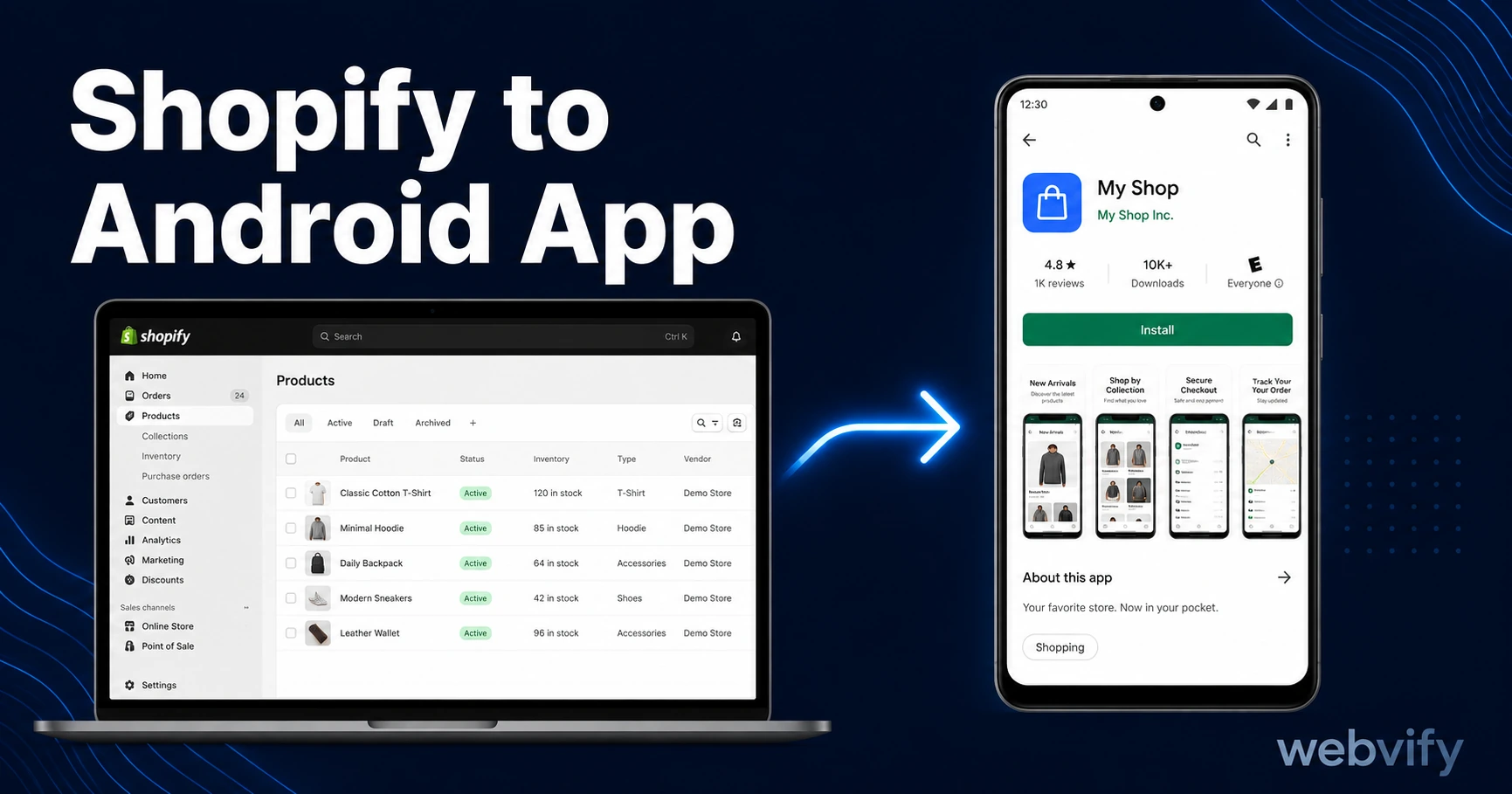
Want a Shopify Android app on Google Play? Here's what it costs, what it takes, and how to get it done in days — no developer needed.
Inside this article
- Why Android Matters for Shopify Sellers
- What "Shopify to Android App" Actually Means
- The Google Play Compliance Requirements for Shopify Apps
- The Step-by-Step Process to Shopify Android App
- How Android Compares to the iOS Process
- What to Look for in a Shopify Android App Service
- Frequently Asked Questions
Sixty percent of global smartphone users are on Android. If your Shopify store isn't on Google Play, that's half your market accessing you through a browser instead of a branded app on their home screen.
Shopify doesn't offer a native Android export — there's no button in the admin panel that produces an app. But the gap is bridgeable, and you don't need a mobile developer to do it.
Why Android Matters for Shopify Sellers
Android holds around 72% of the global smartphone market. In emerging markets — Latin America, Southeast Asia, Eastern Europe — that number climbs even higher. If your Shopify store ships internationally or targets price-sensitive buyers, your customers are almost certainly majority Android.
The difference between a browser visit and an app visit is significant. Mobile apps convert at 3–5% on average, compared to 1–2% for mobile web. That gap compounds over time. A customer who installs your app gets a shortcut on their home screen, sees your push notifications, and shops in a dedicated environment without browser tab competition.
Getting your Shopify store listed on Google Play puts you in the same league as brands who have dedicated dev teams — at a fraction of the cost.
What "Shopify to Android App" Actually Means
You don't rebuild your Shopify store from scratch. That would take months and cost tens of thousands of dollars in native Android development.
The standard approach is a WebView wrapper: a native Android app shell that loads your existing Shopify storefront inside it. Your store's design, product listings, cart, checkout, and any custom apps you've added all carry over automatically. When you update your Shopify store, the changes appear instantly in the app — no app update needed.
The result is a real Android app — listed on Google Play, downloadable by your customers, with your brand name and icon.
The Google Play Compliance Requirements for Shopify Apps
Google Play has specific requirements that you need to meet before submission. These aren't optional, and skipping any of them results in rejection.
Data Safety Form. Every Android app must disclose what data it collects, how it's stored, and whether it's shared with third parties. Your Shopify store collects customer names, email addresses, and payment information. You'll need to declare this accurately in the Google Play Console.
Android API Target Level. Google requires all new apps to target a recent Android API level. For 2026, that means API Level 34 or above. If a service provides you with an app binary, confirm it meets this requirement before submission.
Android App Bundle (AAB). Google Play requires submissions in the AAB format, not the older APK format. Any service you use should produce an AAB-ready binary.
Physical goods are straightforward. If your Shopify store sells physical products — apparel, accessories, food, home goods — you avoid the most common Android compliance issue: in-app purchase rules. Google Play billing only applies to digital content. Physical sellers can keep their Stripe-powered Shopify checkout exactly as-is.
If you sell digital products (e-books, courses, subscriptions), you'll need to route Android customers through Google Play billing, which takes a 15–30% fee. Most sellers in this category disable those product types in-app or redirect to a browser for purchase.
The Step-by-Step Process to Shopify Android App
Getting your Shopify store on Google Play follows a predictable sequence.
1. Confirm your store is mobile-ready. Your Shopify theme should already be responsive — most modern Shopify themes are. Test your store on a mobile browser before submission. A broken checkout on mobile will look the same inside the app.
2. Set up a custom domain. Google Play requires apps to have a verified domain. If you're using a .myshopify.com address, you'll need a custom domain before submission. Most Shopify stores already have one.
3. Get a Google Play Developer account. This costs a one-time fee of $25. You'll need it to publish any Android app. The account setup takes a few days to verify.
4. Build and package the app. This is where a WebView wrapper service comes in. Services like Webvify take your Shopify URL, configure push notifications, and build the compliant AAB binary for you — no code required. The build typically takes 1–3 days.
5. Submit to Google Play. Google reviews new apps within 3–7 days. Common rejection reasons at this stage are the Data Safety form mismatch or API level issues — both fixable once identified.
6. Activate push notifications. Once live, set up at least one automated campaign: an abandoned cart recovery sequence and a seasonal sale alert. Push notifications reach your Android customers at 60–90% open rates, compared to 20–30% for email.
How Android Compares to the iOS Process
If you're also planning an iOS version, the Android process is generally smoother for first-time submitters.
Google Play reviews take 3–7 days for new accounts and provide more specific rejection feedback. Apple's review is more prescriptive, especially for WebView apps — Guideline 4.2 requires demonstrable functionality beyond a simple website wrapper. Apple also charges $99 per year for a developer account, compared to the $25 one-time Google Play fee.
For Shopify stores selling physical goods, both platforms have straightforward approval paths. Starting with Google Play is a reasonable approach — the lower cost and clearer feedback make it a forgiving first submission. For the iOS path, see How to Turn Your Shopify Store Into an iOS App.
What to Look for in a Shopify Android App Service
There are several ways to get your store on Google Play, and they vary significantly in what they deliver.
Look for a service that:
- Submits under your own Google Play Developer account (not their shared account)
- Handles the Data Safety form and API compliance on your behalf
- Provides push notification support, not just the app binary
- Gives you an admin panel to manage notifications after launch
- Has a track record of approved Shopify apps on Google Play
Avoid services that promise instant results without reviewing your store. The submission process has human review steps — anyone claiming same-day Google Play approval is overstating what they can deliver.
Frequently Asked Questions
How much does it cost to put a Shopify store on Google Play?
The main costs are the Google Play Developer account ($25 one-time fee) and whatever service you use to build and submit the app. DIY approaches using free WebView templates are possible but require technical setup. Managed services that handle the build, compliance, and submission typically cost a few hundred to a few thousand dollars as a one-time fee. Ongoing costs usually cover push notification infrastructure.
Do I need a developer to create a Shopify Android app?
No. WebView wrapper services handle the technical parts — building the app binary, meeting Google Play compliance requirements, and managing the submission process. You provide your Shopify store URL and handle the Google Play Developer account registration. The rest is managed for you.
How long does it take to get a Shopify app on Google Play?
From start to first submission: typically 5–10 days. Google Play takes 3–7 days to review new apps from new developer accounts. If your submission is rejected for a fixable reason — which is common on first attempts — add another 3–5 days for correction and resubmission. Most Shopify stores are live on Google Play within two to three weeks of starting the process.
Ready to get your Shopify store on Google Play? Webvify handles the build, compliance, and submission end-to-end — your app listed on Google Play in days, not months. Start here →