

Scaling Your SaaS: Why a Mobile App is the Next Step for High-Growth Platforms in 2026
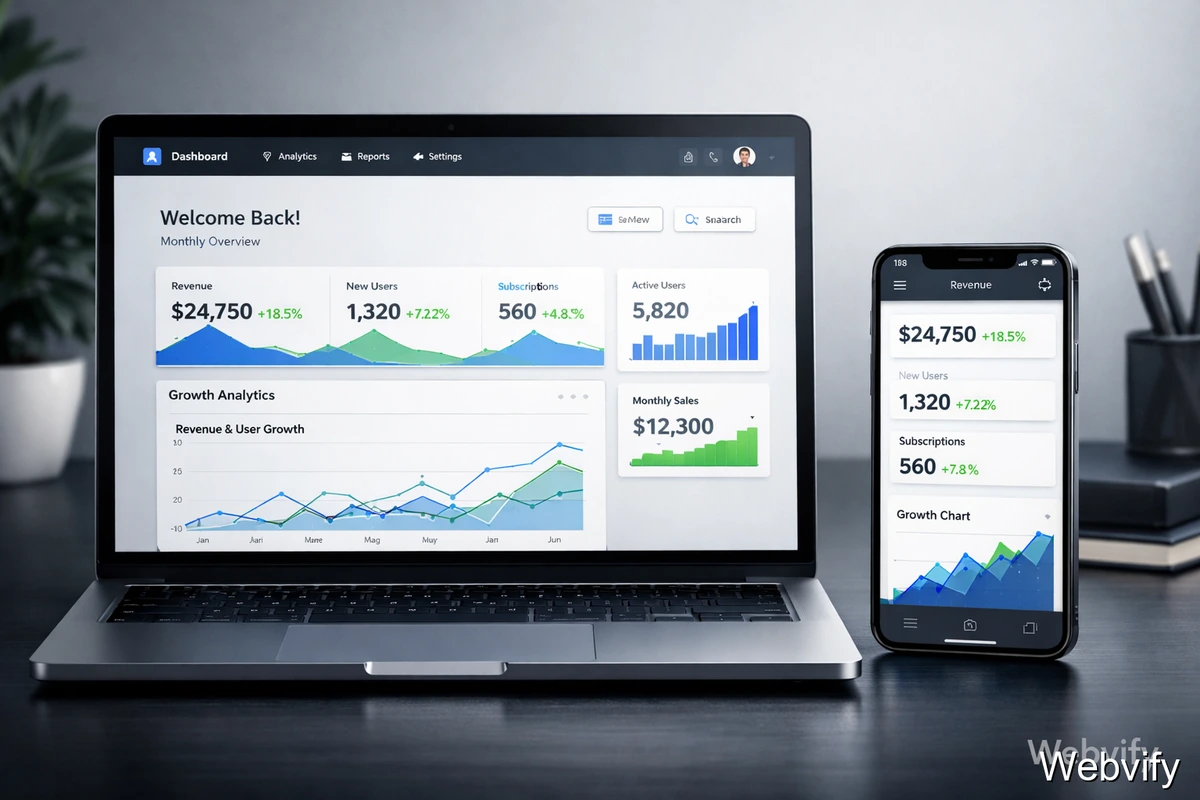
Is your SaaS stuck in a browser tab? Learn how a mobile app can reduce churn and boost daily engagement in 2026.
Inside this article
- The engagement problem most SaaS teams misdiagnose
- Why web-only SaaS hits a ceiling (even with a great product)
- A realistic scenario (with numbers): what changes when SaaS adds a mobile app
- The key idea: feature parity is not the goal
- Where WebView apps fit (plain English)
- Why a mobile app increases retention (even if your SaaS is already good)
- A simple mobile app rollout plan (that doesn’t derail your roadmap)
- Common objections (and honest answers)
- The 2026 reality: web is acquisition, mobile is retention
- Start here
The engagement problem most SaaS teams misdiagnose
If you run a SaaS product, you probably track the usual numbers: website traffic, trial signups, activation rate, and churn.
When growth slows, it’s tempting to assume you need more top-of-funnel. More ads. More SEO. More “awareness.”
But for many high-growth SaaS products in 2026, the real problem is simpler:
Your product is living in a browser tab.
Tabs are where intent goes to die.
People open your app, check one thing, get interrupted, and move on. Later they can’t find the tab. Or they don’t bother. Over time, usage drops, the habit never forms, and churn looks “mysterious.”
This is the engagement gap: your product might be valuable, but the web-only experience makes it too easy to forget.
A mobile app doesn’t fix bad product-market fit. But for SaaS products that already deliver value, a mobile app can be the difference between:
- “Users like us” and “Users depend on us”
- “Monthly check-ins” and “Daily workflows”
- “Stagnant expansion revenue” and “Upsells that feel obvious”
Why web-only SaaS hits a ceiling (even with a great product)
Web apps are amazing for complex workflows. Dashboards, admin panels, reporting, long-form content creation—web wins.
But mobile behavior is different.
On mobile, users want:
- Instant access
- Quick actions
- Fewer logins
- A short path from “I should do this” to “Done”
The browser gets in the way:
- Tab fatigue: your app competes with everything else the user opened today.
- Re-auth friction: sessions expire. Password managers fail. MFA interrupts.
- Weak re-engagement: email is slow. SMS is noisy. Browser notifications are inconsistent.
- No “home screen memory”: installed apps become habits. URLs don’t.
If your SaaS needs frequent touchpoints to create retention (and most do), web-only is a handicap.
A realistic scenario (with numbers): what changes when SaaS adds a mobile app
Let’s use a realistic example.
Imagine a B2B SaaS product called FlowDesk (a lightweight CRM + task pipeline). It’s web-only.
Before mobile app
- 9,500 total customers (SMBs)
- 1,200 new trials/month
- Trial-to-paid: 13%
- Average seats per account: 6
- ARPA (avg revenue per account): $145/month
Engagement:
- Weekly active users (WAU): 24%
- Daily active users (DAU): 7%
- Average sessions per user per week: 1.4
Retention:
- Logo churn: 3.2% monthly
- Expansion revenue: slow (upsells mostly during annual renewals)
The product is solid. Customers like it. But it doesn’t become a daily tool.
After mobile app (focused on “utility,” not full parity)
FlowDesk ships a mobile app that does three things exceptionally well:
- Inbox + notifications for assigned tasks and mentions
- Fast updates (move deal stage, add note, complete task)
- Quick search (find a contact, open a pipeline card)
Within 90 days:
- 38% of active accounts install the app on at least one device
- Power users (team leads / sales reps) adopt the most
Engagement shifts:
- WAU: 24% → 36%
- DAU: 7% → 14%
- Sessions/user/week: 1.4 → 3.1
Retention improves:
- Monthly logo churn: 3.2% → 2.4%
That doesn’t sound dramatic until you do the math.
If you have 9,500 customers:
- 3.2% churn/month ≈ 304 churned accounts
- 2.4% churn/month ≈ 228 churned accounts
That’s 76 fewer churned accounts per month.
At $145 ARPA, that’s $11,020/month retained (and it compounds).
Now expansion:
With push notifications and better mobile access, the product becomes more visible. Teams start asking for:
- More seats (because more people are actually using it)
- Higher-tier features (automations, reporting, integrations)
FlowDesk sees expansion revenue per month increase by 18%.
Same product. Same backend. Different channel.
The key idea: feature parity is not the goal
Many SaaS teams delay mobile because they think:
“We can’t rebuild everything for mobile.”
Good. Don’t.
In 2026, the winning approach is utility > parity.
Your web app can stay the “control center.” Mobile should become the “action layer.”
A simple way to decide what belongs on mobile:
Put this on mobile
- Anything time-sensitive (approvals, alerts, task updates)
- Anything quick (status changes, comments, checklists)
- Anything that reinforces habit (daily check-ins, progress)
Keep this on web
- Heavy configuration
- Complex data tables
- Admin workflows
- Long-form creation
If your mobile app makes the user feel faster and more in control, it wins.
Where WebView apps fit (plain English)
A WebView app wraps your existing web app inside a mobile shell.
Think of it like:
- Your SaaS stays the same
- The app adds the mobile layer around it
This can enable:
- Home screen presence
- Persistent sessions (less re-login)
- Push notifications
- A more “app-like” experience
The advantage is speed.
A full native rebuild is expensive and slow. A WebView approach can get you to the market faster, validate the impact, and iterate.
That’s where Webvify is useful: you can ship a mobile presence quickly without turning your roadmap into a two-year rewrite.
Why a mobile app increases retention (even if your SaaS is already good)
Retention is mostly habit.
A mobile app helps habits form because:
1) It reduces the “time-to-value” moment
If a user can complete a task in 10 seconds on mobile, they do it now.
On web, they postpone it.
2) It creates a re-engagement channel that actually works
Email is easy to ignore.
Push notifications are harder to miss and require less effort:
- “2 tasks waiting for approval”
- “New comment on the client deal”
- “Your weekly pipeline review is ready”
The key is relevance. Push is powerful when it’s tied to real work.
3) It improves perceived reliability and trust
When a SaaS has an App Store / Google Play presence, it feels more established.
For B2B buyers, trust affects renewals and expansions.
4) It supports the “micro-usage” pattern
SaaS usage isn’t one big session.
It’s 20 small moments:
- check status
- reply to comment
- update a field
- approve a request
Mobile is built for that.
A simple mobile app rollout plan (that doesn’t derail your roadmap)
Here’s a practical sequence that works for many SaaS teams.
Step 1: Define your “mobile jobs”
Pick 3–5 user actions that:
- happen frequently
- create retention
- are painful on mobile web
Examples:
- Approve / reject requests
- Update status
- Comment / mention
- Search and open a record
Step 2: Ship fast, then improve
Your first mobile release doesn’t need everything.
It needs:
- smooth navigation
- fast login
- great performance on those key actions
Step 3: Add push notifications (carefully)
Start with:
- assignments
- mentions
- reminders for incomplete actions
Avoid spam. Push only matters when it feels like help.
Step 4: Drive adoption in-product
Don’t rely on email alone.
Use in-app prompts:
- “Get 1-tap access on mobile”
- QR code on dashboard
- Benefits list (faster updates, alerts)
Step 5: Measure impact
Track:
- DAU/WAU changes
- churn cohorts (app users vs non-app)
- time-to-action
- expansion revenue
If the app improves your core metrics, double down.
Common objections (and honest answers)
“Our SaaS is too complex for mobile.”
That’s why you don’t aim for parity.
Ship utility. Keep complexity on web.
“Will a WebView app feel cheap?”
It can, if done poorly.
But with the right configuration, navigation, performance tuning, and push integration, it can feel polished and “native enough” for the workflows you choose.
“Will Apple/Google reject it?”
They can reject low-effort wrappers.
The fix is to ship real value:
- clear navigation
- proper settings pages
- a stable experience
- meaningful app behavior
A WebView approach still needs to respect platform guidelines.
“Shouldn’t we build native?”
Native is great when you need deep device features or high-performance UI.
But for most SaaS teams, the priority is speed-to-market and retention impact.
A WebView app is often the fastest way to validate results.
The 2026 reality: web is acquisition, mobile is retention
For many SaaS products:
- Web is where discovery and deep work happens
- Mobile is where habits form
If you only have web, you might be paying for growth while leaving retention on the table.
A mobile app won’t replace your web platform.
It complements it—and it can become your most profitable channel because it protects revenue you already earned.
Start here
If you want to ship a mobile app without turning your roadmap into a rewrite, Webvify can help you convert your SaaS into a WebView-based mobile app and get to market quickly.