

How to Turn Your React App Into a Mobile App (Without Rewriting It)
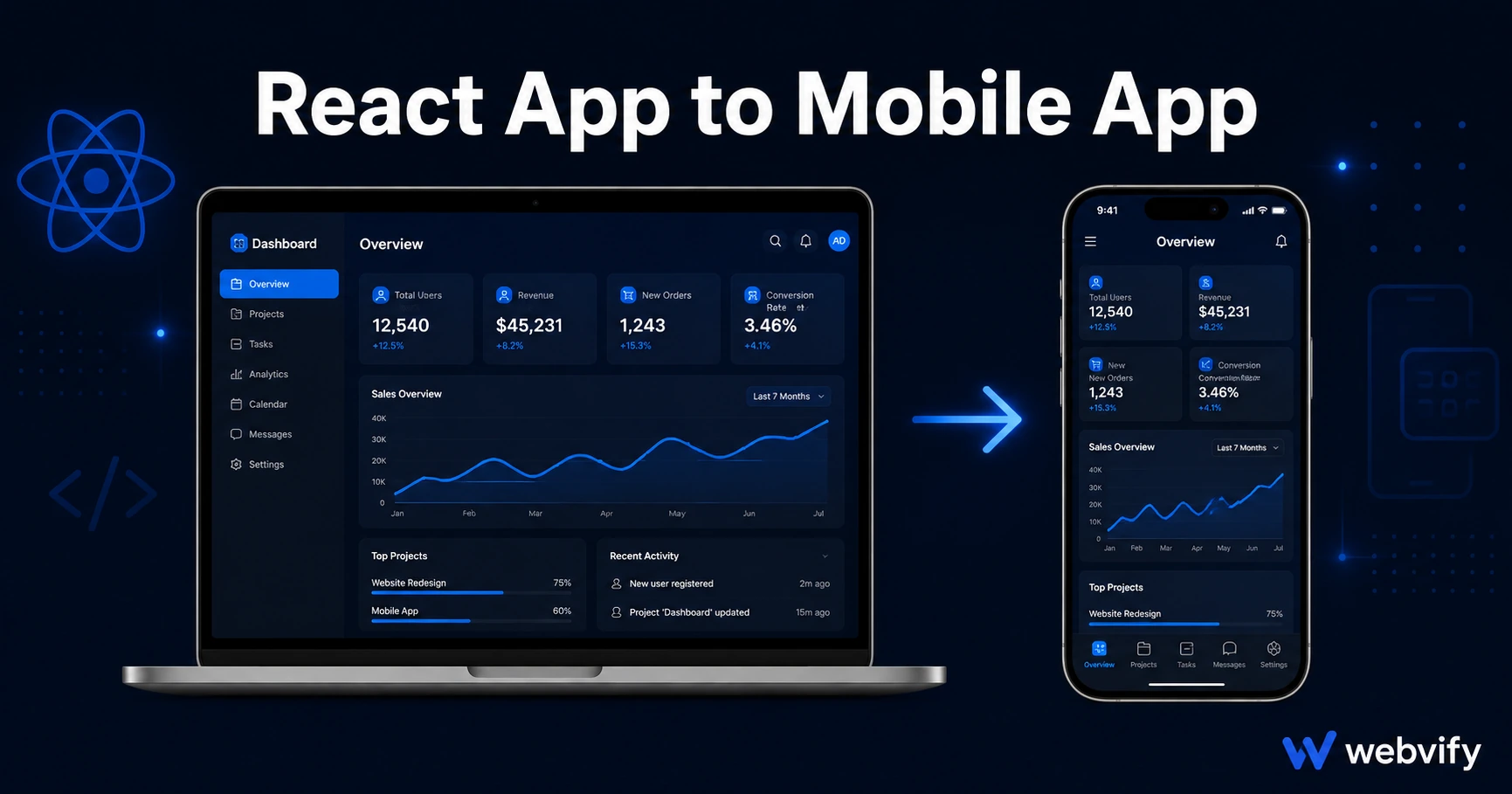
Your React web app can be on the App Store and Google Play without rewriting in React Native. Here's exactly how it works and what to watch out for.
Inside this article
- Why You Can't Submit a React App Directly to the App Store
- What a WebView Wrapper Does for Your React App
- What You Need Before Submitting Your React App to the Stores
- One React-Specific Gotcha: OAuth Popups
- The Submission Process for a React App
- After Launch: Updating Your React App
- How Long Does It Take to Publish a React App?
- FAQ
Your React app runs perfectly in a browser. The App Store and Google Play only distribute native binaries — not URLs. If you've been told that means rewriting in React Native or Flutter, you've been told something expensive and unnecessary.
There's a faster path: wrap your existing React web app in a thin native shell, publish that shell to the stores, and your app becomes a listed, downloadable iOS and Android app without touching your React codebase.
Here's exactly how it works, what to watch out for, and how long it takes.
Why You Can't Submit a React App Directly to the App Store
Apple and Google require apps to be packaged as native binaries — an IPA file for iOS, an AAB file for Android. A React app hosted at a URL doesn't meet this requirement, no matter how polished it is.
This is true whether your app is built with Create React App, Vite, or a framework like Next.js or Remix. The stores evaluate what's delivered to the device, not how it was built.
The solution isn't to stop using React. It's to add a native container that loads your React app inside it — a pattern called a WebView wrapper.
What a WebView Wrapper Does for Your React App
A WebView wrapper is a minimal native iOS and Android app that does one thing: it loads your web app URL in a full-screen browser component built into the OS.
From the user's perspective, it looks and feels like a native app. It installs from the App Store, sits on the home screen, opens instantly, and can receive push notifications. From your perspective, your React app stays exactly as it is — no changes to your code, no rebuilding your UI.
Apple and Google both review and approve WebView apps every day. The App Store Guidelines don't prohibit this approach — they regulate it. The requirement under Guideline 4.2 is that the app provides a complete, functional experience. A polished React SPA that works well on mobile meets this bar.
If your React app has authentication, routing, forms, or e-commerce, all of that carries over inside the wrapper.
What You Need Before Submitting Your React App to the Stores
Before a WebView wrapper can go to the stores, three things must be in place.
A custom domain. Apple and Google reject apps that load from subdomains like myapp.vercel.app or myapp.netlify.app. Your app needs to be served from a domain you own — yourapp.com or app.yourapp.com both work.
Full mobile responsiveness. The wrapper runs your app at mobile screen dimensions with no browser chrome. Anything that only looks good at a 1200px viewport will look broken. Test your React app on iPhone and Android screen sizes before submitting.
A plan for digital purchases. If your app sells digital goods — subscriptions, in-app credits, premium content — Apple's Guideline 3.1.1 requires those purchases to go through Apple's payment system. The standard fix is to redirect purchase flows to your external website. Physical products and appointment booking services are exempt.
One React-Specific Gotcha: OAuth Popups
Many React apps handle login via Google, GitHub, or Facebook OAuth — flows that open a popup or redirect in the browser. Inside a WebView, popup windows don't behave the same way they do in a full browser.
If your app uses popup-based OAuth, switch to a redirect-based flow before submitting. Most OAuth providers support both options. In-WebView redirect login works cleanly; popup-based login does not.
If your app uses cookie-based sessions, those persist normally inside the WebView — no changes needed.
Services like Webvify flag these issues during the pre-build check so you know what to fix before a reviewer sees it.
The Submission Process for a React App
Once your app is ready, the actual publishing process has three parts.
Developer accounts. Apple charges $99/year for an Apple Developer account. Google Play is a one-time $25 fee. Both require business or personal details and take 1–3 business days to activate.
App packaging. This is where a WebView wrapper is built around your React app URL, configured with your app name, icon, splash screen, and push notification settings. The output is an IPA for Apple and an AAB for Google.
Store review. Apple's review takes 24–48 hours on average for a first submission. Google Play typically approves in 1–3 days. If the reviewer flags anything, you fix it and resubmit at no extra cost.
For a detailed look at what reviewers flag most often in WebView apps — and how to pass on the first try — see the App Store rejection prevention guide.
After Launch: Updating Your React App
This is where the WebView approach compounds in value. When you update your React app — new feature, bug fix, UI change — the update is live for all users the moment you deploy to your web server. No app store resubmission. No waiting for review.
App store resubmission is only needed if you change the native shell itself: push notification settings, icon, or permissions. Everything that lives in your React codebase deploys as usual.
If you're using Next.js with server-side rendering instead of a pure client-side React app, the process is nearly identical — see the Next.js to mobile app guide for framework-specific details.
How Long Does It Take to Publish a React App?
From decision to live on both stores, the typical timeline:
- Custom domain and responsiveness check: 1–2 days if not already done
- App packaging and configuration: 1 day
- Apple review: 1–3 days
- Google Play review: 1–3 days
Most React apps are live on both stores within 5–10 days of starting the process.
FAQ
Can I submit a React app built with Vite or Create React App to the App Store?
Yes. The App Store evaluates the packaged IPA file, not your source code. Any React app that runs in a browser and is served from a custom domain can be wrapped and submitted — it doesn't matter whether you used Vite, Create React App, or any other build tool.
Do I need to rewrite my app in React Native to get it on the App Store?
No. React Native is a separate framework that builds native UIs using JavaScript components. A WebView wrapper takes your existing React web app and packages it as a native binary without any code changes. Both approaches end up in the App Store, but a WebView wrapper is significantly faster and cheaper for apps that already run as websites.
Will push notifications work after wrapping my React app?
Push notifications require a native layer — they can't be sent through a web app alone. A WebView wrapper adds this native layer, so push notifications work as part of the published app. You configure the notification settings during the wrapper build process, and the actual message delivery happens through Apple's APNs and Google's FCM.
Ready to get your React app into the App Store without rewriting it? Webvify converts your web app into a fully published iOS and Android app end-to-end — no Xcode, no Swift, no App Store navigation on your own.