

Turn Your Property Management Tenant Portal Into a Mobile App: Fewer Late Payments, Faster Maintenance
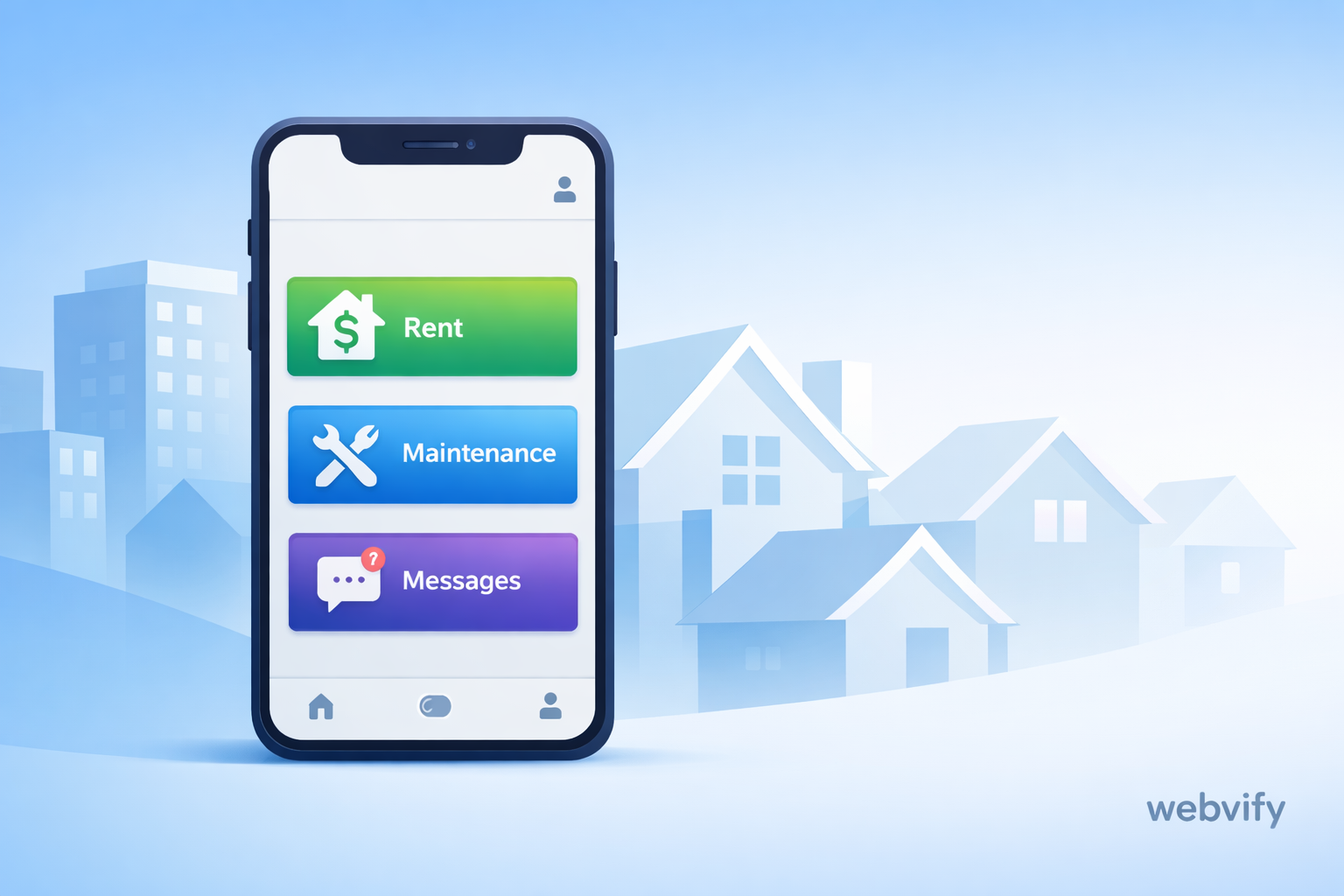
How property managers can cut late payments and speed up maintenance by turning a tenant portal into a mobile app with push notifications and better mobile UX.
Inside this article
- Quick Summary
- Who This Is For
- The Real Problem: Your Portal Works, But Tenant Behavior Doesn’t
- What Changes When It Becomes a Mobile App
- The Business Outcomes to Expect (When It’s Done Right)
- What a Web-to-App Approach Means (In Plain English)
- Features That Usually Matter Most for Tenant Portals
- Common Objections (And How to Think About Them)
- Launch Checklist (Practical, No-Fluff)
- FAQs
- CTA: Make Your Tenant Portal One Tap Away
Quick Summary
- Most tenant portals fail on mobile because tenants forget the URL, lose sessions, and ignore email reminders.
- A mobile app solves the behavior gap: it’s one tap away and can send push notifications.
- You don’t need to rebuild your system. If your tenant portal already works on the web, a web-to-app approach can launch fast.
- The biggest wins usually come from: rent reminders, maintenance workflows, documents, and messaging.
Who This Is For
This is for property management teams that already have a tenant portal (or a portal inside a PMS) and want:
- Fewer late payments and fewer “Did you get my payment?” calls
- Faster, clearer maintenance requests (with photos, updates, and less back-and-forth)
- Better tenant communication without relying only on email
- Higher portal usage without forcing tenants to “remember” it
If you manage multi-family buildings, scattered sites, student housing, or even a smaller portfolio with repeat tenants, the mechanics are similar: mobile habits decide whether your portal is used.
The Real Problem: Your Portal Works, But Tenant Behavior Doesn’t
Most portals cover the basics: pay rent, request maintenance, view documents, maybe message the office.
The issue isn’t “features.” It’s friction on mobile:
- Tenants don’t bookmark the portal.
- Sessions expire, and logins feel annoying on a phone.
- Email gets buried (or filtered), especially for reminders.
- The portal loads slower in a browser and feels less “stable.”
So tenants do what is easiest:
- They wait until the last minute to pay.
- They text the property manager instead of opening the portal.
- They call for updates instead of checking status.
- They submit incomplete maintenance requests (“sink broken”) with no photo, no urgency, and no details.
What Changes When It Becomes a Mobile App
A tenant portal app doesn’t magically add new “capabilities.” It changes access and attention.
1) One-tap access replaces “I forgot the link”
When your portal becomes an app icon:
- Tenants stop searching their email for the URL.
- The portal becomes part of their phone routine.
- Usage goes up even if the features stay the same.
2) Push notifications get seen (and acted on)
Email reminders are easy to ignore. Push notifications show up on the lock screen.
That enables simple, high-impact flows like:
- “Rent due in 3 days”
- “Rent due tomorrow”
- “Payment received — thank you”
- “Maintenance scheduled for Tuesday, 10:00–12:00”
- “Technician marked the job complete — confirm if resolved”
3) Maintenance becomes a clear workflow, not a messy inbox
On mobile, a well-designed app experience makes it easy to submit a complete request:
- Category selection (plumbing, electrical, appliance, etc.)
- Photo upload (so your team can triage faster)
- Unit/location confirmation
- Preferred time windows
- Status updates (submitted → scheduled → in progress → completed)
The result is fewer follow-up questions and fewer “What’s happening with my ticket?” calls.
4) Documents and notices feel “official” and easy to find
Tenants often need:
- Lease documents
- Payment receipts
- Building notices (water shutdown, elevator maintenance, inspection dates)
- Community rules and move-in/out checklists
In a browser portal, these are often buried. In an app, you can make them obvious, searchable, and always accessible.
The Business Outcomes to Expect (When It’s Done Right)
Every portfolio is different, but these are the outcomes property managers usually care about:
Fewer late payments
Not because tenants suddenly become more responsible, but because reminders become unavoidable and payment access becomes easier.
Faster maintenance resolution
Better requests up front (photos + details) and fewer status calls reduces delays and helps your vendors work smarter.
Lower support workload
When tenants can self-serve:
- payment status
- ticket status
- documents and notices
…your team spends less time repeating the same answers.
Higher tenant satisfaction (without expensive extras)
Many “tenant experience” problems are really “communication and access” problems. An app fixes the basics.
What a Web-to-App Approach Means (In Plain English)
A traditional mobile app project often means rebuilding:
- screens
- navigation
- authentication
- integrations
- maintenance workflows
That can take months and a lot of budget.
A web-to-app approach is different:
- You keep your existing tenant portal (the one that already works on the web).
- You wrap it into a mobile app experience.
- Then you add the mobile-specific layer where it matters (like push notifications and better access).
If your portal is already the “source of truth,” this can be the fastest path to getting real results without a full rebuild.
Features That Usually Matter Most for Tenant Portals
If you want the biggest ROI, focus on a few core experiences that remove the most friction.
Rent and payments
- Clear payment CTA
- Payment history and receipts
- Smart reminders (before due date + after due date, if needed)
Maintenance requests
- Photo upload
- Request templates (“My AC is not cooling” asks for different info than “leak under sink”)
- Status tracking and updates
Messaging and announcements
- One place for official communication
- Read receipts (even basic “seen” tracking helps)
- Announcement feed for building-wide updates
Documents
- Lease + addendums
- Notices and policies
- Move-in/out checklists
Common Objections (And How to Think About Them)
“We already have a portal. Why do we need an app?”
Because the portal is not the problem. Mobile access and attention are.
If tenants don’t use the portal consistently, you still pay the cost in late payments, repeat questions, and manual follow-ups.
“An app sounds expensive and slow.”
It can be—if you rebuild everything from scratch.
If you use a web-to-app approach, you can often launch faster because your portal and processes already exist.
“Will tenants actually install it?”
Tenants install apps when the value is obvious and immediate:
- pay rent in seconds
- track maintenance
- get important updates
You also don’t need 100% install rate to see impact. Even partial adoption reduces workload (because the most engaged tenants stop calling and emailing as much).
“What about App Store approval?”
It’s a valid concern, but it’s manageable when your app is clearly a real service app for tenants and includes the right basics (clear purpose, policies, stable behavior).
Launch Checklist (Practical, No-Fluff)
- Confirm your portal works well on mobile (login, payment, maintenance, documents).
- Decide your first “must-win” flows (usually rent + maintenance).
- Draft your notification plan (what triggers, what frequency, what wording).
- Prepare the key screens/areas tenants will use most.
- Set up a simple tenant onboarding flow (QR code, link, short instructions).
- Track 3 metrics for the first 30 days:
- on-time payments
- maintenance request completeness (photos/details)
- support volume (calls/emails about status)
FAQs
Do I need to rebuild my tenant portal to launch an app?
Not necessarily. If your tenant portal already works on the web, a web-to-app approach can turn that experience into a mobile app without rebuilding everything from zero.
Can a tenant portal app support push notifications?
Yes. Push notifications are one of the main reasons portals perform better as apps, especially for rent reminders, maintenance updates, and announcements.
Will this work with the property management system (PMS) we already use?
In many cases, yes—because the app can rely on the same portal experience your PMS already provides. The key question is how your tenants access the portal today and what parts can be improved for mobile.
What’s the minimum feature set for a successful tenant portal app?
Start with: rent payment access + payment history, maintenance requests with photos, ticket status updates, announcements, and documents.
How do we get tenants to adopt the app quickly?
Make the first value clear: “Pay rent faster” and “Track maintenance.” Promote it at move-in, in the portal itself, and via a short email/SMS with a single install link.
How long does it take to launch?
It depends on your portal complexity and what you want on day one. But compared to rebuilding a native app from scratch, a web-to-app approach is usually much faster.
CTA: Make Your Tenant Portal One Tap Away
If you already have a tenant portal and want it to work better on mobile—without turning it into a long, expensive rebuild—Webvify can help you launch a practical tenant portal app with a web-to-app approach: https://webvify.app