

How to Turn Your Patreon Page Into a Mobile App (Without a Developer)
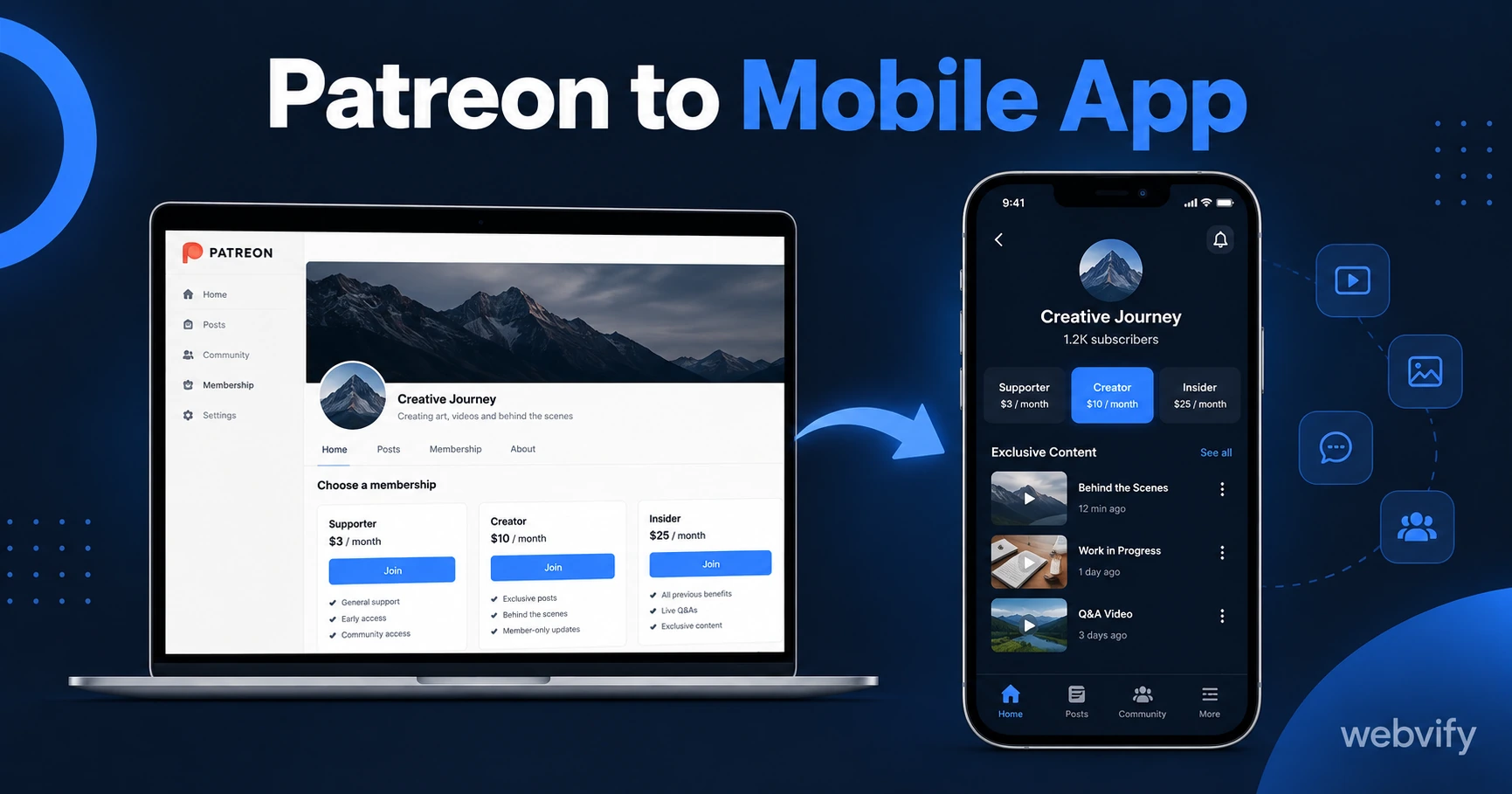
Patreon has no app export. Here's how to turn your Patreon page into a branded iOS and Android mobile app — without rebuilding anything or hiring a developer.
Inside this article
Patreon gives you a monetization platform but no branded mobile app. Your patrons use the same shared Patreon app as every other creator on the platform — with your logo nowhere in the experience.
A WebView wrapper changes that. Here's how to turn your Patreon page into a mobile app that lives on your patrons' home screens, under your name, in the App Store and Google Play.
Why Patreon Creators Don't Have Their Own App
Patreon is a web platform. Every post, tier, live stream, and community feature you publish lives at patreon.com/yourname. When patrons download "the Patreon app," they're downloading a shared app used by millions of creators worldwide.
That means patrons see Patreon's brand, not yours. There's no app builder inside the creator dashboard, no export option, and no way to submit a standalone app to the App Store through Patreon's infrastructure. Your patrons find content through a feed shared with every other creator on the platform.
This is the same limitation creators hit with Substack and Beehiiv — excellent web publishing tools that stop short of letting you brand your own App Store listing. (If you also run a newsletter, this guide covers the Substack approach →.)
How a Patreon Mobile App Works (The WebView Approach)
A WebView app is a native app shell that loads your existing web content. When patrons open it, they see your Patreon page rendered inside an app that looks and behaves like a native iOS or Android experience — your icon on their home screen, your name in the App Store.
You don't rebuild your membership tiers, posts, or community from scratch. The app wraps your existing Patreon URL and packages it into a binary file that Apple and Google accept for their stores. Everything you've already built on Patreon works inside the app without any changes to your content.
The result: patrons find you by searching your name in the App Store, download your app, and get push notifications every time you publish something new. None of that is possible through the shared Patreon app.
Services like Webvify handle this end-to-end — building the WebView wrapper, configuring push notifications, and submitting to both stores under your own Apple and Google developer accounts. You keep full ownership of the app listing; no third-party brand appears in the stores.
The App Store Rule Every Patreon Creator Must Know Before Submitting
This step stops many creators before they get started, but the fix is simple once you understand the rule.
Apple's Guideline 3.1.1 requires that any in-app purchase of digital content — subscriptions, exclusive posts, membership tiers — must go through Apple's In-App Purchase system, not an external processor like Stripe or PayPal. Patreon processes payments through Stripe.
If your app lets patrons sign up for or upgrade their membership while inside the app on iOS, Apple will reject it for bypassing their payment system.
The fix: disable or redirect the sign-up flow to an external browser. New patrons who want to subscribe visit patreon.com/yourname in Safari — outside the app. Existing patrons who are already subscribed log in through the app and access all their content normally. Their tiers, posts, and community activity are fully accessible without triggering any IAP rules.
This is the same pattern used by Udemy, Coursera, and every major subscription platform on iOS. The app delivers the content; new memberships happen on the web.
Google Play has no equivalent restriction. On Android, patrons can subscribe directly inside the app without any modifications.
How to Submit Your Patreon App to the App Store and Google Play
Once the IAP redirect is in place, submission follows a standard process.
You'll need an Apple Developer account ($99/year) and a Google Play Developer account ($25 one-time). Both accounts should be registered under your name or business entity — creator apps sometimes face Apple's Guideline 4.2 minimum functionality review, and having a clear business purpose in your account profile strengthens your submission.
Apple's review for WebView apps typically takes 1–3 business days. Google Play is usually 24–48 hours. The most common rejection reasons for Patreon apps are:
- A payment flow inside the app that routes to Stripe instead of an external browser
- A missing privacy policy URL in App Store Connect (use your Patreon privacy policy page)
- A Guideline 4.2 minimum functionality rejection — fixed by enabling push notifications, which demonstrate native value beyond what the web page alone provides
If you're not familiar with Xcode, Android Studio, or Apple's developer portal, services like Webvify handle every step of the submission process on your behalf.
What You Can Do With a Branded Patreon App
A dedicated app gives you capabilities the shared Patreon platform app cannot provide.
Push notifications. Send a notification the moment you publish a new post, open a limited-tier drop, or start a live stream. Push notifications reach the lock screen at 60–90% open rates — significantly above the 20–30% open rate for creator emails. Patrons notice new content in real time instead of finding it hours later through a feed.
App Store discovery. Patrons searching your name or your brand find your app directly in the App Store. For creators building a recognizable personal brand, an App Store presence carries the same credibility signal as any other professional digital product.
Home screen presence. Your icon on your patrons' home screens is the highest-visibility real estate available on a mobile device. Every time they unlock their phone, your brand is visible — without needing a notification trigger.
If you publish on Beehiiv alongside Patreon, this guide covers how newsletter creators use the same WebView approach →.
FAQ
Can I put my own Patreon page on the App Store as an app?
Yes. Apple and Google both accept WebView apps that load a creator's Patreon page. The key requirement is redirecting new subscription flows to an external browser to comply with Apple's Guideline 3.1.1 regarding digital content purchases. Once submitted under your own developer accounts, the app appears in both stores under your name.
Do my patrons need to create a new account inside the app?
No. Patrons log in through the app the same way they do on the web — with their existing Patreon credentials. Their subscription tier, post access, and community activity are all recognized automatically. The app is a new front end, not a new account system.
How long does it take to get a Patreon app approved on the App Store?
With a prepared WebView build and both developer accounts ready, Apple's review typically takes 1–3 business days. Google Play is usually 1–2 days. From build to live, most apps are available in both stores within a week.
Your patrons are on their phones. Give them a branded app to download, not a shared platform experience. Get your Patreon app on the App Store with Webvify →