

How to Turn Your OpenCart Store Into a Mobile App (Without a Developer)
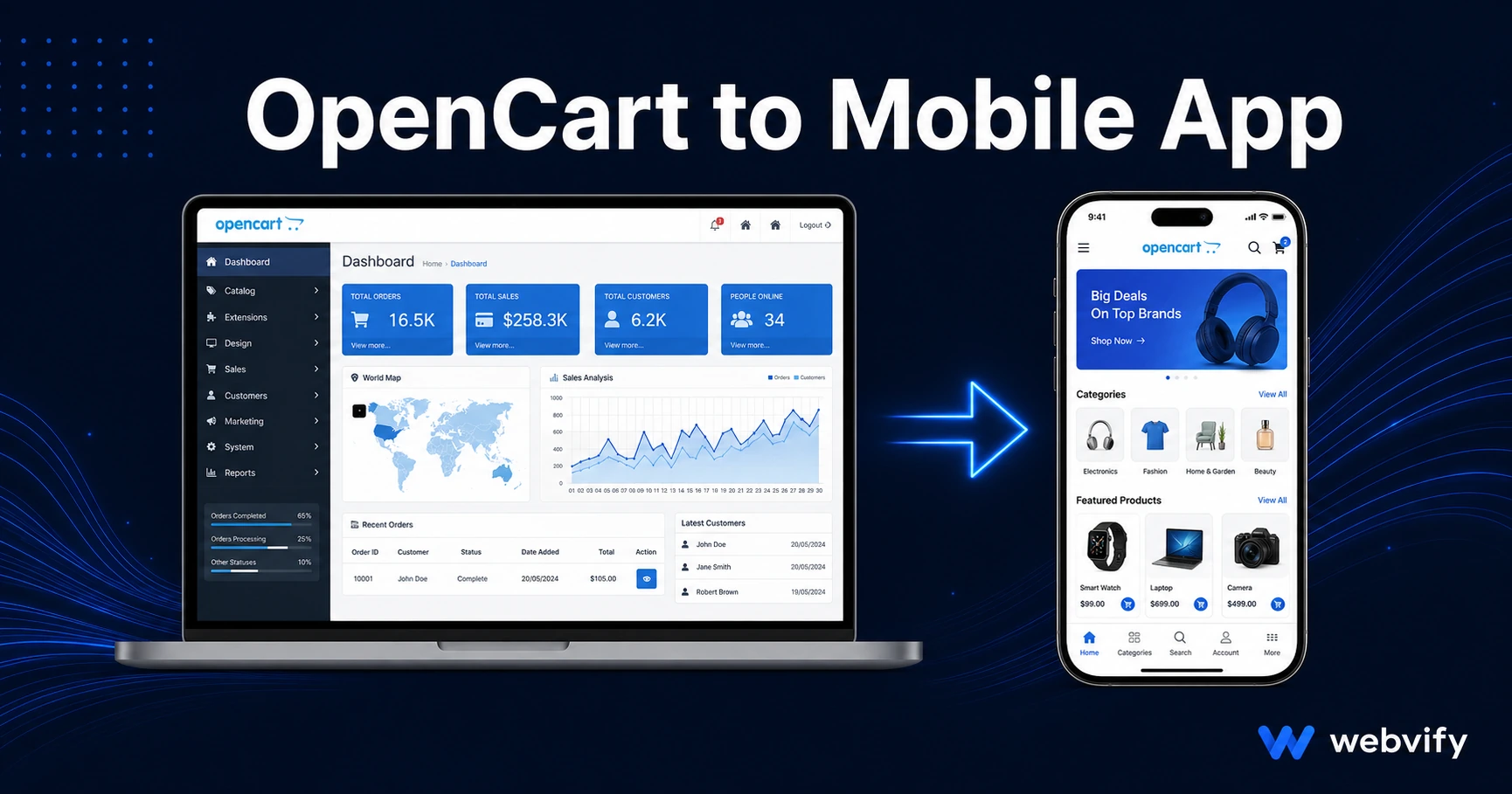
OpenCart has no App Store export. Here's how to convert your OpenCart store into a mobile app, get it on iOS and Android, and avoid the most common rejection triggers.
Inside this article
- Why OpenCart Doesn't Come With an opencart mobile app Option
- What an OpenCart Mobile App Actually Delivers
- OpenCart-Specific Gotchas to Know Before You Start
- The App Store Submission Process for opencart to mobile app
- How Long Does It Take to Get an OpenCart App Live?
- What Happens After Launch
- Frequently Asked Questions
OpenCart powers over 300,000 active stores worldwide — and not one of them has a built-in path to the App Store. If your customers are shopping on mobile and you're still sending them to a browser tab, you're leaving retention on the table.
Here's how to convert your OpenCart store into a fully branded mobile app, get it live on iOS and Android, and sidestep the pitfalls that trip up most first-time submissions.
Why OpenCart Doesn't Come With an opencart mobile app Option
OpenCart is an open-source e-commerce platform. It's excellent at what it does — managing products, orders, and payments in a browser. But the App Store and Google Play don't accept websites. They require native application packages: an IPA file for iOS, an AAB file for Android.
OpenCart has no built-in tool to produce these files. The extensions marketplace has a handful of app-builder plugins, but most of them require a developer to configure and still leave you to handle App Store submission yourself — which is a separate, technical process.
The practical solution used by thousands of e-commerce stores is a WebView wrapper: a native app shell that loads your OpenCart store inside it. Your existing storefront, checkout, and inventory management stay exactly where they are. The app just gives your store a mobile presence on the App Store and Google Play, with push notifications and your branding on customers' home screens.
What an OpenCart Mobile App Actually Delivers
A WebView-based OpenCart app is not a stripped-down shortcut. It delivers the features that matter for mobile shoppers:
- App Store and Google Play listing under your brand name
- Push notifications — the single highest-ROI retention tool for e-commerce
- Home screen icon — no URL bar, no browser chrome, just your store
- Splash screen and custom branding — matches your store's look
- Deep link support — send customers directly to a specific product or category
The limitation worth knowing: if your store sells digital goods, Apple's Guideline 3.1.1 requires that digital product purchases inside the iOS app go through Apple's In-App Purchase system, with a 30% cut. Physical products are exempt. If your catalog is entirely physical, this rule doesn't apply to you.
OpenCart-Specific Gotchas to Know Before You Start
Not every OpenCart store converts cleanly. Here are the things to check before you hand anything off to a developer or service:
Responsive theme compatibility. OpenCart's default themes (Journal, Flatsome, and the newer 4.x default) are mobile-responsive. Older third-party themes from version 2.x may not scale properly on small screens. Test your store on a 375px viewport before starting — anything that breaks in a browser will break in the app.
Payment gateway compatibility. Most major gateways (Stripe, PayPal, Braintree) work inside WebView. The edge case is gateways that redirect to an external browser window to complete payment. Test your checkout flow end-to-end in a mobile browser before assuming it will work in an app.
Digital goods and IAP rules. If any products in your OpenCart catalog are downloadable (software, PDFs, digital licenses), Apple will classify them as digital goods subject to Guideline 3.1.1. The standard fix — used by major platforms including Udemy and Coursera — is to redirect purchase flows to an external browser for digital items only, removing them from the app's in-app purchase scope.
Custom popup extensions. OpenCart's extension ecosystem is large, and some third-party popup or overlay extensions use JavaScript techniques that conflict with WebView sandboxing. If you use a newsletter popup, cookie consent banner, or live chat widget, test each one. Most work fine; the ones that don't usually have a WebView-compatible configuration option.
Google Play Data Safety form. When submitting to Google Play, you'll need to accurately describe what data your store collects and how it's used. This includes anything your OpenCart store already collects — customer emails, addresses, order history. It's not a new requirement, just a declaration.
Services like Webvify handle the submission process end-to-end, including navigating both Apple's and Google's compliance requirements, so you don't need to work through these details yourself.
The App Store Submission Process for opencart to mobile app
Most business owners assume submitting an app requires a developer. The actual barrier is different: it's understanding Apple's and Google's review requirements, not writing code.
Apple App Store:
- Enroll in the Apple Developer Program ($99/year)
- Create an app record in App Store Connect
- Upload your IPA file (the app package)
- Complete metadata: screenshots, description, keywords, privacy policy URL
- Submit for review — typically 24–48 hours
Apple's most common rejection reason for WebView apps is Guideline 4.2 (Minimum Functionality) — apps that are "just a website" without any app-specific features. The fix is ensuring your app includes push notifications and offline handling, which moves it above the minimum functionality threshold.
Google Play Store:
- Create a Google Play Developer account ($25 one-time fee)
- Upload your AAB file
- Complete the store listing and content rating questionnaire
- Fill in the Data Safety section accurately
- Submit — initial review takes 3–7 days; updates are faster
For a step-by-step walkthrough of the iOS submission process, see the App Store submission guide →. For the Android side, the Google Play submission guide → covers the Data Safety form in detail.
How Long Does It Take to Get an OpenCart App Live?
With a done-for-you service, the typical timeline is:
- App build and setup: 1–3 days
- App Store review (Apple): 1–2 days
- Google Play review (first submission): 3–7 days
Total: under two weeks from start to live on both stores. That timeline assumes your OpenCart store is already mobile-responsive and your domain has an SSL certificate.
If you're doing it yourself using an app builder, add time for the learning curve on App Store Connect and Google Play Console, plus any back-and-forth if your submission is initially rejected.
What Happens After Launch
A mobile app is a retention channel, not just a publishing milestone. The stores that get the most value from their OpenCart app use push notifications consistently:
- Abandoned cart reminders (customers who added items but didn't check out)
- Back-in-stock alerts for popular products
- Flash sale announcements
- Order status updates
Push notifications sent from your app reach customers directly on their lock screen. Browser-based web push requires an opt-in that most mobile shoppers never see. That's the core reason mobile app conversion rates are consistently higher than mobile web.
Frequently Asked Questions
Can I use my existing OpenCart theme in the mobile app?
Yes, as long as your theme is mobile-responsive. The app loads your existing storefront inside a native shell — no rebuilding required. If your current theme doesn't display well on small screens, you'd need to update the theme first, which is an OpenCart-level change independent of the app.
Does an OpenCart mobile app work with my existing payment gateway?
Most major gateways (Stripe, PayPal, Square, Braintree) work inside WebView apps without modification. The exception is any gateway that redirects to a separate browser window to complete payment. Test your checkout on mobile before starting the app build.
How much does it cost to convert OpenCart to an app?
The main fixed costs are Apple Developer Program enrollment ($99/year) and Google Play Developer account ($25 one-time). App builder tools range from self-service plans starting around $30/month to done-for-you services that handle the full build and submission. Custom native development starts at $30,000–$50,000+ and takes months — a WebView wrapper delivers 90% of the outcome at a fraction of that cost.
Your OpenCart store already has the product catalog, the checkout flow, and the customer base. The mobile app is the distribution layer that puts your brand on home screens and opens the push notification channel. Webvify converts your OpenCart store into a fully branded iOS and Android app and handles the entire submission process — so you can skip the developer search entirely.