

Mobile App Privacy Policy: Free Template and Step-by-Step Setup Guide
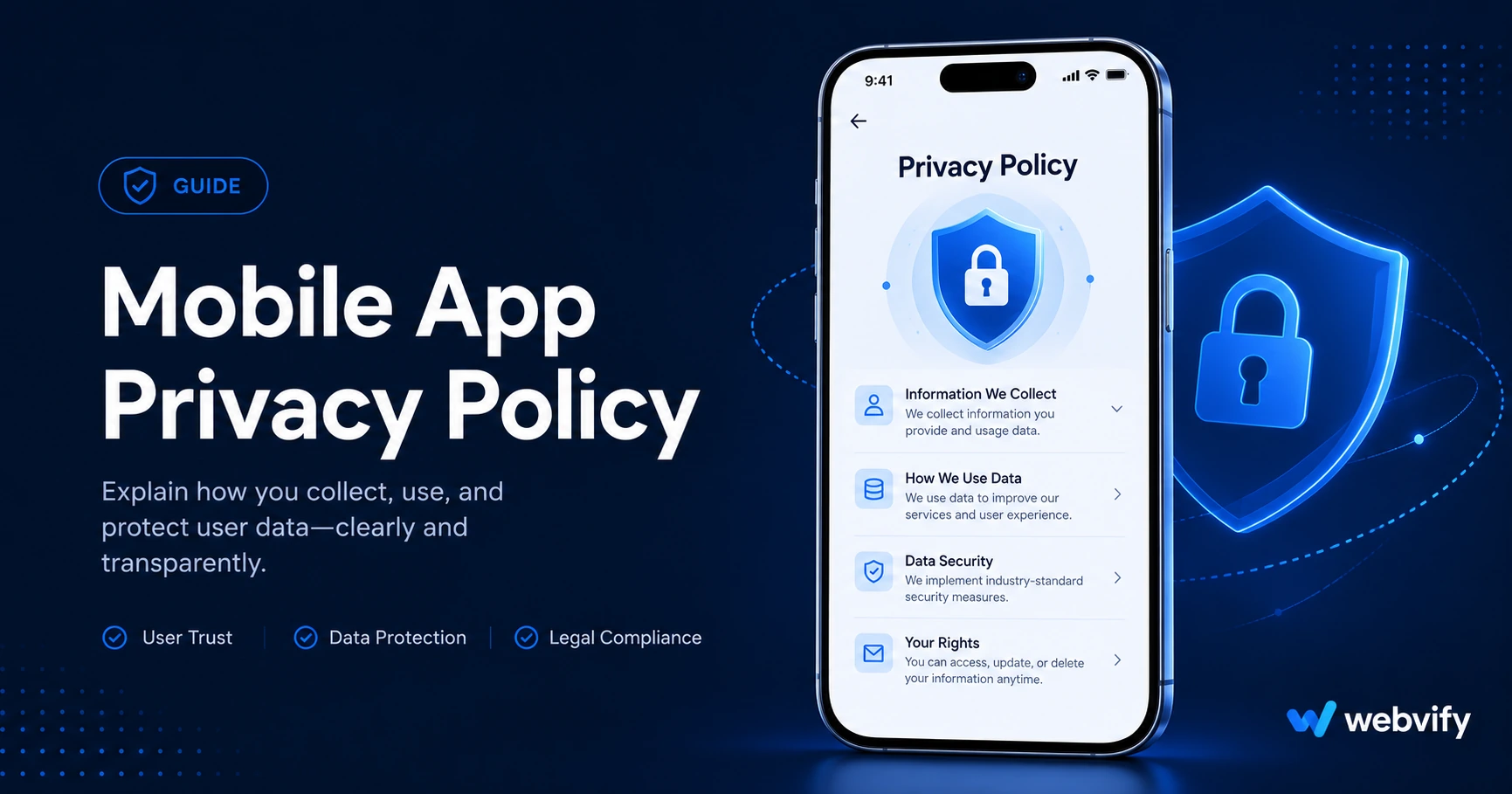
Your app will be rejected without a privacy policy. Here's a free mobile app privacy policy template and step-by-step guide to add it to the App Store and Google Play.
Inside this article
Apple and Google will reject your app if you don't have a privacy policy — even if your app doesn't collect a single piece of user data.
This is the most common submission mistake small business owners make. They spend days getting the app built, submit it to the App Store or Google Play, and get rejected within 48 hours for missing a document that takes less than an hour to set up.
This guide covers exactly what your mobile app privacy policy needs to include, gives you a free template you can adapt, and shows you where to add it on both platforms.
Why Every Mobile App Needs a Privacy Policy
Apple's App Store guidelines (specifically Guideline 5.1.1) require a privacy policy for all apps that collect user data — and a WebView app always collects at least some data through your website (cookies, analytics, form submissions). Google Play has the same requirement under its Data Safety policy.
Even if your app does nothing more than display your website, the App Store treats any web-based interaction as potential data collection. That means a privacy policy is mandatory, not optional.
There is a second reason beyond compliance: users expect it. A customer downloading your branded app and seeing no privacy policy in the App Store listing loses confidence fast. It signals the app was thrown together rather than built with care.
What Your Mobile App Privacy Policy Must Include
A privacy policy for a mobile app doesn't need to be written by a lawyer. It needs to cover five areas clearly and honestly.
1. What data you collect
List the types of data your app or website collects. For most small business apps, this includes: name and email (from contact forms), device identifiers (from analytics tools like Google Analytics), and location data (if your app requests it). Be specific — "we collect usage data" is too vague for App Store review.
2. How you use that data
Explain why you collect each type of data. Common reasons: to respond to inquiries, to send push notifications, to improve the app, or to process orders. Keep it plain and direct.
3. Whether you share data with third parties
If you use Google Analytics, Stripe, Mailchimp, or any booking platform embedded in your app, those are third parties. Name them. You don't need to include every SDK — focus on the ones that handle user data.
4. How long you keep data
Most small businesses can state something simple: "We retain user data for as long as necessary to provide the service and comply with legal obligations."
5. How users can request deletion
Both Apple and Google require you to describe how a user can request their data be deleted. A contact email address is the minimum. If you use a booking or e-commerce platform, check whether it has a built-in deletion workflow.
Free Mobile App Privacy Policy Template
Here is a starter template you can adapt. Replace the bracketed placeholders with your own details.
Privacy Policy for [Your App Name]
Last updated: [Date]
[Your Business Name] ("we", "us", "our") operates the [App Name] mobile application. This policy explains what information we collect, how we use it, and your choices.
Information We Collect
When you use our app, we may collect: your name and email address when you submit a contact form; device information such as your operating system version and device type; usage data collected through analytics tools (currently: [e.g., Google Analytics]); and location data, if you grant permission.
How We Use Your Information
We use this information to: respond to your inquiries; send you push notifications if you opt in; improve app performance; and process orders or bookings made through the app.
Third-Party Services
Our app uses the following third-party services that may collect data: [List services, e.g., Google Analytics, Stripe, Acuity Scheduling]. Each service has its own privacy policy governing its data use.
Data Retention
We retain your data for as long as necessary to provide the service and comply with applicable legal obligations.
Your Rights
You may request access to, correction of, or deletion of your personal data by contacting us at [your email address].
Changes to This Policy
We may update this policy from time to time. Changes will be posted to this page with an updated date.
Contact Us
[Your Business Name] | [your email] | [your website]
This template is a starting point. If your app handles medical data, financial information, or children's accounts, consult a lawyer — those categories have additional legal requirements (HIPAA, PCI-DSS, COPPA).
Services like Webvify include privacy policy guidance as part of their app submission process, so you're not navigating the App Store's requirements alone.
Where to Add Your Privacy Policy on App Store and Google Play
Writing the policy is only half the job. You also need to host it and link it in the right places.
Host the policy
Put the policy on your website at a permanent URL such as yourdomain.com/privacy-policy. Don't use a Google Doc or a third-party generator page — App Store reviewers check that the URL is live and accessible.
App Store Connect
When you submit your app in App Store Connect, there is a required field labeled "Privacy Policy URL" in the App Information section. Paste your policy URL there before submitting. If that field is empty, your app will be rejected automatically before a human reviewer even looks at it.
Google Play Console
In the Play Console, go to your app's Store Listing and scroll to the Privacy Policy section. Paste the same URL. Google also requires you to complete the Data Safety form, which asks you to declare what data your app collects and whether it's shared with third parties. Your privacy policy should match what you declare in that form.
For a full walkthrough of both submission processes, see the App Store rejection prevention guide.
Common Privacy Policy Mistakes That Cause App Rejection
Using a generic generator without reviewing the output. Free privacy policy generators often produce templates that list data categories your app doesn't actually collect. App Store reviewers flag mismatches between what the policy says and what the app does. Review every line before submitting.
Linking to a broken or redirecting URL. If your privacy policy URL returns a 404 or redirects to a different page, App Store Connect will reject the submission. Test the URL in a browser before you submit.
Not matching the Data Safety form to the policy. Google Play cross-references your Data Safety form against your privacy policy. If your policy says you don't collect location data but your website uses geolocation, the form and policy conflict — triggering rejection.
Forgetting to update the policy when you add new features. If you later add push notifications, a loyalty program, or a new analytics tool, update the policy. Outdated policies can cause re-review failures when you submit app updates.
If you want a complete pre-submission checklist covering the most common WebView app rejection reasons, the App Store submission guide covers each step in detail.
Frequently Asked Questions
Do I need a privacy policy if my app doesn't collect any data?
Yes. Both Apple and Google require a privacy policy for all apps, regardless of data collection. Even a WebView app that displays your website will trigger cookies and analytics from your site. The policy can be short — it just needs to exist and accurately describe what data is collected (even if the answer is "minimal analytics data through our website").
Can I use the same privacy policy for my website and my mobile app?
Yes, with a small addition. Your existing website privacy policy is a valid starting point. Add a section that specifically covers the mobile app (push notifications, device identifiers, any mobile-specific data collection). Link to the same URL from both your website footer and your App Store / Google Play listing.
How long does it take Apple to approve an app once the privacy policy is in place?
Apple's review process typically takes 24–48 hours for standard submissions after the privacy policy and all required fields are complete. First-time submissions for a new app occasionally take 3–5 days. The most common delay is a metadata rejection (incomplete information in App Store Connect), not the review itself.
Ready to get your app on the App Store and Google Play without handling the submission process yourself? Webvify builds your app and manages the full submission — privacy policy setup included.