

Mobile App Performance Metrics: What to Track After Your App Goes Live
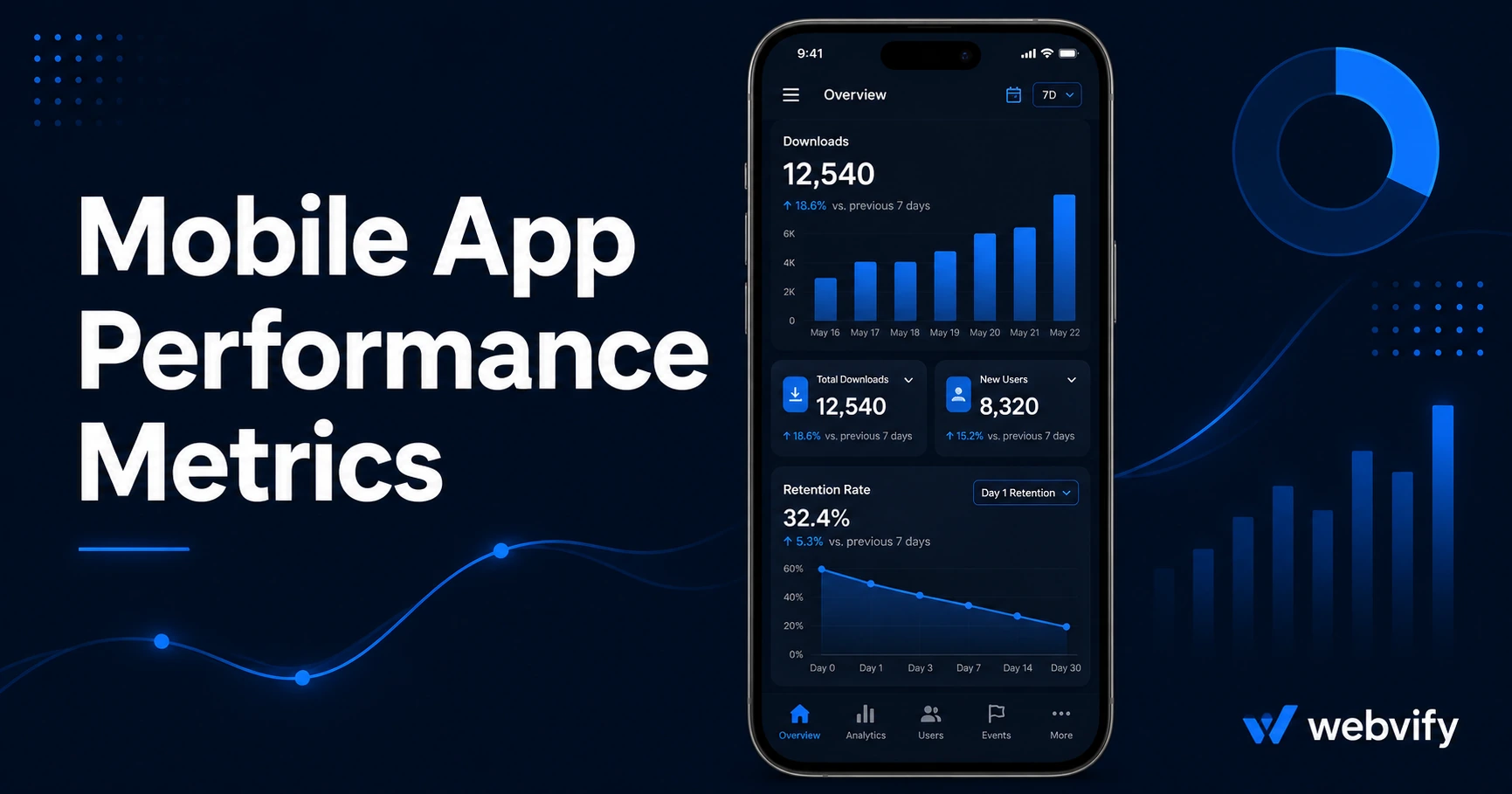
Launching your app is step one. Here are the 6 mobile app performance metrics every small business should track — plus free tools to do it in minutes.
Inside this article
Most businesses treat app launch as the finish line. The App Store notification lands, they share the link with their team, and then the app just sits there. Months later, they cannot tell you how many users they have or whether anyone is opening it.
Tracking your mobile app performance metrics does not require a data team or expensive software. It requires opening two or three dashboards you already have access to — and knowing what to look for.
Why Mobile App Performance Metrics Matter for Small Businesses
Your app costs money to maintain. Even on a flat monthly service fee, every dollar spent should have a measurable return. Without tracking, you have no way to know whether your app is generating downloads, whether users are coming back, or whether your push notifications are working.
The good news is that the core metrics are free. Both Apple App Store Connect and Google Play Console include built-in analytics dashboards available to every app owner at no cost.
The 6 Mobile App Performance Metrics That Actually Tell You Something
You do not need to track 30 KPIs. These six give you a clear picture of whether your app is delivering value.
1. Total Downloads and Download Trend
Downloads tell you acquisition volume. More important than the total number is the trend — are downloads growing, flat, or declining month over month? A flat download chart after launch usually means your App Store listing needs work. If downloads have stalled, the issue is almost always the title, screenshots, or keyword field, not the app itself. Our App Store optimization guide for small business covers the fixes in detail.
2. Day-1, Day-7, and Day-30 Retention
Retention is the percentage of users who return after first installing. Industry benchmarks: Day-1 retention around 25%, Day-7 around 10–12%, Day-30 around 5–8%. If your Day-1 retention is below 15%, the first experience after install is not compelling enough to bring users back.
3. Monthly Active Users
Monthly active users (MAU) counts unique users who open the app at least once in a 30-day window. This is the truest signal of an engaged user base, not raw download count. One thousand downloads with 200 monthly active users is a healthy app. One thousand downloads with 40 MAU is a retention problem.
4. Push Notification Open Rate
Push notifications are one of the primary reasons small businesses build apps in the first place. Well-timed push notifications reach 60–90% open rates — far above the 20–30% you see from email. If your push notifications are landing below 30%, review timing, copy length, and send frequency. Sending too many is the most common cause of low open rates and notification opt-outs.
5. Session Length and Sessions per User
Session data tells you how users interact with your app. Average session length under 10 seconds means users are opening the app and immediately closing it — a sign the content or navigation is not meeting expectations. Three to four sessions per user per week is strong engagement for a local business app.
6. App Store Rating and Review Volume
Your star rating directly affects App Store search visibility. An app at 3.2 stars ranks lower than a comparable app at 4.4. Volume matters too — 12 ratings carry less weight than 80. Set up a prompt to request reviews after a positive in-app moment: completed booking, confirmed purchase, or redeemed loyalty reward.
Where to Find These Mobile App KPIs for Free
You do not need third-party analytics tools to start. Here is where each metric lives.
Apple App Store Connect → App Analytics tab: downloads, sessions, active devices, retention by cohort, and crash reports. Available immediately after your app goes live with no setup required.
Google Play Console → Acquisition → Store Performance: installs, install trends, and ratings. Users → Engagement: retention cohorts and daily/monthly active user counts.
Push notification metrics depend on which platform you use. Most webview app services include a notification dashboard showing delivery rates and open rates per campaign. Services like Webvify include an admin panel for managing push notifications post-launch, so you do not need a developer to run campaigns or read results.
The One Mobile App Metric to Prioritize in Your First 90 Days
If you are in the first three months after launch, focus on two numbers before everything else: Day-7 retention and push notification open rate.
Day-7 retention tells you whether users find the app worth returning to after the novelty wears off. Push notification open rate tells you whether your direct communication channel is working. Everything else — total downloads, MAU, session length — improves naturally once those two are healthy.
If Day-7 retention is below 8%, improving the onboarding experience and notification opt-in flow will deliver more value than running download campaigns. Paid acquisition into a leaky retention funnel is money wasted.
For businesses ready to grow beyond organic discovery, our guide on how to increase app downloads covers 10 free growth levers available immediately after launch.
FAQ
What is a good download count for a small business app?
There is no universal benchmark. A local bakery with 800 downloads and 60% monthly active users is outperforming a regional chain with 10,000 downloads and 5% MAU. Focus on retention and engagement, not raw download volume. Download numbers that look small on their own often represent a genuinely engaged customer base.
How often should I check my mobile app performance metrics?
Weekly for push notification metrics and active user counts, monthly for downloads, ratings, and retention cohorts. Checking daily creates noise without actionable signal — most meaningful trends emerge over two to four week windows. Set a calendar reminder for a monthly review rather than monitoring dashboards daily.
Do I need a developer to access my app analytics?
No. Apple App Store Connect and Google Play Console are accessible to any account holder — no technical skills required. If you used a service to build and submit your app, they should have given you full access to both developer accounts. If you do not have that access, request it immediately. Your analytics data belongs to you.
Your app generates performance data from day one. The question is whether you look at it. If you are still building your app or looking for a service that handles submission and hands you full account access from the start, Webvify converts your existing website into a fully branded mobile app and manages the entire App Store and Google Play submission process end-to-end.