

Mobile App for Window Cleaning: Win More Repeat Jobs and Stop Losing Customers to Silence
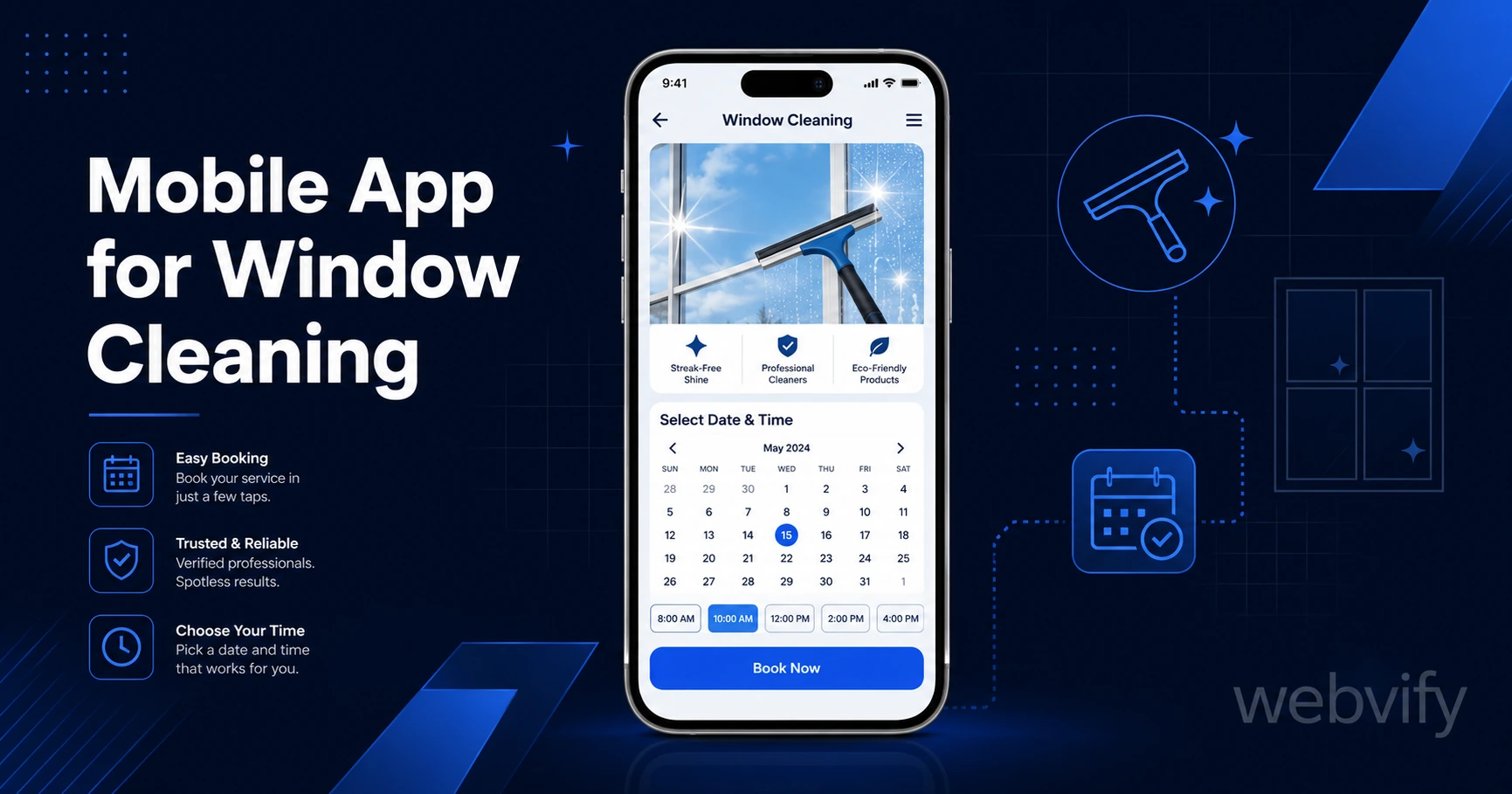
A mobile app for window cleaning businesses turns one-time jobs into repeat customers. Here's how push notifications and home screen presence do it — without a developer.
Inside this article
- Mobile App for Window Cleaning: Win More Repeat Jobs and Stop Losing Customers to Silence
- Why Window Cleaners Lose Repeat Business (It's Not What You Think)
- The Three Push Campaigns That Drive Repeat Revenue for Window Cleaners
- Home Screen Presence: The Passive Marketing That Never Turns Off
- What a Mobile App for Your Window Cleaning Business Actually Includes
- How to Get Customers to Download Your Window Cleaning App
- FAQ
Mobile App for Window Cleaning: Win More Repeat Jobs and Stop Losing Customers to Silence
Most window cleaning customers don't switch to a competitor after a great job — they just forget to call you back. A branded mobile app fixes that silence before it costs you the next booking.
Window cleaning has one of the longest repeat cycles in home services. Residential customers might book once in spring and once in autumn. Commercial clients run quarterly or bi-annual schedules. In between those jobs, your phone number is buried in a text thread, your website is a tab they'll never reopen, and your competitor's van is parked on their street.
A mobile app puts your business on the home screen of your customer's phone — right next to the apps they open every day. And when the timing is right, you can send a push notification that lands on their lock screen.
That combination — home screen presence plus direct messaging — is what turns a one-time window cleaning job into a reliable annual or seasonal customer.
Why Window Cleaners Lose Repeat Business (It's Not What You Think)
The gap between jobs is where repeat revenue disappears. It's not that customers were unhappy. It's that nothing reminded them you exist at exactly the moment they noticed their windows were dirty again.
Email newsletters average 20–28% open rates for home services businesses. SMS feels intrusive unless customers have opted in explicitly. Social media posts reach a fraction of your followers due to algorithm limits.
Push notifications sent through your branded app reach the lock screen directly. Open rates run between 60–90% — that's three to four times what email achieves. And unlike SMS, push notifications feel natural when they come from an app the customer deliberately downloaded.
The difference between a push notification and an email isn't just the open rate. It's the moment of delivery. A push notification arrives when you choose to send it — before the spring school run season, before autumn storms, or right after a stretch of rainy weather.
The Three Push Campaigns That Drive Repeat Revenue for Window Cleaners
Not every campaign is equal. These three sequences consistently drive rebookings for seasonal service businesses:
The Spring Window Campaign (send in late March or early April)
Send a short notification: "Spring is here — time to let the light back in. Book your window clean before our schedule fills." This lands at exactly the moment residential customers are thinking about home refresh tasks. You are the first call they make.
The Autumn Commercial Follow-Up (send in September)
For commercial clients who had their windows cleaned in spring, a September notification keeps you in front of them for the end-of-year clean. "Your last clean was six months ago — book your autumn schedule before Q4 gets busy." This prevents them from calling a competitor simply because that competitor followed up and you didn't.
The Silent Customer Reactivation (send 90 days after last job)
Any customer who hasn't rebooked within 90 days of their last job gets a reactivation message: "It's been a while — we'd love to get your windows sparkling again. Reply to book." This one campaign alone recovers customers who meant to rebook but never got around to it.
Services like Webvify let you build these campaigns directly into your app's admin panel — no developer needed, no separate messaging platform to pay for.
Home Screen Presence: The Passive Marketing That Never Turns Off
Push notifications are active marketing. Your app icon on the home screen is passive marketing that works around the clock.
When a homeowner glances at their phone and sees your logo next to their bank app and their weather app, you stop being "that window cleaner I used once" and start being a business they have an ongoing relationship with. That perception shift translates directly to rebooking rates.
For commercial clients — property managers, office managers, facilities coordinators — your app on their phone is a professional touchpoint. It signals that your business is organized, tech-enabled, and reliable. In a trade where professionalism and trust matter (your team is on-site at their property), that credibility has real value.
If you've already built a website for your window cleaning business, you can convert your website to a mobile app without rebuilding anything from scratch. The app wraps your existing site, adds push notification capability, and gets submitted to both the App Store and Google Play under your business name.
What a Mobile App for Your Window Cleaning Business Actually Includes
A web-to-app conversion for a window cleaning business typically includes:
Your existing website inside the app. Customers can view your services, check prices, and book directly through your current booking system — nothing changes on the back end.
Push notification capability. You control when and what to send from a simple admin panel. No coding, no third-party platforms.
App Store and Google Play listings under your business name. Your customers search for you, find your app, and download it. The listing builds credibility before they even open it.
Admin panel for ongoing management. Update content, schedule push campaigns, and monitor your app without touching a line of code.
You do not need to hire a mobile developer. Webvify handles the build, the App Store submission, and the Google Play submission end-to-end. Most window cleaning businesses are live on both stores within a few days of starting.
How to Get Customers to Download Your Window Cleaning App
Getting an app live is the first step. Getting customers to download it is the second — and it's easier than most business owners expect.
Add a QR code to your invoice or job completion card that links directly to your app listing. Customers who just had a great service are the most likely to download.
Include a download link in your booking confirmation emails with a simple line: "Download our app for easy rebooking and exclusive offers."
Ask your best repeat customers directly: "We just launched an app — would you mind downloading it? It makes rebooking much easier." Personal requests from a trusted service provider convert well.
If you run any kind of loyalty program or offer a small discount for app-only bookings, that alone drives a meaningful download rate. For more growth tactics after launch, the app downloads guide covers the full playbook.
FAQ
How much does it cost to get a mobile app for a window cleaning business?
Custom native app development costs $20,000–$150,000 and takes months. A web-to-app service like Webvify converts your existing website into a fully branded app — App Store submission included — for a fraction of that. You don't need to rebuild your website or change your booking system.
Do I need a developer to submit my app to the App Store?
No. Services like Webvify handle the full App Store and Google Play submission process for you. You provide your business details and Apple Developer account (or they help you set one up), and they manage the technical submission and review process.
What's the best way to get repeat customers for a window cleaning business?
The most reliable method is a branded mobile app with push notifications. You can time campaigns to match seasonal demand — spring and autumn for residential clients, quarterly for commercial. Push notification open rates (60–90%) are three to four times higher than email, which means more customers see your message at exactly the right moment.
Window cleaning is a repeat-service business. Every customer you clean for is worth two or three jobs a year — if you stay in front of them. A mobile app with push notifications is the most direct, cost-effective way to do that.
Ready to stop losing customers to silence? See how Webvify works →