

Mobile App for Senior Care: Keep Families Informed and Clients Renewing
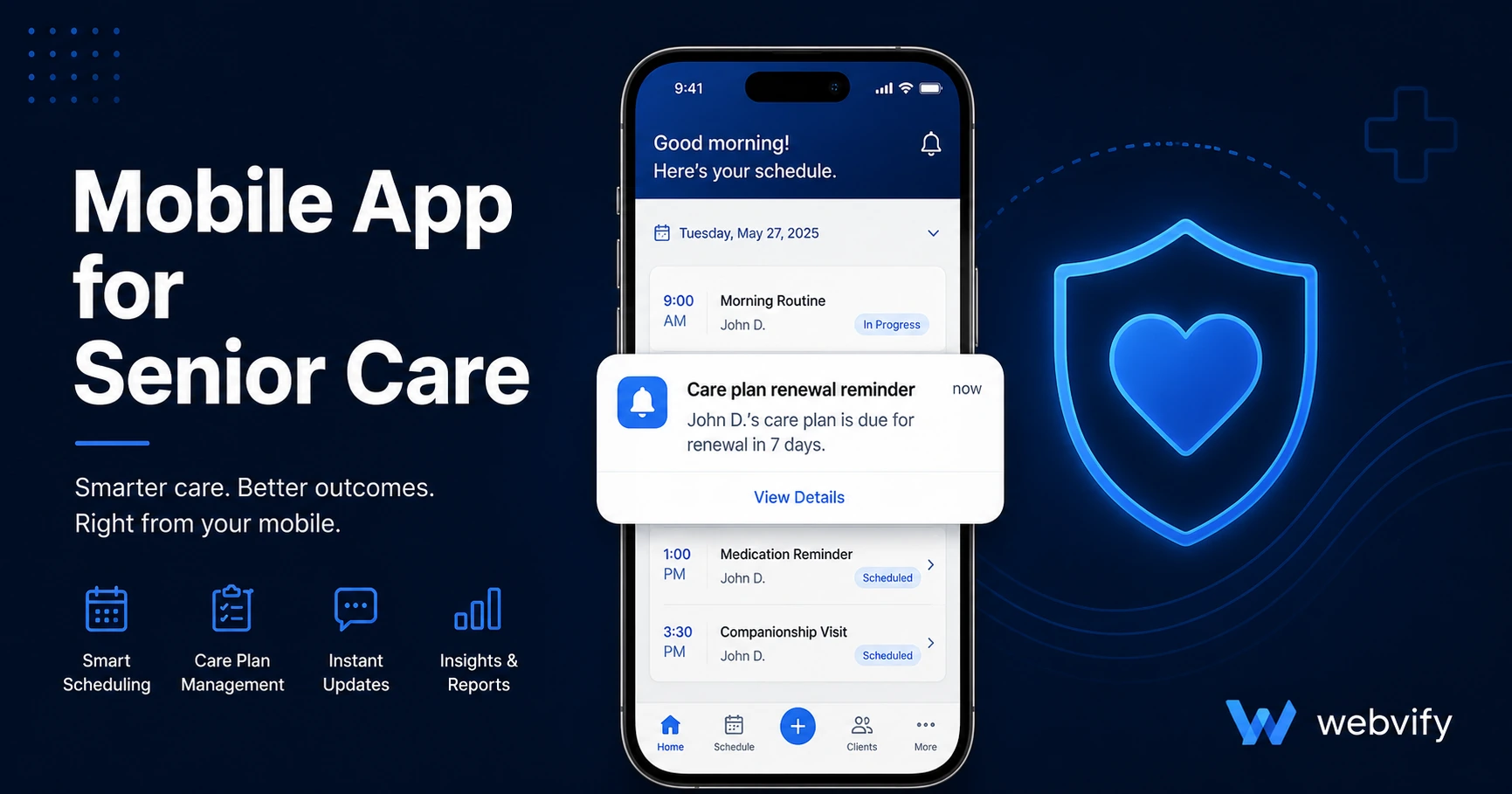
A mobile app for senior care keeps families connected, reduces cancellations, and wins more renewals — without hiring a developer. Here's how it works.
Inside this article
Most senior care agencies lose long-term clients not because the care failed, but because families stop hearing from them. A single period of silence — no update after a care visit, no reminder before a renewal window — is enough for a family to start looking elsewhere.
Why Senior Care Agencies Lose Clients Between Care Visits
Senior care is one of the highest-trust service businesses on earth. Families are placing the safety and wellbeing of a parent or spouse in your hands. When that trust is earned, renewal is natural. When it goes quiet — no updates, no reminders, no visible presence — doubt creeps in.
Most family decision-makers are working adults checking their phones between meetings. They don't sit down at desks to read email newsletters. They glance at their lock screen. A push notification from your branded app is there. A monthly email newsletter is almost certainly not.
The retention gap in senior care is not about service quality. It's a visibility problem.
What a Mobile App for Senior Care Actually Does
A mobile app for a senior care agency is not a scheduling platform you build from scratch. If you already have a website — even a simple one — you can convert it into a branded iOS and Android app that appears under your business name on the App Store and Google Play.
What that app delivers in practice:
- Push notifications — direct messages to clients and family members on the lock screen, bypassing email inboxes. Push notification open rates average 60–90%, versus 20–28% for home care email.
- Home screen presence — your agency's logo lives on the family's phone between care visits. This is the most effective way to stay top of mind without being intrusive.
- Appointment and renewal reminders — automated nudges before service windows close, before annual care plans are due, or before a caregiver schedule needs updating.
- App Store credibility — appearing on the App Store signals professional operation in a sector where families scrutinize every provider. Competitors who are still "website only" look less established by comparison.
If you use a booking or care management system online — ClearCare, AlayaCare, or even a simple scheduling page — none of that needs to be rebuilt. A WebView-based app wraps your existing site and brings it to mobile, including your existing login, booking, and communication tools.
Services like Webvify handle the full end-to-end process: building the app, submitting it to the App Store and Google Play, and giving you an admin panel to manage updates without a developer.
The Three Push Notification Campaigns That Drive Renewals
Push notifications are the operational core of the retention strategy. These three campaigns address the three highest-risk moments in a senior care client relationship.
1. The 30-Day Service Check-In
After a new client starts receiving care, send a push at Day 30: "Hi [Family Name] — wanted to check in. Has the care schedule been working well? Reply or call us directly." This proactive outreach dramatically reduces first-90-day cancellations, which represent the highest churn window in home care.
2. The Annual Care Plan Renewal Nudge
Most senior care agreements renew annually. A push notification 30 days before renewal — "Care plan renewal coming up. Let's schedule your annual review call" — is far more effective than an email that gets filtered or missed. Families see it immediately on their lock screen.
3. The 90-Day Dormant Family Reactivation
Some family members disengage from active care management over time. A push notification at 90 days of silence — a seasonal care update, a note about a new service offering — reactivates the relationship before they start researching alternatives.
App Store Credibility in a Trust-Sensitive Profession
Few industries are more scrutinized than home care. Families make care decisions based on every signal available — reviews, website quality, insurance credentials, and increasingly, digital presence.
When a family is comparing two care agencies and one has an app on the App Store, the app carries an implicit quality signal. Apple and Google review every submitted app. That review process — even though it doesn't assess service quality — creates a perception of institutional credibility that a website alone cannot replicate.
For high-ticket care arrangements (live-in care, 40+ hours per week), this credibility gap influences decisions in the same way a professional office fit-out does: the environment is part of the product assessment.
How to Get a Mobile App for Your Senior Care Agency Without a Developer
The technical barrier that most agency owners assume exists is actually minimal. Apple approves WebView apps every day. The primary requirements are a mobile-responsive website and a custom domain — which most agencies already have.
The real obstacle is the App Store submission process. Apple's developer program requires specific documentation, compliance declarations, and binary packaging that isn't obvious without mobile development experience.
This is where a service like Webvify removes the friction. You don't need Xcode, you don't need a developer account, and you don't need to rebuild your website. The process typically takes a few days from start to App Store listing, with your app published under your own business name.
If you want to understand what the submission process involves, this guide walks through App Store submission step by step. For agencies running appointment-based care scheduling, this appointment booking guide covers how push notifications integrate with common scheduling setups.
FAQ
How much does a mobile app for a senior care agency cost?
A custom-built native app typically costs $30,000–$150,000 plus ongoing developer maintenance. A WebView-based app using a service like Webvify costs a fraction of that — a one-time build fee plus a small annual management cost — because your existing website becomes the app's content layer without a rebuild. The cost is closer to a few hundred dollars per month than tens of thousands.
Do I need a developer to get my senior care app on the App Store?
No. You need an Apple Developer account (or a service that provides one under your business name), a responsive website, and someone to handle the submission — which is where most agencies get stuck. Services like Webvify manage the entire submission process end-to-end, including Apple's review requirements and any rejection responses.
Will a WebView app look professional enough for a healthcare audience?
Yes. WebView apps are reviewed by Apple and published under your business name, logo, and screenshots — indistinguishable from apps built natively on the App Store listing. Thousands of healthcare, professional services, and home services businesses use WebView apps. If your website looks professional on mobile, your app will too.
Ready to put your senior care agency on the App Store? Webvify converts your existing website into a branded iOS and Android app — including full App Store submission — without any coding or developer involvement.