

Mobile App for Rock Climbing Gyms: Keep Members on the Wall and Coming Back
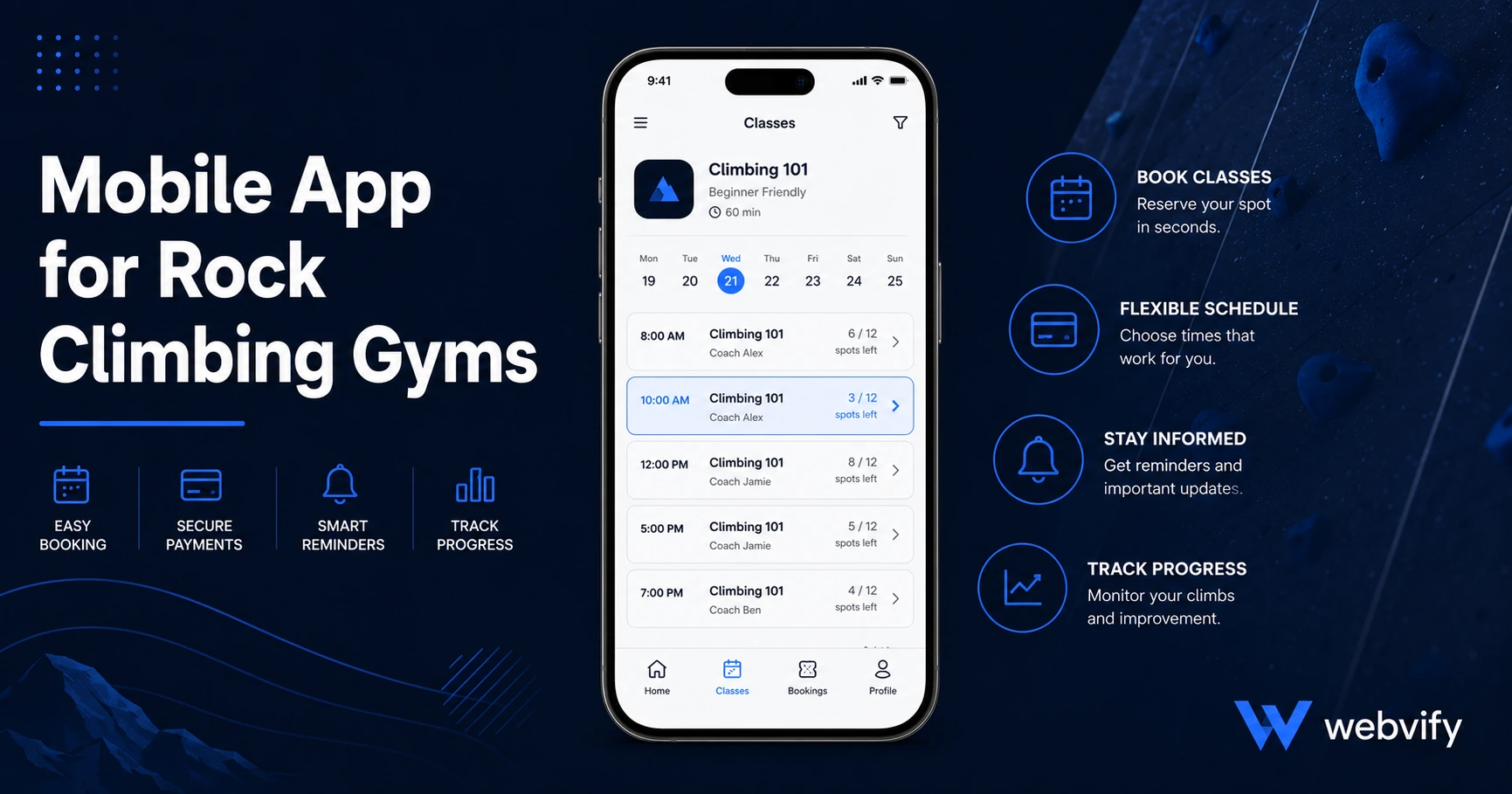
Rock climbing gym members drift after the plateau, not a bad session. A branded mobile app keeps them booked and coming back with targeted push notifications.
Inside this article
The hardest part of running a rock climbing gym isn't the coaching or the route setting. It's the 10-day gap after a new member's third visit, when they stop showing up and there's nothing in their phone to pull them back.
Rock climbing gym memberships follow a specific dropout pattern: members buy in after an exciting intro session, come three or four times with high motivation, hit their first plateau — and disappear. Not because the gym failed them. Because the gym went silent at exactly the wrong moment.
A branded mobile app for your rock climbing gym changes this dynamic. This guide covers how it works, what campaigns actually bring members back, and what it takes to get your app live on the App Store and Google Play.
Why Rock Climbing Gym Members Drift (And What a Mobile App for Rock Climbing Gyms Changes)
The retention problem at climbing gyms follows a pattern that's easy to spot in hindsight. New members are excited. They come frequently in the first two weeks. Then they hit the V3/V4 plateau — progress slows, confidence dips, and the mental barrier to showing up grows.
At that moment, most gyms have email. Gym software sends automated messages that land in a promotions tab with a 20–25% open rate if you're lucky. There's nothing on the member's home screen reminding them the gym exists.
A push notification from a branded climbing gym app reaches the lock screen. Push notifications average a 60–90% open rate — three to four times higher than email. That's a fundamentally different kind of visibility at exactly the moment when members need a nudge back.
Beyond notifications, a branded app gives your gym a home screen presence. Members who have your app installed see your logo every time they scroll through their phone. That passive visibility builds habit in a way that an Instagram follow or a browser bookmark never does.
If you run a yoga studio or a boxing gym, the same logic applies — the tools and mechanics are nearly identical. But rock climbing has one extra churn trigger that makes retention harder than most fitness categories: the plateau, and it's a moment a targeted push notification can directly interrupt.
Three Push Campaigns That Keep Climbing Gym Members Coming Back
You don't need dozens of notification types to see a measurable impact on retention. Three campaign sequences cover most of the churn moments in a rock climbing gym.
The 10-day rebooking nudge. If a member hasn't scanned in or booked a session in 10 days, send a simple push: "Your next session is waiting — routes were reset this week." This intercepts the plateau spiral before it becomes a full drop-off. Timing matters here: at 10 days, the gap is noticeable but not yet a habit. By day 21, re-engagement requires significantly more friction to overcome.
The open wall alert. If your gym has session booking, there's always capacity going unsold on Tuesday afternoons and weekday mornings. A push notification to members who haven't visited in 7 or more days — "Open spots this Thursday at 7 PM — fewer people, perfect for working your project" — fills quiet slots and brings back inactive members at the same time. It solves two problems with one notification.
The seasonal re-engagement campaign. January, late March, and early September are the three highest-motivation windows in the fitness year. A short push campaign at each window — "New routes just reset. Come back and see how much you've progressed" — reactivates members who drifted during the previous weeks. For gyms that host outdoor climbing trips or events, spring is especially high-intent.
A service like Webvify lets you run these campaigns through your branded app's admin panel without a developer. You set the trigger rules once and the notifications go out automatically based on member activity.
What a Rock Climbing Gym App Actually Includes
A mobile app for a rock climbing gym built on a WebView wrapper gives members access to everything your existing website already offers — session booking, class schedules, membership management, waivers — wrapped in a native app experience with your branding.
This means you're not rebuilding your gym management system. If you're running on Mindbody, Glofox, TeamUp, Rock Gym Pro, or a custom-built site, the app wraps what's already working. Members log in with the same credentials, book the same way, access the same schedule. Nothing needs to be duplicated or maintained twice.
The added layer on top is push notifications, home screen icon, App Store discoverability, and optional offline access for content like route maps or training guides.
For rock climbing gyms specifically, the App Store presence carries a secondary benefit: trust. When a prospective member is choosing between two gyms and one has a branded app in the App Store, the app signals scale and commitment — even if both gyms are the same physical size.
Getting Your Rock Climbing Gym App on the App Store
This is where most gym owners get stuck. Apple's App Store review process is not as simple as uploading a file, and there are a few requirements worth understanding before you start.
Guideline 4.2 — Minimum Functionality. Apple won't approve an app that's just a website in an app shell. Your app needs to deliver real value: push notifications, session booking, membership management, a route library, or some combination. A WebView app that wraps a functional gym website with those features meets this requirement without issue.
Guideline 3.1.1 — In-App Purchases. If your gym sells monthly memberships or class packages through the app, Apple requires those purchases to run through Apple's payment system, which takes 30%. The standard workaround used by nearly every fitness business: redirect new purchase flows to your website in an external browser. Renewals for existing subscriptions are handled differently. This is the same approach Mindbody, Glofox, and similar platforms use.
Your own developer accounts. Before choosing any app service, confirm this one thing: does the app get submitted under your Apple Developer account and your Google Play account, or under the provider's? Your app should always live under your own accounts. If you switch services or the provider shuts down, you keep your app and all your reviews.
Services like Webvify handle App Store and Google Play submission end-to-end and always submit under your own developer accounts. You don't need to open Xcode or Android Studio. For gym owners without a technical background, this end-to-end handling is the most valuable part of the service.
FAQ
How much does a mobile app for a rock climbing gym cost?
The cost depends on the approach. Custom native development runs $50,000–$150,000 upfront. No-code WebView app services like Webvify are significantly less — a one-time project fee that includes App Store and Google Play submission, plus an ongoing monthly fee typically under $100 for app management. For a gym with 200 or more active members, the push notification retention impact alone typically covers this within the first few months.
Can my climbing gym app work with my existing booking software?
Yes. A WebView-based app wraps your existing website, which means it works with whatever booking or management software you're already using — Mindbody, Glofox, TeamUp, Rock Gym Pro, or a custom site. Members book through the same interface they already know. The app adds push notifications, home screen presence, and App Store visibility on top of what's already working.
How long does it take to get a rock climbing gym app approved on the App Store?
Apple's review process typically takes 24–72 hours once the app is submitted and compliant. The preparation phase — building the app, setting up developer accounts, configuring the review questionnaire — is what takes time. With a service that handles the process end-to-end, most gyms have their app live on both stores within 2–4 weeks of starting.
Ready to get your rock climbing gym on the App Store without hiring a developer? Webvify handles everything from build to submission to admin panel — so you can focus on setting routes, not writing code.