

Mobile App for Pottery Studios: Keep Students Enrolled and Coming Back
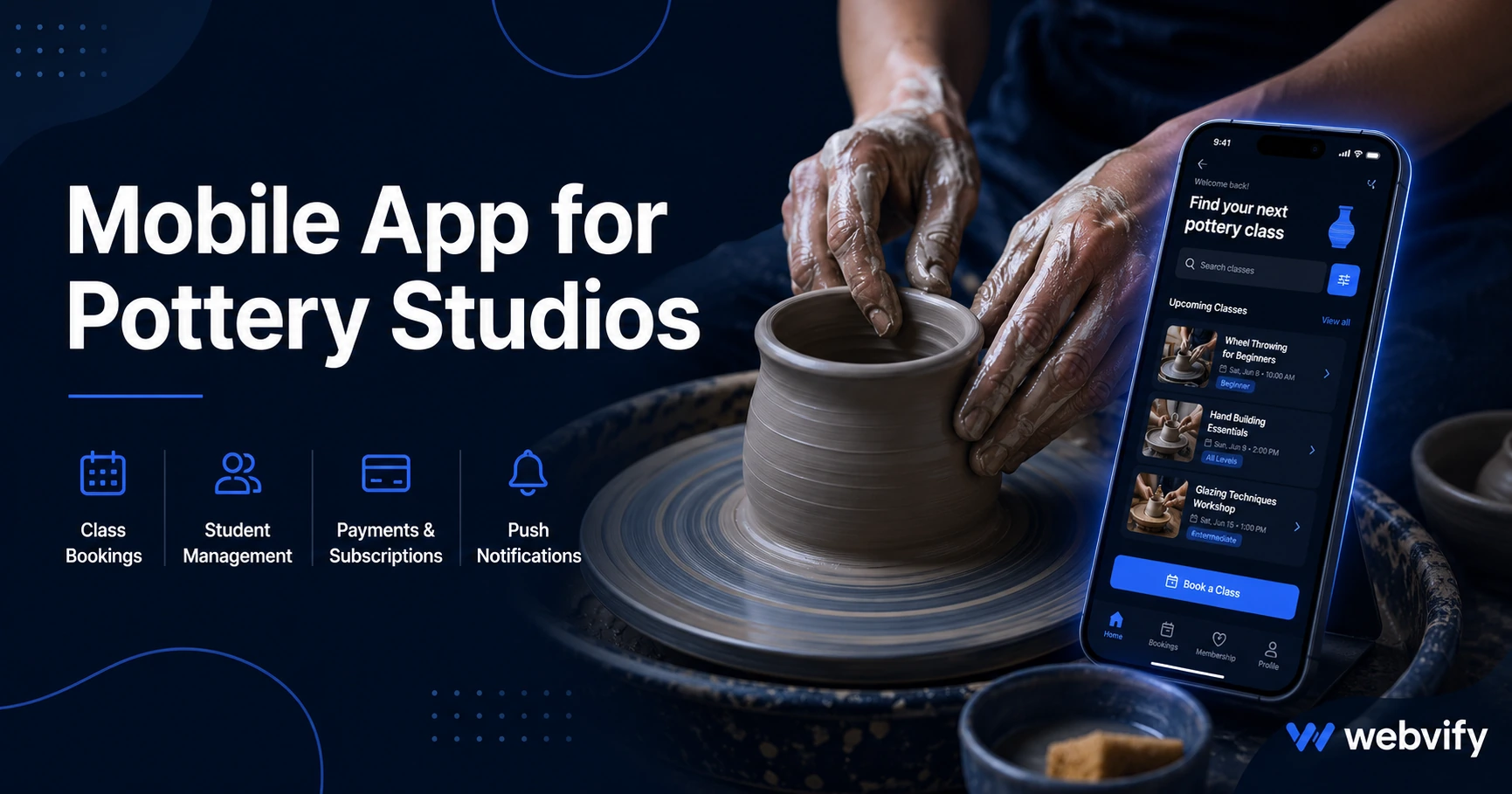
Most pottery studios lose students between terms, not during them. Here's how a mobile app changes that — without a developer or technical skills.
Inside this article
- Why Pottery Students Disappear Between Terms
- What a Mobile App for Pottery Studios Actually Does
- The Three Push Campaigns That Drive Re-Enrollment
- App Store Credibility for a Trust-Based Art Form
- What to Look for in a Mobile App Service for Pottery Studios
- How Long It Takes to Launch a Pottery Studio App
- Frequently Asked Questions
Pottery studios lose students between terms, not during them. The 3-week gap after a course ends is when most students drift away — and they rarely come back on their own.
Not because they didn't enjoy the class. Not because the instructor wasn't good. Because nothing reached out.
A mobile app for your pottery studio changes that. Here's what it does and how to get one — without a developer.
Why Pottery Students Disappear Between Terms
The retention gap in pottery is predictable. Students complete a beginner course, feel proud of what they made, and intend to come back. But life fills in. A few weeks pass. They don't see a reason to act.
By the time your next enrollment window opens, they've forgotten to register.
The core problem is visibility. Your studio is invisible between sessions. You have no direct channel to reach students on their own phones. Email open rates hover around 20–28% for arts education businesses. Most of those emails go unread.
Push notifications from a mobile app reach the lock screen directly, with average open rates of 60–90%. That's the difference between sending a message and actually being heard.
What a Mobile App for Pottery Studios Actually Does
A pottery studio mobile app is a branded app under your studio's name — live on the App Store and Google Play. Students download it once, and it lives on their home screen.
From there, three things happen:
Home screen presence. Your studio is visible every time a student picks up their phone. That visibility alone changes the rebooking dynamic.
Push notifications. You can send messages directly to the lock screen — new class openings, enrollment reminders, limited spots available. No algorithm decides whether your message gets seen.
Class and booking access. Students can browse your schedule, see what's coming up, and book directly from the app. If your booking system has a web interface, it loads inside the app — no rebuild required.
Services like Webvify handle the full process end-to-end: building the app, submitting it to the App Store and Google Play, and giving you an admin panel to send push notifications yourself after launch. You don't need a developer or any technical knowledge.
The Three Push Campaigns That Drive Re-Enrollment
For pottery studios, three campaigns do most of the retention work:
The 14-day post-term nudge. Two weeks after a course ends, send a push notification to every student who just completed it. Keep it simple: "Your next session starts soon — here are the open spots." This is the highest-ROI window. Students are still engaged with the experience and haven't yet filled their schedule with something else.
The new class announcement. When you add a new workshop, specialty class, or intermediate course to your schedule, send a push notification immediately. Students who have the app see it the day it goes live — before spots fill. Students without the app find out when you email them or when they happen to check your website.
The 90-day dormant reactivation. For students who haven't booked in three months, send a win-back notification: a new class, a seasonal promotion, or simply a reminder that your studio is running. Most studios have no way to do this without manually building a segmented email list. A mobile app admin panel makes it a two-minute task.
These three campaigns work for both beginner-to-intermediate progression — your most common re-enrollment path — and for keeping long-term students active year-round.
App Store Credibility for a Trust-Based Art Form
Pottery is intimate. Students spend two hours with an instructor learning something tactile and personal. Parents booking children's ceramics classes are evaluating your studio as a safe, professional environment.
A branded app on the App Store signals that kind of credibility. Apple and Google review every app before listing it. A studio with a mobile app on the stores is perceived as established and serious about the student experience.
If you work with schools, community centers, or corporate team-building groups, an App Store listing also helps during the proposal stage. Decision-makers assessing vendors look more favorably on organizations with a professional mobile presence.
The approach works the same way for similar creative businesses — see how art studios and music schools use the same retention mechanics.
What to Look for in a Mobile App Service for Pottery Studios
Not all app services work the same way. Here's what matters for a studio:
Done-for-you submission. Getting an app approved on the App Store requires meeting Apple's technical and content guidelines. If the service hands you a build file and expects you to submit it yourself, you'll likely hit rejections you don't know how to fix. Look for a service that handles submission under your own developer accounts.
WebView approach. Your booking system and class schedule already live on your website. A WebView app wraps your existing website into a native app — your content stays in one place, updates automatically, and you don't rebuild anything.
Admin panel for push notifications. After launch, you need to send notifications yourself — for new classes, announcements, and promotions. Check that the service includes a dashboard for this without ongoing developer involvement.
No per-student fees. Some platforms charge based on how many people download the app. For a growing studio with hundreds of students, that pricing model gets expensive fast. Look for flat-rate pricing.
How Long It Takes to Launch a Pottery Studio App
For a studio with an existing website, the typical timeline is 5–10 days. That includes building the app, submitting it to both stores, and waiting for Apple and Google's review process.
You don't need to redesign your website or rebuild your booking system. The app wraps what you already have.
Once it's live, students can download it from the App Store or Google Play. You can promote it in your studio with a QR code on the front desk, on your website, and in your next email newsletter.
Frequently Asked Questions
How much does a mobile app for a pottery studio cost?
A done-for-you WebView app service typically costs between $500 and $2,000 for setup, with a monthly admin fee for push notifications and app management. This is far less than custom development, which starts at $20,000 or more. For most pottery studios, the setup cost is recovered within a single re-enrollment cycle.
Will my existing booking system work inside the pottery studio app?
Yes. If your booking system — Acuity, MindBody, Bookwhen, or a custom tool — works in a mobile browser, it works inside a WebView app. Students can browse your schedule and book without leaving the app. Payments and booking flows run through your existing system with no changes to your backend.
Does the app need to be updated every time I change my class schedule?
No. A WebView app loads your website content directly, so when you update your class schedule or pricing on your website, those changes appear in the app immediately — no App Store resubmission required. This is one of the main advantages for studios with frequently updated schedules and seasonal workshops.
Your students want to come back. They just need a reason to act at the right moment.
Launch your pottery studio app with Webvify — done-for-you, no developer needed.