

Mobile App for Orthodontists: Keep Patients on Track Through Treatment
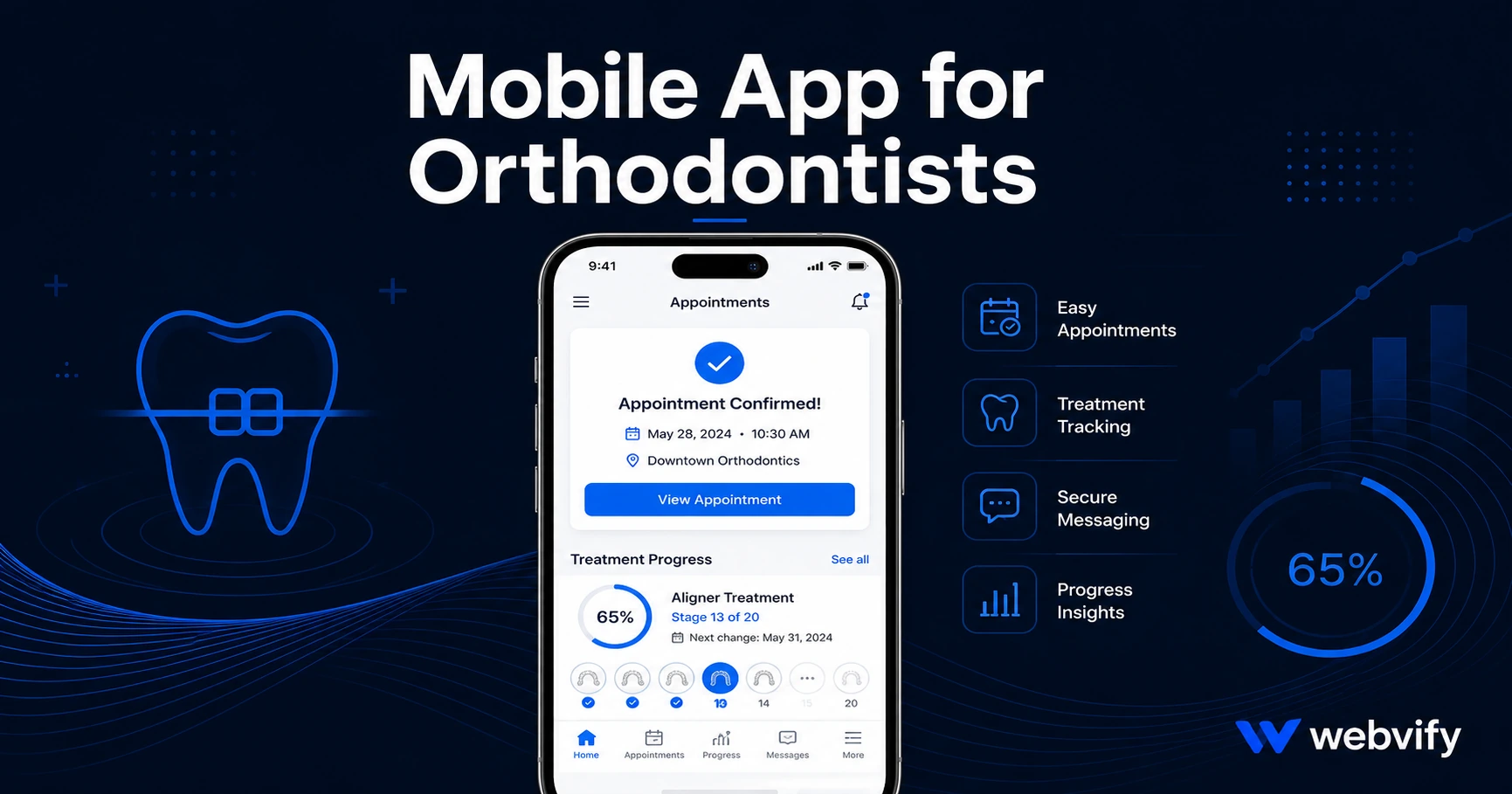
Orthodontic patients drift between appointments — not because treatment fails, but because nothing maintains visibility. Here's how a mobile app changes that.
Inside this article
- The Biggest Gap in Orthodontic Patient Retention
- Why Orthodontic Patients Go Quiet Between Appointments
- What a Mobile App for Orthodontists Actually Does
- Three Push Notification Campaigns Every Orthodontic Practice Should Run
- Navigating App Store Compliance for a Healthcare Practice
- Getting Your App on the App Store
- Frequently Asked Questions
The Biggest Gap in Orthodontic Patient Retention
Patients leave your chair after an adjustment appointment excited about their progress. Then six weeks of silence follow — no check-in, no compliance reminder, no nudge before the next visit. By the time they return, some have skipped wearing their aligners for two weeks, or cancelled entirely.
A mobile app for orthodontists changes this by creating a direct communication channel on the patient's home screen for the entire 12–24 months of treatment.
Why Orthodontic Patients Go Quiet Between Appointments
Orthodontic patients aren't disengaged because treatment is failing. They're disengaged because nothing maintains the relationship between visits.
Your current tools — appointment reminders from your practice management software, the occasional email newsletter — land in crowded inboxes and feel generic. Most patients have dozens of unread emails from healthcare providers. They don't read them.
The result is a predictable pattern: patients who were enthusiastic at the start begin skipping compliance, miss appointments, or abandon treatment mid-way through. Not because of dissatisfaction — because the silence created distance.
Push notifications from a branded app have 60–90% open rates, compared to 20–25% for healthcare emails. That gap is your retention lever.
What a Mobile App for Orthodontists Actually Does
A mobile app for your orthodontic practice doesn't replace your patient management system — it sits on top of it, adding a branded communication layer your patients actually open.
Your existing website can be packaged into a native iOS and Android app. Patients download it once, and you gain a direct line to their lock screen for the full duration of treatment.
The core value comes from three things:
Push notifications. You control the message, timing, and segment. Send compliance reminders, appointment confirmations, and seasonal offers directly to every patient's phone.
Home screen presence. Your practice name appears alongside apps patients check daily. This passive visibility maintains the relationship without requiring a visit.
App Store credibility. In a profession where patients commit to 12–24 months of treatment, an App Store listing signals stability and professionalism at the evaluation stage.
Services like Webvify handle the entire process — converting your existing website into a branded app and submitting it to both the App Store and Google Play without requiring any development work on your end.
Three Push Notification Campaigns Every Orthodontic Practice Should Run
The strongest campaigns in orthodontics are tied directly to the treatment cycle:
1. The compliance nudge (every two weeks) For Invisalign and clear aligner patients, tray compliance is the most common failure point. A recurring push — "How are you doing with your aligners? Your next tray change is coming up" — maintains the habit without requiring a staff call. Even if patients don't act immediately, the notification keeps your practice visible.
2. The pre-appointment confirmation (48 hours out) No-shows cost an orthodontic practice real revenue. A push notification 48 hours before the appointment — with a one-tap link to confirm or reschedule — reduces drop-offs without requiring staff time. The open rate is the same reason it works: patients see it.
3. The referral window (days 30–60 after debanding) The highest-referral moment in orthodontics is right after braces come off. Patients are excited, showing their results, and talking to friends. A push notification in this window — "Love your new smile? Tell a friend and earn a credit toward your retainer check-up" — captures referrals when motivation is highest.
For a comparable retention approach in a similar healthcare setting, see how dental practices are using the same mechanic: Mobile App for Dentists.
Navigating App Store Compliance for a Healthcare Practice
One submission nuance worth knowing: if your practice website includes payment processing for treatment plans or retainers, Apple requires these flows to route through the device's browser rather than completing inside the app (Apple Guideline 3.1.1).
This is the standard pattern used by most healthcare apps — payment pages open in Safari, then return to the app. Patients don't notice the handoff. The rest of your site — appointment scheduling, treatment progress pages, contact forms — works natively inside the app without modification.
For a similar compliance walkthrough in a trust-sensitive healthcare context, the Mobile App for Chiropractors guide covers the same submission steps for a practice that also deals with ongoing treatment cycles.
Getting Your App on the App Store
The process is more straightforward than most orthodontists expect:
- Your existing website is packaged as a WebView app — a native wrapper that loads your site inside an iOS and Android shell.
- The app is submitted under your own Apple and Google developer accounts ($99/year Apple, $25 one-time Google).
- Apple's review typically takes 24–48 hours for healthcare practice apps.
You don't need a mobile developer. Because the WebView approach uses your existing website as the app, your website and app stay in sync automatically — you maintain one system, not two.
Frequently Asked Questions
How much does a mobile app for an orthodontic practice cost?
A custom-built native app for an orthodontic practice typically costs $30,000–$150,000 to develop. A WebView-based app — which packages your existing website — costs a fraction of that. Most managed services charge a one-time build fee plus a monthly fee well below the cost of a single no-show appointment in a specialty practice.
Do orthodontic apps get approved on the App Store?
Yes. Healthcare and dental practice apps are common on the App Store. The primary compliance requirement is that payment flows for treatment subscriptions must route through the device browser rather than completing inside the app. A practice with standard web-based payment routing has no additional barriers beyond the standard review.
Can a mobile app work alongside my existing patient management system?
Yes. A WebView app wraps your existing website and patient portal — it doesn't replace Dental Intelligence, Carestream, or OrthoTrac. Patients access everything through the app the same way they access your website, with push notifications added on top.
Ready to put your practice on every patient's home screen for the full duration of treatment? Webvify converts your existing website into a branded iOS and Android app, handles App Store submission end-to-end, and gives you a push notification channel that reaches patients where email can't.