

Mobile App for Libraries: Keep Patrons Engaged Between Visits
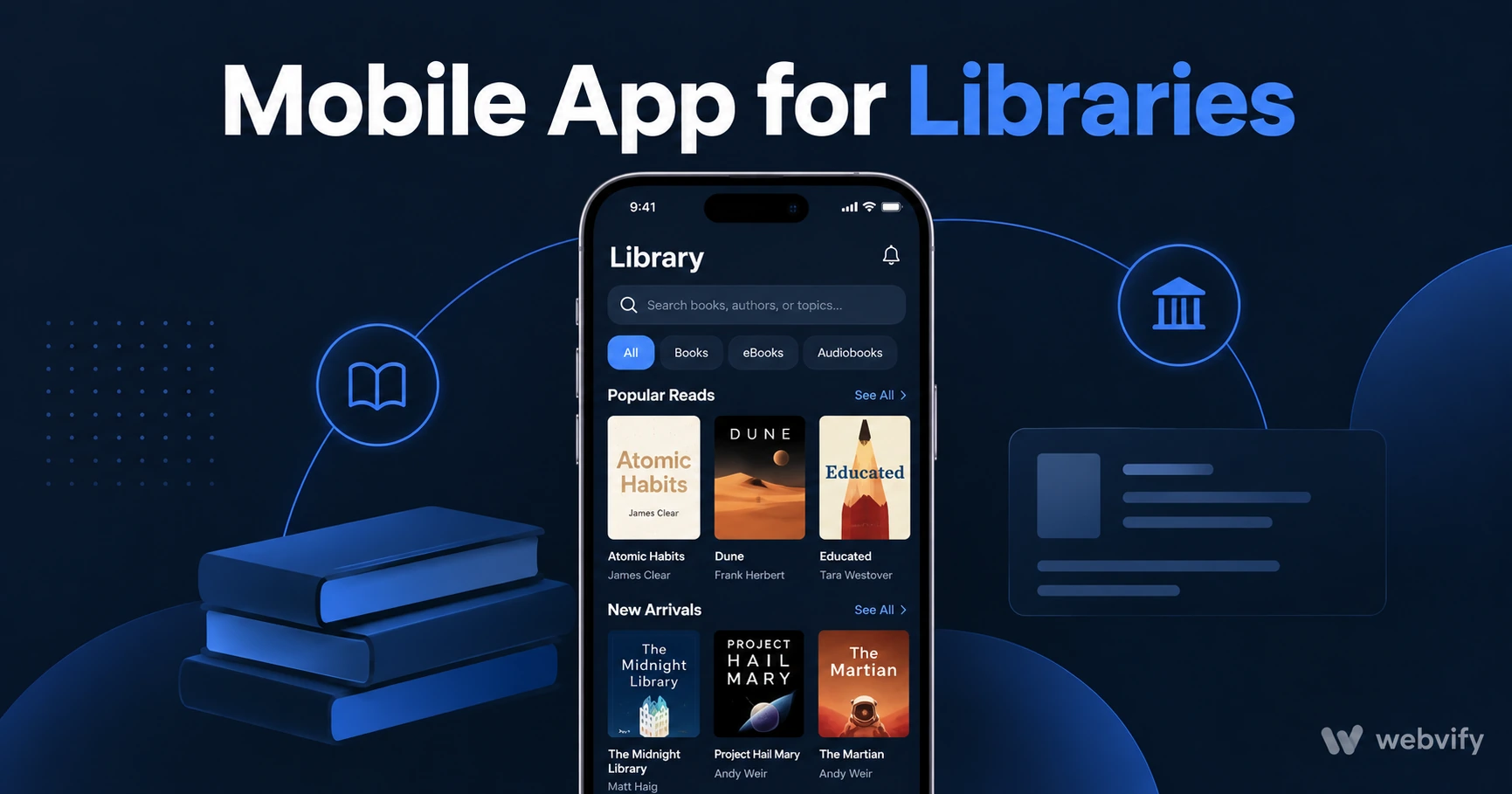
Libraries lose patrons to silence between programs and new arrival drops. A mobile app with push notifications fixes that — no developer needed.
Inside this article
- Mobile App for Libraries: Keep Patrons Engaged Between Visits
- Why Libraries Lose Patrons Between Programs
- What a Mobile App for Libraries Actually Does
- Three Push Notification Campaigns That Bring Patrons Back
- Do You Need a Developer to Build a Library App?
- How to Get Your Library App on the App Store
- FAQ
Mobile App for Libraries: Keep Patrons Engaged Between Visits
The average library patron visits twice a year. Between those two visits, your library is invisible — no new arrival alerts, no program reminders, no community event nudges. Patrons don't stop caring about reading; they just forget to come back.
A mobile app changes that equation. With a branded app on a patron's home screen and push notifications reaching their lock screen directly, you can stay visible during the 180-day silence between visits — without adding staff time or budget.
Why Libraries Lose Patrons Between Programs
Libraries host dozens of events and receive new acquisitions every week. Yet most patrons only find out about them through an email newsletter that gets buried, a social media post that the algorithm buries deeper, or a flyer they never picked up.
The problem is not the programming. The problem is the communication channel.
Email open rates for community organisations average 25–30%. Push notifications from a mobile app reach 60–90% of recipients — and they appear on the lock screen in real time, not in a crowded inbox checked three days later. For time-sensitive announcements like new arrivals, limited-seat programs, or school holiday events, that gap makes a real difference.
What a Mobile App for Libraries Actually Does
A library mobile app built on a WebView wrapper converts your existing library website — catalogue, events calendar, account login, renewals — into a native iOS and Android app without rebuilding anything from scratch.
Patrons get:
- Home screen presence — your library icon next to Netflix and Instagram, not buried in a browser bookmark
- Push notifications — direct alerts for new arrivals, upcoming programs, overdue reminders, and events
- Catalogue access — search, reserve, and renew from the same interface your website already provides
- Offline-friendly browsing — recently viewed pages cached locally for common queries
The library gets:
- A direct communication channel that bypasses email open-rate problems
- App Store and Google Play listings that signal institutional credibility
- No dual content system — the app reflects your website in real time
Three Push Notification Campaigns That Bring Patrons Back
These are the three highest-ROI push sequences for libraries based on patron behaviour patterns:
1. New Arrivals Alert (Weekly) Send a short push every Tuesday or Wednesday when new books, DVDs, or digital resources are added to the catalogue. "5 new titles arrived this week — reserve yours now." Open rates on content-relevant notifications are consistently above 70%.
2. Program Seat-Filler (48-Hour Window) Any program with available seats 48 hours before it starts gets a push notification to patrons who engaged with similar content. "Spots still open: Thursday's Family Science Night — free, 6pm." This recovers capacity that would otherwise go unfilled.
3. Lapsed Patron Reactivation (Day 90) Patrons who haven't visited or engaged in 90 days receive a re-engagement push: "We've added 120 new titles since your last visit — what would you like to read next?" The Day-90 window catches patrons before the habit fully breaks.
Services like Webvify handle the app build and App Store submission end-to-end — the library provides the website URL, and the team delivers a published iOS and Android app under the library's own developer accounts, with an admin panel to manage push notifications and updates without touching code.
Do You Need a Developer to Build a Library App?
No. A WebView-based library app wraps your existing website and submits it to the stores as a native binary. The two technical steps that most libraries assume require a developer — packaging the app as an AAB/IPA file and navigating Apple's review process — are handled by the service provider.
What does require attention:
- Apple Developer account ($99/year) — registered under the library's legal name
- Google Play Developer account ($25 one-time) — same
- Custom domain — the library website must run on its own domain, not a shared subdomain
Most library websites already meet these requirements. The submission and review process typically takes 7–14 days from start to live on both stores.
Compare this to building a custom app from scratch, which starts at $50,000 for a basic native app and requires ongoing developer maintenance for every iOS and Android OS update.
How to Get Your Library App on the App Store
The App Store review process for a library app is straightforward. The main compliance checkpoint is Apple Guideline 4.2 (Minimum Functionality) — Apple checks that the app does more than simply wrap a website with no added value.
For library apps, push notifications satisfy this requirement directly. An app that delivers new arrival alerts, event reminders, and overdue notifications provides clear utility beyond a mobile browser bookmark. Most library app submissions pass review on the first attempt when push notifications are active.
The Google Play process is similarly low-friction for library apps. No in-app purchases are involved (physical loans and digital library checkouts are free to patrons), so the billing compliance questions that trip up e-commerce apps don't apply here.
If you're on WordPress, you may also want to read how to convert your WordPress site into a mobile app — the same WebView approach applies and covers platform-specific nuances worth knowing before submission.
FAQ
How much does a mobile app for a library cost?
A WebView-based library app typically costs $500–$3,000 for build and App Store submission through a managed service, plus $99/year for the Apple Developer account. Ongoing management through a paid admin panel runs $50–$150/month. This is a fraction of the $50,000–$300,000 required for a custom-built native app.
Can a library app work with existing catalogue software like Koha or Destiny?
Yes. A WebView app wraps your existing library website — including the OPAC (Online Public Access Catalogue) — so it works with any catalogue software that has a web interface. Koha, Destiny, SirsiDynix, and Polaris all run in a WebView app without modification. Patrons log in the same way they do on the website.
Do library patrons actually use apps, or do they prefer the website?
Research from public library systems in the US and UK consistently shows that patrons who download the library app visit more frequently than those using only the website — typically 2–3x more annual visits. The primary driver is not the app interface itself but push notifications: patrons who opt in to notifications return more reliably than those who don't. The home screen placement also matters — the library stays top of mind between visits rather than being something patrons have to remember to search for.
Your library already has the programming, the catalogue, and the community. The gap is the communication channel between visits. A mobile app bridges that gap without rebuilding your website or hiring a developer.
Ready to put your library on every patron's home screen? Get your library's app live on iOS and Android with Webvify.