

Mobile App for Language Schools: Keep Students Enrolled Between Levels
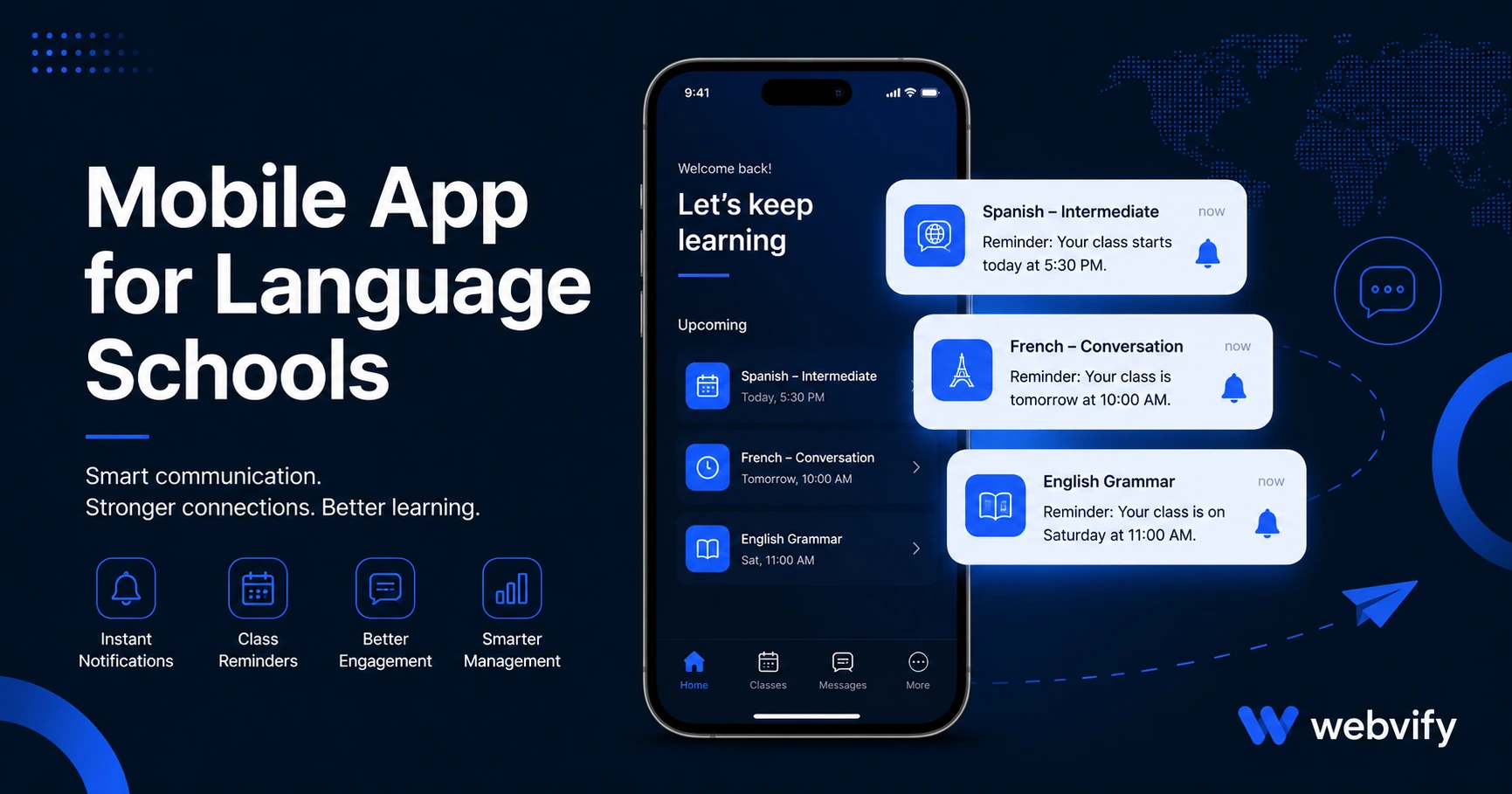
Language school students drift away after completing a level. A mobile app with push notifications keeps them enrolled, practicing daily, and signing up for the next course.
Inside this article
Language school students don't quit because the teaching is bad. They finish Level 1, think "I'll sign up for Level 2 soon," and disappear for six months.
That gap — between completing one level and enrolling in the next — is where most language schools lose students. A branded mobile app for language schools with push notifications closes that gap without any extra staff time.
Why Language School Students Drift Between Levels
The average language school operates on a semester or term model. Students complete a course, return to their normal routine, and unless something prompts them to re-enroll, the momentum stops.
Email re-engagement campaigns average 20–25% open rates for education providers. That means three out of four students never see your next enrollment reminder. A push notification sent directly to the lock screen reaches 60–90% of recipients — and it arrives without competing against every other promotional email in their inbox.
Summer compounds the problem. Students attending twice a week in spring go quiet from June through August. Without a branded app on their home screen, your school has no channel to maintain that connection. Social media algorithms don't guarantee delivery. Email gets buried. A push notification goes straight to the screen.
What a Mobile App for Language Schools Actually Does
A mobile app for a language school doesn't need to be a language learning platform. It doesn't need built-in flashcards or grammar exercises. What it needs to do is three things:
Keep your school visible on the home screen. When your app icon sits alongside Netflix and WhatsApp, students think of you every time they pick up their phone. A website bookmark doesn't do this.
Send push notifications for enrollment windows and practice reminders. Your front desk can notify every Level 2 candidate about the next intake in two minutes. No email list, no ad spend — one notification to the phones of students who already know you.
Give students direct access to your booking and schedule pages. The app wraps your existing website, so your booking system, class schedule, and course catalog are already inside it. You're not rebuilding your content — you're packaging it for the App Store.
Services like Webvify handle the full process end-to-end: they take your existing website, build the mobile app around it, and submit it to both the App Store and Google Play under your school's name. No developer required on your side.
Three Push Notification Campaigns That Bring Students Back
1. The Level Completion Nudge (Day 7 after course ends) A student who just finished Level 2 is still in the mindset. Send a push on Day 7: "Ready for Level 3? The next intake starts [date]. Spots are limited." This window converts at the highest rate because motivation is still fresh — the student hasn't mentally moved on yet.
2. The Summer Re-engagement Campaign (Last week of August) Target every student enrolled in spring who hasn't booked a fall course. One notification — "Classes resume in September. Your spot is waiting." — reactivates students who forgot to re-enroll, not students who consciously left. The distinction matters: this campaign works on the forgetting gap, not on dissatisfaction.
3. The Practice Reminder (Ongoing, 3x per week) A short push — "5 minutes of practice keeps your skills sharp" — maintains engagement between sessions. Unlike a reminder from a generic learning app, this one comes from your school. It builds habit, keeps your brand in students' daily routine, and increases the odds they think of you when the next enrollment window opens.
If you run one-to-one tutoring alongside group classes, the mobile app for tutors guide covers individual rebooking mechanics in more detail.
How to Get Your Language School App on the App Store
The App Store submission process sounds technical but isn't, once you understand what it actually requires. Apple needs a working app, a privacy policy, and a developer account ($99/year). Google Play requires a one-time $25 registration.
The technical barrier isn't the content — that's already your website. The barrier is packaging: converting your site into an app binary (.ipa for iOS, .aab for Android) that the stores will accept. A WebView app wraps your existing site in a native shell. Apple approves these daily for thousands of businesses in education, health, fitness, and service industries.
Apple's main requirement is that the app provides real value — a login area, booking system, or course catalog qualifies. For digital enrollment within the app, Apple's Guideline 3.1.1 requires that digital purchases either go through their in-app purchase system or route to an external browser. The standard fix is redirecting enrollment payments to your website in a browser — the same approach used by Udemy and Coursera. In-person and physical class bookings have no such restriction.
The e-learning mobile app guide covers the full App Store compliance picture for education businesses.
What to Look for in a Mobile App Solution
When evaluating options, focus on three things:
Does it wrap your existing website or require rebuilding? If a platform asks you to re-enter your schedule, course catalog, and teacher bios in a new editor, you've created a second system to maintain. Every schedule change now requires two updates.
Who handles App Store submission? Submitting to Apple and Google requires Xcode, Android Studio, a Mac for iOS builds, and familiarity with both stores' developer portals. If a service hands you a file and says "submit it yourself," that's where the real work begins. A done-for-you service handles submission under your own developer accounts.
Is there an admin panel after launch? You'll need to send push notifications, update schedules, and manage the app without a developer on call. A non-technical admin panel is the difference between an app you use and one that sits idle.
Frequently Asked Questions
How much does a mobile app for a language school cost?
Custom mobile app development typically costs $50,000–$200,000. WebView app services like Webvify wrap your existing website for a fraction of that, with App Store and Google Play submission included. Ongoing costs are the Apple Developer account ($99/year) and any monthly service fee from your provider.
Do language school apps get approved by Apple?
Yes. Apple approves WebView apps for language schools and educational businesses regularly. The key requirements are that the app provides genuine functionality — a booking system, class schedule, or student portal qualifies — your site uses HTTPS, and you have a privacy policy. Digital course purchases must route through Apple's in-app purchase system or to an external browser.
How long does it take to launch a language school app?
From start to App Store approval, typically 1–2 weeks. Apple's review process takes 24–48 hours once the submission is prepared and complete. Google Play is usually 3–7 days for new apps. Most of the time is in the prep work: building the app package and preparing the store listing.
Ready to put your language school on the App Store and Google Play? Webvify converts your existing website into a fully branded mobile app and handles the entire process — build, submission, and admin panel — without requiring a developer on your side.