

How to Get a Mobile App for Your Dog Walking Business (Without Hiring a Developer)
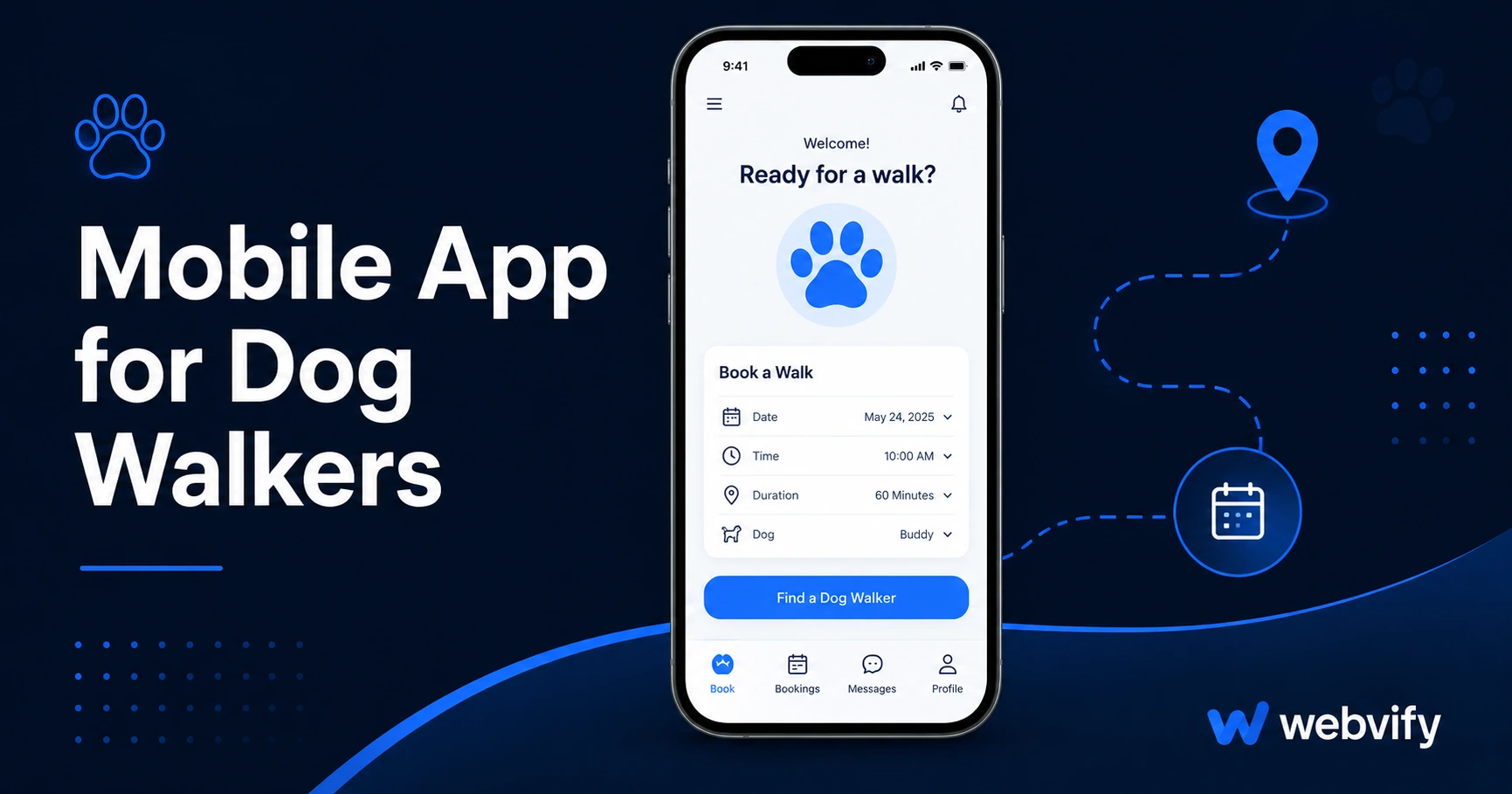
Want a branded mobile app for your dog walking business? Here's how to get one on the App Store without a developer — and why it keeps clients from switching to Rover.
Inside this article
- Why Dog Walkers Lose Clients (and How a Mobile App for Dog Walkers Fixes It)
- What a Mobile App for Dog Walkers Actually Includes
- The Rover Problem: Why a Branded Dog Walker Mobile App Matters
- How to Build a Dog Walker Mobile App Without a Developer
- Push Notification Campaigns That Actually Work for Dog Walkers
- What to Look for in a Dog Walker App Service
- FAQ
Dog walking clients don't leave because you did a bad job. They leave because an app like Rover or Wag made it easier to book someone else. A branded mobile app puts your business on their home screen — not a marketplace where you compete with dozens of other walkers.
This guide covers what a mobile app actually does for a dog walking business, what to look for when choosing how to build one, and how to get it live on the App Store and Google Play without touching a line of code.
Why Dog Walkers Lose Clients (and How a Mobile App for Dog Walkers Fixes It)
Most dog walking businesses run on repeat bookings. A client books you once, you do a great job, they plan to book again — and then three weeks pass, they forgot your number, and Rover is already on their phone.
The problem is visibility, not quality.
A mobile app with push notifications solves this directly. Instead of hoping a client remembers to rebook, you send a notification: "Summer slots are filling up — want to lock in your regular walks?" That notification hits the lock screen. Email rarely does.
Dog walking apps also build trust in a specific way: when clients download your app from the App Store, it signals that you're a real, established business — not just someone who answered an ad. That credibility matters when clients are handing over keys to their house.
What a Mobile App for Dog Walkers Actually Includes
A dog walking app doesn't need to be complex. The most effective ones are simple wrappers around your existing website — your booking system, service pages, and contact details — packaged as a native app on the App Store and Google Play.
Here's what that gets you:
Home screen presence. Your logo sits on a client's phone beside their banking app, their weather app, and Spotify. That's a level of brand real estate no website can match.
Push notifications. You can send walk reminders, slot availability alerts, seasonal promotions, or a quick "spot just opened up Tuesday morning" message directly to clients' lock screens.
App Store discoverability. When someone searches "dog walker [city]" or "dog walking app" on the App Store, a branded app can appear. That's a free channel your website doesn't have access to.
No double system. If you already have a booking system — whether it's Acuity, Calendly, Time To Pet, or a custom page on your website — the app wraps that. You don't rebuild anything.
The Rover Problem: Why a Branded Dog Walker Mobile App Matters
Rover and Wag are platforms, not competitors in the traditional sense. They don't offer better service than you — they offer a better app experience for first-time booking. Once a client is inside a platform app, it becomes habitual.
The defense isn't to match Rover feature-for-feature. It's to get on the home screen first. Clients who have your app installed don't need to open Rover because you're already there.
If you're managing bookings through a website or a simple scheduling tool, wrapping that into an app gives your business the same interface advantage the platforms have — without giving up your margins to a marketplace fee.
How to Build a Dog Walker Mobile App Without a Developer
The most practical path for an independent dog walker or small pet business is a WebView app — a native app shell built around your existing website. Your website content loads inside the app, it gets submitted to the App Store and Google Play under your business name, and clients download it like any other app.
There's no separate content to maintain. When you update your pricing page or add a new service to your website, the app reflects it automatically.
The step that trips most people up is App Store submission. Apple and Google have specific requirements for what they'll accept — minimum functionality standards, privacy policies, content ratings — and the submission process involves Apple's Developer Portal and App Store Connect. If you've never submitted an app, it's a full afternoon of forms with real risk of rejection if something is missing.
Services like Webvify handle the entire process end-to-end: they build the WebView app, manage the App Store submission, and set up an admin panel so you can send push notifications yourself after launch. You don't need Xcode, a Mac, or a developer account with two-factor authentication set up on an unfamiliar device.
For more on how the submission process works, the appointment booking mobile app guide covers what to expect when getting an app live for a service-based business.
Push Notification Campaigns That Actually Work for Dog Walkers
Push notification open rates average 60–90% compared to 20–28% for email in the pet services space. The difference is placement: a push notification appears on the lock screen. Email appears in an inbox the client may check once a day.
Three notification campaigns that drive rebookings for dog walking businesses:
The rebooking nudge (Day 28). If a client's last walk was 28 days ago and nothing new is booked, send: "It's been a while — want to get [dog's name] back on the schedule?" Personalized, low-pressure, effective.
The slot filler. When a cancellation opens up a spot, message active clients immediately: "A slot just opened this Thursday at 9am — reply or tap to book." This recovers revenue from cancellations that would otherwise be lost.
The seasonal opener. Before summer, school holidays, or long weekends: "Summer is coming — want to lock in your regular walk times before they're taken?" Seasonal scarcity works because it's real for a solo operator with limited capacity.
None of these campaigns require special software. They're standard push notifications sent from the app's admin panel.
What to Look for in a Dog Walker App Service
Not all app builders are built for businesses that already have a website. Some require you to rebuild your content inside a new platform, which means maintaining two systems. Others provide the app file but leave App Store submission to you — which adds weeks and real risk of rejection.
When evaluating options, ask three questions:
Does it wrap my existing website or require rebuilding content? If you already have a working booking page, you shouldn't have to recreate it inside a proprietary editor.
Who handles App Store submission? If the answer is "you do," factor in the time, the Apple Developer account ($99/year), and the rejection risk for a first-time submitter.
Can I manage push notifications myself after launch? The ongoing value of the app is in notifications. An admin panel should let you send campaigns without contacting support every time.
If you're also considering an app for a related pet service, the mobile app for pet grooming guide covers the same process for grooming businesses, including the specific App Store compliance points.
FAQ
How much does a mobile app for dog walkers cost?
A custom native app runs $15,000–$80,000+ and takes 3–6 months. A WebView app — which wraps your existing website — typically costs $500–$2,000 as a one-time project fee, plus an annual Apple Developer account ($99/year) and optional Google Play ($25 one-time). The operational difference is significant for an independent dog walker or small pet business.
Do I need a developer to submit my dog walking app to the App Store?
You don't need a developer, but you do need to navigate Apple's Developer Portal and App Store Connect, which involves setting up certificates, provisioning profiles, and passing content review. Most first-time submitters encounter at least one rejection for a missing privacy policy or minimum functionality issue. Managed services handle this process for you.
What happens to the app if I change my website?
With a WebView app, your app loads your website content. When you update your website — add a new service, change pricing, update your booking page — the app reflects those changes automatically. There's nothing to update on the app side.
Running a dog walking business means your reputation is everything — but reputation alone doesn't keep clients on your schedule. A branded app on their phone does.
If you're ready to get your dog walking business on the App Store without hiring a developer, Webvify handles the build and submission end-to-end. You keep the app under your name, your branding, and your clients stay off the marketplace platforms.