

Mobile App for Cooking Classes: Keep Students Enrolled and Coming Back
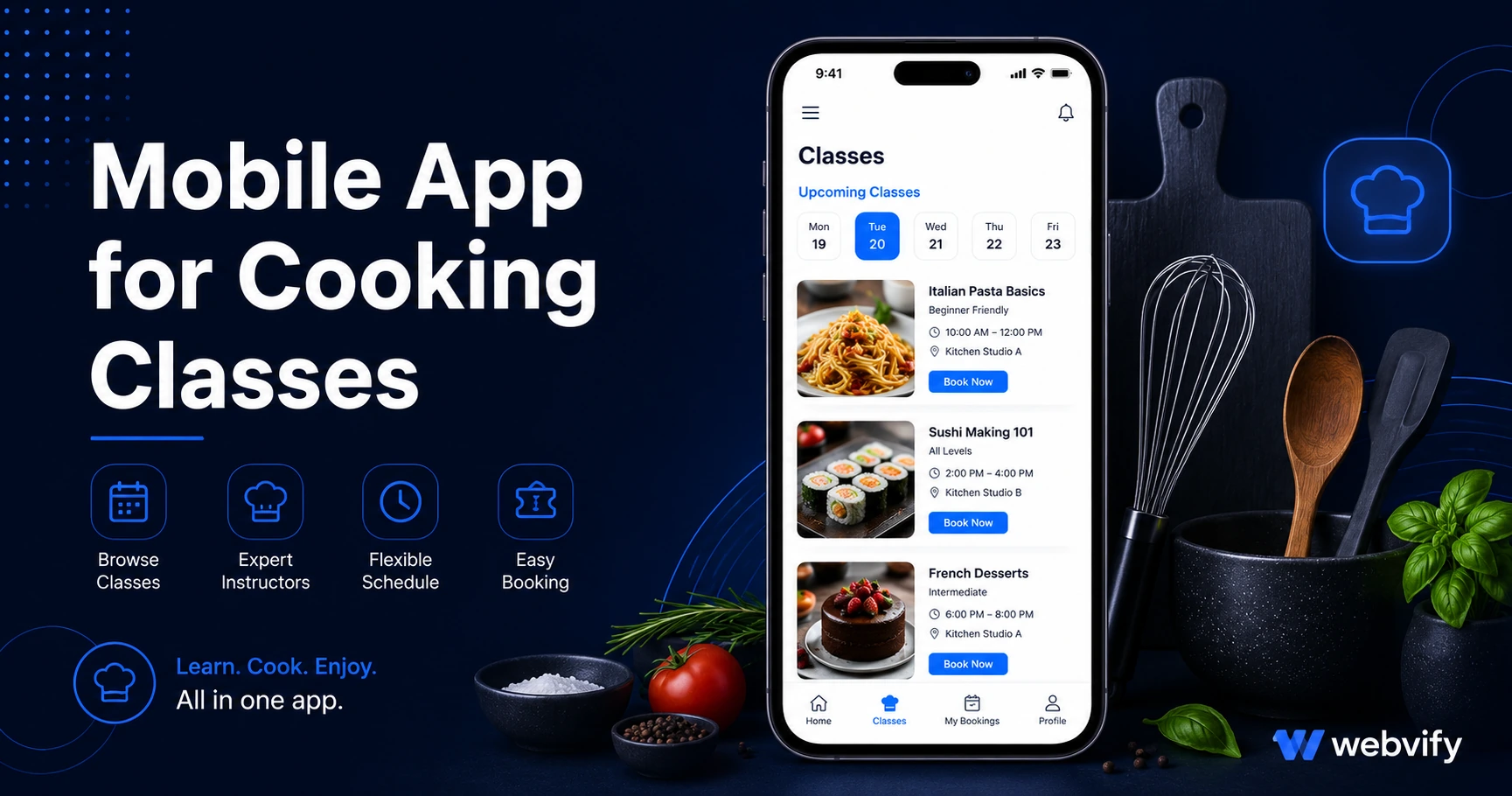
Your cooking class students want to come back — but only if you remind them. Here's how a branded mobile app with push notifications keeps your schedule full.
Inside this article
- Why Cooking Class Students Stop Returning (It's Not the Food)
- What a Mobile App for Your Cooking Class Actually Does
- Three Push Notification Campaigns Every Cooking School Should Run
- What Kind of Cooking Schools Benefit Most from a Mobile App
- How to Get a Mobile App for Your Cooking Classes
- Frequently Asked Questions
Your best cooking students finish a six-week course raving about the carbonara — and then book with someone else four months later. Not because your classes weren't good. Because your rebooking email went to their Promotions folder and you had no other way to reach them.
A mobile app for your cooking class puts your brand on every student's home screen and gives you a direct push notification channel — the one channel that consistently reaches people in real time.
Why Cooking Class Students Stop Returning (It's Not the Food)
Most cooking schools assume dropout happens because students lost interest. The data says otherwise: the gap between sessions is a visibility problem, not a satisfaction problem.
Think about the typical student journey. They finish a beginner pasta course. They're excited. They tell their friends. They intend to sign up for the intermediate course "when the timing is right." Then three weeks pass. They're back in their inbox routine. Your next email promoting the new class lands in Promotions. They never see it.
By month four, they've moved on — not with intent to leave, but because nothing maintained the connection.
Email marketing to food and lifestyle audiences averages a 20–28% open rate on a good day. Push notifications from a mobile app consistently outperform email by 3–4x. That's the gap you're trying to close.
What a Mobile App for Your Cooking Class Actually Does
A branded cooking class app is not a separate product to build or maintain. It's a WebView wrapper — your existing website or booking system loaded inside a native mobile shell that lives on the App Store and Google Play.
From a student's perspective, it looks and feels like a dedicated app with your name and logo. From your perspective, you update your website as usual and every change appears in the app automatically.
The core value comes from three things:
Home screen presence. Your app icon is visible every time a student unlocks their phone. That kind of passive brand visibility is something a website, email, or social media account can't replicate.
Push notifications. You can send alerts directly to every student who installed your app — new class announcements, rebooking nudges, last-minute availability — reaching them at 60–90% open rates rather than 20–28%.
App Store credibility. A cooking school listed in the App Store is perceived as more established than one that only has a website. This matters especially for premium programs and professional culinary training.
Services like Webvify handle this end-to-end — building the app, submitting it to both stores, and handing you an admin panel to manage push notifications yourself. You don't touch Xcode or Android Studio.
Three Push Notification Campaigns Every Cooking School Should Run
The real return on a cooking class app comes from three high-ROI push campaigns:
Day-14 Rebooking Nudge. Two weeks after a student finishes a course, send a short push: "Loved the pasta course? Your next step is [Course Name] — spots are open this month." This is the highest-intent window. Students are still thinking about the class and the timing feels natural, not intrusive.
New Class Announcement. When you add a themed course — holiday baking, regional Italian, fermentation, knife skills — push it directly to your entire student list. Unlike social media posts that reach 2–5% of followers organically, push notifications reach the full list.
Slot Filler for Open Spots. Send a same-day or next-day alert: "Two spots just opened in Thursday's knife skills class — first-come." Students who've been meaning to rebook often act on real-time availability alerts because the decision is made for them.
If you run seasonal programs — summer cooking camps, holiday cookie workshops — a seasonal opener push sent 3–4 weeks before registration opens consistently outperforms any other promotional channel.
What Kind of Cooking Schools Benefit Most from a Mobile App
A mobile app for cooking classes makes the most sense for schools that:
- Run multi-session courses (beginner, intermediate, advanced tracks) where rebooking is the expected next step
- Offer seasonal or themed programs that need advance registration
- Have 100+ past students who aren't currently active
- Charge premium rates ($80+ per class) where retention directly impacts revenue
If you're already using online booking tools, your existing system carries over into the app without any rebuild. Most cooking schools running on Squarespace, Wix, WordPress, or Mindbody work directly — no migration needed. If you want to understand how the booking flow works in a WebView app, the appointment booking mobile app guide covers it in detail.
How to Get a Mobile App for Your Cooking Classes
The most common barrier cooking school owners cite is: "I assumed this would require a developer and cost thousands."
The actual process with a WebView-based service works like this:
- You share your website URL — your booking page, course catalog, or both.
- The service builds a native mobile wrapper that loads your existing site.
- The app is submitted to the App Store and Google Play under your own developer accounts.
- Once approved (typically 7–10 days), students download your branded app.
- You manage push notifications from a dashboard, no code required.
There's no content migration, no rebuilding your booking system, and no ongoing developer dependency. Updates to your website automatically appear in the app. Your brand name appears on the App Store listing — not the service provider's.
Frequently Asked Questions
How much does a mobile app for a cooking school cost?
WebView app services typically charge a one-time setup fee (often between $500 and $2,000 depending on the provider) plus a monthly management fee. This is a fraction of custom native development, which starts at $20,000–$50,000 for a basic app. The setup cost typically pays for itself if even three to five students rebook who otherwise wouldn't have.
Do I need a developer to get an app for my cooking class business?
No. WebView-based services handle everything technical — building the app, submitting it to the App Store and Google Play, and setting up your push notification admin panel. You don't write any code or manage developer accounts directly.
Can I send push notifications from a cooking class app?
Yes. Push notifications are the core reason most cooking schools invest in an app. You can send scheduled campaigns (rebooking nudges, new class announcements) and real-time alerts (slot fillers, same-day openings). Opt-in rates tend to be high because students actively want to know when new classes open or spots become available.
Your students want to come back. They just need a reason to remember you exist between sessions. Start with Webvify — get your cooking school on the App Store and Google Play.