

How to Get a Mobile App for Your Coffee Shop (Without Hiring a Developer)
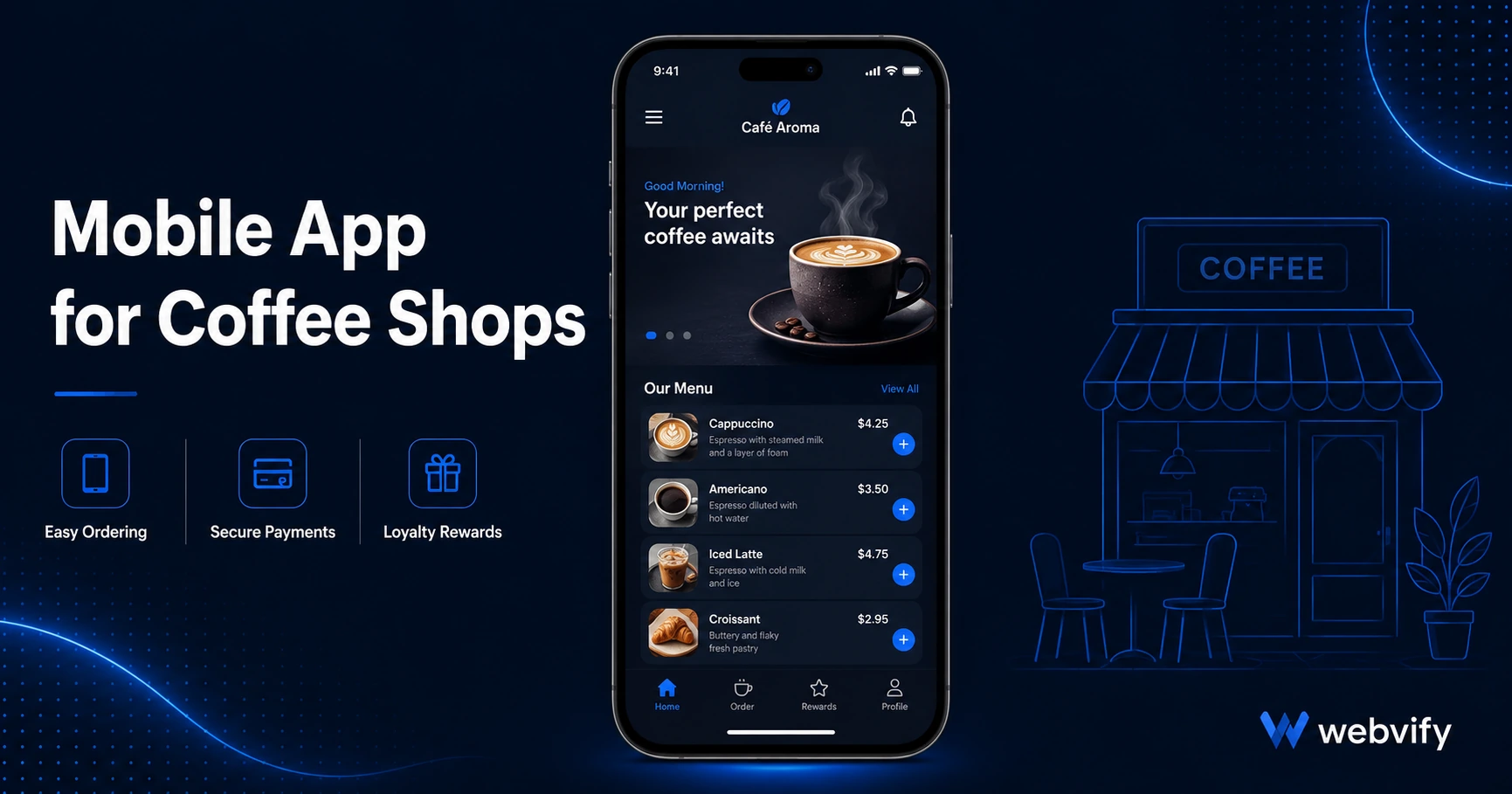
A mobile app for your coffee shop keeps regulars coming back. Here's what it does, what it costs, and how to launch without a developer.
Inside this article
Most coffee shop regulars visit once, then disappear for three weeks — not because they found somewhere better, but because nothing reminded them to come back. A branded mobile app fixes that. It puts your coffee shop on your customer's home screen and gives you a direct line to their lock screen.
This guide covers what a mobile app actually does for a coffee shop, what to look for when choosing one, and how to get yours live on the App Store and Google Play without touching a single line of code.
Why Coffee Shops Specifically Need a Mobile App
Coffee shop customers are creatures of habit — until something interrupts the routine. A new coworker picks a different spot. A busy week breaks the morning rhythm. Without anything to pull them back, a regular customer drifts away.
Email doesn't solve this. The average marketing email sees a 20–30% open rate. Push notifications from a mobile app land directly on the lock screen, where open rates run 60–90%. That's the difference between a promotion your customer sees and one they scroll past.
There's also the discovery angle. Tens of thousands of people search "coffee shop app" or "local café loyalty app" every month. A published app in the App Store means you show up in those results — something a website alone can't do.
What a Mobile App for a Coffee Shop Actually Does
A well-built coffee shop app typically covers three things: loyalty, orders, and communication.
Loyalty programs are the most obvious use case. Instead of a paper stamp card that ends up at the bottom of a bag, customers collect points in the app automatically. It's trackable, loss-proof, and keeps the shop top of mind every time someone opens it.
Mobile ordering and menu access let customers browse your current menu, check seasonal specials, or place a pre-order from the app. You don't have to rebuild your existing ordering system — a WebView app wraps your current website and brings everything inside a native app shell.
Push notifications are where the real retention happens. A Tuesday-morning "double points before 10am" push, a Friday seasonal special, or a simple "Haven't seen you in a while — here's 15% off your next order" message brings customers back in ways email never reliably does. For an appointment-based loyalty model, push notifications outperform every other channel — something covered in more depth in our appointment booking mobile app guide.
The App Store Submission Problem (And How to Avoid It)
Most coffee shop owners hit a wall here. Submitting an app to the Apple App Store requires an Apple Developer account ($99/year), an Xcode build environment, and compliance with a long list of Apple guidelines. Google Play has its own requirements: an AAB file format, a Data Safety form, and content rating questionnaire.
For a business owner focused on running a shop, this is where "getting an app" usually stops.
There are two paths around it. One is hiring a mobile developer — expensive, slow, and overkill for a coffee shop that already has a working website. The other is using a done-for-you service that converts your existing website into a WebView app and handles the App Store submission on your behalf.
Services like Webvify take your existing website, wrap it in a native app shell, configure push notifications, and submit it to both stores under your own developer accounts — so you own the app outright. No developer needed, no rebuilding your website from scratch.
This same approach works across many food and hospitality businesses, as we covered in our restaurant mobile app guide — the submission and push notification setup is nearly identical for coffee shops.
What to Look for in a Coffee Shop App Service
Not all mobile app services are built the same. Here are the four things that actually matter:
App Store submission included. Some tools give you an app file and leave submission to you. That's where most business owners get stuck. Look for a service that handles submission end-to-end.
Your own developer accounts. Some platforms publish under their own App Store accounts, which means if they shut down, your app disappears. Choose a service that submits under your own Apple Developer and Google Play accounts.
Push notification support. This is the core retention tool for a coffee shop. If the service doesn't include push notification configuration, you lose the most valuable feature.
Wraps your existing website. Rebuilding your menu, ordering system, and content inside a new platform is double the work. A WebView approach means your website becomes the app — updates you make to your site reflect in the app automatically.
How Long Does It Take?
From sign-up to live app, most WebView services take 3–7 days. The majority of that time is Apple's review process (typically 24–48 hours) rather than the build itself.
Once the app is live, you manage push notifications and content through an admin panel — no developer needed for day-to-day operations.
FAQ
How much does a mobile app for a coffee shop cost?
Custom mobile app development typically runs $30,000–$150,000 and takes 3–6 months. A WebView-based service that converts your existing website costs significantly less — usually a one-time setup fee — and launches in under a week. The setup fee covers the build, App Store submission, and ongoing access to an admin panel for push notifications and content updates.
Do I need my own Apple Developer and Google Play accounts?
Yes, and any reputable service should require this. Your Apple Developer account costs $99/year; Google Play is a one-time $25 fee. These accounts ensure you own your app outright — it won't disappear if the service provider changes their pricing or shuts down.
Can I send push notifications without a mobile app?
Browsers support push notifications on desktop, but iOS does not allow browser push notifications in the same way native apps do. If a significant portion of your customers are iPhone users (which is true for most coffee shops), a native mobile app is the only reliable way to reach them on their lock screen.
Ready to put your coffee shop on your customers' home screens? Webvify converts your existing website into a fully branded mobile app — App Store and Google Play submission included, no developer required.