

How to Get a Mobile App for Your Cleaning Business (Without Hiring a Developer)
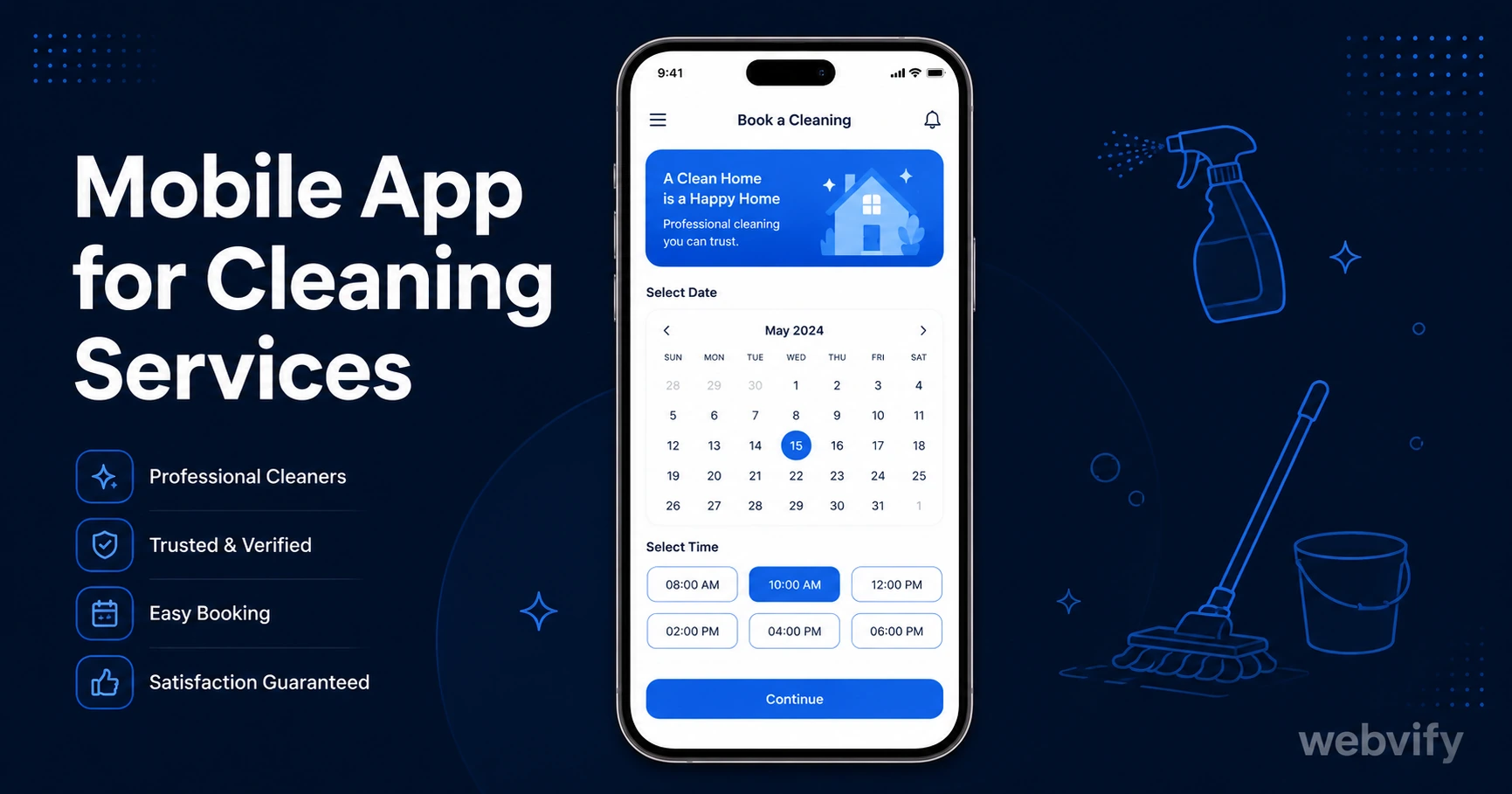
Get a branded mobile app for your cleaning business without a developer. Here's what it costs, how push notifications bring clients back, and how to launch fast.
Inside this article
Cleaning clients don't switch to a competitor because your service is bad — they drift away because they forgot to rebook. A mobile app for your cleaning service solves that problem directly.
Most cleaning business owners assume an app means hiring a developer, spending $20,000, and waiting six months. That's not the reality in 2026. This guide covers what a cleaning service app actually does, what it costs, and the fastest way to get one live on the App Store and Google Play.
Why Cleaning Businesses Lose Repeat Clients (It's Not What You Think)
The average gap between recurring cleaning appointments is 2–4 weeks. That sounds frequent, but it's long enough for a competitor's ad, a neighbor's recommendation, or just life getting busy to interrupt the rebooking habit.
Email open rates for home services businesses average 20–28%. That means 7 out of 10 clients never see your "time to rebook" message. Browser-based push notifications don't reach iOS devices at all — Apple blocks them on the home screen.
A mobile app changes this. Push notifications from an installed app reach the lock screen directly, with open rates between 60–90%. A single well-timed message ("Your next clean is overdue — tap to book") at the four-week mark brings back clients who would otherwise go quiet.
What a Cleaning Service App Actually Does
A mobile app for a cleaning service doesn't need to be complex. The core use case is retention and rebooking, not replacing your website.
Here's what clients use it for:
- Booking appointments — view your availability, request a time, confirm directly from the app
- Getting reminders — automated push notifications when it's time to rebook or when an appointment is confirmed
- Communicating — send messages, upload photos of specific areas, note special instructions
- Accessing loyalty offers — exclusive discounts or referral rewards for app users
- Leaving reviews — one-tap prompt after each visit increases Google reviews passively
The app loads your existing website inside a native mobile shell. You don't rebuild your booking system or your content — it all appears inside the app as-is. Any update you make to your website automatically reflects in the app.
The Mobile App for Cleaning Service: Build vs. Wrap
There are two ways to get an app: build from scratch or wrap your existing website.
Building from scratch means hiring a mobile developer (or two — one for iOS, one for Android). Cost: $15,000–$80,000. Timeline: 4–12 months. Ongoing: you need a developer for every update.
Wrapping your website means converting your existing site into a native app using a WebView shell. Your website becomes the app. Cost: a few hundred to a few thousand dollars, depending on the service. Timeline: days, not months.
For a cleaning business, the wrap approach delivers 90% of the value at a fraction of the cost. The features that matter most — push notifications, App Store presence, home screen icon — are all available via WebView.
Services like Webvify handle this end-to-end: they wrap your website, configure push notifications, and submit the app to both the App Store and Google Play under your business name. You don't touch Xcode or Android Studio.
How Push Notifications Bring Cleaning Clients Back
Push notifications are the single highest-ROI feature in a cleaning service app. Here's how they work in practice:
Rebooking reminder: Four weeks after a one-time clean, send "Ready for your next clean? Tap to book." Clients who didn't think to rebook act on the prompt.
Seasonal campaigns: Before spring, before the holidays, after a move-in season — targeted messages to your full app install base in one send.
Last-minute slot fillers: A cancellation opens a slot. A push notification goes out to your local app users: "We have a slot open this Thursday at 2pm — $10 off if you book today." Slots that used to sit empty fill in hours.
Post-visit review requests: Send a push 24 hours after a completed clean: "How did we do? Leave us a quick review." Google review volume for cleaning businesses with apps is 3–5x higher than those using only email follow-ups.
None of these require any technical work after the app is set up. You send pushes from an admin panel — the same way you'd send an email.
If you've already set up a mobile app for another part of your business or you're curious how push notifications compare to email across industries, this guide on the benefits of converting your website to a mobile app breaks down the numbers in more detail.
How to Get Your Cleaning Business App on the App Store
The App Store submission process is what stops most cleaning business owners from following through. It looks complex — Apple Developer account, compliance requirements, review process. But it's a one-time setup, and once done, updates to your app happen automatically through your website.
Here's the process:
- Register an Apple Developer account — $99/year. You'll need a business email and legal entity name.
- Register a Google Play developer account — $25 one-time fee.
- Build the app package — this is the technical step most owners skip. The WebView wrapper needs to be packaged into the right format (IPA for iOS, AAB for Android).
- Submit for review — Apple's review takes 24–48 hours. Google Play typically takes 2–3 days.
- Go live — once approved, your app appears in search on both stores under your business name.
The steps aren't hard, but each one has sub-steps that trip up first-timers. App rejection rates for WebView apps are low when done correctly, but errors in the app metadata, privacy policy, or payment flow configuration cause 80% of rejections.
If you want someone to handle this for you, Webvify manages the entire submission process — from building the package to handling any Apple review feedback — so you don't have to learn the process yourself.
For cleaning businesses using a booking system that accepts payments online (like HouseCall Pro, Jobber, or a Stripe-powered form), note that Apple's guidelines require digital payments processed within the app to use Apple's payment system. The simple fix is routing the checkout to an external browser — most managed app services configure this by default.
FAQ
How much does a mobile app for a cleaning service cost?
A WebView-based cleaning business app costs between $500 and $3,000 depending on the service you use, with some charging a monthly subscription and others a one-time fee. This is significantly less than custom development, which starts at $15,000. You also need an Apple Developer account ($99/year) and a Google Play account ($25 one-time). The total first-year cost for a managed app service is typically under $1,500.
Do I need a developer to submit my cleaning app to the App Store?
No. Managed app services like Webvify handle the entire App Store and Google Play submission process on your behalf. You provide your business details and branding, and they manage the packaging, submission, and any review feedback from Apple or Google. You don't write code or need any technical background.
How long does it take to launch a cleaning business app?
With a WebView approach and a managed submission service, a cleaning business app can be live on both stores in 5–10 business days. The build itself takes 1–2 days; Apple's review typically takes 24–48 hours; Google Play takes 2–3 days. Compare this to custom development, which takes 4–12 months.
Losing a cleaning client rarely comes with a goodbye. They just stop rebooking — and you never know why. A branded app on their phone changes that dynamic. It keeps your business visible, makes rebooking effortless, and gives you a direct line to their lock screen.
Get your cleaning business app live at webvify.app.