

Mobile App A/B Testing: How to Improve Conversions Without a Developer
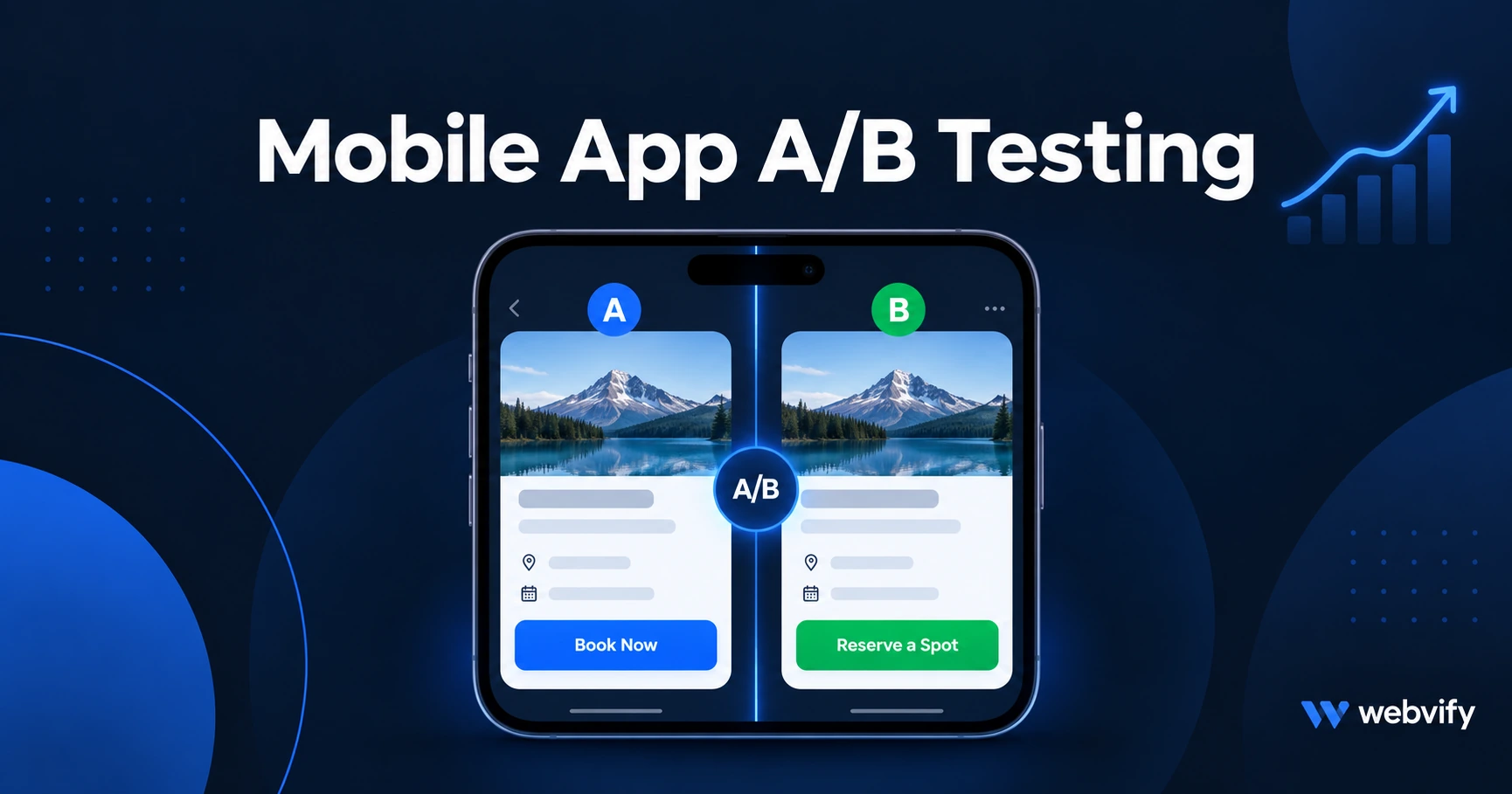
Learn how to run mobile app A/B testing without a developer. What to test, which free tools to use, and how to read results to improve your app conversions.
Inside this article
Most app installs end in silence. A user downloads your app, opens it once, and never comes back. Mobile app A/B testing is the least glamorous fix for this — but it is usually the most effective one.
Instead of guessing what your users want, you show two versions of something to different users and measure which one actually works. A different push notification subject line, a different onboarding screen, a different button — each test gives you a concrete answer instead of an opinion.
The good news: you do not need a developer, a data team, or expensive software to do this.
What Is Mobile App A/B Testing?
Mobile app A/B testing means splitting your users into two groups and showing each group a slightly different experience. You then measure which version gets the result you want — more opens, more bookings, more returning users.
The key word is "measure." Without measuring, you are just changing things and hoping. With a proper A/B test, you know whether the change actually caused the improvement.
For small business apps, the three most useful things to measure are:
- Push notification open rate (did users tap the notification?)
- Day-7 retention (did users open the app again a week after installing?)
- In-app conversion rate (did users tap the booking or order button?)
What to A/B Test in Your Mobile App
Not everything is worth testing. The highest-impact mobile app A/B tests for small business apps fall into three areas.
Push notification copy is the easiest place to start. A different subject line can double your open rate. Test short vs. long, question vs. statement, with vs. without the customer's name. "Your table is ready" vs. "Sarah, your usual table just opened up" are two different versions of the same message — and one of them almost always wins clearly.
Onboarding screens shape whether users ever come back. If someone installs your app and does not understand what it does within 30 seconds, they delete it. Test the number of onboarding steps (two vs. four), the order of information, and whether you ask for push notification permission at the start or after showing value first.
In-app CTAs — buttons like "Book Now" or "Order Today" — are cheap to change and easy to measure. Test the button text, its placement on the screen, and whether a banner prompt or a full-screen prompt gets more taps.
Services like Webvify include an admin panel where you can update push notification copy and app content without writing code, which makes running these tests practical without a developer.
How to Run Your First Mobile App A/B Test
The process is simpler than it sounds. Here are the five steps.
Step 1: Pick one thing to test. Testing push notification copy and the in-app CTA at the same time means you will not know which change caused the result. One test at a time.
Step 2: Define what "better" means before you start. For push notifications, it is open rate. For onboarding, it is day-7 retention. For CTAs, it is tap rate. Decide the success metric before running the test — not after you see the numbers.
Step 3: Split your audience. Most push notification tools let you send Version A to 50% of your subscribers and Version B to the other 50%. Firebase A/B Testing and OneSignal both handle this automatically.
Step 4: Run it long enough. You need at least 200–500 interactions per variant before the result means anything. For a small app, that might mean running a push notification test over two weeks rather than two days. Declaring a winner after 40 interactions is the most common mistake.
Step 5: Apply the winner permanently. Once the winning version is clear, make it your default. Then move on to the next test.
Free Tools That Work for Small Business Apps
You do not need enterprise software. These free tools cover most of what a small business app needs.
Firebase A/B Testing (free) is the most capable option for in-app tests. It lets you test push notification content, remote config values (any text or behavior your app can be configured to show), and onboarding experiments. It integrates directly with Google Analytics for Firebase, so results are in one place. It works with WebView apps that use Firebase Cloud Messaging for push notifications.
App Store Connect and Google Play Console both include free built-in A/B testing for your app store listing — icon, screenshots, and short description. Most small businesses overlook this, but your app store listing is the first conversion point. Nobody who does not install the app can become a retained customer. (For a deeper dive into optimizing your listing, the App Store Optimization guide for small businesses covers each element step by step.)
OneSignal (free tier supports up to 10,000 subscribers) lets you run A/B tests on push notification content with two variants. It tracks which version got more opens and surfaces the winner in its dashboard.
For understanding how these tests connect to your broader app performance picture, the mobile app performance metrics guide explains which free dashboards track day-7 retention and push open rate benchmarks.
Reading Your Results Without a Data Team
You do not need a statistician. You need two numbers.
If Version B open rate is 12% and Version A is 8%, Version B is better. Run it a second time to confirm, then make it your default.
The trap to avoid is declaring a winner too early. If you send a push notification to 40 users and Version A gets 5 opens and Version B gets 6, that is not a meaningful difference — that is noise. You need enough data for the result to be real.
Most push notification tools show a confidence percentage or a sample size indicator. Wait until you reach at least 95% confidence before calling a winner. If your tool does not show this, the simpler rule is: wait until each version has at least 200 interactions.
One final note: document your results. A simple note in a spreadsheet — "tested subject line length on October 6, short won, 11% vs 7%" — builds up into a useful guide over time. After five or six tests, patterns emerge that you would never have guessed from intuition alone.
FAQ
What is the best free tool for mobile app A/B testing?
Firebase A/B Testing is the most capable free option for in-app tests and push notification experiments. For app store listing tests (icon, screenshots, description), App Store Connect and Google Play Console both include free built-in A/B testing. For push notification copy only, OneSignal's free tier works for apps up to 10,000 subscribers.
How long should a mobile app A/B test run before I make a decision?
Long enough to reach at least 200–500 interactions per variant. For push notifications, that typically means one to two weeks depending on your subscriber count and how often you send. Declaring a winner after 40 interactions is the most common mistake — small differences in early data are usually noise, not signal.
Can I run A/B tests on a WebView app?
Yes. Firebase A/B Testing works with WebView apps using Firebase Cloud Messaging. App Store Connect and Google Play Console A/B tests work for any app regardless of how it was built. In-app element tests (like button text) depend on your website CMS — if you can update the page content, you can test it.
If your app is already live but conversions are flat, testing is the next step — and you do not need a developer to do it. Launch your app with Webvify and get an admin panel that makes push notification tests and content updates practical from day one.