

How to Migrate from GoNative to a Managed Web-to-App Service
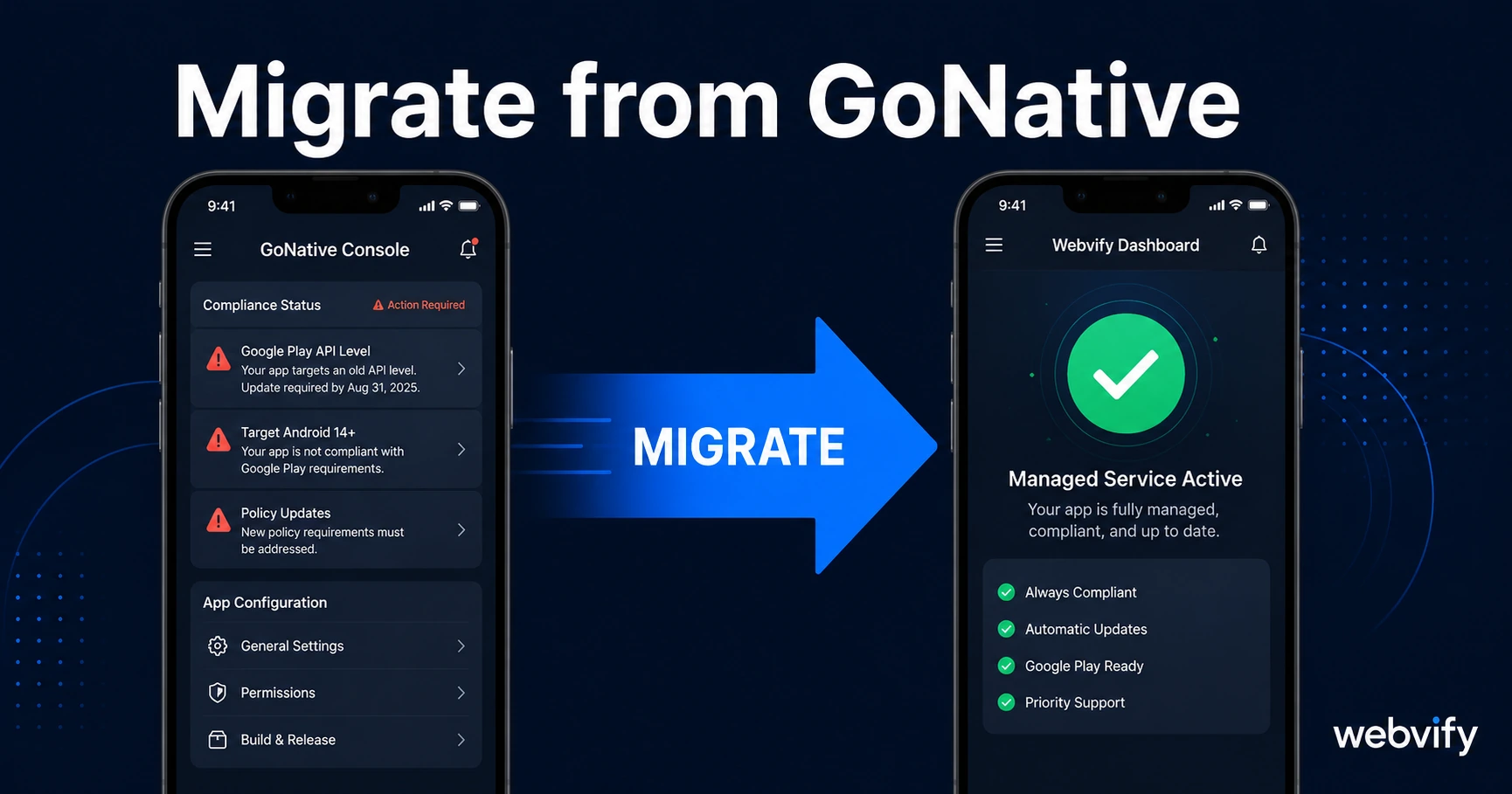
Migrating from GoNative (Median) to a managed service? Here's what changes, what stays the same, and how to switch without losing your App Store listing.
Inside this article
GoNative (now Median) wraps your website into a mobile app. That works well — until Google changes an API requirement, Apple rejects your next update, or your developer certificate expires, and you realize that the support ends at the ZIP file they sent you.
If you're researching how to migrate from GoNative to a service that handles those problems for you, this guide covers exactly what changes, what stays the same, and how to make the switch without a 404 on your existing App Store listing.
What GoNative and Median Actually Give You
GoNative and its successor Median are WebView wrappers. They take your existing website URL, package it inside a native shell, and output an IPA (iOS) and APK or AAB (Android) file.
That file is valuable. It gets your app into the App Store and Google Play. But the wrapper is the beginning of the relationship — not the service.
Once the file is in your hands, everything else is on you:
- Creating and paying for Apple Developer ($99/year) and Google Play ($25 one-time) accounts
- Submitting the app and responding to review feedback
- Updating the app when Google raises the target API level (they do this annually)
- Renewing iOS distribution certificates before they expire
- Resolving App Store rejections — including writing the appeals
For technical teams, this is manageable. For business owners who just want an app live and running, it's often the point where the app stops being maintained and quietly stops working.
The Four Situations That Break Self-Managed Apps
Migrating from GoNative becomes most urgent when one of these four situations hits.
Google Play API target level deadlines. Google requires all apps to target a current API level — currently API 35 for new apps, with enforcement for existing apps following each year. If your GoNative-built app isn't updated before the deadline, Google Play stops distributing it to new users. You need a developer to rebuild and resubmit. If no one's watching the deadline, you miss it.
App Store rejection on update. If you try to push a new build and Apple rejects it under Guideline 4.2 (minimum functionality), Guideline 2.1 (incomplete app), or any other rule, you need to understand the rejection, fix it, and re-submit. GoNative doesn't do this — you're the one writing the response to App Review.
Developer certificate expiration. iOS distribution certificates expire annually. If the certificate lapses, your app can stop launching for existing users. Renewing requires re-signing the binary and submitting a new build. It's a manageable task if you know it's coming; it's a crisis if you don't.
Team changes. If the person who set up the Apple Developer account leaves the business, transferring account ownership is a multi-step process that can take weeks and requires Apple's cooperation. Many small businesses discover this problem at the worst possible time.
For context on how common App Store rejections are and how to prevent them, this guide on app store rejection prevention covers the specific guidelines WebView apps fail on most.
How to Migrate from GoNative Without Losing Your App Store Listing
The good news: migrating doesn't mean starting over. Your existing App Store and Google Play listings — including your ratings, reviews, and download history — belong to the app's Bundle ID (iOS) and Package Name (Android), not to the tool that built the binary.
Here's what the migration process looks like:
Step 1: Record your existing app identifiers. You need the Bundle ID (iOS, formatted like com.yourcompany.appname) and the Package Name (Android). Find these in App Store Connect under your app's General Information, and in the Google Play Console under your app's Dashboard.
Step 2: Provide these to your new service. A managed service like Webvify rebuilds the app using the same identifiers. The new binary uploads to the same listing.
Step 3: Submit an update, not a new app. You're not submitting to App Store Review as a new app — you're pushing an update. Existing users keep their download. Ratings and reviews carry over. The listing URL stays the same.
Step 4: Transfer or share Apple Developer credentials. If you're using a developer account you own, you'll need to add the managed service as an admin (or share the credentials so they can submit on your behalf). This is a one-time setup.
Services like Webvify handle the complete submission process end-to-end — you don't need to touch App Store Connect or the Google Play Console to complete the migration.
What a Managed Service Handles That GoNative Doesn't
The core difference between a wrapper tool and a managed service comes down to who handles the ongoing operational work.
After you migrate from GoNative to a managed service, the service takes over:
- App Store and Google Play submission — including responding to review feedback and resolving rejections
- Annual compliance updates — when Google changes the target API level or Apple changes its review guidelines, the service updates your app
- Certificate management — iOS distribution certificates are renewed before they expire
- Post-launch admin panel — you can update your app's configuration (splash screen, push notification settings, domain URL) without submitting a new build every time
For business owners, this shift matters because it changes the ongoing overhead from "I need a developer on retainer for this" to "I subscribe to a service and it stays working."
If you've been evaluating your options, the GoNative alternatives comparison breaks down how different services position themselves on this spectrum.
What You Might Lose in the Migration
Not every GoNative configuration maps directly to a managed service. Two areas worth checking before you commit:
Custom JavaScript bridges. GoNative allows developers to write custom JS-to-native bridges — code that lets your website call native device features directly. If your app relies on these, confirm your new service supports the same capabilities before migrating.
Plugin-specific features. GoNative has a plugin library (camera, barcode scanning, biometric login, etc.) built on its own SDK. A managed service may implement the same features differently, or may not support edge-case plugins at all. List out every native feature your app uses and verify coverage.
For most business owners, the app does three things: display the website, send push notifications, and open links. All of that migrates cleanly. The edge cases are the custom dev work — and if that's already beyond what GoNative's self-service model handles, it's probably beyond what you can maintain on your own anyway.
Frequently Asked Questions
Can I migrate from GoNative without unpublishing my current app?
Yes. You submit the new build as an update to your existing app listing using the same Bundle ID and Package Name. The app stays live for existing users throughout the process, and the App Store page doesn't go offline.
How long does a GoNative migration take?
The technical rebuild typically takes 1–3 business days. App Store Review adds another 24–48 hours for iOS. Google Play review is usually faster (a few hours to 1 day). Plan for about one week from start to live update.
Will my ratings and reviews carry over after migrating from GoNative?
Yes. Ratings and reviews are tied to your app's listing, not the binary. As long as you upload the new build under the same app record in App Store Connect and Google Play Console, everything carries over.
Webvify handles the rebuild, the submission, and the ongoing maintenance — so your app stays compliant and live without you watching the developer portals. See how it works at webvify.app.