

How to Turn Your Memberful Site Into a Mobile App (Without a Developer)
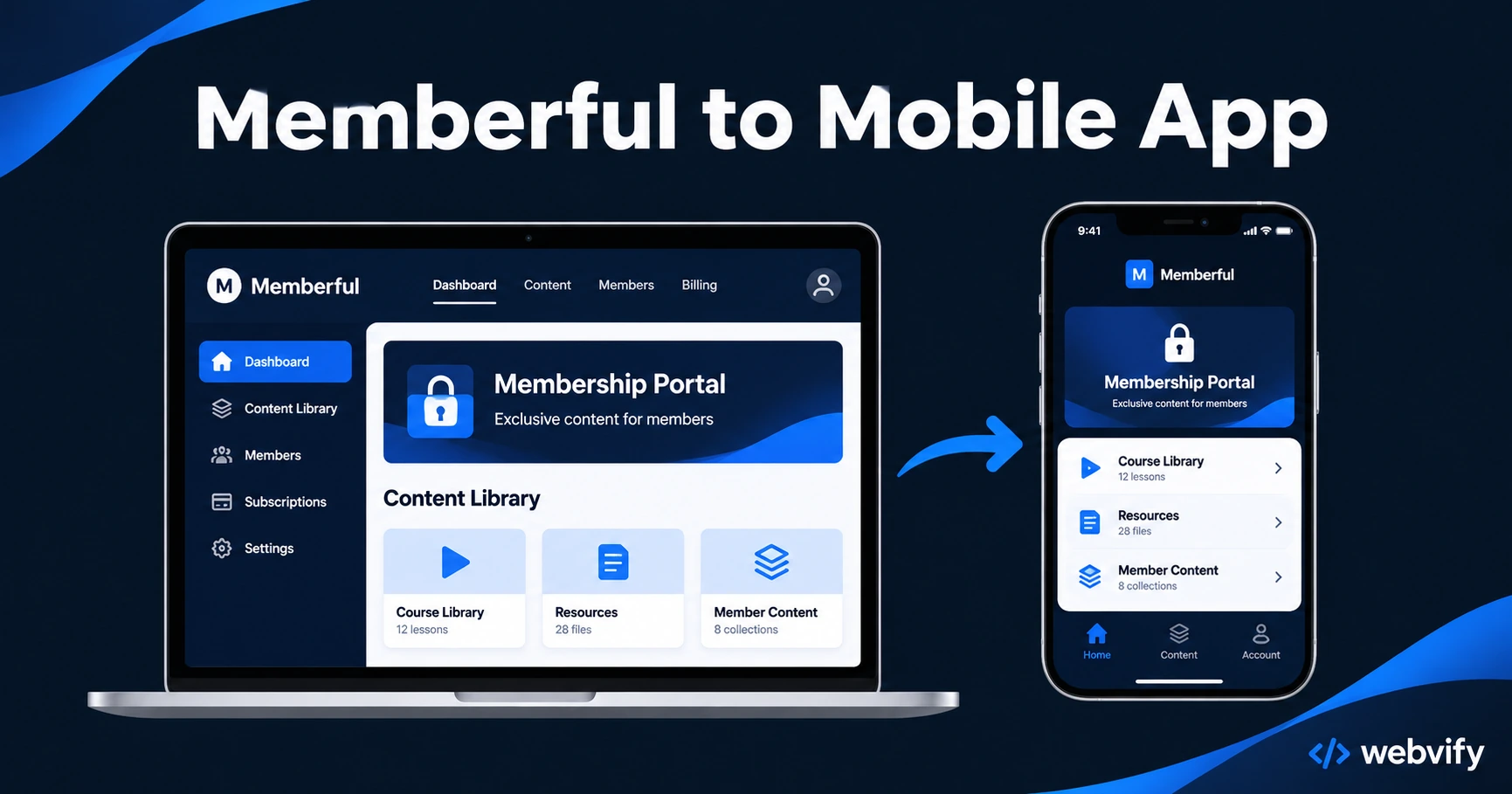
Turn your Memberful site into a branded iOS and Android app. Here's the IAP trap most owners hit on first submission — and how to get your app live in days.
Inside this article
- What a Memberful Mobile App Actually Is
- The One IAP Rule That Catches Every Memberful Owner
- What Works Inside a Memberful App (And What Doesn't on iOS)
- Getting Your Memberful App Through App Store Review
- Why Push Notifications Are the Membership Retention Lever You're Missing
- How Long Does a Memberful to Mobile App Conversion Take?
- Frequently Asked Questions
Most Memberful site owners hit an App Store rejection on their first attempt. The reason is almost always Apple Guideline 3.1.1: Stripe-powered subscription checkouts can't run inside an iOS app without routing payments through Apple's 30% cut. No workaround, no exception — just a rejection.
The good news: there's a simple fix, and once you apply it, a Memberful to mobile app conversion is straightforward. Here's the full process.
What a Memberful Mobile App Actually Is
You don't need to rebuild your Memberful site. A WebView app wraps your existing Memberful URL in a native iOS and Android shell — your content, courses, member portal, and community areas all load inside the app exactly as they do in a browser.
Your members get:
- A home screen icon to tap instead of remembering a URL
- Push notifications for new content, renewal reminders, and community activity
- An App Store listing that makes your membership feel as credible as any major software brand
Existing integrations — Stripe for billing, WordPress if you're on that stack, any forum or community plugin — keep working because your site is still running the content. The app is a window into your existing site, not a rebuild of it.
The One IAP Rule That Catches Every Memberful Owner
Before you submit anything to Apple, understand Guideline 3.1.1.
Apple requires that any digital content sold inside an iOS app use Apple's in-app purchase system — meaning Apple takes a 30% cut (15% for small businesses). Memberful subscriptions sold via Stripe fall into this category.
The fix is to disable purchases inside the app and redirect members to your website for new sign-ups. This is exactly how Udemy, Coursera, and Patreon handle it on iOS. Members can log in and consume all their content inside the app — they just can't buy a new subscription inside it.
This keeps your Stripe setup intact, eliminates Apple's 30% cut, and lets your app pass review. New members tap through to a browser to subscribe, then return to the app as logged-in members.
If you skip this step, Apple will reject your submission within 24–48 hours citing Guideline 3.1.1. It's the most common rejection for any subscription-based WebView app.
Google Play is more lenient — Android doesn't enforce the same in-app purchase requirement for external digital subscriptions, so your Memberful app on Android can include the full checkout flow.
What Works Inside a Memberful App (And What Doesn't on iOS)
Fully supported inside both iOS and Android apps:
- Member login and session persistence
- Course and content delivery (video, PDFs, text)
- Community areas, comments, and forum threads
- Member account management (password change, profile)
- Push notifications
- Deep links from push notifications to specific content
Restricted on iOS only (not Android):
- New membership sign-up via Stripe checkout (redirected to browser)
- Subscription plan upgrades via Stripe (redirected to browser)
The redirect experience is seamless — members tap "Subscribe," Safari opens, they complete checkout, and Memberful redirects them back to the app as logged-in members. It's the same friction-free flow Patreon uses.
If you run a WordPress-based membership site with MemberPress or LearnDash alongside Memberful, this guide covers the WordPress-specific IAP nuances in detail →
Getting Your Memberful App Through App Store Review
Apple checks two things for a WebView app before approving it.
Guideline 4.2 — Minimum Functionality: The app must do something a browser cannot. Push notifications are the standard answer — they're a native capability that mobile Safari on iOS cannot replicate. Make sure push permission is enabled before submitting.
Guideline 3.1.1 — In-App Purchases: Any paid digital content must use Apple's payment system or be blocked from purchase inside the app. As above: disable Memberful's Stripe checkout inside the app and redirect to browser.
With both addressed, Memberful WebView apps typically pass Apple review in 24–48 hours. First-time rejections almost always trace back to one of these two guidelines.
For a full walkthrough of the submission process, see our App Store submission guide →
Services like Webvify handle the WebView packaging, IAP redirect configuration, and end-to-end App Store submission — so you don't have to navigate Xcode or Apple's developer portal.
Why Push Notifications Are the Membership Retention Lever You're Missing
Members churn because they go quiet. Someone joins, reads the first week of content, then life gets busy. Without a channel that bypasses the inbox, you have no reliable way to pull them back.
Push notifications reach the lock screen at 60–90% open rates — compared to 20–28% for email marketing to existing members. For a membership business, three campaigns produce the highest ROI:
- New content alerts: "Your new module just dropped — tap to continue." Open rates typically run 65–75% in the first hour.
- Renewal reminders: 7-day and 3-day alerts before a membership expires. The No. 1 retention lever for reducing involuntary churn.
- Re-engagement pushes: 30-day dormant member alerts ("You haven't logged in recently — your [course name] is waiting").
If you currently rely on email sequences to keep members active, push notifications from a branded mobile app are the most effective single addition you can make to your Memberful stack.
How Long Does a Memberful to Mobile App Conversion Take?
| Step | Estimated Time |
|---|---|
| App configuration and IAP redirect setup | 1–2 days |
| App Store review (Apple) | 1–3 days |
| Google Play review | 1–3 days |
| Total | 5–10 business days |
This is the timeline with a managed service. DIY approaches — building the WebView wrapper yourself, navigating Xcode and Apple's developer portal, and troubleshooting rejection reasons — typically add 2–6 weeks for owners without prior mobile dev experience.
Frequently Asked Questions
Can my existing Memberful members log in and access their content inside the app?
Yes. Login, content access, course progress, and all member portal features work inside the app. Existing members have full access to everything they've already paid for. The only change on iOS is that new subscription purchases are routed to the browser instead of Stripe inside the app.
Will I need to update the app every time I publish new content?
No. Because the app is a WebView wrapper around your live Memberful URL, any content you publish on your site — new courses, posts, downloads — automatically appears in the app without any resubmission.
What does it cost to put a Memberful membership site on iOS and Android?
A managed WebView app service typically costs $500–$2,000 depending on the provider, covering setup, IAP configuration, and App Store submission. This compares to $50,000–$300,000 for a custom-built native app. Apple charges a $99/year developer account fee (required for App Store listing); Google Play is a one-time $25 fee.
Your Memberful membership deserves a home screen icon — not a bookmark that gets buried in a browser tab. Launch your Memberful app with Webvify →