

How to Make Your WebView App Feel Native: 10 UI/UX Best Practices
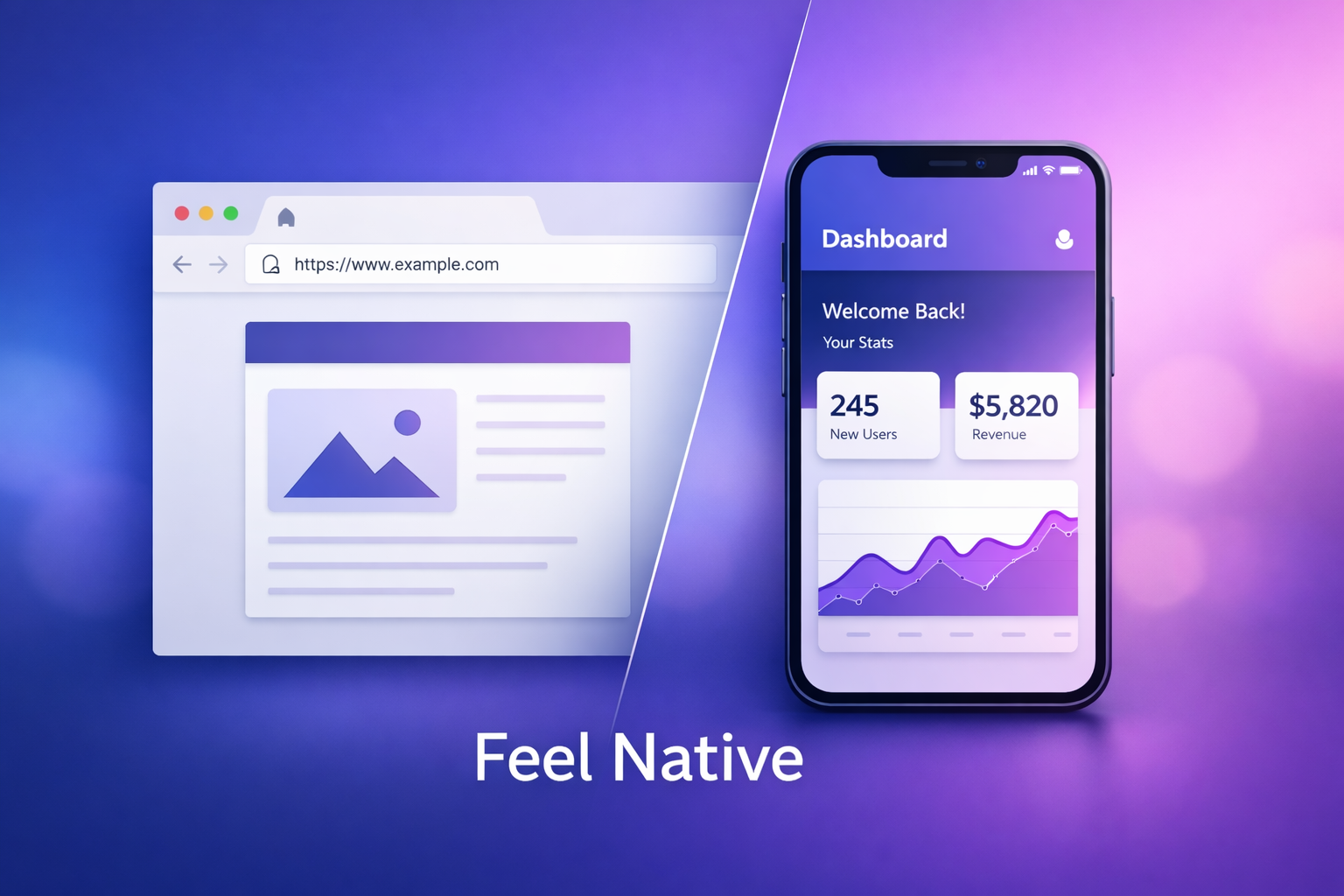
Discover how to bridge the gap between web and native. Learn 10 practical UI/UX tips to make your WebView app feel fast, responsive, and truly native.
Inside this article
- Why “Feeling Native” Matters
- 1. Remove All Browser Artifacts
- 2. Implement a Native Splash Screen
- 3. Use Custom Loading Indicators
- 4. Match Native Navigation Patterns
- 5. Enable Gesture Navigation
- 6. Add Haptic Feedback
- 7. Optimize Scroll Performance
- 8. Ensure Instant Interaction Feedback
- 9. Handle Offline and Error States Gracefully
- 10. Smooth Transitions and Animations
- WebView vs Native Feel: Quick Comparison
- Practical Checklist
- Common Mistakes to Avoid
- Final Thoughts
- Build It Right with Webvify
Why “Feeling Native” Matters
WebView apps are fast to build and cost-effective, but users don’t care about your tech stack—they care about experience. If your app feels like a wrapped website, users notice immediately: laggy transitions, awkward navigation, and inconsistent UI break trust.
A well-crafted WebView app can feel indistinguishable from native. The difference comes down to UI/UX decisions, performance tuning, and how tightly you integrate with the device.
Below are 10 practical, high-impact techniques to bridge that gap.
1. Remove All Browser Artifacts
Nothing kills the illusion faster than visible browser behavior.
What to remove:
- URL bars
- Default scroll bounce (if not native-like)
- Context menus (copy/paste popups where unnecessary)
- Zoom gestures (unless required)
How:
- Disable zoom and scaling in WebView settings
- Override long-press behavior
- Hide scroll indicators if they don’t match platform norms
Goal: The user should never feel like they are inside a browser.
2. Implement a Native Splash Screen
Native apps don’t show blank white screens while loading.
Best practice:
- Display a native splash screen immediately on app launch
- Keep it consistent with your brand (logo, background color)
- Transition smoothly into your WebView content
Advanced tip:
Preload critical assets in the background while splash is visible to reduce perceived load time.
3. Use Custom Loading Indicators
Default browser spinners feel generic.
Replace with:
- Branded loaders
- Skeleton screens for content-heavy pages
- Progress bars for navigation transitions
Why it matters:
Users perceive your app as faster when they see structured loading instead of empty states.
4. Match Native Navigation Patterns
Each platform has expectations:
| Platform | Expected Pattern |
|---|---|
| iOS | Swipe-back, bottom tabs |
| Android | Hardware back button, top app bar |
Implementation:
- Sync WebView navigation stack with native navigation
- Intercept back actions and map them correctly
- Avoid forcing users into web-style navigation (e.g., relying only on links)
Key point: Navigation must feel predictable.
5. Enable Gesture Navigation
Gestures are a core part of native UX.
Examples:
- Swipe back (iOS)
- Pull-to-refresh
- Edge gestures
How:
- Inject gesture handlers at native layer
- Communicate with WebView via bridge (JavaScript ↔ native)
This creates fluid, modern interactions users expect.
6. Add Haptic Feedback
Web apps don’t have tactile feedback—but native apps do.
Use haptics for:
- Button taps
- Form submissions
- Success/error states
Implementation:
Trigger native haptic APIs from WebView events.
Result: Subtle but powerful improvement in perceived quality.
7. Optimize Scroll Performance
Scrolling is where WebView apps often fail.
Fixes:
- Enable hardware acceleration
- Avoid heavy DOM reflows
- Use passive event listeners
- Lazy-load images and content
Bonus:
Match platform-specific scroll physics (especially iOS momentum scrolling).
8. Ensure Instant Interaction Feedback
Delays in taps or clicks make apps feel broken.
Solutions:
- Remove 300ms click delay
- Use touchstart instead of click where needed
- Add visual feedback (opacity change, ripple effects)
Users should feel immediate response to every interaction.
9. Handle Offline and Error States Gracefully
Native apps don’t just show “No Internet.”
Improve UX with:
- Custom offline screens
- Retry buttons
- Cached content fallback
Strategy:
- Implement service workers (if applicable)
- Cache key pages and assets
This turns a failure point into a controlled experience.
10. Smooth Transitions and Animations
Native apps feel fluid. WebView apps often feel abrupt.
Improve transitions:
- Animate page changes
- Use fade/slide transitions
- Avoid full reload flashes
Technical approach:
- Use SPA frameworks or partial rendering
- Sync animations with native navigation events
Goal: Eliminate jarring transitions completely.
WebView vs Native Feel: Quick Comparison
| Feature | Default WebView | Optimized WebView |
|---|---|---|
| Loading Experience | Blank / spinner | Branded + skeleton |
| Navigation | Link-based | Native-like stack |
| Gestures | Limited | Fully integrated |
| Performance Perception | Medium | High |
| Haptic Feedback | None | Native-triggered |
| Offline Handling | Poor | Controlled UX |
| Transitions | Abrupt | Smooth animations |
Practical Checklist
Use this before shipping your app:
Core UX
- No browser UI elements visible
- Native splash screen implemented
- Custom loader or skeleton screens
Navigation
- Back button behaves natively
- Swipe gestures enabled
- Navigation stack synced
Performance
- Scroll is smooth (no lag)
- Assets lazy-loaded
- Interaction delay removed
Native Integration
- Haptic feedback added
- Offline mode handled
- Errors have custom UI
Polish
- Transitions are animated
- UI matches platform guidelines
- No layout shifts or flashes
Common Mistakes to Avoid
Treating WebView like a shortcut
WebView is not “just wrap and ship.” Without optimization, it feels cheap.
Ignoring platform differences
iOS and Android users expect different behaviors. One-size-fits-all UX fails.
Overloading the DOM
Heavy pages kill performance. Optimize aggressively.
Skipping native bridges
The real power comes from combining web + native—not choosing one.
Final Thoughts
A WebView app doesn’t have to feel like a compromise. With the right UI/UX strategy, it can deliver a native-level experience while keeping development fast and scalable.
The key is simple: remove everything that feels like a browser, and add everything users expect from a native app.
Build It Right with Webvify
If you want to turn your website into a high-quality mobile app without sacrificing user experience, Webvify helps you bridge that gap—fast. From native integrations to UX optimization, you get an app that feels truly native, not just wrapped.