

Turn Your Logistics Customer Portal Into a Mobile App: Real-Time Tracking, Fewer “Where Is My Shipment?” Calls
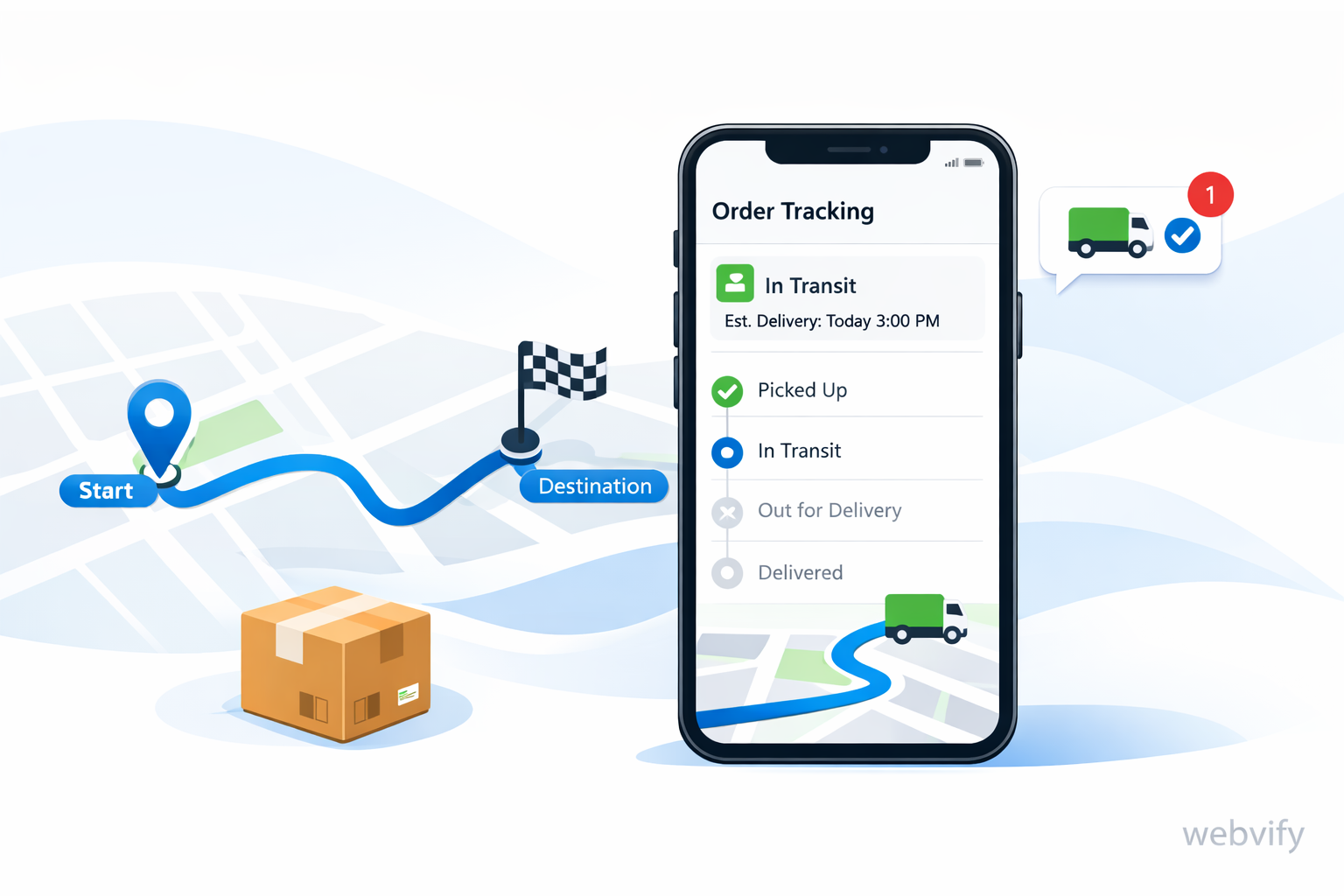
Convert your logistics tracking portal into an app with push updates, proof-of-delivery, and self-serve support—reducing WISMO calls and improving retention.
Inside this article
- The real reason WISMO calls keep happening
- What “turning your portal into an app” actually means
- When a mobile app has the biggest impact (and when it doesn’t)
- The 5 features that reduce support load the fastest
- Two realistic flows (what changes in day-to-day operations)
- A practical rollout plan (without a big rebuild)
- Quick checklist before you start
- Objections (and honest answers)
- FAQ (for quick answers)
- Next step: ship the first version that pays for itself
The real reason WISMO calls keep happening
If you run a freight forwarder, courier operation, or 3PL, you probably already have a tracking portal. It “works” in the sense that customers can log in and see a status.
But customers don’t want to check. They want to be told.
That gap is where WISMO (“Where is my shipment?”) calls and emails come from—especially when something changes: a delay, a failed delivery attempt, a customs hold, missing paperwork, or a rescheduled ETA.
A mobile app changes the dynamic:
- From reactive updates → proactive updates
- From portal logins → instant notifications
- From support load → self-serve clarity
And the best part is you don’t need to rebuild your systems.
What “turning your portal into an app” actually means
Turning your portal into an app usually means this:
- You keep your existing portal (same backend, same workflows).
- You publish a mobile app that uses a webview to display that portal.
- You add a few mobile-first layers on top (push notifications, faster login, app navigation, device permissions).
With Webvify, you can ship a branded iOS + Android app that points to your existing portal—without a long custom mobile build.
When a mobile app has the biggest impact (and when it doesn’t)
A portal-to-app approach works best when you already have:
- A customer portal used by shippers/consignees
- A tracking page customers depend on
- Repeated support questions for the same shipment lifecycle moments
- Business customers who manage many shipments (high repetition = high ROI)
It’s less valuable if you have very few shipments per month or customers rarely need updates.
The 5 features that reduce support load the fastest
You don’t need a “super app.” Start with the features that change behavior.
1) Push notifications for shipment events (the biggest win)
Make important moments arrive to the customer instead of waiting for them to log in.
Trigger notifications for events like:
- Shipment created / picked up
- In transit / arrived at hub
- Customs hold / exception / delay
- Out for delivery
- Delivered (with proof-of-delivery link)
Here’s a simple example payload your system could send to a push provider:
{
  "type": "shipment_update",
  "shipmentId": "TRK123456789",
  "status": "out_for_delivery",
  "title": "Out for delivery",
  "message": "Your shipment is on the way and will arrive today.",
  "deepLink": "/shipments/TRK123456789"
}
2) Persistent login (less friction, fewer “I can’t access” tickets)
If customers must re-enter credentials on every visit, they won’t “quick check.” They’ll wait until they’re stressed, then call.
A mobile app can keep customers signed in (securely) so checking status takes seconds.
3) One-tap access to what customers actually do
Most portal features aren’t used daily. Shipments are.
Design the app navigation around:
- Active shipments
- Recent deliveries
- Exceptions / issues
- Documents (POD, invoices, customs docs)
4) Proof-of-delivery as a first-class experience
POD requests are a classic support sink.
Instead of “Can you send the POD?”, the flow becomes:
- Notification: “Delivered. Tap to view POD.”
- Customer opens the app and downloads immediately.
5) A lightweight “help center” for repeating questions
Not a huge knowledge base—just answers to the top 10 questions that create tickets:
- “What does Arrived at hub mean?”
- “Why does ETA change?”
- “How do I update delivery instructions?”
- “What documents are required for customs?”
Two realistic flows (what changes in day-to-day operations)
Example A: last-mile delay
Today
- Driver delay happens
- Customer doesn’t know
- Customer calls support
- Your team checks status and replies manually
With an app
- Delay happens
- Push: “Delivery delayed by 2 hours. New ETA 16:30.”
- Customer adjusts expectations
- Fewer calls and escalations
Example B: customs hold with missing paperwork
Today
- Shipment is held
- Customer finds out late and panics
- Your ops team handles urgent calls and emails
With an app
- Push: “Customs hold: missing invoice. Tap to upload.”
- Customer uploads document in seconds (or gets clear next steps)
- Faster resolution, fewer fire drills
A practical rollout plan (without a big rebuild)
This is a common, low-risk sequence:
Step 1: App wrapper + navigation (Week 1)
- Wrap the existing portal into an app (webview)
- Add bottom navigation for the top portal sections
- Implement persistent login
Step 2: Push notifications + deep links (Week 2)
- Define the 8–12 shipment events that matter
- Send pushes on those events
- Deep-link customers into the right shipment screen
Step 3: Polish what customers touch most (Week 3+)
- Improve loading, readability, and “tap targets”
- Add a small help center
- Add document shortcuts (POD, invoices)
Quick checklist before you start
- Do you already have stable tracking URLs per shipment?
- Can your backend emit shipment events (or can you poll a status API)?
- Can you identify the customer/device for a shipment (email, account ID, or portal session)?
- Do you know your top 10 WISMO triggers (delay, customs, POD, reschedule)?
- Do you want one app for all customers, or separate apps per brand/region?
If you can answer these, you can ship a meaningful first version fast.
Objections (and honest answers)
“Isn’t building an app expensive?”
Custom native development can be. A portal-to-app approach is different because you reuse what you already built. You’re not rewriting the portal—you're making it mobile-first and proactive.
“Will customers actually install it?”
Business customers install apps when the app saves time. If your app reduces constant checking and gives instant updates, adoption is much higher than “nice to have” apps.
“What if customers prefer email?”
You can offer both. Push notifications handle urgency and speed; email works for summaries and records. The point is to reduce uncertainty and repeated back-and-forth.
“Is a webview app ‘real’ enough?”
For portals and dashboards, webview apps are often the fastest path to a real app-store presence, home-screen access, push notifications, and a smoother mobile UX—without creating two separate codebases to maintain.
FAQ (for quick answers)
What is WISMO in logistics?
WISMO stands for “Where is my shipment?”—the calls and messages customers send when they don’t have timely delivery updates.
How does a mobile app reduce WISMO?
By sending proactive updates (push notifications) at key shipment events, so customers don’t need to check the portal or contact support.
Do I need to rebuild my tracking portal to have an app?
No. If you already have a portal, you can turn it into an app with a webview approach and add mobile features on top.
What should I build first?
Start with push notifications for shipment events and a frictionless login experience. Those two changes typically reduce the most support volume.
Next step: ship the first version that pays for itself
If you already have a tracking portal, you’re closer than you think. The highest ROI version of your app is not the biggest one—it’s the one that sends the right updates at the right time and makes customer self-service easy.
Webvify helps you turn your existing tracking/customer portal into a mobile app with push notifications and a clean mobile experience—without a long rebuild. If you want to see what this looks like for your portal, start here: https://webvify.app