

Turn Your Law Firm’s Client Portal Into a Mobile App: Fewer Status Calls, More Referrals
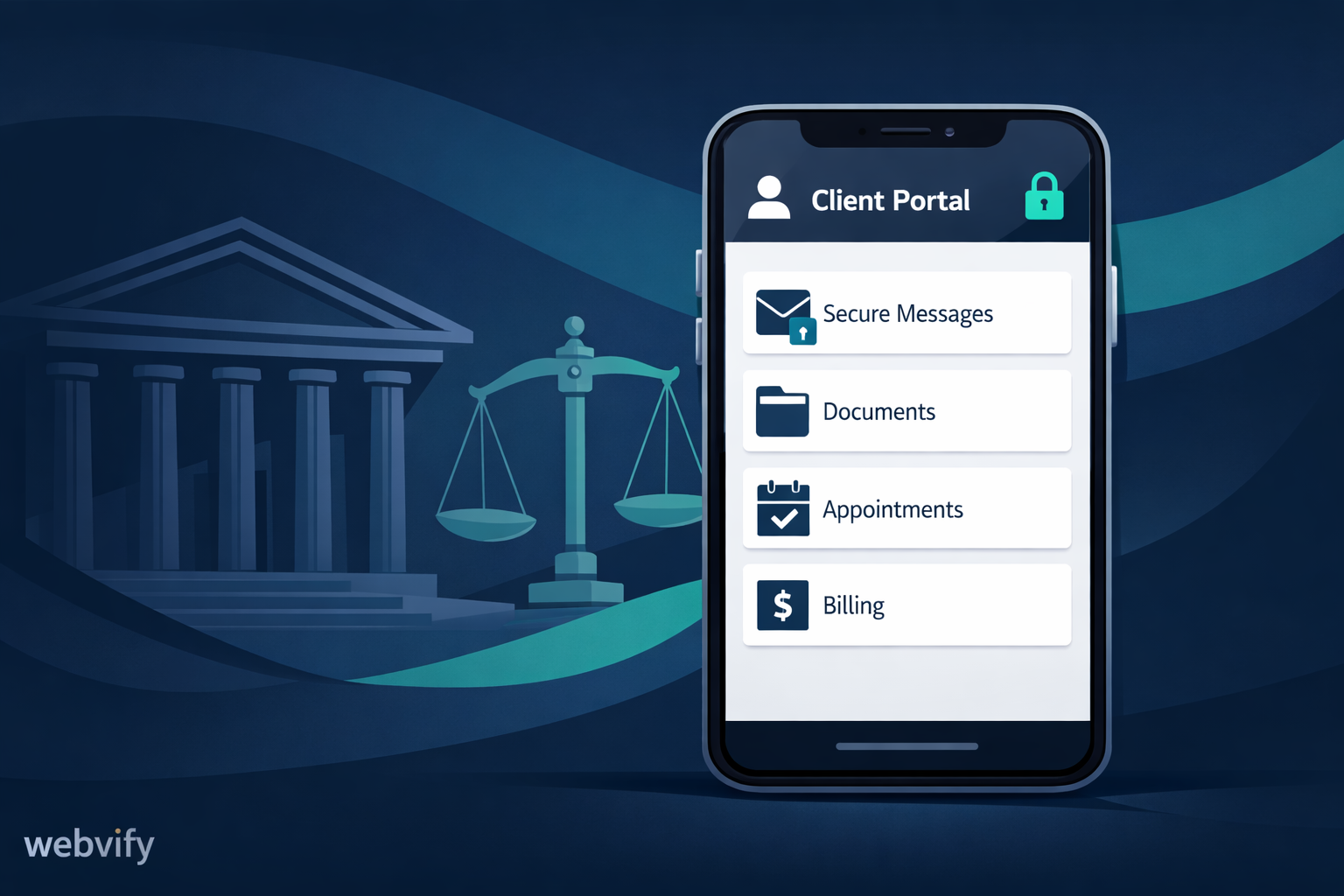
Turn your law firm’s client portal into a mobile app to cut status calls, reduce no-shows, and drive more referrals.
Inside this article
- The hidden cost of “just check your email”
- What actually goes wrong in the current setup
- What changes when your client portal becomes an app
- Mobile website vs native app vs webview app (honest comparison)
- A practical plan to ship a law firm app fast (without rebuilding)
- Compliance and privacy considerations (high level, not legal advice)
- What to measure (KPIs that tell you if it’s working)
- Common objections (and practical answers)
- Two realistic mini scenarios
- Where Webvify fits
- FAQ
- Next step
The hidden cost of “just check your email”
Most law firms already have the basics: a website, a client intake form, maybe a client portal, and a case management system. On paper, that should be enough.
In practice, clients still feel uncertain. They call for updates you already sent. They miss a consultation. They forget to upload a document. They don’t refer you because the “right moment” never happens.
It’s not because your team isn’t responsive. It’s because the experience is fragmented.
Email is passive. Browsers are forgettable. A mobile app sits on the client’s home screen. That small shift can reduce friction across the entire client journey.
This post explains why, what to build (without rebuilding everything), and how a web-to-app approach like Webvify can help you launch fast.
What actually goes wrong in the current setup
1) Updates don’t land (even when you send them)
Clients receive a lot of messages every day. Even a well-written update can get buried.
What you see:
- “Did you get my email?”
- “Any progress?”
- “Can someone call me back?”
What clients feel:
- “I don’t know what’s happening.”
- “Maybe my case is stalled.”
- “If I have to chase updates, this firm isn’t on top of it.”
2) Documents end up scattered
One client might have:
- PDFs in email
- Photos in a text message
- A portal upload link saved “somewhere”
- A follow-up request in a different thread
This creates rework for your team and stress for the client.
3) Consultations and deadlines get missed
No-shows happen for simple reasons:
- the calendar invite didn’t get accepted
- the reminder went to spam
- the client didn’t see the “bring X and Y” message
- the meeting link is hard to find
4) Referrals are accidental, not repeatable
Many firms rely on referrals, but the referral moment is often unplanned. A client is happy, but there’s no clear, easy next step:
- no one asks at the right time
- no simple “share this link” flow
- no follow-up that turns satisfaction into action
What changes when your client portal becomes an app
Turning your existing portal (or key client pages) into an app is less about “having an app” and more about changing the communication pattern.
With a client-facing app, you can make the experience:
- Proactive: updates can be pushed to the client at the right time
- Structured: messages and files live in one place
- Easy to re-open: it’s on the home screen, not lost in a browser tab
- More trustworthy: an app feels official and consistent
The result is usually fewer inbound status calls, fewer missed steps, and a smoother experience that clients remember (and talk about).
Mobile website vs native app vs webview app (honest comparison)
You have three realistic options. Each can work, depending on your firm’s goals and timeline.
Mobile website
Pros:
- Fastest to start if you already have a good site
- Easiest to update
- Lowest cost to maintain
Cons:
- Clients don’t “live” in their browser
- No home-screen presence by default
- Limited notification options (web push is inconsistent on some platforms)
- Higher chance of “out of sight, out of mind”
Native app (built from scratch)
Pros:
- Maximum control over UI and performance
- Deep integrations possible
- Best long-term flexibility
Cons:
- Takes longer and costs more
- Requires ongoing mobile development work
- More complexity to maintain (iOS + Android + backend)
Webview app (web-to-app)
Pros:
- Launches quickly using your existing website/portal
- Home-screen presence and app-like experience
- Can support push notifications and a focused client experience
- Lower effort than a full native rebuild
Cons:
- Some advanced features still require extra work (depending on your stack)
- You need to be thoughtful about what pages to include and how auth works
If your firm already has a portal that works in the browser, a webview app is often the best “speed-to-value” option.
A practical plan to ship a law firm app fast (without rebuilding)
This is a proven way to move from “portal exists” to “clients actually use it” in days, not months.
Step 1: Choose one primary outcome
Pick the core problem you want the app to solve first:
- Reduce status calls
- Reduce no-shows
- Speed up document collection
- Improve post-consultation follow-up
- Increase referrals
Trying to solve everything at once is the most common mistake.
Step 2: Define the “client home” screen
Decide what clients should see first when they open the app:
- case status (simple and readable)
- next step checklist (what you need from them)
- upcoming appointment + join link
- “message the team” entry point
- key documents
Keep it minimal. Your goal is clarity, not feature count.
Step 3: Map your existing portal pages (and remove the rest)
Many portals have pages clients rarely need. In an app, fewer pages is better.
Include only what helps:
- Intake / onboarding
- Secure login
- Case updates / timeline
- Document upload
- Messages
- Appointments
Everything else can still exist on your normal website.
Step 4: Decide what triggers a notification
Push notifications are powerful because they pull attention at the right time. But only if you use them sparingly and with purpose.
Good notification triggers:
- appointment confirmed + reminder windows (24h / 2h)
- “we received your document”
- “your case status changed”
- “action needed: please upload X”
- “new message from your legal team”
Avoid:
- frequent marketing blasts
- vague messages like “Check the portal”
Step 5: Make every notification land in the right place
If a push notification opens the app but the user has to hunt for context, you lose trust fast.
Aim for “deep links”:
- tap notification → open the exact case update
- tap reminder → open the join link and checklist
- tap request → open the upload page
Step 6: Add one referral moment
Referrals improve when you make them easy and timed well.
Simple referral moments:
- after a positive milestone (“case resolved”, “hearing scheduled”, “documents accepted”)
- after a successful consultation
- after a review request
Give clients a short, respectful prompt and a one-tap share option.
Compliance and privacy considerations (high level, not legal advice)
Law firms handle sensitive information. You don’t need to turn this into a technical project, but you do need a responsible baseline.
Practical checklist to discuss with your team:
- Keep authentication strong (SSO, MFA, session timeouts where appropriate)
- Avoid putting sensitive details directly inside notification text (use generic wording like “New update available”)
- Ensure uploads and downloads are secure end-to-end
- Make it easy to revoke access (former clients, wrong contact, device change)
- Log access and actions where possible (for internal visibility)
- Use clear permissioning for staff vs clients
If you already have a secure portal, the goal is to keep that same security model in the app experience.
What to measure (KPIs that tell you if it’s working)
You don’t need 50 metrics. Track a few that reflect client experience and operations.
Suggested KPIs:
- Status calls per active case (before vs after)
- Consultation no-show rate
- Average time to collect required documents
- Client portal/app login frequency per case
- Message response time (perceived and actual)
- Referral rate (or “referral asks” completed)
- Review requests completed (if you use them)
Common objections (and practical answers)
“Our clients won’t download an app.”
Clients won’t download an app for “marketing.” They will download an app that reduces friction:
- “Your updates are here.”
- “Your appointment link is always one tap away.”
- “Upload documents in 10 seconds.”
If your app clearly saves time and reduces uncertainty, adoption follows.
“We don’t want to rebuild our portal.”
You don’t have to. A web-to-app approach uses what you already have and focuses on:
- a clean client journey
- the right pages
- smart notifications
“This sounds risky for privacy.”
Risk comes from poor implementation, not the idea of an app. Keep notifications generic, keep sensitive details behind login, and keep access revocation and logging in mind.
“We’re too busy to manage another channel.”
A good client app reduces channels. Instead of email + calls + scattered links, you move toward a single place where clients self-serve and staff respond with context.
Two realistic mini scenarios
Scenario 1: Family law firm reducing status calls
A small family law firm has steady leads but loses time on repetitive questions. Clients feel anxious, and anxiety shows up as more inbound calls.
They launch a simple app experience:
- “Your case timeline” with plain-language milestones
- “Next steps” checklist for required documents
- push notifications for status changes and action requests
Within weeks, most “any update?” calls drop because clients can check the app and see the same information, in context.
Scenario 2: Immigration practice reducing no-shows
An immigration practice books many consultations, but misses happen because clients can’t find the meeting link or forget required documents.
They add:
- appointment reminders with a single “Join” button
- a pre-consultation checklist (passport photo, forms, receipts)
- document upload right inside the app experience
No-shows decrease, and the first call becomes more productive because clients arrive prepared.
Where Webvify fits
Webvify helps you turn your existing website or client portal into a mobile app fast, without forcing you into a long rebuild.
That typically means:
- an app your clients can keep on their home screen
- a smoother, more consistent portal experience
- the ability to send focused push notifications (when it makes sense)
- a client journey designed around clarity and next steps
If you’re already doing the work, the app is how clients feel it.
FAQ
Do we need a full native app to get the benefits?
Not always. If your portal already works well on mobile, a webview app can deliver most of the “home screen + structured experience” benefit quickly.
What’s the fastest path to launch?
Start with the smallest useful scope: login, case updates, document upload, appointment info, and a few notification triggers. Add more only after adoption.
Should we include sensitive case details in push notifications?
Generally, no. Use generic notification text and require login to view details.
Will this replace our email communication?
It can reduce email volume, but many firms keep email for formal communication and use the app for structured updates, reminders, and document steps.
How do we get clients to adopt it?
Make the value obvious and immediate. Introduce it at intake, link it in follow-ups, and use it for appointment and document steps where it clearly saves time.
What if different practice areas need different flows?
Start with a shared core (updates, documents, appointments). Then add practice-area-specific checklists or flows if adoption proves strong.
How do we know it’s working?
Watch status calls per case, no-shows, and document collection time. If those improve, you’ve reduced friction in the right places.
Can we still keep our website as-is?
Yes. Most firms keep the website for marketing and lead gen, and use the app to deliver the client experience after intake.
Next step
If you want clients to stop chasing updates and start feeling confident in your process, a focused client portal app is one of the simplest upgrades you can make.
See how Webvify can turn your portal into an app in days: https://webvify.app