

Turn Your Insurance Brokerage Client Portal Into a Mobile App: Faster Renewals, Fewer Missed Payments
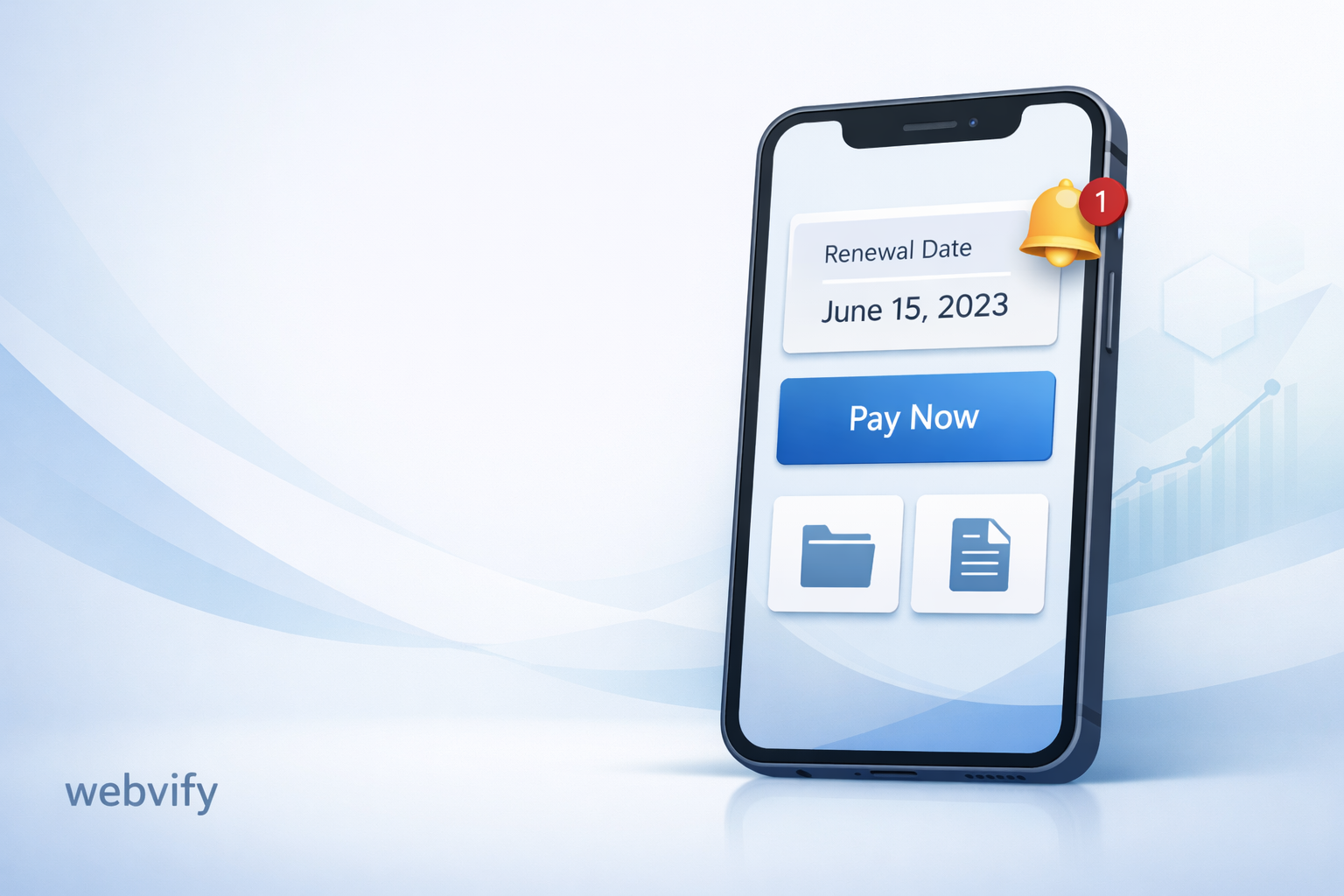
Help policyholders renew on time, reduce service calls, and keep clients loyal by turning your insurance portal into a simple mobile app with push notifications.
Inside this article
- The problem isn’t your portal. It’s that clients don’t open it.
- What insurance brokerages lose money and time on (every week)
- What changes when your portal becomes a mobile app
- What a portal-to-app conversion looks like (without rebuilding everything)
- What to automate first (a simple checklist)
- A practical example (what a client experiences)
- Privacy and security expectations (high level)
- FAQ
- Key takeaways
- Ready to turn your portal into an app?
The problem isn’t your portal. It’s that clients don’t open it.
Most insurance brokerages already have a client portal:
- Policies are visible
- Documents are stored
- Payments can be made
- Claim details can be tracked (at least the basics)
But the portal is still one extra step. Clients forget it exists until something goes wrong.
That’s where a simple mobile app changes behavior.
When your service sits on a client’s home screen, you become easier to reach—and easier to remember. When a renewal reminder shows up as a push notification, it’s harder to miss than an email buried in an inbox.
What insurance brokerages lose money and time on (every week)
If you’re running an insurance brokerage, these will sound familiar:
Late renewals
Clients say “I didn’t see the email” or “I thought it was next month.” You end up chasing them, discounting to save the policy, or losing the renewal entirely.
Missed payments (and last-minute rescue calls)
Installments get skipped. A cancellation warning appears. Your team starts manual follow-ups to prevent lapses.
Too many status calls
Calls that repeat all day:
- “Did my renewal go through?”
- “Can you resend my policy documents?”
- “Where can I find my ID card?”
- “What’s happening with my claim?”
These aren’t “bad clients.” These are normal clients reacting to friction.
Document requests that should be self-serve
Proof of insurance, policy PDFs, claim forms. Even if your portal has them, clients often can’t find them on mobile—or they don’t remember where to look.
Claims uncertainty
Even small claim updates matter. When clients feel in the dark, they call. When they call, your team loses time.
Weak referral loops
Happy clients often refer… but only when you ask at the right time. Most brokers rely on hope instead of a repeatable process.
What changes when your portal becomes a mobile app
Turning your portal into an app isn’t only a “nice-to-have.” It gives you better timing and better reach.
Here’s what typically improves when clients use an app instead of a mobile website:
- Renewals become proactive: reminders arrive before the policy expires (not after)
- Payments become easier: one-tap access to billing screens reduces delay
- Support calls drop: clients check the app first
- Documents become frictionless: “ID card” and “policy PDF” are always available
- Claims feel clearer: basic updates reduce anxiety and inbound calls
- Referrals become intentional: you can ask when the client is happiest
Realistic ranges we see teams aim for (results vary by client base and process):
- Renewal rate lift: +10% to +25%
- Support call reduction: 20% to 40%
- Payment delays: noticeable reduction within ~60–90 days
The key is not “more features.” It’s less forgetting and less searching.
What a portal-to-app conversion looks like (without rebuilding everything)
This is the part many brokers overestimate.
You do not need to rebuild your CRM, underwriting workflow, or portal from scratch.
With Webvify, your existing portal can be wrapped inside a mobile app using a WebView (a secure in-app browser). Think of it as a mobile “shell” that loads your current portal, then adds app-level features around it.
In plain language:
- Your current portal stays the same
- The app loads your portal inside it
- The app adds what mobile websites struggle with:
- Push notifications
- Faster access from the home screen
- Optional bottom navigation and shortcuts
- App store presence (trust + convenience)
That’s why the timeline can be days—not months.
What to automate first (a simple checklist)
Start with the highest-impact actions. Keep it predictable. Don’t overcomplicate it.
- Renewal reminders
- 30 days before expiry
- 7 days before expiry
- 1 day before expiry
- Payment alerts
- Upcoming installment reminder
- Failed payment follow-up
- “Payment received” confirmation
- Policy status updates
- “Your renewal is complete”
- “Your updated documents are ready”
- Document shortcuts
- ID card
- Policy PDF
- Proof of insurance
- Claims updates (simple but calming)
- “Claim received”
- “Under review”
- “Update available”
- Referral prompts
- After successful renewal
- After a claim is resolved
If you only do renewals + documents + basic payment reminders, you’ll still feel the difference.
A practical example (what a client experiences)
Imagine a client with an auto policy renewal coming up.
Instead of hoping they open their email, the app flow can look like this:
- 30 days before: “Your policy renewal is coming up. Tap to review.”
- 7 days before: “Renew now to avoid any gap in coverage.”
- 1 day before: “Last day to renew. Tap to complete in 30 seconds.”
- After completion: “Renewal confirmed. Your updated documents are ready.”
No chasing. No “I didn’t see it.” Fewer emergency calls.
Privacy and security expectations (high level)
Insurance clients expect careful handling of personal data. Your app experience should respect that expectation.
At a high level, a good portal-to-app setup should:
- Use secure connections (HTTPS)
- Reuse your existing login/authentication (no new passwords to manage)
- Avoid storing sensitive data on the device unless truly necessary
- Follow app store guidelines for data access and permissions
This isn’t legal advice, but it is the baseline your customers will assume.
FAQ
Do we need to rebuild our portal to make an app?
No. A portal-to-app approach wraps your existing portal inside an app (WebView) and adds mobile features like push notifications and shortcuts.
Will clients actually download it?
Clients download apps when the value is obvious: renewals, payments, documents, and claim updates in one place. You’ll want a simple onboarding flow and clear “what’s in it for me” messaging.
Is this only for large brokerages?
No. Smaller brokerages often see faster ROI because every support call and missed renewal has a bigger impact on a lean team.
What if we have multiple carriers or portals?
You can still build a clean client experience. Start with your most common portal flow, then expand. The goal is to reduce friction, not to perfect everything on day one.
How fast can we launch?
If your portal is already mobile-friendly, a first version can often be ready in days. Exact timing depends on your portal setup and what you want to automate first.
Will push notifications feel “spammy”?
They will if you overuse them. Renewal and payment reminders are usually welcomed because they reduce risk for the client. Keep messages short, relevant, and timed.
Key takeaways
- Clients don’t open portals often; apps reduce forgetting and friction.
- Renewals, payments, and documents are the fastest wins to automate.
- A portal-to-app approach can work without rebuilding your backend.
- Better timing (push notifications) can lift renewals and reduce inbound calls.
Ready to turn your portal into an app?
If you want renewals to happen on time, payments to be simpler, and support calls to drop, a portal-to-app conversion is a practical next step.
Build your mobile app with Webvify.