

How to Turn Your HubSpot CMS Website Into a Mobile App (Without a Developer)
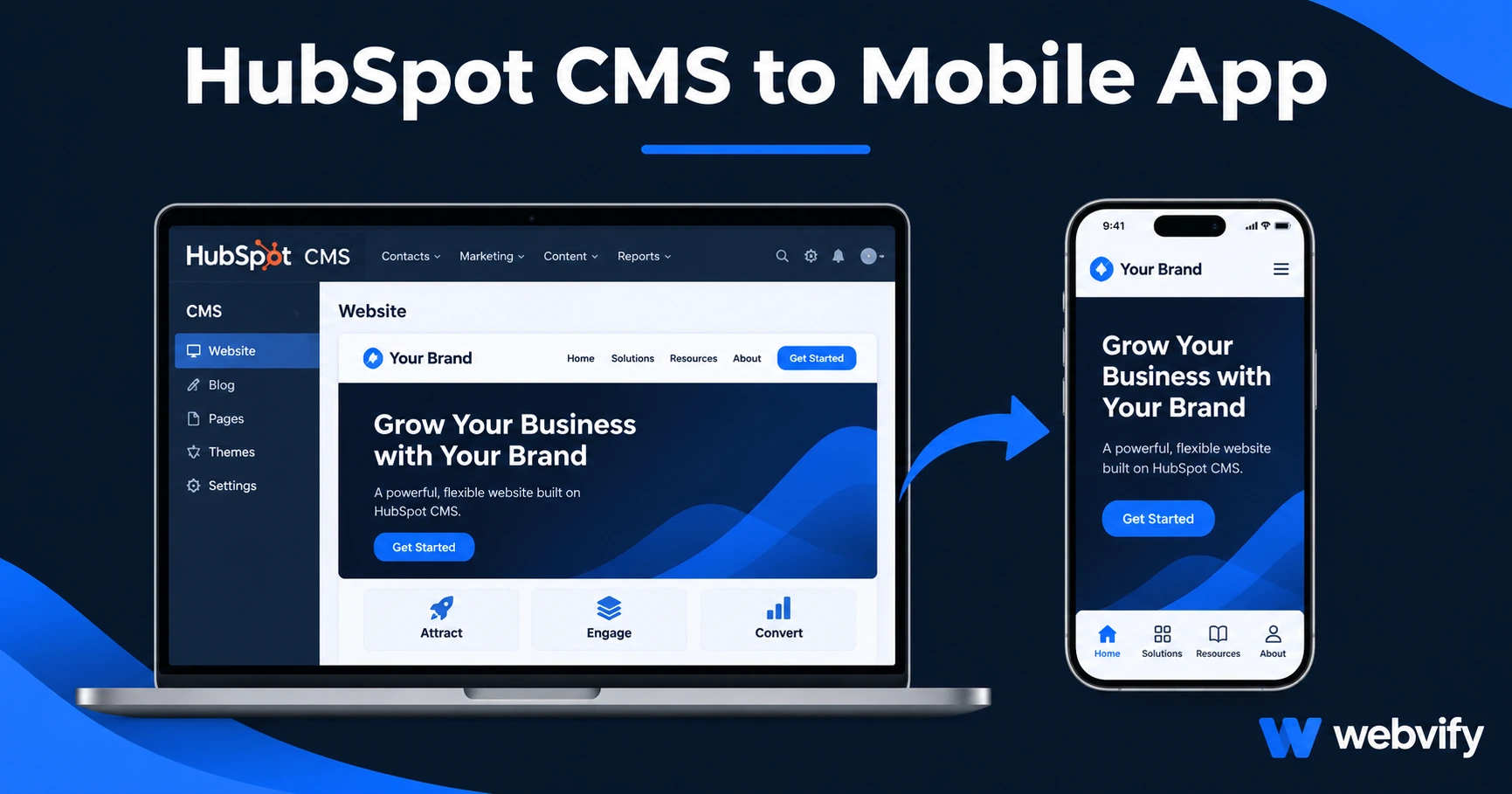
HubSpot has no App Store export — but a WebView wrapper converts your HubSpot site into a branded iOS and Android app in days. Here's how it works.
Inside this article
HubSpot doesn't have a "Publish to App Store" button. Your marketing site, landing pages, and blog are live on the web — but there's no path out of the browser and onto your customers' home screens.
That's the gap a WebView mobile app closes. This guide explains exactly how to convert your HubSpot CMS website into a branded iOS and Android app, what to watch out for during submission, and how to get it done without hiring a mobile developer.
Why There's No Native HubSpot App Export
HubSpot is built to deliver web experiences — fast-loading pages, personalization, smart content, forms, and CRM integration. It does all of this through a browser.
The App Store and Google Play don't accept web pages. They require a native binary: an .ipa file for iOS, an .aab for Android. HubSpot has no tool that generates these files, which means every HubSpot site owner who wants a mobile app hits the same wall.
The standard developer route is expensive ($50,000–$150,000+ for a custom native app) and slow (6–12 months). For most businesses running HubSpot — marketing agencies, SaaS companies, professional services firms — that's not a realistic option.
A WebView app wraps your existing HubSpot URL inside a native shell. The app opens your site inside a full-screen native container. It runs on the customer's device, qualifies as a native binary for App Store review, and delivers push notification capability that no browser can match. Services like Webvify build and submit this end-to-end, so you skip the entire development layer.
What Works Well in a HubSpot WebView App
Most HubSpot sites are well-suited for WebView wrapping. Here's what carries over cleanly:
Pages and blog: Any HubSpot CMS page loads inside the app exactly as it does in a browser. Your blog, resource library, product pages, and landing pages all work without changes.
HubSpot Forms: Embedded forms using JavaScript render correctly in WebView and submit to your CRM as usual. Lead capture, newsletter signup, and contact forms all work.
Smart content and personalization: Smart rules, A/B tests, and CTA variations that run via HubSpot's JavaScript all execute normally inside a WebView.
Knowledge base and customer portal: If you're running HubSpot's Service Hub with a customer portal or knowledge base, these work in WebView — including login-gated content.
HubSpot Payments (physical products/services): If you're using HubSpot Payments for physical goods or non-subscription services, there are no Apple restrictions. Transactions process normally.
The One Submission Rule You Must Know
Apple's App Store has a rule — Guideline 3.1.1 — that affects any app selling digital goods or subscriptions. If your HubSpot site sells digital products (online courses, downloadable content, software licenses, or digital subscriptions) through HubSpot Payments or Stripe, you cannot process those transactions inside the iOS app.
Apple requires that in-app purchases of digital content use their own payment system, which takes a 30% commission. The practical fix is a redirect: when a user taps "Buy" for a digital product, the app opens that checkout page in Safari rather than completing it inside the app. The user pays in the browser, then returns to the app. This is exactly how Udemy, Coursera, and most SaaS apps handle digital purchases on iOS.
Physical products, service bookings, and free-tier sign-ups have no restriction and work normally inside the app.
For Google Play, the equivalent rule applies to in-app subscriptions and digital content purchases — the same redirect approach works there too. Services like Webvify configure this during the build process so you don't need to modify your HubSpot site.
Getting Through App Store Review With a HubSpot CMS App
Apple's Guideline 4.2 (Minimum Functionality) requires that an app do something a website alone cannot. A WebView app that only displays web pages can be rejected for being a "thin wrapper." This is a real risk — but it's easily addressed.
The standard solution is push notifications. An app with push notification capability satisfies Guideline 4.2 because it delivers a function (direct-to-lock-screen messaging) that a website cannot replicate on iOS. Even if you plan to use push notifications sparingly, having the capability built in is enough.
Your HubSpot site must also load on a custom domain — not a HubSpot-provided hubspot.com subdomain — for App Store approval. If you're already running your site on your own domain, you're fine. If you're on a HubSpot subdomain, you'll need a connected domain before submission.
If you're unsure about how the App Store submission process works from start to finish, the App Store submission guide → walks through every step.
What a HubSpot-to-Mobile-App Project Actually Involves
Done-for-you: A managed service builds the native shell, configures deep linking, sets up push notification infrastructure, handles your Apple Developer account ($99/year) and Google Play account ($25 one-time), submits to both stores, and manages the review back-and-forth.
Your side of the work is minimal: provide your HubSpot domain, approve the app name and icon, and confirm store listing copy. Most HubSpot sites go from kick-off to live app in 7–14 days.
Ongoing maintenance is light. HubSpot pushes content updates to the web, which instantly reflect inside the app — no app store update required. The only recurring work is an annual binary update to stay current with iOS and Android API requirements.
For a full breakdown of what this costs compared to custom development, the mobile app development cost guide → covers every cost layer including developer accounts, maintenance, and platform fees.
Frequently Asked Questions
Can I use my existing HubSpot forms inside the mobile app?
Yes. HubSpot Forms embed via JavaScript and render correctly inside a WebView app. Contact forms, newsletter sign-ups, lead capture pages, and any other form built in HubSpot's Form tool will submit to your CRM as usual. No changes to your HubSpot setup are needed.
Does my HubSpot site need any technical changes before it can be wrapped into an app?
In most cases, no. As long as your site loads on a custom domain (not a HubSpot subdomain) and doesn't sell digital content via HubSpot Payments inside the iOS app, it wraps directly. For digital product sellers, the only change is a checkout redirect to Safari — which the build service handles during setup.
How long does App Store and Google Play review take for a HubSpot app?
Apple's review typically takes 24–48 hours for initial submissions. Google Play reviews usually complete within 1–3 days. A managed service handles all submission assets and communicates with the stores during review, so you don't need an Apple Developer account login or any coding knowledge to see your app go live.
Ready to put your HubSpot site on the App Store and Google Play? Webvify handles the full conversion end-to-end — from build to submission to your live app — without touching your existing HubSpot setup.