

How to Turn Your Google Sites Page Into a Mobile App (Without a Developer)
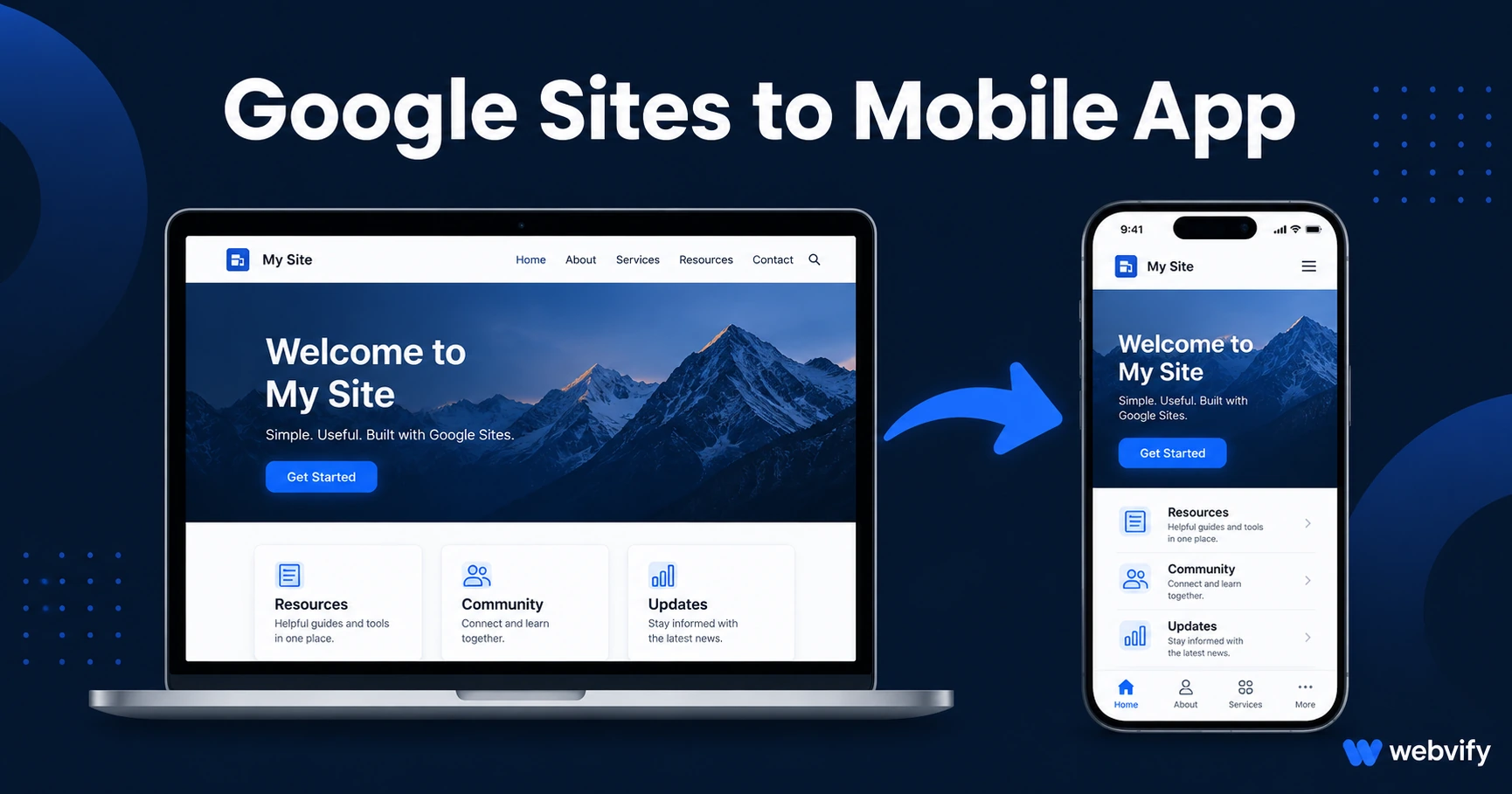
Google Sites has no App Store export — but a WebView wrapper can turn any Sites page into a branded app in days. Here's exactly how to do it.
Inside this article
Google Sites powers millions of company intranets, nonprofit websites, and small business pages — and none of them have a path to the App Store built in. Google never added one.
That gap is the entire problem this guide solves.
What Google Sites Cannot Do (And Why It Matters)
Google Sites is a static website builder bundled inside Google Workspace. It lets you create clean, mobile-responsive pages without code. What it cannot do is package those pages into a native binary that Apple or Google Play will accept.
The App Store and Google Play do not distribute websites. They distribute app files — .ipa for iOS, .aab for Android. Google Sites only outputs a URL.
This is not a Google Sites flaw. It is a distribution problem that all website builders share. The solution is a WebView wrapper: a lightweight native app shell that loads your Google Sites URL inside it, giving you a real App Store listing, push notifications, and home screen presence — without rebuilding your site.
Why Google Sites Pages Work Well as Mobile Apps
Not every website is a clean WebView candidate. Google Sites pages are.
Google designed Sites to be mobile-responsive from the start. Every theme renders correctly on phone screens without custom CSS. Pages are lightweight (no heavy plugin stacks). And because most Google Sites content is either informational or forms-based, there are no complex JavaScript authentication flows that WebView wrappers commonly struggle with.
The main thing to verify before submission: your site must be on a custom domain, not a sites.google.com/view/... URL. Apple's App Store Guideline 2.1 rejects apps that load subdomain URLs from third-party hosting services. Connect a custom domain (e.g., yourcompany.com) before submission — this is the single most common blocker for Google Sites conversions.
The App Store Submission Requirements
Two Apple guidelines apply to most Google Sites conversions:
Guideline 4.2 — Minimum Functionality. Apple rejects apps that are "just a website." The wrapper must add native value — specifically, push notifications. A push notification layer is what satisfies this guideline and turns a website wrapper into an approved app. Most WebView wrapper services include this as standard.
Guideline 3.1.1 — In-App Purchase. This only applies if your Google Sites page sells digital goods or services (subscriptions, courses, downloads). If you collect payments for physical goods or services rendered in person, you are exempt. If you sell digital products via Stripe, PayPal, or Google Pay embedded in the site, those checkout flows must redirect to an external browser rather than completing inside the app. Services like Webvify configure this redirect as part of the build — you do not need to change your payment setup.
Google Play has an equivalent rule. Physical goods and services are exempt. Digital goods require Play Billing compliance or a browser redirect. If you are not selling anything through your Google Sites page, neither restriction applies.
What to Prepare Before You Start
Three things to have ready before working with any WebView wrapper service:
1. A custom domain. This is non-negotiable for App Store submission. If your site is still on a sites.google.com URL, connect a custom domain through your Google Workspace admin settings before starting the conversion process.
2. An Apple Developer account. Submitting to the iOS App Store requires an Apple Developer account ($99/year). The app is submitted under your account — your name, your reviews, your users. If you do not have one, enrollment takes 24–48 hours. Services like Webvify handle the submission itself; you just need the account.
3. A Google Play Developer account. Submitting to Google Play requires a one-time $25 registration fee. Note: since 2026, Google requires new accounts to complete a 12-tester closed testing period (14 days minimum) before a production release is approved. Budget an extra two weeks if this is your first Google Play submission. Our Google Play closed testing guide walks through it.
How the Conversion Process Works
Once your Google Sites page is on a custom domain, the conversion process is straightforward:
- A WebView wrapper service takes your site URL and builds a native app shell around it. The shell handles push notifications, App Store compliance, and platform-specific settings.
- The wrapper service (or you, if using a DIY tool) submits the app to the App Store and Google Play under your developer accounts.
- After Apple and Google review and approve the app (typically 1–3 business days each), it goes live.
- Your Google Sites page continues to work as normal. Updates to your site appear in the app automatically — no new submission required.
For most Google Sites use cases — company wikis, nonprofit sites, school resource pages, portfolio sites — this is a 5–14 day process from start to live app.
Services like Webvify handle the wrapper build, submission, rejection management, and app store compliance end-to-end. You do not need Xcode, Android Studio, or a developer.
What Push Notifications Add to a Google Sites App
The main reason to convert a Google Sites page to a mobile app (beyond App Store presence) is push notifications.
A Google Sites intranet or community page that relies on email to reach its audience gets 20–30% open rates. A push notification reaches the lock screen directly and averages 60–90% open rates. For organizations using Google Sites to communicate with members, customers, employees, or donors, this is the highest-leverage upgrade available — and it requires no changes to the underlying site.
Common use cases:
- Nonprofit updates sent to members
- Company-wide announcements replacing email blasts
- New resource alerts for educational sites
- Event reminders for community organizations
If your organization already has a well-maintained Google Sites page, an app is not a rebuild — it is a distribution upgrade. See our guide on app store rejection prevention before you submit to make the first attempt count.
FAQ
Can I convert a Google Sites page to an app without changing the site itself?
In most cases, yes. The WebView wrapper loads your existing Google Sites URL. The only changes typically required are connecting a custom domain (if not already done) and adjusting checkout flows for digital goods if applicable. The site itself remains unchanged.
Does Google Sites work on both iOS and Android as a mobile app?
Yes. A WebView wrapper can target both platforms from the same underlying Google Sites page. Apple App Store and Google Play each receive a platform-specific binary, but they both display the same site. You manage one website; the apps stay in sync automatically.
How long does it take to get a Google Sites mobile app live on the App Store?
Typically 5–14 days from start to live, depending on how quickly Apple reviews the submission. Apple's review process currently runs 1–3 days. Google Play is similar but requires a 14-day closed testing window for new developer accounts. If you already have an active Apple Developer account and an existing Google Play account that has published an app before, the timeline is shorter.
Your Google Sites page is already mobile-responsive. The only thing it is missing is an App Store listing and a push notification channel. Both are easier to add than most business owners realize.
Get your Google Sites page into the App Store and Google Play with Webvify — no developer needed.