

Google Play Developer Verification: Complete It Before Your Apps Are Removed
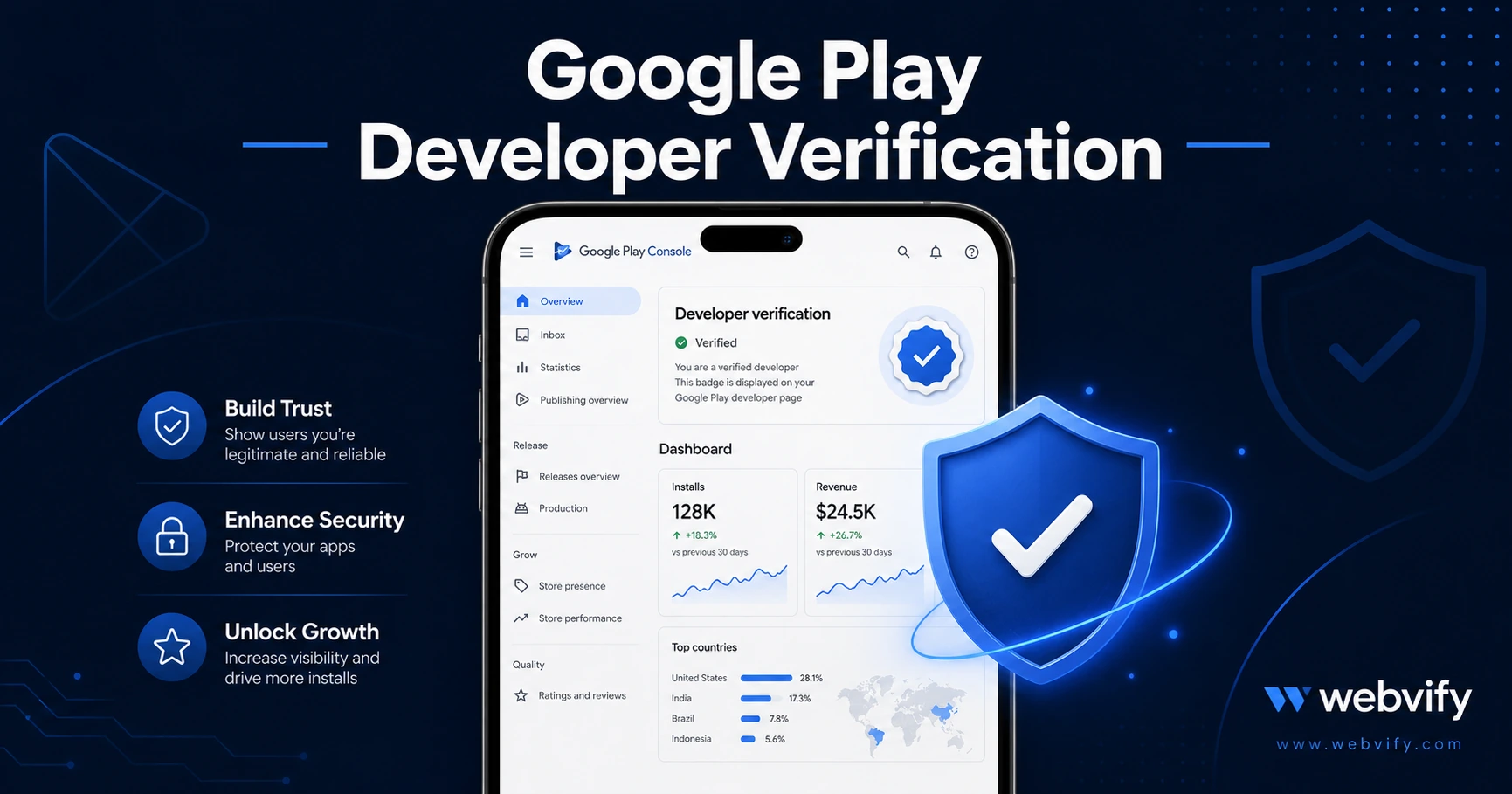
Google Play requires identity verification for all developer accounts. Unverified accounts lose app visibility. Here's exactly how to complete it step by step and keep your apps live.
Inside this article
- What Is Google Play Developer Identity Verification?
- Who Is Affected by the September 30, 2026 Deadline?
- What Happens If You Don't Verify by September 30, 2026?
- How to Complete Google Play Developer Identity Verification
- Common Issues That Delay Verification
- Related Google Play Compliance Steps in 2026
- FAQ
Google Play developer identity verification is no longer optional. If you publish an Android app and haven't completed verification, your developer account — and every app in it — is at risk of removal after September 30, 2026.
This isn't a soft reminder. Google has tied account visibility directly to verification status. Apps from unverified accounts may be unpublished from Google Play, meaning customers searching for your app won't find it. Here's what the requirement actually covers, who it affects, and how to complete it without getting blocked.
What Is Google Play Developer Identity Verification?
Google launched a phased identity verification program to confirm that every developer account on Google Play is tied to a real, verifiable person or business. The goal is to reduce fraudulent apps and improve consumer trust on the platform.
There are two verification tracks:
Individual developers — you verify your personal identity using a government-issued ID (passport, driver's license, or national ID). Google compares the name on your ID to the name registered on your developer account.
Organization developers — your business verifies using official company registration documents. Google checks that the organization name on your developer account matches verifiable public records.
Both tracks require active completion. There is no automatic verification — you have to log in and submit.
Who Is Affected by the September 30, 2026 Deadline?
The September 30 deadline applies to all existing Google Play developer accounts that haven't yet completed identity verification. This includes:
- Small business owners who published a single branded app
- Freelancers and agencies managing apps for clients
- Web-to-app publishers using WebView wrappers to put their website on Google Play
If you created your developer account before Google rolled out the verification requirement, you're likely in this group. New accounts created after the program launched were required to verify at sign-up — existing accounts were given a grace period that ends September 30.
Note: if you're already live on Google Play, you've seen a banner in your Play Console dashboard prompting you to verify. If you dismissed it or haven't logged in recently, the deadline hasn't moved.
What Happens If You Don't Verify by September 30, 2026?
Google's policy is clear: unverified accounts will have their apps unpublished from the Play Store. That means:
- Your app disappears from Google Play search results
- Existing users can still open the installed app, but no new users can discover or install it
- You cannot push updates or new app submissions until verification is complete
- The app remains unpublished until you complete verification, even after the deadline passes
Verification isn't permanent removal — you can complete it after September 30 and have your apps reinstated. But every day your app is off the store is lost visibility, lost installs, and a gap in your Google Play search ranking history.
If your app drives any meaningful revenue or customer acquisition, getting this done before the deadline is a straightforward way to protect what you've built.
Services like Webvify, which submit and manage WebView apps on clients' behalf, handle this process as part of the done-for-you workflow — but if you own your own Google Play developer account, verification must come from you directly.
How to Complete Google Play Developer Identity Verification
The process takes roughly 15–30 minutes, depending on how quickly you can locate your documents.
Step 1 — Log in to Google Play Console Go to play.google.com/console and sign in with the Google account attached to your developer account. A verification banner should be visible on your dashboard if the process isn't complete.
Step 2 — Start the verification flow Click the verification banner or navigate to Setup → Developer account → Identity verification. Google will show you which track applies to your account (individual or organization).
Step 3 — Submit your documents For individuals: upload a clear photo of your government-issued ID. Make sure the photo is not blurry, cropped, or obscured. Google uses automated review first, with human review as a fallback — poor image quality is the most common cause of rejection and delay.
For organizations: submit your business registration certificate or equivalent official document. The organization name must match exactly what's in your Play Console account.
Step 4 — Wait for review Individual verification typically takes 1–3 business days. Organization verification can take up to 7 business days. Apply early — don't wait until the week of September 30.
Step 5 — Confirm status Once approved, your account will show a verified badge in Play Console. No further action is needed.
Common Issues That Delay Verification
Name mismatch. The name on your ID must match the name on your developer account. If they don't match (a nickname, shortened version, or maiden name), update your account name first.
Expired document. Google requires a valid, unexpired government ID. An expired passport or license will be rejected.
Organization document format. Not all countries use the same business registration format. If Google's system doesn't recognize your document type, you may need to contact Play Console support and provide an alternative document.
Wrong Google account. Some developers have multiple Google accounts and accidentally log into the wrong one. Confirm that the account you're verifying is the same account with your published apps.
If you encounter repeated rejections and can't determine the cause, use the support chat in Play Console — identity verification issues are prioritized for human review during the verification push.
Related Google Play Compliance Steps in 2026
If you're reviewing your Google Play account compliance this month, it's worth checking a few other requirements at the same time.
Google Play's API target level requirement is separate from identity verification — you need your app targeting at least Android API level 35 to remain available on new devices in 2026. If you haven't confirmed that, the Google Play Android API Target Level 2026 guide covers what to check and how to update.
Similarly, the Google Play age verification requirements for 2026 cover a compliance update relevant to any app available to users under 18. If your app is in any category that could be used by minors, that's another item to tick off before month-end.
Handling multiple compliance requirements at once is manageable — but missing the identity verification deadline is the most consequential of the three, because it affects account-level visibility, not just individual app submissions.
FAQ
What happens to my existing app installs if I miss the deadline?
Users who already have your app installed can continue using it. The app won't be force-removed from their devices. However, your app will no longer appear in Google Play search results or be available for new installs until verification is complete. Your existing install base is safe, but new growth stops.
Can I complete Google Play developer identity verification after September 30, 2026?
Yes. Verification remains open after the deadline. If your apps are unpublished due to an unverified account, completing verification after September 30 will trigger a reinstatement review. Google doesn't guarantee an instant reinstatement timeline, so completing before the deadline avoids the risk of any downtime.
I use Webvify to publish and manage my Android app. Do I still need to do this?
If Webvify submitted your app under your own Google Play developer account, you need to complete verification yourself — it's tied to your account, not to any service provider. If Webvify submitted the app under a managed account, confirm directly with the team which account your app lives under. Either way, take 15 minutes today to log into your Play Console and check your verification status.
Turn your website into a fully branded Android and iOS app — without writing a line of code. Get started with Webvify and we handle the build, submission, and compliance end to end.