

How to Turn Your GoHighLevel Site Into a Mobile App (Without a Developer)
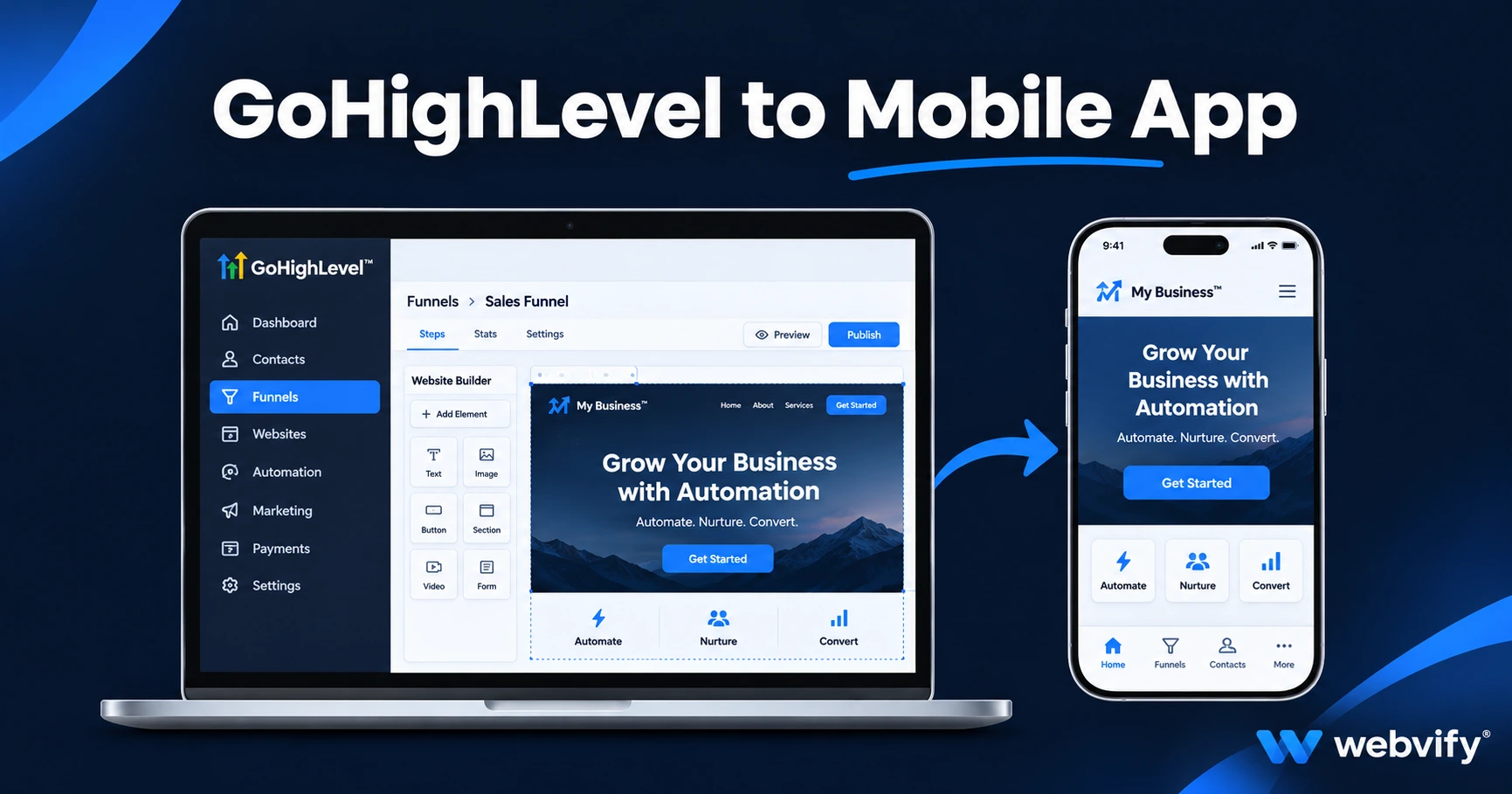
Turn your GoHighLevel site into an iOS and Android app without a developer. Here's what works, what to avoid, and how agencies are adding mobile apps to their GHL retainer.
Inside this article
GoHighLevel powers hundreds of thousands of agency client sites — but every one of those sites has the same blind spot: there's no way to export it to the App Store or Google Play.
That gap matters more every year, as clients in every industry start asking "can we have a mobile app?" and expect their agency to have an answer.
What GoHighLevel Does Well (And Where It Stops)
GoHighLevel has become the go-to platform for marketing agencies: websites, funnels, appointment booking, membership portals, CRM, email automation — all in one dashboard. It is genuinely excellent at converting website visitors.
What it doesn't do is give you an exportable mobile app. There's no "Build iOS App" button. No App Store Connect integration. No Android export. When a client asks for a GoHighLevel mobile app, GHL can't help.
This isn't a flaw in GHL's design — it's a focused product decision. But it creates a real gap for agencies that want to offer mobile apps as part of their retainer.
Can You Turn a GoHighLevel Site Into a Mobile App?
Yes — and the approach works well. GoHighLevel sites are built on modern responsive web technology, which means they render cleanly inside a WebView app.
A WebView app is a native iOS and Android shell that loads your website (or funnel, or membership portal) through the app. The user gets a fully native home screen icon, push notifications, and an App Store listing — without rebuilding anything in a new platform.
The app updates automatically whenever the GHL site changes. No separate content management. One source of truth.
This is the same approach used by thousands of small businesses to get their existing websites onto the App Store — from restaurants and salons to SaaS tools and coaching portals.
How to Convert Your GoHighLevel Site Into a Mobile App
Here's how the process works:
1. Confirm your custom domain is live. Apple and Google both require a live domain (not a GoHighLevel subdomain like yoursub.gohighlevel.com). If your client's site uses a custom domain like clientbusiness.com, you're ready.
2. Confirm pages render on mobile. Open the site on a smartphone browser. If it looks right in Safari or Chrome on mobile, it will look right in a WebView app. GoHighLevel sites are mobile-responsive by default.
3. Address the IAP rule — if your client sells digital products. Apple's App Store Guideline 3.1.1 requires digital goods (courses, memberships, downloadable content) to use Apple's in-app purchase system when purchased inside an iOS app. If your GHL client sells a course or digital membership via Stripe, that checkout flow needs to open in an external browser when accessed inside the app.
This sounds more complicated than it is. The fix is a URL redirect pattern — when a user taps a purchase link inside the app, it opens in Safari instead of inside the WebView. It's how Udemy, Coursera, and thousands of other apps handle it. Physical products and service bookings (like appointment scheduling) have no such restriction.
4. Use a managed web-to-app service for packaging and submission. The technical piece — building the iOS and Android binaries, setting up developer accounts, writing the App Store listing, handling review correspondence — is where most agencies hit a wall. Services like Webvify handle this end-to-end: they build the WebView app, submit it under your client's Apple and Google developer accounts, and hand back a live app listing.
No Xcode, no Android Studio, no Apple Developer portal to navigate. The agency provides the URL; the service handles everything else.
GoHighLevel-Specific Considerations
A few things to check before you build:
Login-gated pages: If your GHL site has a client portal or membership area, make sure the login flow uses a standard session cookie. WebView apps maintain cookies across sessions the same way a mobile browser does — but OAuth flows that redirect to third-party identity providers sometimes require extra handling. Test the login on a mobile browser first.
Funnel pages: Standard GoHighLevel funnel pages and website pages both work in WebView. Multi-step flows, countdown timers, and video embeds all render correctly. The one common issue is popups that try to open new browser tabs — configure these to open in-app instead.
Push notifications: One of the biggest reasons clients want an app is push notifications. A WebView app delivers native iOS and Android push notifications — the kind that appear on the lock screen — which GHL's own SMS and email tools can't replicate. This is typically the strongest argument for adding a mobile app to a GHL retainer.
Why This Is a Smart Agency Add-On
For agencies already managing a client's GoHighLevel account, adding a mobile app is a natural upsell. The website already exists. The content is already managed. The only new work is the packaging and submission step — which a managed service handles.
The client gets an App Store listing under their name, on their own developer account, that the agency manages via the GHL back-end they already control.
If you're exploring the broader opportunity of offering mobile apps across your client base, this guide covers the agency model in detail →
FAQ
Does GoHighLevel have its own mobile app builder?
GoHighLevel does not have a built-in feature for publishing client sites to the App Store or Google Play. You can build apps inside GHL for internal use, but there is no path from a GHL client site to a public App Store listing without an external service.
What GoHighLevel features work inside a mobile app?
Appointment booking, contact forms, landing pages, funnels, membership portals, and blogs all work inside a WebView app. Push notifications can be added on top. Digital product checkout (courses, memberships sold via Stripe) requires an external browser redirect to comply with App Store Guideline 3.1.1.
How long does it take to publish a GoHighLevel site as a mobile app?
With a managed service, the typical timeline is 7–14 days from providing the URL to receiving App Store and Google Play approvals. First-time submissions through Apple take 1–3 days for review; Google Play is typically 24–48 hours.
Webvify converts GoHighLevel sites into fully branded iOS and Android apps and handles the entire App Store submission — including developer account setup, compliance review, and ongoing updates.