

How to Turn Your Ghost Site Into a Mobile App
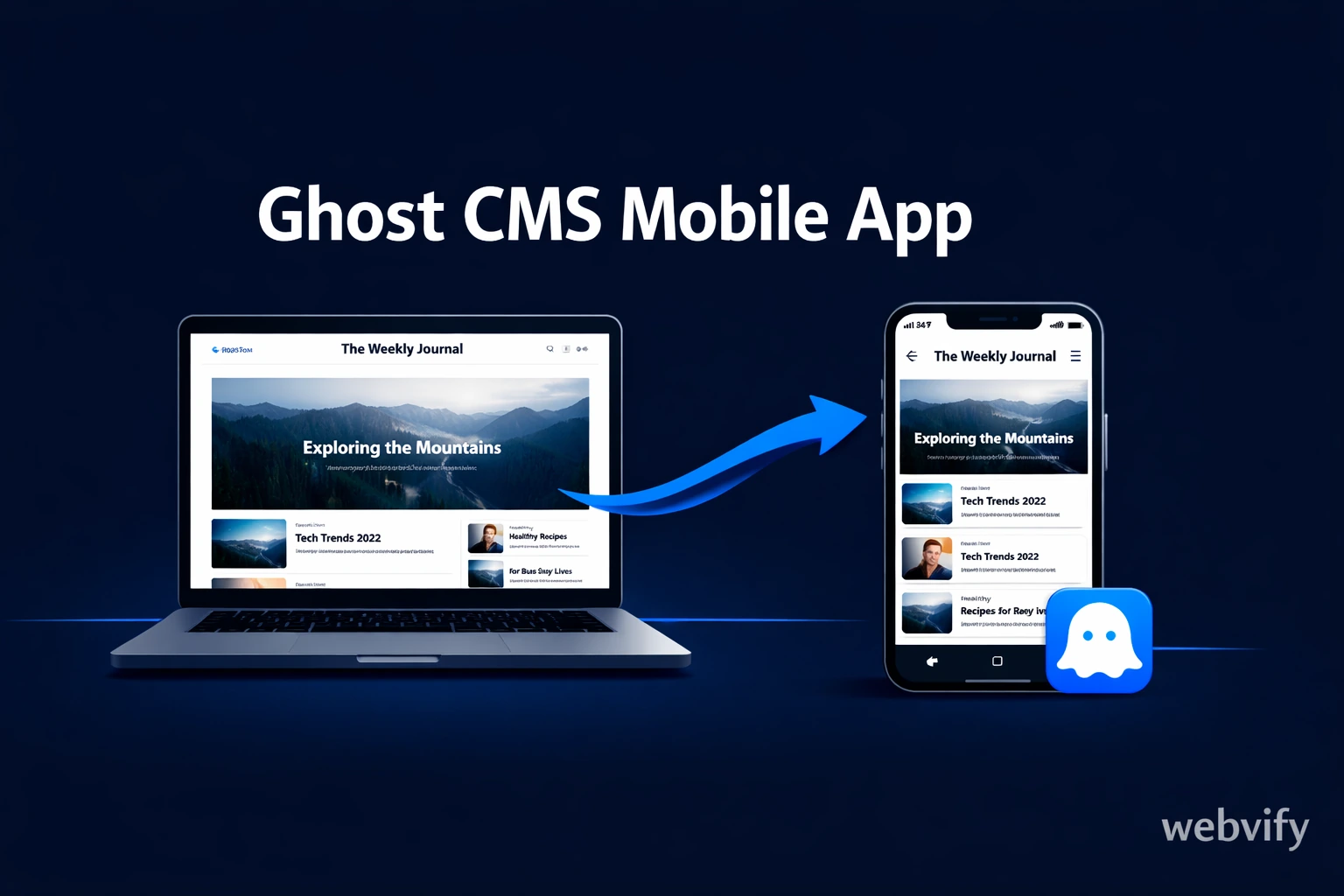
Ghost has no App Store export. Here's how to turn your Ghost site into a native mobile app and get it live on iOS and Android in days — no developer needed.
Inside this article
How to Turn Your Ghost Site Into a Mobile App
Ghost runs some of the most focused content businesses on the internet — paid newsletters, membership publications, niche media brands. But Ghost has no App Store export. If your readers are asking for an app, or you want push notifications and home screen presence, you're on your own.
Here's exactly how to get your Ghost site on iOS and Android without rebuilding it from scratch.
Why Ghost Publishers Want a Mobile App
Email open rates are declining. Browser notifications are blocked. A mobile app is the most reliable way to stay in front of your subscribers — because it lives on their home screen.
For Ghost publishers, a mobile app delivers three things a website can't match:
- Push notifications — reach subscribers instantly without competing with their inbox
- Home screen presence — your brand visible every time they unlock their phone
- App Store credibility — being listed alongside major publications signals seriousness
Ghost's architecture is already headless-first. The content is clean, the URLs are permanent, and the mobile responsiveness is solid. The missing piece is the native app shell that Apple and Google require to list you on their stores.
What "Ghost CMS Mobile App" Actually Means
When most people search for a Ghost CMS mobile app, they're not looking to rebuild their publication in a new platform. They want their existing Ghost site — the design, the member portal, the paywall — to work as a downloadable iOS and Android app.
That's what a WebView wrapper does. A WebView app packages your Ghost URL inside a native app shell, submits it to the App Store and Google Play under your developer account, and gives your readers a standard install experience. What they see inside the app is your Ghost site — responsive, fast, and fully functional.
Services like Webvify handle this end-to-end: they build the native wrapper, configure push notifications, and submit both apps to the stores under your account. You don't touch Xcode or Android Studio.
Ghost-Specific Things to Check Before You Start
Ghost isn't one-size-fits-all. Before wrapping your site, check these platform-specific points.
Custom domain — required. Both app stores require a public HTTPS URL. If your Ghost publication still runs on a ghost.io subdomain, move it to a custom domain before starting. Ghost Pro makes this straightforward; self-hosted users need a valid SSL certificate on a domain you own.
Paid memberships and Apple's IAP rule. Ghost uses Stripe for paid subscriptions. If your app sells access to digital content — premium posts, member-only newsletters — Apple requires that same purchase to go through In-App Purchase (IAP), routing 15–30% to Apple. You cannot use Stripe for digital subscriptions on iOS. Physical goods and services (coaching sessions, merchandise, event tickets) are exempt. This is the single most common rejection trigger for Ghost apps — flag it with your provider before submission.
Ghost Portal UI. Ghost's member sign-in modal is JavaScript-injected. It works correctly in WebView on both platforms, but test it explicitly with your theme before launch. Some heavily customized themes have CSS conflicts that affect the modal display on mobile.
Theme responsiveness. Ghost Casper (the default) is fully responsive. Custom marketplace themes vary. Load your site on a mobile viewport and test subscription flows, article navigation, and any embedded media before wrapping. Theme issues are your responsibility to resolve — they won't be caught at the App Store review stage.
Newsletter alongside the app. Push notifications don't replace your Ghost email newsletter — they complement it. Most publishers keep both channels running. The app adds a second touchpoint for re-engagement without removing the email list.
The Submission Bottleneck: Where Ghost Publishers Get Stuck
Publishing on Ghost is simple. Getting a Ghost-based app approved on the App Store is a different process with its own requirements.
Apple requires:
- A paid Apple Developer Program account ($99/year)
- A native IPA binary file — not a URL, not a raw WebView
- Compliance with App Store Review Guidelines, including the IAP rule for digital goods
Google Play is faster and cheaper ($25 one-time), but still requires a data safety form, a privacy policy, a content rating questionnaire, and an AAB file.
Most Ghost publishers don't have these credentials or the experience to navigate a rejection. A managed service that handles the packaging, policy compliance, and initial submission removes that barrier entirely.
If you want to understand the Google Play side of this process in more detail, this step-by-step guide covers Google Play submission for non-technical publishers.
What the Launch Process Looks Like
With a managed service, getting your Ghost app live runs in three stages.
Stage 1 — Build and configure. You provide your Ghost URL, brand assets (app icon, splash screen colors), and confirm whether IAP applies to your subscription tier. The service builds the WebView wrapper with push notification support configured.
Stage 2 — Store submission. The service submits using your Apple Developer and Google Play accounts. Apple's review takes 24–48 hours for new submissions. Google Play typically approves within a few hours to two business days for the first submission.
Stage 3 — Ongoing management. After launch, you manage push notifications and settings through an admin panel. Your Ghost content updates are live automatically — the app loads your site, so publishing a new post makes it available in the app immediately. No separate content system to maintain.
For publishers who've already been through the App Store process once with a different app, this guide covers what Apple reviewers actually check during submission.
FAQ
Does a Ghost app support paid memberships and Stripe billing?
Partially. Ghost's Stripe billing works normally for free membership tiers and for physical goods or services. For paid digital subscriptions accessed through the iOS app, Apple requires In-App Purchase (IAP) — Stripe cannot be used for digital content purchases on iOS. On Android, Stripe works without restriction. This is a real requirement, not an edge case — flag it before you start building.
Do I need to know how to code to get my Ghost site on the App Store?
No. A managed WebView app service handles the build, configuration, and App Store submission. You provide your Ghost URL, brand assets, and developer account credentials — the provider handles the rest. After launch, your Ghost dashboard remains your only CMS. There's no second system to manage.
How long does it take to get a Ghost app live on iOS and Android?
With a managed service, the build and configuration phase typically takes a few business days. Apple's review runs 24–48 hours. Google Play approves within a few hours to two business days. Total time from starting to both apps being live is typically one to two weeks, depending on how quickly the IAP question and brand assets are resolved.
Ghost is built for serious publishers. A mobile app extends that seriousness — your publication listed on the App Store and Google Play, available alongside media brands with full development teams behind them.
The barrier isn't your Ghost site. It's the packaging and submission process that blocks most publishers from launching.
Webvify converts your Ghost site into a fully branded iOS and Android app and handles the entire submission process end-to-end — no developer needed.