

How to Turn Your Firebase Studio Web Project Into a Mobile App
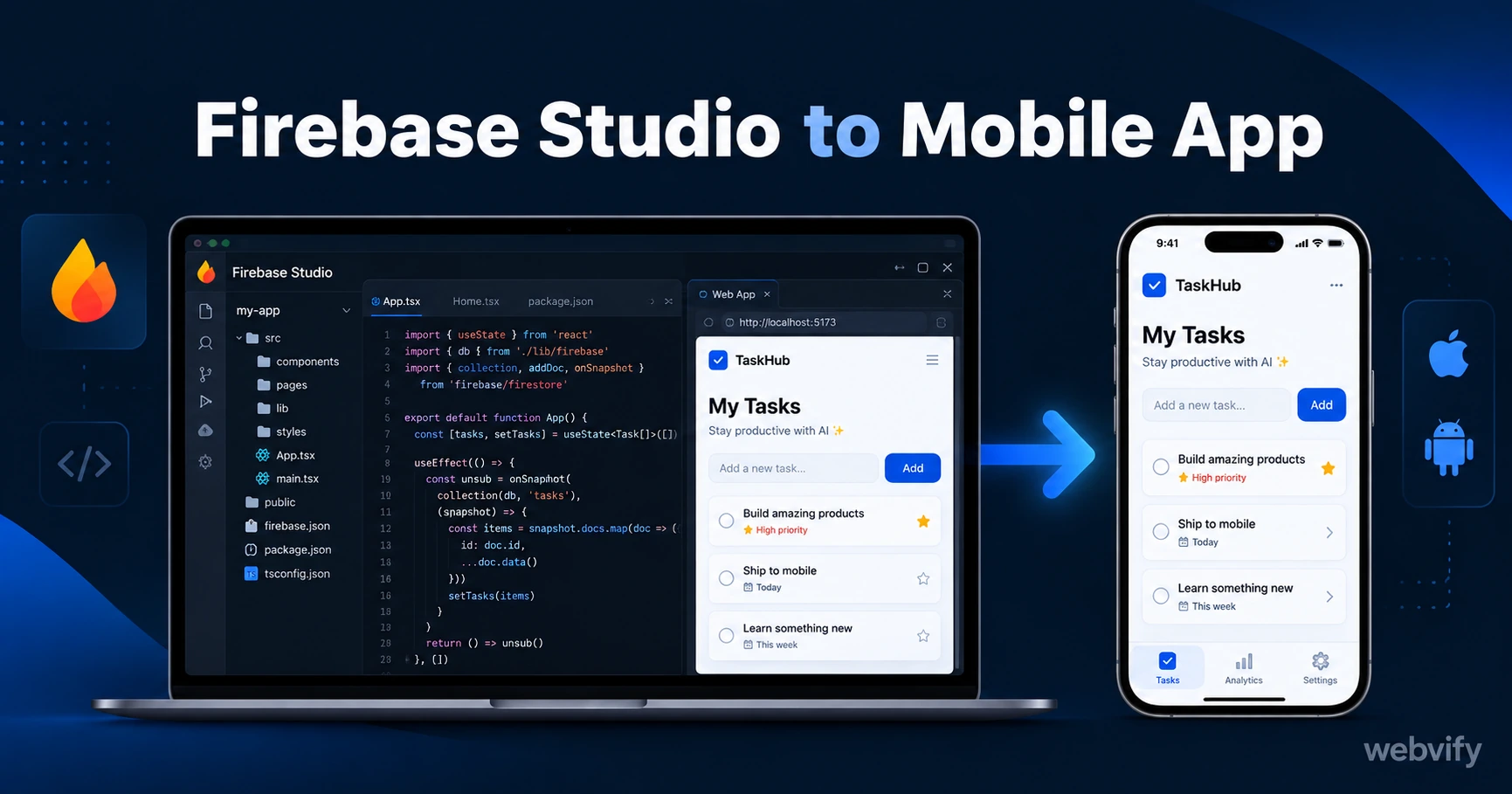
Firebase Studio builds great web projects. Here's how to convert your Firebase web project into a native iOS and Android app and get it live on the App Store in days.
Inside this article
Firebase Studio helps you build and publish a web project in hours. Converting that same Firebase Studio web project into a mobile app is a different challenge — one Firebase doesn't solve on its own.
The App Store requires a native binary. Firebase Studio outputs a web project: HTML, JavaScript, and a stack of Firebase services hosted on Firebase Hosting. That gap is real. A WebView wrapper closes it — your web project runs inside a native shell that Apple and Google both accept.
This guide covers the specific steps, Firebase-related gotchas, and compliance rules to work through when converting a Firebase Studio web project into a published mobile app.
Why Firebase Studio Web Projects Can't Go Directly to the App Store
Firebase Studio outputs a web application. It might be built with React, Next.js, or plain HTML/CSS/JS — hosted on Firebase Hosting, backed by Firestore and Firebase Auth.
Apple requires a signed .ipa file. Google Play requires a signed .aab file. Neither can be generated from a web project without additional tooling. This isn't a Firebase limitation — it's a store requirement that applies to every web-based app.
The solution is a WebView wrapper: a lightweight native app built in Swift for iOS and Kotlin for Android that loads your Firebase Hosting URL inside a web view. To the user, it looks like a native app. To Apple and Google, it satisfies the native binary requirement.
Firebase Studio web projects are well-suited to this approach — especially if your app is already mobile-responsive and hosted on Firebase Hosting with a custom domain.
The Firebase Studio Web Project to Mobile App Conversion Path
Converting a Firebase Studio web project to mobile involves four stages:
1. Confirm your Firebase Hosting URL is production-ready
Your app needs a custom domain — not a default *.firebaseapp.com or *.web.app URL — for App Store submission. Apple's review team checks that the app resolves to a real, branded domain. Use Firebase Hosting's custom domain setup before submitting.
2. Wrap the hosting URL in a native WebView shell
A WebView wrapper loads your custom domain URL inside a native app. The shell handles the app icon, splash screen, push notification registration, and the store submission files. Your Firebase Hosting project continues to serve the content — the native shell just wraps it.
Services like Webvify build and submit this wrapper for you, handling the Xcode and Android Studio build process you'd otherwise need to manage yourself.
3. Resolve the Firebase Auth redirect problem
Firebase Authentication's signInWithPopup method doesn't work reliably inside a WebView. The popup opens a browser window that the WebView can't capture the OAuth callback from.
The fix is straightforward: switch from signInWithPopup to signInWithRedirect for Google Sign-In and add your app's bundle identifier to the Firebase Auth authorized domains list. Email/password and phone auth need no changes — they work natively inside WebView.
4. Pass App Store guideline compliance
Two guidelines catch most Firebase Studio web projects:
- Guideline 4.2 (Minimum Functionality): Your app must do something meaningful beyond displaying a website. Firebase Studio apps with real interactive features — a booking flow, a data dashboard, a user community — pass without issue. Static promotional pages or thin content wrappers get rejected.
- Guideline 3.1.1 (In-App Purchase): If your Firebase project sells digital goods or subscriptions via Stripe or another payment processor, Apple requires those purchases to use Apple's IAP system on iOS. The standard workaround is routing digital purchase flows to an external browser rather than completing them inside the WebView. Physical goods and services are not affected.
Firebase-Specific Gotchas to Resolve Before Submission
Beyond the general WebView submission rules, Firebase stack projects have a few specific things to verify:
Firestore security rules for mobile user agents
Your Firestore rules were written assuming authenticated web browser users. Test that they work correctly when requests originate from a WebView user agent string rather than a standard browser. Differences in user agent formatting can trigger unexpected security rule evaluations in some Firestore configurations.
Firebase App Check
If your project uses Firebase App Check to protect backend resources, you need to register the native app — its bundle ID and distribution certificate — with Firebase App Check separately from the web app registration. The web app's App Check attestation does not carry over to the native wrapper.
Offline error handling
WebView apps lose connectivity gracefully if your Firebase app handles offline states. If your app shows a blank screen or spinner without network access, add a simple offline error state before submission. App reviewers sometimes test with airplane mode.
What Your Firebase Studio App Looks Like After Approval
Once the wrapper is submitted and approved, your Firebase Studio project lives on both stores:
- Users install it like any other app — your icon on their home screen, push to launch
- Updates to your Firebase Hosting project go live immediately, with no App Store resubmission needed for content or UI changes
- Push notifications can be added to the native shell and connected to your existing Firebase Cloud Messaging (FCM) setup
- Your Firestore and Auth logic runs exactly as in the web version — no code changes required
You built the app once in Firebase Studio. The mobile version runs the same code. No native development, no second codebase to maintain.
For a detailed walkthrough of the general process, the Firebase Studio to mobile app guide covers the full step-by-step from build to store submission. If you want to understand the WebView rejection rules most likely to affect your app, the App Store rejection prevention guide is worth reading before you submit.
How Long Does the Full Process Take?
The WebView wrapper build is typically a few hours of technical work. The real bottleneck is store review: Apple takes 24–48 hours for standard reviews; Google Play takes 1–3 days. With Firebase Auth, custom domain, and compliance issues resolved before submission, most Firebase Studio projects get approved on the first attempt.
If you'd rather not manage Xcode, Android Studio, developer accounts, and Apple's submission portal yourself, services like Webvify handle the conversion and submission end-to-end — you hand over the Firebase Hosting URL, they deliver a live app on both stores.
FAQ
Can I publish a Firebase Studio web project to the App Store without learning Swift or Kotlin?
Yes. A WebView wrapper handles all the native layer work. You don't write any iOS or Android code — the wrapper loads your Firebase Hosting URL inside a native shell. The submission process (Xcode builds, App Store Connect, developer accounts) can be managed by a service like Webvify if you'd rather not learn Apple's toolchain.
Do I need to resubmit to the App Store every time I update my Firebase app?
No. Content and UI changes pushed to Firebase Hosting go live immediately — users get the update the next time they open the app, with no App Store resubmission. Store resubmissions are only needed when you change native features: push notification entitlements, app icon, splash screen, or requested device permissions.
Will Firebase Authentication work inside a WebView app?
Email/password and phone authentication work without any changes. Google Sign-In requires switching from signInWithPopup to signInWithRedirect in your Firebase Auth configuration and adding your app's bundle identifier to the Firebase Auth authorized domains list. Other OAuth providers such as GitHub and Microsoft typically need the same redirect adjustment.
Ready to get your Firebase Studio project on the App Store? Webvify converts your Firebase Hosting URL into a fully submitted iOS and Android app — no developer required.