

Turn Your E‑commerce Website Into a Mobile App: A Practical Playbook for Repeat Purchases
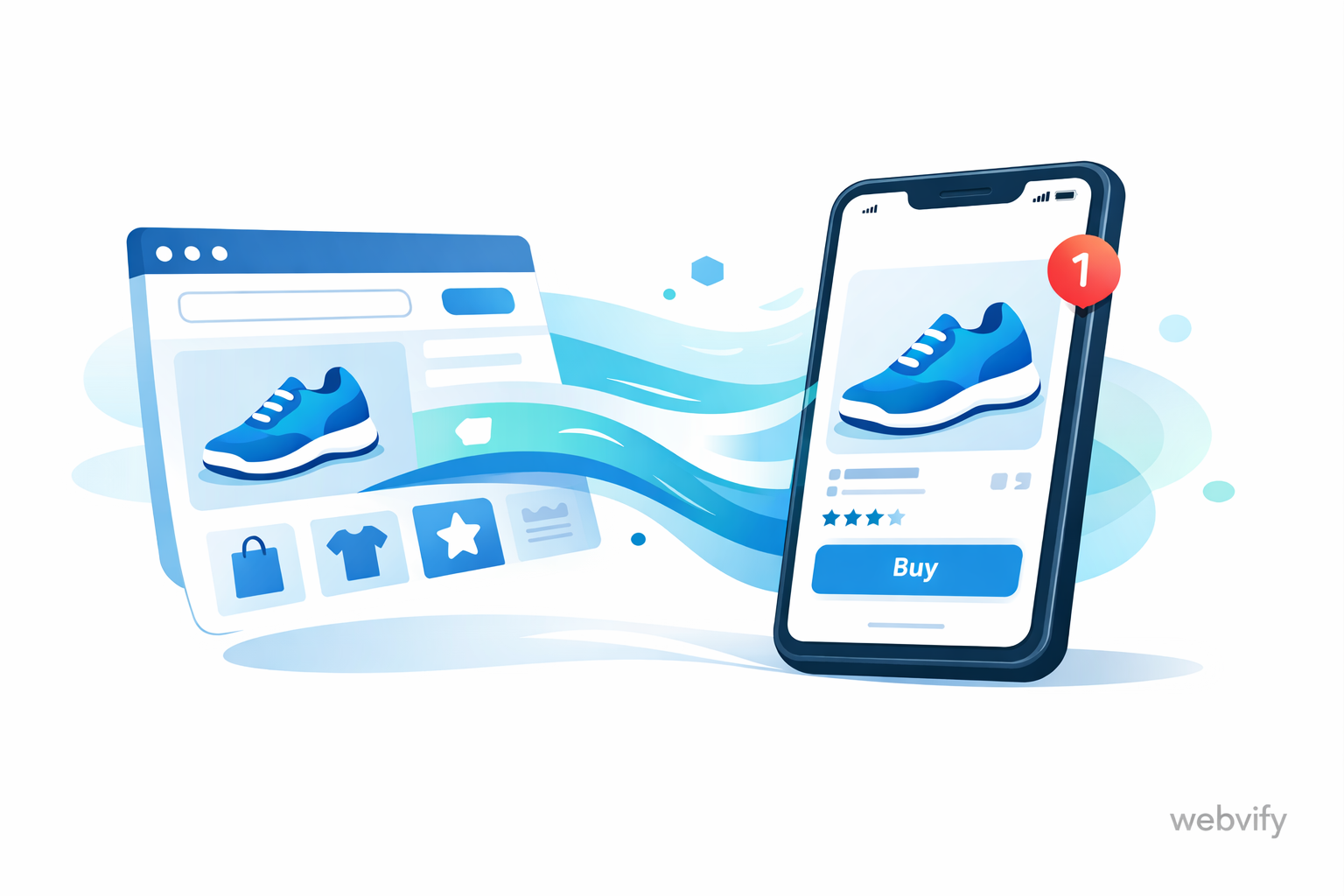
A clear, non-technical guide to turning your e-commerce site into a mobile app that boosts retention with push notifications, faster checkout, and smart UX.
Inside this article
- The repeat-purchase problem is a mobile experience problem
- What a webview app is (in plain English)
- Why an app changes retention (even if the store is the same)
- The retention levers you unlock with an e-commerce mobile app
- A practical rollout plan (2 weeks to 8 weeks)
- When a webview app is the right choice (and when it isn’t)
- Common mistakes that make web-to-app fail
- FAQ
- Checklist: before you launch
- A simple next step: launch the app you can improve
The repeat-purchase problem is a mobile experience problem
Most e-commerce teams are good at getting the first order. They invest in ads, influencers, SEO, and better product pages. But repeat purchases are where profitable growth lives—and that’s where many brands hit a wall.
Here’s the uncomfortable truth: your customers don’t “leave your brand.” They leave your mobile experience.
On mobile, the journey has more friction:
- People browse in short sessions (in line, on the couch, between meetings).
- They get interrupted by messages and other apps.
- They forget to come back.
- Checkout feels slower, logins break, and “I’ll do it later” becomes “never.”
If your store is mostly visited on mobile (it usually is), then your retention strategy has to meet customers where they already live: on their phone home screen, with an experience built for fast repeat visits.
That’s why so many brands explore a webview app—an “app wrapper” that converts a website to an app without rebuilding the entire store from scratch.
What a webview app is (in plain English)
A webview app is a mobile app that displays your existing website inside an app shell.
Think of it as:
- Your store stays your store (same catalog, same checkout, same admin).
- The app gives it a mobile-native frame: home-screen icon, push notifications, deep links, a smoother feel.
In other words, you can convert your website to an app while keeping your current tech stack. This approach is popular because it’s faster than a fully native rebuild, but still unlocks the retention mechanics that are hard to do well on mobile web.
If you search for “convert website to app” or “e-commerce mobile app,” this web-to-app method is usually what people mean when they say “launch an app quickly.”
Why an app changes retention (even if the store is the same)
Your product might be great and your pricing might be right, but repeat orders depend on three things:
- Customers remember you
- Returning feels easy
- There’s a reason to buy again
An app helps with all three.
1) You become one tap away
The home-screen icon matters more than it sounds. It reduces the “search cost” of coming back.
Instead of:
- open browser
- type your brand
- find the right tab
- sign in again
It’s just:
- tap app
That one-step difference compounds over time.
2) Push notifications bring customers back at the right moment
Email is crowded. SMS is expensive and sensitive. Push notifications can be a high-signal, low-friction channel—when used carefully.
The best push notifications are not “sales blasts.” They are timely and personal.
Practical examples that drive repeat purchases:
- Cart recovery: “Your cart is still saved. Checkout in 20 seconds.”
- Back-in-stock: “Your size is back.”
- Price drop: “The item you viewed is now 15% off.”
- Order tracking: “Your order is out for delivery.”
- Replenishment reminders: “Time to restock.”
- Loyalty nudges: “You’re 1 purchase away from a reward.”
3) You can reduce checkout friction
Mobile checkout often fails for boring reasons: slow page loads, too many fields, awkward redirects, or broken payment flows.
A good webview app strategy focuses on removing repeat friction:
- Keep sessions stable (fewer forced logins).
- Open product and checkout links inside the app reliably.
- Make navigation feel predictable (back button behavior, consistent headers).
You don’t need to “rebuild checkout native” to see a difference. You need a smoother repeat path.
4) You gain a clean path for returning customers
Returning customers don’t need onboarding. They need:
- quick access to last order
- saved addresses
- saved favorites
- “buy again” shortcuts
Even small changes that make repeat intent easy can move your retention curve.
The retention levers you unlock with an e-commerce mobile app
When you launch a web-to-app e-commerce app, you’re really buying access to a few key levers:
Deep links that land people on the right screen
If someone clicks a product link, they should go to the product page inside the app—not a browser tab.
This matters for:
- push notifications
- social links
- “back in stock” campaigns
- abandoned cart flows
Segmented messaging
Push works best when it’s targeted. For example:
- first-time buyers vs repeat customers
- category interest (skincare vs haircare)
- high AOV customers vs discount-driven customers
- inactive 30 days vs inactive 90 days
You don’t need to start with complex automation. Start with 2–3 segments you understand well.
Faster re-engagement loops
App users tend to revisit more often when:
- content updates are visible (new arrivals, drops)
- “saved” lists are prominent
- order status is easy to check
These aren’t flashy features. They’re practical retention mechanics.
A practical rollout plan (2 weeks to 8 weeks)
If your goal is “launch an app and grow repeat purchases,” treat this like a rollout, not a one-time release.
Weeks 1–2: Build the baseline app and instrumentation
Focus on shipping something stable:
- A clean app shell around your mobile website
- Correct in-app navigation and back behavior
- Deep linking that works from campaigns to in-app pages
- Basic analytics: installs, opens, product views, add-to-cart, checkout starts, purchases
At this stage, your goal is not perfection. Your goal is a reliable app experience that customers can use.
Weeks 3–4: Improve the repeat path
Now you optimize what repeat buyers actually do:
- Make “continue shopping” and “buy again” easy
- Reduce login surprises and session drop-offs
- Make the cart recoverable
- Improve speed on the slowest pages (usually product + checkout)
Pick the top 2 friction points that show up in support tickets or analytics and fix them first.
Weeks 5–8: Launch retention campaigns (carefully)
Roll out push notifications with restraint:
- Start with high-intent flows (cart recovery, back-in-stock, delivery updates)
- Keep frequency low at first
- Measure unsubscribe/opt-out rate, not just clicks
A push channel is an asset. Don’t burn it with noisy blasts.
When a webview app is the right choice (and when it isn’t)
This is the section many “convert website to app” articles skip. Let’s be honest about trade-offs.
A webview app is a great fit when:
- Your mobile website already converts reasonably well.
- You need an app fast, without rebuilding your entire store.
- Your main goal is retention and re-engagement (push + home-screen access).
- Your catalog and content update often, and you want the app to reflect changes immediately.
- You have a small team and want to avoid a complex native maintenance burden.
A webview app may not be the best fit when:
- Your mobile website is slow or unstable (an app wrapper won’t magically fix that).
- You need heavy native features (advanced offline mode, complex AR, high-performance 3D).
- Your checkout or login flow relies on patterns that break inside embedded browsers and can’t be adjusted.
In those cases, you can still start with web-to-app as a step, but you should plan improvements to the web experience first.
Common mistakes that make web-to-app fail
Most app launches fail because teams expect the app to create retention on its own. It won’t. The app is a channel and a container. You still need the right experience.
Here are the common failure patterns:
Mistake 1: Launching without a clear retention goal
“We need an app” is not a goal.
Better goals:
- Increase repeat purchase rate by X%
- Reduce cart abandonment by X%
- Increase returning visitor sessions by X%
Pick one primary metric. Everything gets easier.
Mistake 2: Sending push notifications like email blasts
Push is not email. People experience it as personal and immediate.
If you start with “50% OFF TODAY” every day, users will mute you.
Start with utility and relevance:
- delivery updates
- saved cart reminders
- back-in-stock alerts
Mistake 3: Broken deep links (sending users to a browser)
Nothing kills conversion like:
tap notification → browser opens → user loses context
Deep linking is not “nice to have.” It’s core.
Mistake 4: Ignoring the slowest pages
If product pages take too long to load on mobile, the app will inherit that pain.
Do a quick speed audit:
- product pages
- collection pages
- checkout steps
Fix the slowest few pages first.
Mistake 5: Treating the app as a one-time project
The first version is only the start.
Plan for:
- monthly improvements
- a retention calendar
- seasonal campaigns
- feedback loops from support
FAQ
Will a webview app improve conversions?
It can, but the biggest lift is usually in return visits and repeat purchases, not immediate first-order conversion. The app makes coming back easier and enables push notifications.
Do I need to rebuild my store to launch an app?
Not with a web-to-app approach. You can wrap your existing mobile site in an app shell and iterate. That’s why “convert website to app” tools are popular for e-commerce.
Are push notifications worth it?
Yes—if you use them for high-intent, customer-friendly messages. Cart recovery, back-in-stock, and order updates are good starting points.
What’s the fastest way to launch an e-commerce mobile app?
Use a webview app approach, keep the first version simple, and focus on deep links + a clean repeat purchase path. Launch fast, then iterate based on real user behavior.
What should I measure after launch?
Start with:
- install-to-first-open rate
- push opt-in rate
- repeat sessions per user
- repeat purchase rate
- revenue from app users vs web users
Checklist: before you launch
Use this as a practical pre-launch checklist:
- Your mobile website is fast enough for product + checkout
- Login and checkout flows work reliably inside the app
- Deep links open the correct screen inside the app
- Cart state persists correctly (no “empty cart surprise”)
- Analytics events are in place (installs, opens, purchases)
- Push notifications are ready, but not overused
- Support has a simple “how to install the app” response template
- You have 2–3 retention flows planned for the first month
A simple next step: launch the app you can improve
If repeat purchases matter to your business (they do), an app is not a “nice brand asset.” It’s a retention engine—when you ship it with the right strategy.
Webvify helps e-commerce teams turn their existing websites into mobile apps and build the retention loops that drive repeat purchases. If you want a practical path to launch fast and iterate, start here: https://webvify.app