

Distribute iOS App Without the App Store: What Actually Works
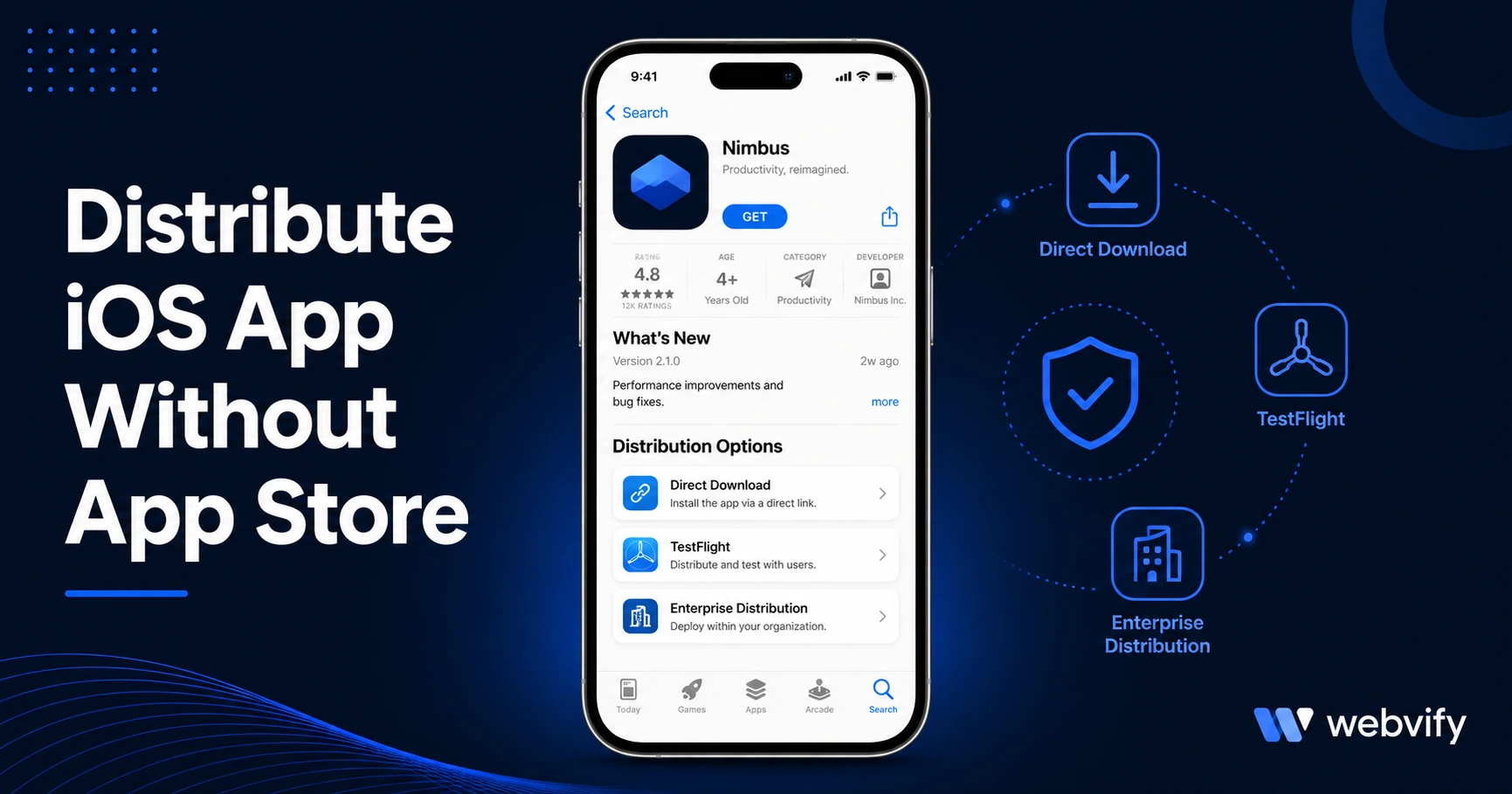
TestFlight, Enterprise signing, and Ad-Hoc all work — but each has a hard ceiling. Here's which iOS distribution method actually works for customer-facing apps.
Inside this article
- Why Developers Look to Distribute iOS Apps Without the App Store
- TestFlight: The Right Way to Test Before You Launch
- Enterprise Distribution: For Internal Business Apps Only
- Ad-Hoc Distribution: Testing With a Device Cap
- Progressive Web Apps: A Browser App, Not an iOS App
- Why Most Small Businesses Still Need the App Store
- Frequently Asked Questions
Distributing an iOS app without going through the App Store sounds appealing — skip the review, skip the $99 developer account, skip Apple's rules. The problem is that every alternative comes with a hard ceiling that makes it impractical for any customer-facing app.
Here is exactly what each distribution method does, who it is for, and when the App Store is still the only viable path for reaching real customers.
Why Developers Look to Distribute iOS Apps Without the App Store
The most common reasons businesses search for alternatives to App Store distribution:
- They are still building and want to test with real users before submitting
- Their app got rejected during App Store review and they want a workaround
- They are building an internal tool for employees, not a public-facing product
- They want to move faster than Apple's 24–48 hour review timeline
Each of these is a legitimate use case — but the solutions are different, and most do not work for customer acquisition.
TestFlight: The Right Way to Test Before You Launch
TestFlight is Apple's official beta testing platform. It lets you distribute a pre-release version of your iOS app to up to 10,000 external testers without going through the App Store review process.
How it works: you upload your app build to App Store Connect, generate a public invite link, and anyone with an iPhone can install the beta version directly. The build expires after 90 days.
Who TestFlight is for: developers who need real-user feedback before submitting for App Store review. If you want your app tested by 20 customers before going public, TestFlight is the right tool.
What TestFlight does not do: it does not give your app a permanent home on the App Store. The moment your 90-day build expires, every tester's copy stops working. There is no search visibility, no App Store page, no reviews, and no organic discovery. Testers also see a yellow "TestFlight" badge on the app icon — a clear signal this is a pre-release product.
If you are converting your website to an iOS app, using TestFlight to validate the build before formal submission is a smart step. Once you are satisfied, you move to App Store submission — not stay on TestFlight indefinitely.
Enterprise Distribution: For Internal Business Apps Only
Apple's Enterprise Distribution program (part of the Apple Developer Enterprise Program at $299/year) lets qualifying organizations distribute apps directly to employees without App Store review — typically through a company's internal MDM (Mobile Device Management) system.
Who qualifies: organizations with 100 or more employees, and only for apps intended for internal use. Apple explicitly prohibits using Enterprise certificates to distribute apps to the general public or to customers.
The catch: Apple monitors Enterprise certificate abuse aggressively. When it detects misuse, it revokes the certificate — immediately breaking every app installed under that certificate across every device. In 2019, Apple revoked Facebook and Google's Enterprise certificates for distributing non-employee apps, taking down internal apps for tens of thousands of employees in both companies.
For a small business trying to reach customers, Enterprise Distribution is not a viable option. Even if you qualify, the moment Apple determines the app is being distributed to non-employees, you risk losing access entirely.
Ad-Hoc Distribution: Testing With a Device Cap
Ad-Hoc distribution lets you install an iOS app on up to 100 registered devices without going through the App Store. You package the app as an IPA file, register each device's UDID in your Apple Developer account, and share the file directly.
Who Ad-Hoc is for: small development teams testing on specific devices. For example, a freelancer delivering a custom app to a client who wants to test on their personal iPhone before it goes live.
The hard limits: 100 devices per year, and adding more requires removing others. Every tester needs to provide their device UDID, which you then register and build the IPA against. This is not scalable and requires a technical handoff for every new device added.
For a business serving hundreds or thousands of customers, 100 devices is not a distribution channel — it is a testing setup.
Progressive Web Apps: A Browser App, Not an iOS App
Progressive Web Apps (PWAs) run in the browser and can be added to the iPhone home screen via Safari's "Add to Home Screen" option. They look like apps, but they are not native iOS apps.
What PWAs can do: basic offline support, home screen installation, fast loading with service workers.
What PWAs cannot do: send push notifications on iOS (Apple only opened push notifications to PWAs starting in iOS 16.4, and only in limited circumstances), appear in App Store search results, display an App Store page with ratings and reviews, or access many native iOS hardware features.
For a business whose primary goal is reaching new customers through App Store discovery and building credibility with an App Store presence, a PWA does not solve the problem. Customers who search for your business on the App Store will not find you.
Why Most Small Businesses Still Need the App Store
Every method above has a ceiling. TestFlight expires. Enterprise Distribution is employees-only. Ad-Hoc caps at 100 devices. PWAs cannot be found in App Store search.
If your goal is a customer-facing iOS app that people can download, return to, and recommend to others — the App Store is the only channel that delivers that outcome.
The barrier most businesses run into is not Apple's review process. The barrier is packaging the app correctly and navigating Apple's developer portal. Services like Webvify handle the entire end-to-end process — building the iOS app from your existing website, submitting it under your own Apple Developer account, and managing the review process — so the technical complexity never lands on you.
If you have already read through how the App Store submission process works, you know the review itself is straightforward when the build is compliant. The hard part is getting to a compliant build.
Frequently Asked Questions
Can I distribute an iOS app without an Apple Developer account?
No. Every iOS distribution method — TestFlight, Enterprise, Ad-Hoc, and App Store — requires an Apple Developer account ($99/year for individuals and businesses, $299/year for Enterprise). There is no way to install a custom iOS app on an iPhone without one, unless the device is jailbroken (which is not a viable distribution strategy for a customer-facing business app).
What happens if Apple rejects my app — can I distribute it another way?
If your app is rejected, the rejection notice explains exactly what needs to change. Most rejections are fixable. Common causes are missing privacy policy links, incomplete metadata, or in-app purchase compliance issues. Using Ad-Hoc or Enterprise distribution as a workaround is not an option — those methods have their own restrictions and will not reach your customers. The correct path is addressing the rejection reason and resubmitting.
How long does TestFlight last before the app expires?
Each TestFlight build expires 90 days after it is uploaded. When a build expires, the app stops working on all testers' devices and cannot be reopened. You can upload a new build to reset the timer, but this requires an active Apple Developer account and a new build submission.
Ready to get your iOS app live on the App Store — without navigating Apple's developer portal yourself? Webvify handles the entire process from build to submission to launch.