

Turn Your Diagnostic Lab Results Portal Into a Mobile App: Fewer Phone Calls, Faster Repeat Bookings
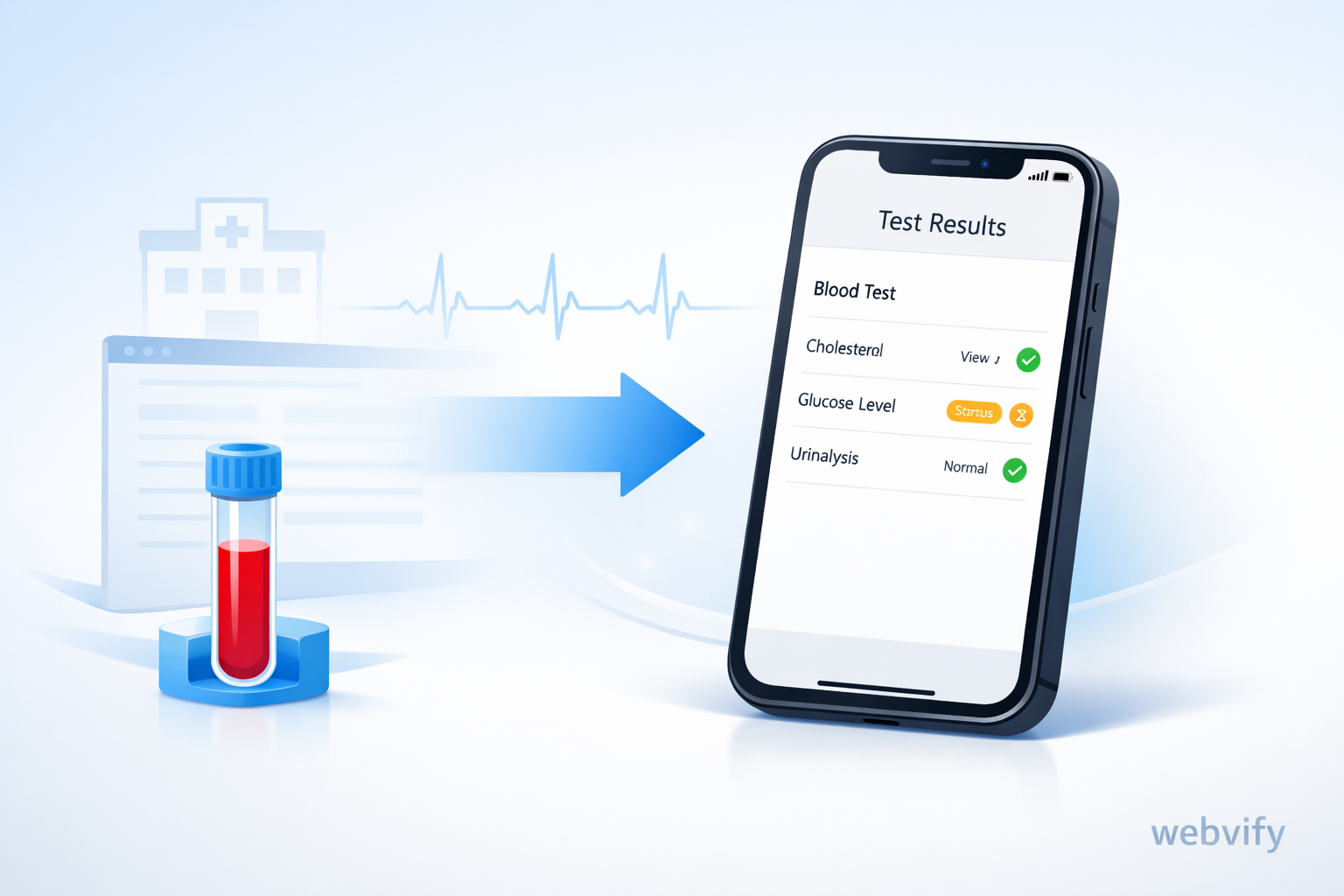
Turn your lab results portal into a mobile app with push updates and easy rebooking—reduce calls, speed up follow-ups, and grow repeat tests.
Inside this article
- Why labs get too many “Are my results ready?” calls
- The simple shift: portal → mobile app (without rebuilding)
- What changes when patients use an app
- What your lab app should include (keep it focused)
- Step-by-step: how to turn your results portal into an app
- Common objections (and real answers)
- Quick checklist (are you ready?)
- FAQ
- CTA: make results-to-rebooking feel effortless
Why labs get too many “Are my results ready?” calls
If you run a diagnostic lab or imaging center, you probably see the same pattern every day:
- Patients call to ask if results are ready
- Patients can’t find the portal link (or can’t remember the password)
- Patients open the report… then don’t know what to do next
- Follow-up appointments get delayed, and repeat bookings get lost
Even if your patient portal works, the behavior around it is the issue. A portal sits in a browser tab. Patients don’t build a habit around “checking a portal”. When they feel uncertain, they call.
That creates three costly outcomes:
- Repeated questions: your team answers the same few things all day
- Delayed follow-ups: patients see results late, or forget to act
- Missed repeat bookings: the moment to rebook passes
The simple shift: portal → mobile app (without rebuilding)
Turning your portal into an app does not mean rebuilding your system.
With a webview approach, your existing portal runs inside a mobile app shell:
- Same backend
- Same portal logic
- A clean app experience on the home screen
- The ability to use push notifications
The real win isn’t “having an app”. It’s removing friction and creating an easier, faster path from results → next action.
What changes when patients use an app
Patients get notified instead of guessing
The biggest driver of calls is uncertainty. Push notifications remove it:
- “Your test results are ready.”
- “Your follow-up appointment is tomorrow at 10:30.”
Patients tap once, view results, and move on—without calling.
Follow-ups happen faster
Right after viewing results, patients should see a clear next step:
- Book another test
- Schedule imaging
- Contact support
When the next step is one tap away, you reduce drop-off.
Your team gets time back
Fewer repetitive calls means:
- Less pressure on staff
- Faster handling of urgent cases
- A calmer front desk experience (which patients notice)
What your lab app should include (keep it focused)
You don’t need 50 features. Start with what patients actually use.
1) Easy access to results
- Secure login (use your existing portal login)
- Clear result display
- A “download PDF” button for reports
2) Push notifications (the highest ROI feature)
Use notifications for:
- Results ready
- Appointment reminders
- Follow-up suggestions (only when relevant)
3) Appointment booking and rebooking
Make it easy to book right after results:
- Choose location
- Select time
- Confirm
4) Directions and location picker (for multi-location clinics)
- “Open in Maps”
- Nearest location guidance
5) Support that reduces calls (not blocks them)
- A clear “Call us” button for urgent cases
- A short help section for common questions (hours, preparation, billing)
6) Document downloads and sharing
Patients often need to share results with a doctor. Make it simple:
- Download PDFs
- Share the report link (if your portal supports it)
Step-by-step: how to turn your results portal into an app
Step 1: confirm your portal works well on mobile
Open your portal on a phone and check:
- Does it resize cleanly?
- Is login stable?
- Are results readable without zooming?
- Are buttons easy to tap?
If “mostly yes”, you’re ready.
Step 2: wrap the portal with a webview app
A webview app loads your portal in an app shell, so patients get:
- An app icon on the home screen
- Faster access (less “where is the link?”)
- A more app-like navigation
Step 3: connect push notifications to real events
Don’t send generic marketing notifications. Use operational triggers, like:
- Result becomes available
- Appointment is coming up
- A report needs a follow-up action
This is where call volume usually drops the most.
Step 4: make small UX improvements (no full redesign)
Light-touch changes go a long way:
- Bigger tap targets
- Clear “Results / Appointments / Support” sections
- Faster loading on mobile
Step 5: publish to App Store + Google Play
Once ready:
- Submit to both stores
- Provide a reviewer-friendly login path (if needed)
- Keep the experience simple and predictable
Common objections (and real answers)
“Our portal already works. Why do we need an app?”
Because patients don’t treat portals like daily tools. Apps create habits and reduce friction with one-tap access and notifications.
“Will this be expensive?”
Compared to building a native app from scratch, a webview approach is usually much faster and cheaper because you reuse your existing portal.
“Is it secure?”
Yes—your portal security remains the source of truth. The app is another access layer, not a new backend.
“Will older patients use it?”
Often yes—if it’s simple. An app can be easier than a browser link because it’s always on the home screen and doesn’t require “finding the portal again”.
Quick checklist (are you ready?)
- Your portal is usable on mobile
- Login is simple and stable
- Results are readable on a phone
- You can trigger push notifications when results are ready
- Rebooking is easy to find after viewing results
- Support contact is clear
- PDFs can be downloaded or shared
FAQ
Do we need to rebuild our system?
No. A webview app can reuse your existing portal and backend.
How long does it take?
Often weeks, not months—especially if your portal is already mobile-friendly.
Will patients download the app?
Many will—because getting results is a strong reason to install and keep an app.
Can we send a notification for every result?
You can, but keep it relevant. The goal is clarity, not noise.
Does this work for multi-location labs?
Yes. You can route patients to the nearest location and show directions in one tap.
What happens when we update our website?
With a webview approach, portal updates usually show up in the app without rebuilding the backend.
Will this actually reduce phone calls?
Yes—especially repetitive calls about result readiness and appointment details.
CTA: make results-to-rebooking feel effortless
Your portal already has value. The problem is access and engagement.
If you want to turn your existing lab results portal into a simple, effective mobile app—with push notifications and a smoother follow-up flow—build it with Webvify: https://webvify.app