

How to Turn Your ClickFunnels Site Into a Mobile App (Without a Developer)
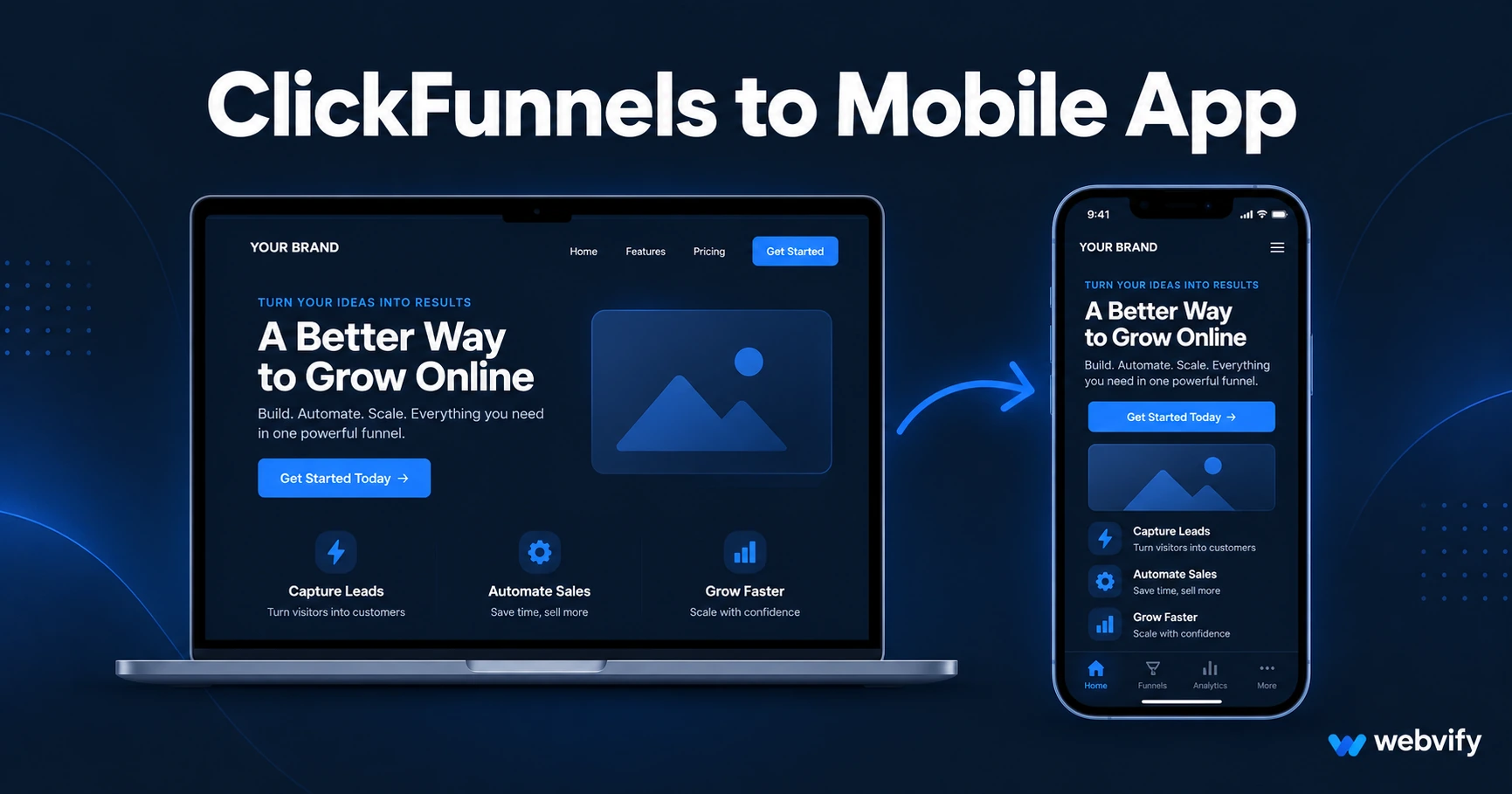
Your ClickFunnels site has no App Store export. Here's how to wrap it as a branded iOS and Android app — without code and without hiring a developer.
Inside this article
ClickFunnels builds some of the highest-converting pages on the internet. But there's no "Export to App Store" button — and for course creators, coaches, and marketers who want a branded app on their customers' phones, that gap is a real problem.
Why ClickFunnels Users Want a Mobile App
Most ClickFunnels users have already done the hard work — the funnel is built, the offer is proven, traffic is coming in. The next logical step is owning a permanent spot on their customers' home screens.
Three things a mobile app adds that a funnel URL never will:
Push notifications. Email open rates for online courses and coaching programs average 20–30%. Push notifications land directly on the lock screen and open at 60–90%. For a launch, a live webinar, or a limited-time offer, that difference is the gap between a record month and an average one.
App Store credibility. An "Available on the App Store" badge on your sales page changes how buyers perceive your brand. For coaches selling $997–$5,000 programs, that credibility signal is often worth more than extra ad spend.
Home screen presence. Once your app is installed, customers see your name every day — not only when they click an email link. That visibility drives rebooking, referrals, and repeat purchases without any additional effort.
Does Your ClickFunnels Site Work in a Mobile App?
ClickFunnels pages are built to load fast and render cleanly on mobile browsers. That same mobile-responsiveness is exactly what makes them work inside a WebView-based mobile app.
A WebView app is a native iOS or Android wrapper that displays your existing web content. It is not a rebuild — your pages, funnel flows, checkout pages, and members area all stay exactly as they are. The app packages them into a native binary that the App Store and Google Play accept.
For ClickFunnels 2.0 specifically, this means your entire site — blog, landing pages, community, and course portal — can be delivered through a single mobile app without touching your existing setup.
If you have already converted a subscription site to an app (such as a WordPress membership site), the process is the same in principle: your existing URL becomes the app's content source. No migration, no rebuilding.
The Apple Rule That Trips Up ClickFunnels Sellers
This is the part most guides skip, and it matters more than anything else on this list.
Apple has a rule — Guideline 3.1.1 — that requires any digital goods or subscriptions purchased inside an iOS app to use Apple's In-App Purchase system. Apple takes a 30% cut of every transaction processed that way.
If you sell a course or coaching program inside your app using ClickFunnels' native checkout (powered by Stripe), Apple will reject the submission.
The fix is simple but not obvious: disable in-app purchases inside the app. When someone taps "Buy" inside your mobile app, the app opens your checkout page in the phone's external browser instead of processing the payment inside the app itself. This is the exact approach that Udemy, Coursera, and Patreon use. You keep 100% of your revenue, and Apple approves the app.
For ClickFunnels users selling physical products — apparel, supplements, books — there is no IAP complication. Physical goods are exempt from Guideline 3.1.1, and checkout can run inside the app without issue.
Services like Webvify configure this routing during the build process. You do not need to change your funnel or your checkout pages — just how the app handles payment links.
What You Need Before Submitting
To get a ClickFunnels-based app live on the App Store and Google Play, three things need to be in place:
A developer account on each platform. Apple charges $99/year; Google Play is a $25 one-time fee. Both accounts are registered under your business name, so the app publishes under your brand — not a third-party service.
A custom domain on your ClickFunnels site. Apple requires a custom domain for WebView apps. Default ClickFunnels subdomains (like yoursite.myclickfunnels.com) are not accepted. If you are already using a custom domain, you are ready.
A privacy policy page. Both stores require a link to your privacy policy on the app listing. ClickFunnels makes it straightforward to add a dedicated policy page to your site.
Once those are in place, the technical work — packaging the app, creating store assets, writing the listing, and navigating the review — is handled by whoever builds the app. For the full checklist of what Apple looks for during review, this guide covers the most common rejection reasons for WebView apps.
What the App Store Review Process Looks Like
Apple's review team typically takes 24–48 hours on first submissions. Google Play runs 3–7 business days for new accounts.
The most common reasons WebView apps get rejected are thin content (a single landing page with no supporting pages fails the minimum functionality check), in-app checkout flows processing digital goods, and missing metadata like screenshots or a privacy policy link.
A ClickFunnels site with a real offer, supporting pages, and properly configured payment routing passes review without issue. The process is the same whether you are on ClickFunnels Classic or ClickFunnels 2.0.
ClickFunnels 2.0: What's Different for Mobile Apps
ClickFunnels 2.0 introduced several features that expand what a mobile app can deliver:
Sites and Blogs: Multi-page websites now exist inside ClickFunnels, not just single-page funnels. This gives a WebView app substantially more content, which helps with the minimum functionality check during App Store review.
Communities: The CF2.0 community feature works in WebView with standard authentication. Members can log in, participate, and receive push notifications when new content is posted.
Courses: The courses module works in WebView. The payment routing rule described above applies — enrollment flows should redirect to an external browser.
If you are still on ClickFunnels Classic, everything still works. The content structure is simpler, but the submission process and approval path are identical.
FAQ
Can I get a ClickFunnels mobile app on both iPhone and Android?
Yes. A WebView-based app is packaged separately for iOS and Android. Both apps use the same ClickFunnels URL as their content source, so any update you make to your funnel or site appears automatically in both apps — there is no separate app to maintain.
Does my ClickFunnels plan affect what the mobile app can do?
You need a ClickFunnels plan that allows a custom domain, since Apple requires one for WebView app approval. Beyond that, there is no plan restriction. The app pulls content from your live ClickFunnels URL the same way any browser would.
How long does it take to get a ClickFunnels app approved on the App Store?
From build start to approval, most ClickFunnels apps take 5–10 business days. The app build takes 1–2 days; Apple's review adds 24–48 hours; Google Play adds 3–7 days for new accounts. If your custom domain is already active and your content is ready, there is no delay on your end.
Your ClickFunnels site already does the converting — it just needs to be on the App Store too. Webvify handles the full process end-to-end, from the WebView build to App Store submission, so you can stay focused on your offer.