

Builder.ai Alternative: Turn Your Website Into a Mobile App Without Starting Over
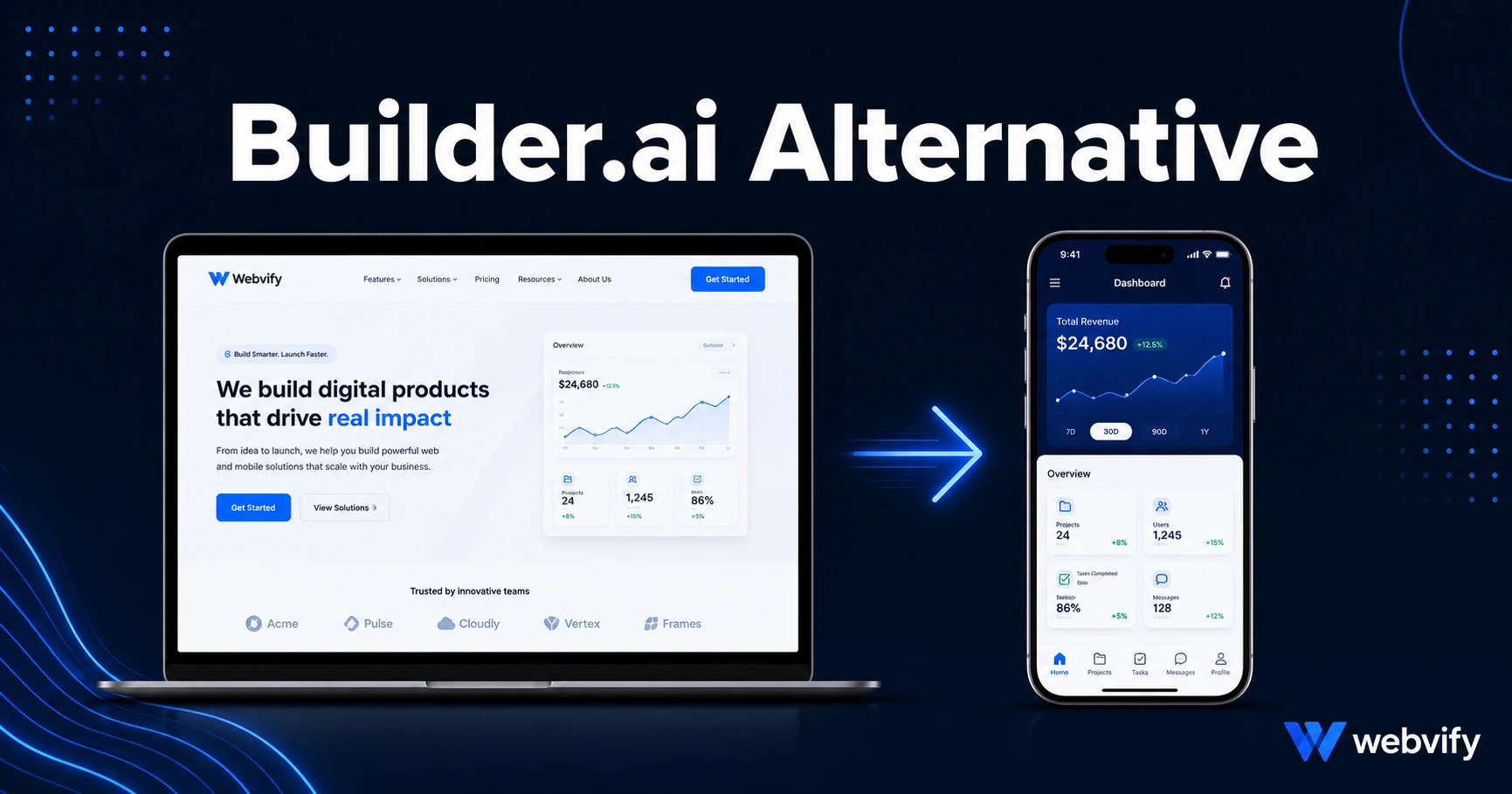
Builder.ai builds apps from scratch — but if you already have a website, that's a $50K problem you don't have. Here's the faster, cheaper alternative.
Inside this article
Builder.ai's custom app quotes start at $50,000. But most small businesses asking for an app quote already have something valuable: a working website.
What Builder.ai Actually Builds — and Why It Matters
Builder.ai is a managed software development service. It assigns a team of engineers to build you a custom mobile app from the ground up. That's genuinely useful if you need functionality that doesn't exist on the web — a complex algorithm, deep offline capability, or hardware integration that a browser can't touch.
For most small and medium businesses, that's not the situation. They have a working website — a restaurant with online ordering, a salon with a booking system, a Shopify store with a product catalog. They don't need a new app built from zero. They need their existing website packaged as a mobile app and submitted to the App Store and Google Play.
Builder.ai wasn't designed for that use case, and its pricing reflects it.
Why Builder.ai Doesn't Work if You Already Have a Website
When you hire Builder.ai, you're paying to rebuild your entire digital presence in a new format. Your website stays where it is; your app becomes a separate system to run alongside it.
That creates two real problems.
The rebuild tax. Every page, product listing, service, and integration your website already has — Builder.ai's team has to recreate it. You're paying for work you've already done.
Dual-system maintenance. Once your app goes live, you manage two systems permanently. Update your menu? Update it in two places. Add a product? Add it twice. That overhead is ongoing, not one-time.
There's a simpler path: convert your existing website into a mobile app rather than rebuild it. Your website already loads in a browser — that same content can be packaged inside a native mobile app shell and submitted to the App Store and Google Play under your own name.
This is what a web-to-app converter does. It's the category Builder.ai doesn't offer.
What to Look for in a Builder.ai Alternative
Not every alternative solves the same problem. Before picking a tool, answer one question: do you already have a working website?
If yes, you want a web-to-app service — one that packages your existing site as a native iOS and Android app. Look for these four things:
App Store submission included. Many tools give you the app file but leave you to navigate Apple's developer portal alone. That's where most business owners get stuck. Look for end-to-end handling — build plus submission.
Your own developer accounts. Your app should be published under your name, not a third party's. You keep your App Store listing, your reviews, and your customers — even if you ever switch providers.
No rebuild required. The service should wrap your existing website, not ask you to re-enter everything in a new editor.
Post-launch admin panel. After launch, you'll need to send push notifications and manage settings without a developer. This should be included.
Services like Webvify handle the full process end-to-end — from wrapping your website to submitting to both stores to the admin panel. You don't touch Xcode or App Store Connect. If you want to understand what this actually unlocks for your business, this breakdown covers the 7 core benefits of converting your website to a mobile app.
How Web-to-App Conversion Actually Works
Your website is already mobile-responsive — it loads in Chrome on a phone today. A WebView wrapper places that website inside a native iOS or Android app container, adds the native layer Apple and Google require (push notification permission, home screen icon, splash screen), and packages it as a binary file the stores can accept.
The result is an app that installs from the App Store, appears on the home screen, and sends push notifications — but runs your actual website content underneath. You maintain one system. Updates to your website automatically reflect in the app.
The main compliance requirements are straightforward: your website needs a custom domain (no staging URLs), responsive design, and purchase flows routed to an external browser for any digital goods sold. Apple's Guideline 3.1.1 applies if you sell digital subscriptions or downloads — most service businesses and physical product stores are unaffected.
For a detailed walkthrough of the App Store submission process, this guide covers the full steps from Apple Developer account setup to review.
Builder.ai vs. the Web-to-App Route — Which Is Right for You
The right choice depends on what you're starting with.
Choose Builder.ai if:
- You need functionality that doesn't exist on the web
- You're building a standalone product with no existing website
- Budget is not a constraint and you need a fully custom experience from the ground up
Choose a web-to-app service like Webvify if:
- You already have a working website
- You want App Store and Google Play presence without rebuilding what you already have
- You need the submission process handled so you don't get stuck in Apple's review system
- You want one system to maintain, not two
For most small business owners and e-commerce operators, the web-to-app route delivers 90% of the outcome at a fraction of Builder.ai's cost and timeline.
Is a WebView app as good as a native app built by Builder.ai?
For most business use cases — push notifications, home screen presence, App Store discoverability, mobile checkout — a WebView app delivers the same outcome. The difference shows up in specialized scenarios: complex offline functionality, deep hardware access, or real-time features that require native performance. If your app is primarily a customer-facing channel for bookings, orders, or communication, a WebView wrapper is the right tool.
Does Apple approve WebView apps in the App Store?
Yes. Apple reviews thousands of WebView apps every week. The key requirements are Guideline 4.2 (the app must offer meaningful functionality), Guideline 2.1 (no staging or broken URLs), and Guideline 3.1.1 (digital content purchases must use Apple's in-app payment system). A managed conversion service handles these as part of the submission process.
How long does a web-to-app conversion take compared to Builder.ai?
Web-to-app conversion services typically go live within 7–14 days, including App Store and Google Play review time. Custom app development with Builder.ai typically takes 3–9 months, since the build starts from scratch. The speed difference is a direct result of wrapping an existing website rather than engineering a new product.
Ready to turn your website into a mobile app without starting over? Webvify handles the build, the submission, and the setup — from first call to App Store approval.