

Best Shopify Mobile App Builders in 2026: An Honest Comparison
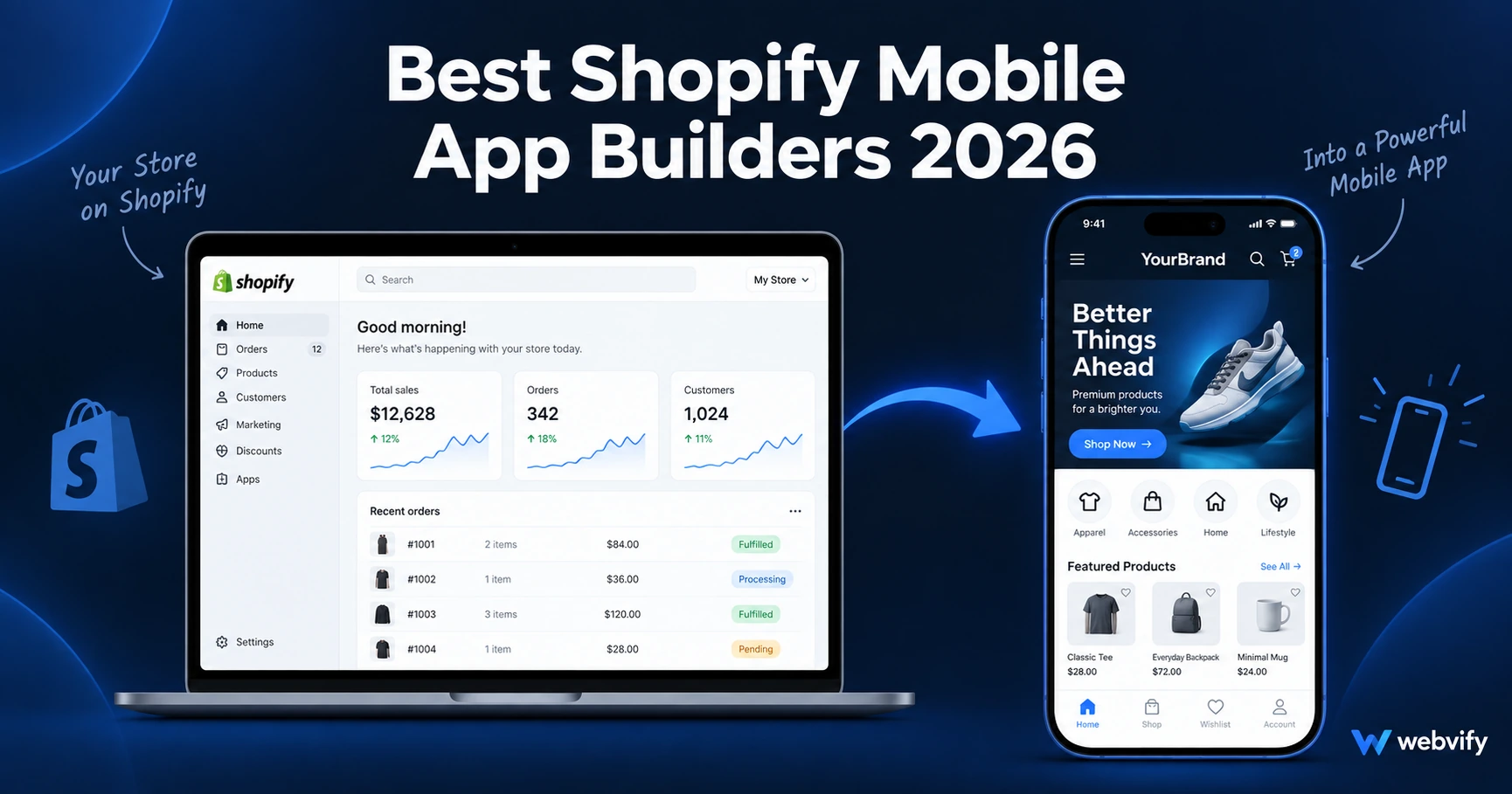
Comparing the best Shopify mobile app builders in 2026. From done-for-you WebView wrappers to native builders — find what fits your budget and goals.
Inside this article
Why 60% of Shopify Traffic Isn't Converting the Way It Should
Most Shopify stores now get the majority of their traffic from smartphones — yet mobile web conversion rates sit at roughly half what desktop delivers. A dedicated Shopify mobile app changes that equation: push notifications that land on the lock screen, a home screen icon that keeps your brand visible, and a faster, more seamless checkout experience.
The challenge is choosing the right Shopify mobile app builder. Some tools require you to rebuild your store from scratch inside a new platform. Others wrap your existing Shopify site directly and get you on the App Store in weeks. The right choice depends on your budget, your technical comfort, and what you actually need the app to do.
What to Look For in a Shopify Mobile App Builder
Before comparing specific tools, it helps to know what actually matters:
Does it work with your existing store? Tools that wrap your live Shopify URL mean any update you make in Shopify shows up in the app automatically. Tools that require rebuilding content create a second system you have to maintain.
Who handles App Store submission? Getting approved on the App Store and Google Play involves developer accounts ($99/year for Apple, $25 for Google), compliance reviews, and rejection handling. Some platforms leave this entirely to you. Others handle it end-to-end.
What push notification options does it include? Push notifications are the primary reason most Shopify stores want an app in the first place — they reach customers at 60–90% open rates, compared to 20–30% for email. Confirm what triggers are available before you commit.
What are the ongoing costs? Monthly subscription fees are just one layer. Factor in developer account fees, submission support costs if you handle rejections yourself, and what happens to your app if you cancel.
The Main Types of Shopify Mobile App Builders
WebView Wrapper Services (Done-for-You)
WebView wrappers take your existing Shopify store and package it as a native app. The store still runs on your Shopify URL — but users interact with it through a real iOS and Android app that lives on their home screen.
Webvify is a managed service that converts your Shopify store into a fully branded app and handles the entire process end-to-end — from building the WebView to submitting to the App Store and Google Play under your own developer accounts, plus an admin panel for push notifications and settings. It's the right option for store owners who want a real app without managing any technical steps themselves.
Other WebView-based services include GoNative and Natively, which provide the app wrapper but leave App Store submission to you — a meaningful difference if you've never navigated Apple's developer portal.
Native React Native Builders (DIY or Assisted)
Tools like Tapcart, Shopney, and Vajro build native React Native apps connected to your Shopify store via API. These generally offer more customization than WebView wrappers and tighter integration with Shopify's native checkout.
The tradeoffs: higher monthly cost (typically $200–$500/month), longer build timelines, and a dependency on the platform's continued Shopify API access. If your store's design or checkout flow changes significantly, the app needs to be updated on their end.
If you're comparing Webvify against any of these specifically, the detailed breakdowns are in our Webvify vs Tapcart comparison and Webvify vs Shopney comparison.
From-Scratch App Builders
Platforms like Adalo or Bubble let you build an entirely custom app from scratch using a no-code or low-code interface. These aren't really Shopify app builders — they're general app builders you can connect to Shopify via API integrations.
Unless you have very specific requirements that Shopify's native features can't support, this path is overkill. Building from scratch means duplicating every product, collection, and content update — indefinitely.
Push Notifications: The Real Reason to Get a Shopify App
Push notifications are the core business case for most Shopify apps. A customer who has your app installed receives notifications on their lock screen. Email goes to a tab they might check once a day. Push notifications go to the place people check 80+ times a day.
For Shopify stores, the highest-ROI push sequences are:
- Abandoned cart recovery (within 30 minutes of abandonment)
- Flash sale or new arrival alerts (same-day open rates are highest)
- Win-back campaigns for customers silent for 60+ days
If you want to add push notifications to your Shopify store, read our guide on Shopify push notifications via mobile app.
How Much Does a Shopify Mobile App Cost?
Costs vary widely by category:
WebView wrapper services: Typically a one-time project fee or flat monthly subscription. Webvify operates on a flat model — no revenue-share, no per-store variable pricing. You keep full ownership of the app on your own developer accounts.
Native builders (Tapcart, Shopney, Vajro): Usually $200–$499/month depending on features and store size. Some tiers include App Store submission support; others charge extra.
From-scratch builders (Adalo, Bubble): $50–$200/month for the platform, plus developer time to build and connect to Shopify (typically $2,000–$10,000+ for custom development).
Don't forget: Apple Developer Program ($99/year) and Google Play Developer ($25 one-time) are required regardless of which builder you use — unless the service includes developer account sharing (which comes with platform lock-in risk).
FAQ
What is the best Shopify mobile app builder in 2026?
There's no single best option — it depends on your needs. If you want an app built and submitted end-to-end without managing any technical steps, a done-for-you service like Webvify is the fastest path. If you need deep native customization and have a larger budget, native builders like Tapcart or Shopney are worth evaluating. For very specific custom requirements, a from-scratch builder may apply — but it's rarely the right choice for a standard Shopify store.
Do I need a developer to publish a Shopify app to the App Store?
Not if you use a managed service that handles submission for you. Apple's review process requires a signed binary file, developer account compliance, and handling any rejections — all of which require technical knowledge. Services like Webvify do this on your behalf, so you never need to open Xcode or the App Store Connect portal.
Can I keep my existing Shopify theme and products in the app?
Yes, if you use a WebView wrapper. Your existing Shopify storefront — theme, products, collections, checkout — all appear in the app as they are on your live site. Any updates you make in Shopify automatically reflect in the app. Native builders may require re-mapping your products and can have limitations on custom themes or checkout flows.
Ready to turn your Shopify store into a mobile app? Webvify handles everything — from building the app to App Store submission — in one flat-fee service. Start here →