

How to Turn Your Beehiiv Newsletter Into a Mobile App (Without a Developer)
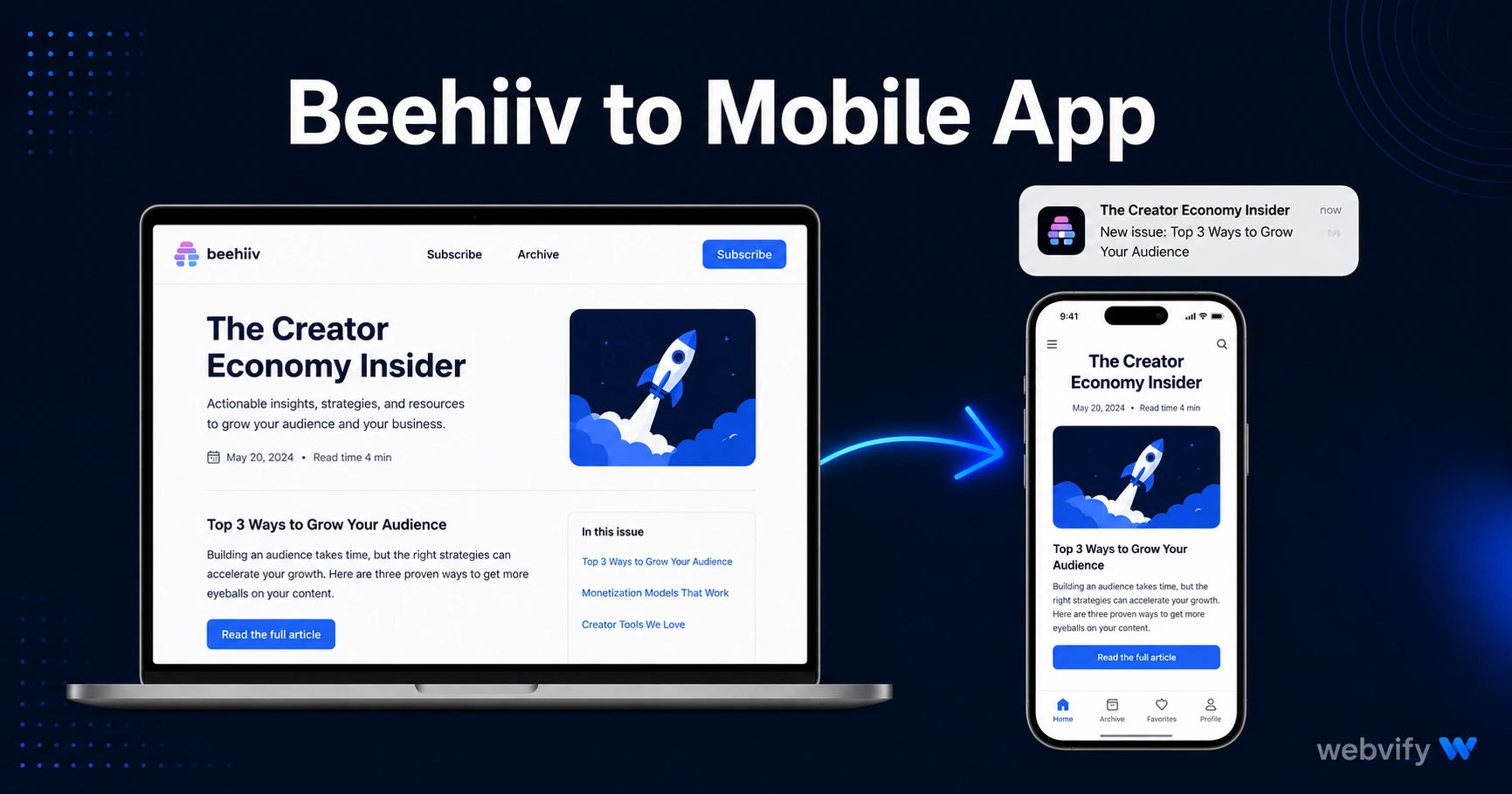
Beehiiv has no App Store export. Here's how to turn your newsletter into a branded mobile app on iOS and Android — with push notifications, no developer needed.
Inside this article
- Why Beehiiv Creators Are Building Mobile Apps
- What a Beehiiv to Mobile App Conversion Involves
- The Two Compliance Rules Beehiiv Creators Must Know
- How Push Notifications Work With a Beehiiv App
- Getting Your Beehiiv App on the App Store and Google Play
- After Launch: Push Notification Campaigns That Work
- Frequently Asked Questions
Email open rates for newsletters average 30–40%. Push notifications from a mobile app reach the lock screen at 60–90% open rates. Beehiiv doesn't ship a mobile app — so most creators never make that upgrade.
This guide covers exactly how to convert your Beehiiv newsletter into a branded app on the App Store and Google Play, the specific Apple compliance rules you need to know, and what a beehiiv to mobile app workflow looks like start to finish.
Why Beehiiv Creators Are Building Mobile Apps
Beehiiv is built for growth: referral programs, paid tiers, subscriber analytics. But the delivery channel is still email. That's fine for discovery, but it's not optimal for retention.
A mobile app changes the retention equation:
- Push notifications bypass the inbox and reach subscribers directly on the lock screen
- Your app icon sits on the home screen between issues — keeping your brand visible when nothing is going out
- Subscribers who install the app are significantly harder to lose than email subscribers who can unsubscribe in one click
- The App Store listing adds institutional credibility — especially for paid newsletter tiers
None of this requires rebuilding your content. A WebView app wraps your existing Beehiiv publication URL and packages it as a native binary that Apple and Google accept.
What a Beehiiv to Mobile App Conversion Involves
The process has three stages.
Stage 1 — Packaging. Your Beehiiv publication runs on a custom domain (e.g., newsletter.yourbrand.com). A WebView app loads that URL inside a native shell on iOS and Android. The content stays on Beehiiv — you update nothing twice.
Stage 2 — Compliance. Apple and Google both review apps before they go live. The two requirements that catch most newsletter creators off guard are covered in detail below.
Stage 3 — Submission. Each platform has a developer account setup, compliance forms, and a review queue. Apple's review typically takes 24–48 hours; Google Play takes 3–7 days for first submissions.
The Two Compliance Rules Beehiiv Creators Must Know
This is where most newsletter app submissions fail.
Apple Guideline 3.1.1 — In-App Purchase Rule. If your Beehiiv newsletter has a paid tier — premium subscribers paying via Stripe — Apple requires that any subscription purchased inside the iOS app uses Apple's In-App Purchase system, and Apple takes a 30% cut. The fix is simple: disable the subscription purchase flow inside the app. When a user taps "Subscribe" inside your iOS app, redirect them to an external browser where they complete the Stripe transaction on your Beehiiv web page. Once subscribed, they log in normally inside the app. This is the same pattern Udemy, Coursera, and Spotify use. If your Beehiiv newsletter is free-only, this rule doesn't apply.
Apple Guideline 2.1 — Custom Domain Required. Apple rejects apps that load a default platform subdomain (e.g., yourbrand.beehiiv.com). You need a custom domain connected to your Beehiiv publication — like newsletter.yourbrand.com or read.yourbrand.com. Beehiiv supports custom domains on paid plans. If you haven't set up a custom domain yet, do that before starting the app submission process.
If you already went through this with a Substack newsletter, the process is nearly identical — see the Substack to mobile app guide for a side-by-side comparison.
How Push Notifications Work With a Beehiiv App
This is the highest-value feature the app unlocks.
With a WebView app, push notification logic sits in the native layer — not inside Beehiiv's platform. Here's what that means practically: you send a push notification through your app's admin panel, not through Beehiiv. The notification appears on subscribers' lock screens within seconds. Subscribers tap the notification and land on the new issue inside the app.
Common sequences that work well for newsletter apps:
- New issue alert — sent 1–2 hours after publishing, prompting readers who didn't open the email
- Re-engagement — 21-day silent reader nudge ("New issues out — tap to catch up")
- Paid tier upgrade push — time-limited offer sent to free subscribers
Services like Webvify handle push notification setup as part of the app build — you don't configure any server infrastructure.
Getting Your Beehiiv App on the App Store and Google Play
Here's the end-to-end path.
Step 1 — Connect a custom domain to your Beehiiv publication (required for Apple Guideline 2.1).
Step 2 — Test your publication on mobile. Open it on iPhone and Android in a browser. Check that layouts render correctly, subscription flows work, and login sessions persist.
Step 3 — Set up developer accounts: Apple Developer Program ($99/year) and Google Play Console ($25 one-time). Both accounts must be registered under your name or company — the app publishes under your brand, not anyone else's.
Step 4 — Build the WebView app. This is the technical step that requires either a developer or a done-for-you service.
Step 5 — Submit to both stores. Apple reviews take 24–48 hours for most first submissions. Google Play takes 3–7 days.
You'll also need a privacy policy page before submitting — both stores require it even if your newsletter collects no personal data beyond email. The mobile app privacy policy guide has a free template you can use.
If you'd rather not manage developer accounts, build files, or navigate the compliance forms yourself, Webvify handles the full end-to-end process — build, submission, and the admin panel for push notifications.
After Launch: Push Notification Campaigns That Work
Getting the app live is step one. The retention leverage comes from using push notifications consistently.
Three campaigns that perform from day one:
New issue alert — send every time you publish. Even if a subscriber gets the email, a push notification doubles the surface area. Readers who are email-silent often become push-active.
30-day re-engagement — subscribers who haven't opened the app in 30 days receive a short push: "Three issues you haven't read yet." Simple, non-pushy, effective.
Paid tier nudge — for free-tier readers, a 45-day soft offer. Not a hard sales push — a reminder that premium exists, timed to readers who are clearly engaged.
You manage all of these from your app's admin panel, with no involvement from Beehiiv's platform.
Frequently Asked Questions
Can I turn a free Beehiiv newsletter into a mobile app?
Yes. The Apple Guideline 3.1.1 IAP rule only applies if you have paid subscriptions purchased inside the app. A free newsletter with no in-app purchase flows passes App Store review without any changes to how your publication works.
Do I need to rebuild my Beehiiv content inside the app?
No. A WebView app wraps your existing Beehiiv publication URL. Any issue you publish on Beehiiv appears automatically inside the app — there's no second system to manage.
How long does it take to get a Beehiiv app live on the App Store?
If your custom domain is already set up, the timeline is typically 7–14 days: 1–2 days for the build, 24–48 hours for Apple review, and 3–7 days for Google Play. Done-for-you services like Webvify compress this further by handling compliance and submission on your behalf.
Your Beehiiv newsletter already has the content and the audience. A branded mobile app adds the distribution channel that email can't — direct lock-screen access to your readers, any time you publish. Get your Beehiiv app live on iOS and Android →