

Apple Search Ads for Small Business: Claim Your $100 Free Credit
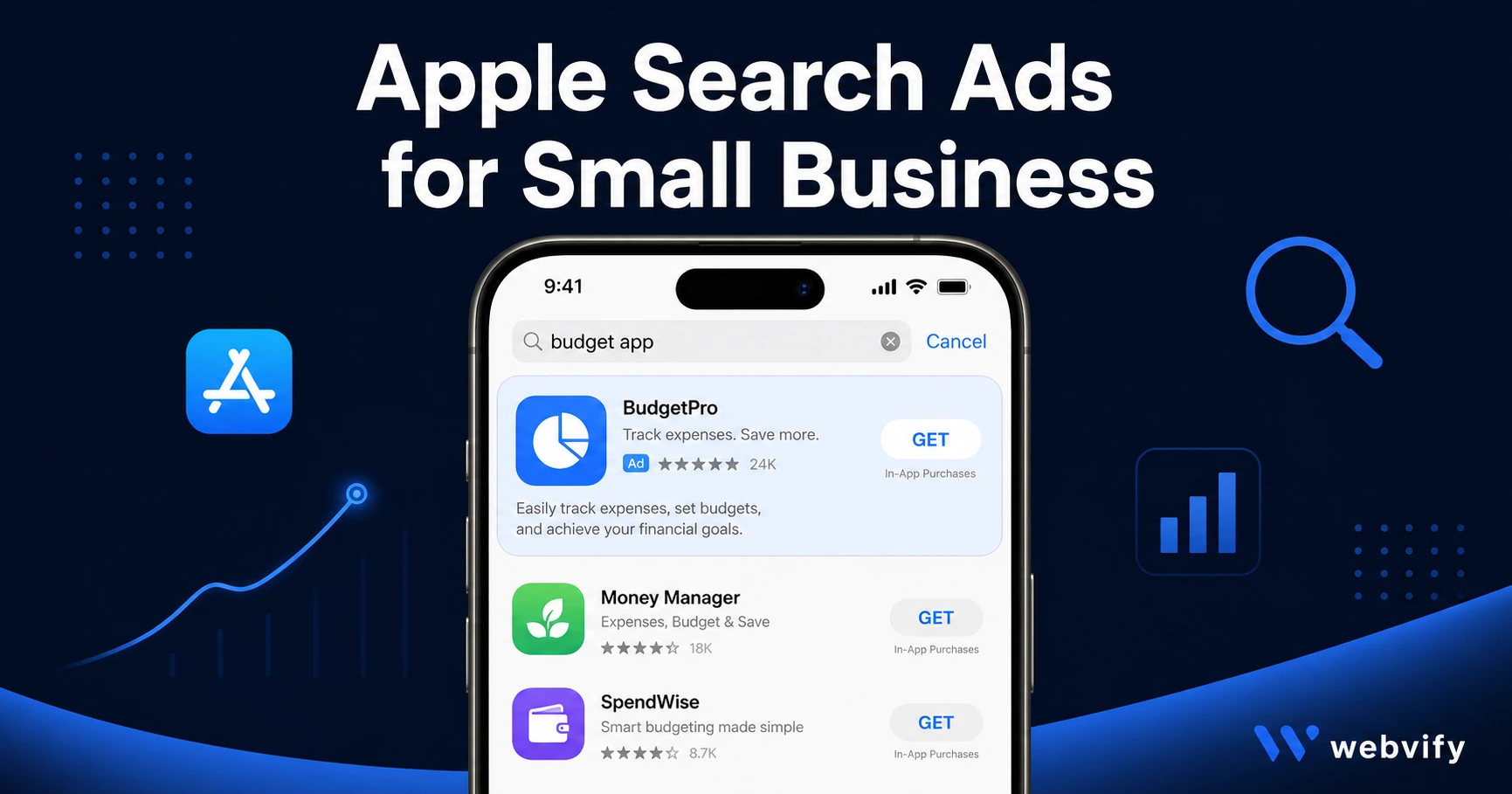
Apple gives every new advertiser $100 in free credits for App Store ads. Here's how to set up your first campaign and get real downloads on a small business budget.
Inside this article
Apple gives every new advertiser $100 in free credits to run ads in the App Store. Most small businesses that have launched an app never claim it — because they don't know Apple Search Ads exists.
If your app is live on the App Store, Apple Search Ads is the most direct way to put it in front of people actively searching for what you offer. This guide explains how it works, what it costs, and how to set up your first campaign without a marketing team.
What Are Apple Search Ads (and Why Most Small Businesses Miss Them)
Apple Search Ads are paid placements that appear at the top of App Store search results. When someone types "restaurant app" or "yoga studio booking" into the App Store search bar, the first result — marked with a blue "Ad" badge — is a paid placement.
This is different from Google or Meta advertising. The person searching is already in the App Store, already looking for an app to download. That intent gap is why Apple Search Ads typically convert at 50–65% — dramatically higher than most other paid channels.
For small businesses, the most relevant option is Apple Search Ads Basic — a simplified version with no keyword research required, a monthly spend cap you set yourself, and automated campaign management. You set a maximum cost per download (CPD), and Apple handles the rest.
How Apple Search Ads for Small Business Actually Works
Apple Search Ads runs on a cost-per-tap (CPT) auction. You bid on keywords, and Apple shows your app to users who search those terms. You only pay when someone taps your ad.
In Basic mode, Apple selects the search terms for you based on your app's metadata — your app name, description, and category. This is why your App Store listing quality matters: good metadata improves the relevance of your automatic placements.
In Advanced mode, you choose your own keywords, set bids per keyword, and control placements across search results, the Today tab, and suggested apps. Advanced gives you more control but requires more active management.
For most small businesses launching their first App Store ad campaign, Basic mode is the right starting point. Set a monthly budget, a max spend per download, and let the algorithm optimize.
Services like Webvify handle the App Store submission process from start to finish — so once your app is live, you can move directly to running ads without touching Xcode or the developer portal again.
Apple Search Ads Setup: Step by Step
Setting up your first campaign takes under 30 minutes:
- Go to searchads.apple.com and sign in with your Apple ID (same as App Store Connect).
- Claim your $100 new advertiser credit — available to accounts that have never run a campaign.
- Select your app from the list of apps already live in your developer account.
- Choose Basic mode to start.
- Set a monthly budget (starting at $30–$50 is enough to gather data).
- Set your goal cost-per-download. For a local business app, $3–$8 per download is a reasonable starting target.
- Launch. Apple begins running your ad immediately.
Within 7 days you'll have enough data to see your actual cost-per-download and which searches are triggering your ad.
Choosing Keywords That Drive Real App Store Downloads
If you move to Advanced mode, keyword selection is the highest-leverage decision you'll make.
Start with three keyword categories:
Brand keywords — your own business name. These are cheap and protect your listing from competitors bidding on your brand.
Category keywords — what your customers search when they don't know you yet. "coffee shop app," "yoga studio booking app," "appointment app for salons" — be specific to your service type and city.
Competitor keywords — other app names or service brands in your category. These are often underused by small businesses and can be low-cost.
Avoid broad keywords like "fitness" or "food." The intent is too generic, and you'll compete against apps with much larger budgets.
A small business campaign doesn't need 100 keywords. Five to ten highly specific phrases focused on your niche, service type, or city will outperform a broad approach.
For more on improving your app's organic visibility alongside paid ads, the App Store Optimization Guide for Small Businesses covers keyword field setup, screenshot optimization, and review timing.
What Apple Search Ads Cost in 2026
Apple Search Ads pricing varies by category and competition level. Benchmarks for small business app categories in 2026:
- Average cost-per-tap (CPT): $0.50–$2.00 for lifestyle and local business apps
- Average cost-per-download (CPD) in Basic: $2–$8 for niche small business categories
- Monthly minimum to gather meaningful data: $30–$50
For most small businesses, a $50–$100/month budget is enough to generate 10–30 new app downloads per month from paid search. These are high-intent downloads — users who searched specifically for your type of app.
Compared to Google App Campaigns or Meta app install ads, Apple Search Ads converts at roughly 3–5x higher rates. The tradeoff is reach: Apple Search Ads only runs on iOS, not Android.
If you want to grow organic downloads alongside paid, the guide to increasing app downloads covers 10 free channels you can run in parallel with your paid campaigns.
Frequently Asked Questions
Do I need to know how to code to run Apple Search Ads?
No. Apple Search Ads Basic requires no technical knowledge — just an active app in the App Store and an Apple ID. Setup takes under 30 minutes and Apple's automated system handles keyword selection and bid optimization for you.
Can I run Apple Search Ads on a $10/month budget?
The minimum monthly spend in Basic mode is $10, which is enough to run ads and see initial data. A budget of $30–$50/month gives you enough volume to measure cost-per-download and make informed decisions. Scale up once you know your actual CPD.
How long does it take to see results from Apple Search Ads?
Most campaigns show initial performance data within 3–7 days. To measure cost-per-download reliably, allow at least 30 days of running time. Apple's reporting dashboard in App Store Connect shows impressions, taps, and downloads per campaign so you can optimize from real data.
Apple Search Ads is the most direct paid channel available to small businesses with an App Store app — and most of your local competitors aren't using it yet. Start with the free $100 credit, run a Basic campaign, and let the data guide your next move.
Ready to get your app in the App Store first? Webvify handles everything from build to submission — learn more at webvify.app.