

Apple Pay and Google Pay in WebView Apps: What Works and What Doesn't
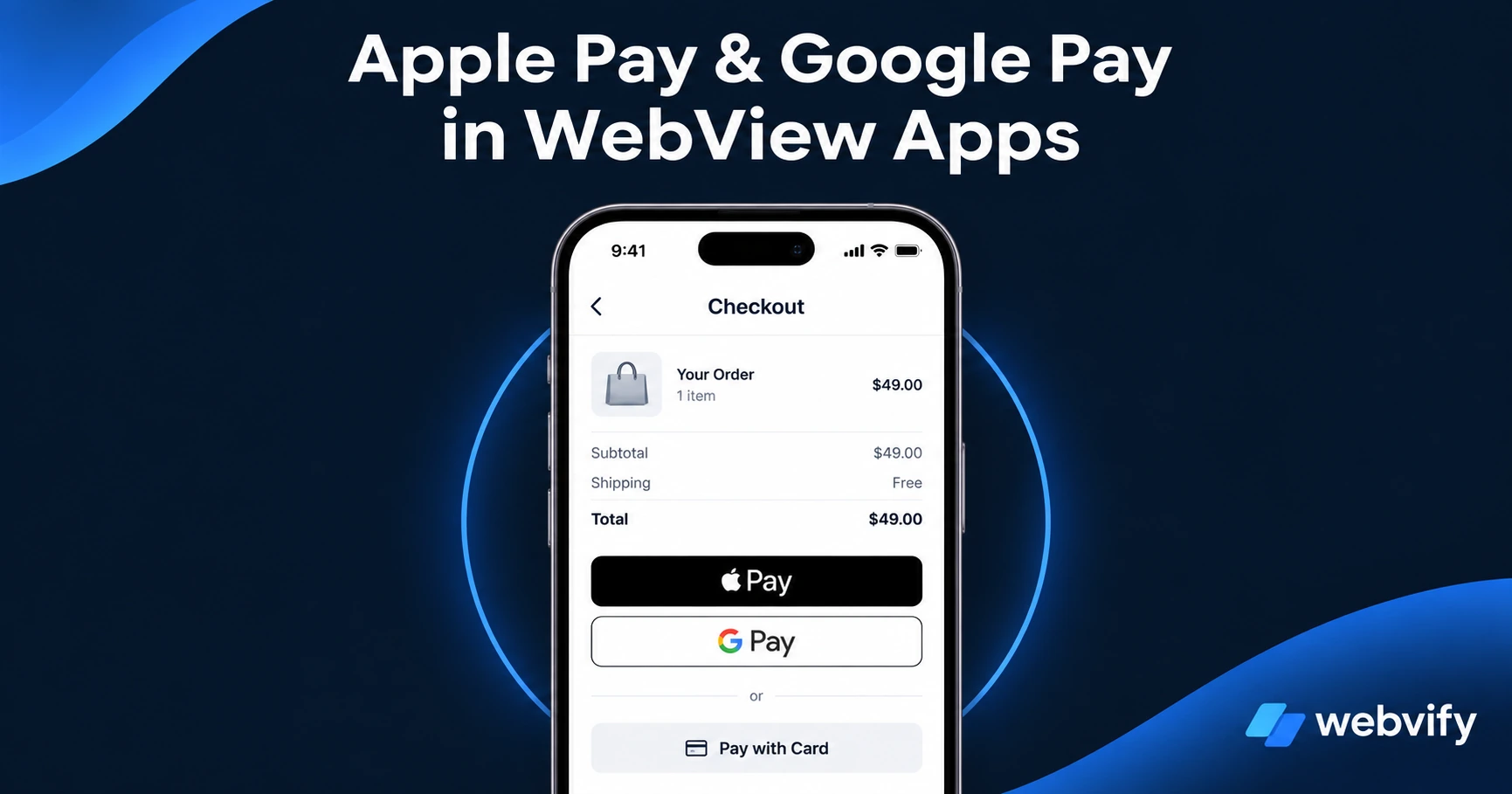
Does Apple Pay work in WebView apps? Does Google Pay? Here's exactly what works, what doesn't, and the IAP rule that gets apps rejected.
Inside this article
Why Your Checkout Page Behaves Differently Inside an App
Your website's checkout works in Safari. It works in Chrome on Android. So why wouldn't it work inside a WebView app?
It mostly does. Apple Pay and Google Pay both render and function inside WebView apps for the majority of businesses. But there's a critical exception that catches digital product sellers off guard — and it can get your app rejected from both stores.
Here's what actually works, what doesn't, and how to structure your payment flows before you submit.
Does Apple Pay Work in WebView (WKWebView) Apps?
The short answer: yes, for physical goods and services.
Apple Pay works in WKWebView on iOS. If your website already accepts Apple Pay through Stripe, Shopify Payments, or another supported gateway, those same payment flows will work inside your WebView app.
The catch: Apple Pay in a WebView app only works if your site is served over HTTPS from a custom domain. Apple Pay domain verification also needs to be configured for the domain your checkout runs on — most payment gateways handle this automatically.
What works in a WebView app:
- Physical product purchases (Apple Pay, Stripe, PayPal)
- Service bookings and appointments (no digital delivery = no restriction)
- Restaurant orders, subscriptions for physical services
- Donation and event ticket purchases
What doesn't work (and why):
- Digital content sold through Stripe for in-app purchase — this triggers App Store Guideline 3.1.1
- Subscriptions for digital courses, e-books, or software licenses sold via any third-party payment processor
The rule: if the item purchased is delivered digitally and consumed inside the app, Apple requires you to use Apple's own In-App Purchase (IAP) system — and Apple takes 30% of that revenue.
Services like Webvify configure your checkout flows during the build process, flagging any IAP-rule conflicts before submission so you don't encounter them at the review stage.
Does Google Pay Work in Android WebView Apps?
Yes — with the same physical vs. digital distinction.
Google Pay renders correctly inside Android WebView. For physical goods, service bookings, and restaurant orders, Google Pay works out of the box if your website already supports it.
For digital goods, Google Play has its own billing policy. Like Apple, Google requires apps distributing digital content to consumers to use Google Play Billing for in-app purchases — not Stripe, not PayPal.
The key difference from iOS: Google Play is slightly more lenient about which categories require Google Play Billing. Subscriptions for Software-as-a-Service (SaaS) products and certain B2B services are exempt. But consumer-facing digital courses, digital media, and subscription apps are not.
If you sell physical products, services, or run a brick-and-mortar business using your website as a storefront, Google Pay will work in your Android WebView app without any changes.
The IAP Rule That Trips Up Digital Product Sellers
The most common App Store rejection for WebView apps involving payments isn't a technical failure — it's Guideline 3.1.1.
This guideline says: if users can purchase digital content, subscriptions, or access to digital features inside the app, those purchases must go through Apple's IAP system (not Stripe, not direct credit card). The same logic applies to Google Play Billing on Android.
The fix is simple: redirect purchase flows to an external browser.
When a user taps "Buy" for a digital product, instead of opening the checkout in the WebView, the link opens in Safari or Chrome. The purchase happens outside the app. After completing the purchase, the user returns to the app. This is the approach used by Udemy, Coursera, Duolingo, and most large e-learning platforms — and it passes App Store review.
For a detailed walkthrough of how Google Play Billing applies to WebView apps specifically, see Google Play Billing for Digital Goods in WebView Apps: A Complete Guide.
How to Test Payment Flows Before App Store Submission
Before submitting your app, run through each payment scenario on a real device:
- Physical product checkout — Add an item to cart, complete Apple Pay or Google Pay. Confirm the transaction completes inside the WebView.
- Digital product or subscription checkout — Confirm the buy button opens the checkout in an external browser, not inside the WebView.
- Mixed cart — If your store sells both physical and digital products, test a mixed cart to ensure the right flow triggers.
If you're using Shopify, WooCommerce, or another major e-commerce platform for physical goods, Apple Pay and Google Pay will work without changes. If you sell digital products on the same domain, you'll need to configure the redirect before submission.
A rejected app delays your launch and requires a full resubmission cycle. If you're unsure how Apple's review team will assess your payment flows, this guide covers the most common rejection triggers for WebView apps.
Frequently Asked Questions
Does Apple Pay work inside a WebView iOS app?
Yes, Apple Pay works in WKWebView on iOS for physical goods and services. It requires HTTPS with a custom domain and your payment gateway's Apple Pay domain verification. For digital content sold via Stripe or other third-party processors, you must use Apple's In-App Purchase system instead — otherwise your app will be rejected under Guideline 3.1.1.
Can I use Google Pay in an Android WebView app?
Yes, Google Pay renders and functions in Android WebView for physical goods, services, and certain B2B SaaS scenarios. For digital content (courses, subscriptions, digital media) sold to consumers, you must use Google Play Billing. For physical goods — e-commerce stores, restaurant orders, appointment bookings — Google Pay works without changes.
What payment methods work in a WebView app without restrictions?
Credit cards, Apple Pay, and Google Pay all work in WebView apps for physical goods and services without any IAP requirement. The restriction only applies to digital content (courses, subscriptions, digital media, software licenses) sold and consumed inside the app. If your business sells physical products, takes bookings, or accepts service payments, standard payment flows work without modification.
Ready to turn your website into a branded iOS and Android app — with payment flows configured correctly from day one? Webvify handles the full build, compliance check, and App Store submission end-to-end.